Neko Master
让你的网络流量一目了然。
实时监控 · 流量审计 · 多网关管理
中文 | English







[!IMPORTANT] 免责声明
本项目为 网络流量分析与可视化工具, 用于展示与统计本地网关的流量数据。
本项目 不提供任何网络接入服务、代理订阅或跨网络连接功能。 所有数据均来源于用户自有网络环境。
本项目遵循 MIT 协议开源,不对因使用本软件产生的任何后果承担责任。请在合规范围内使用。
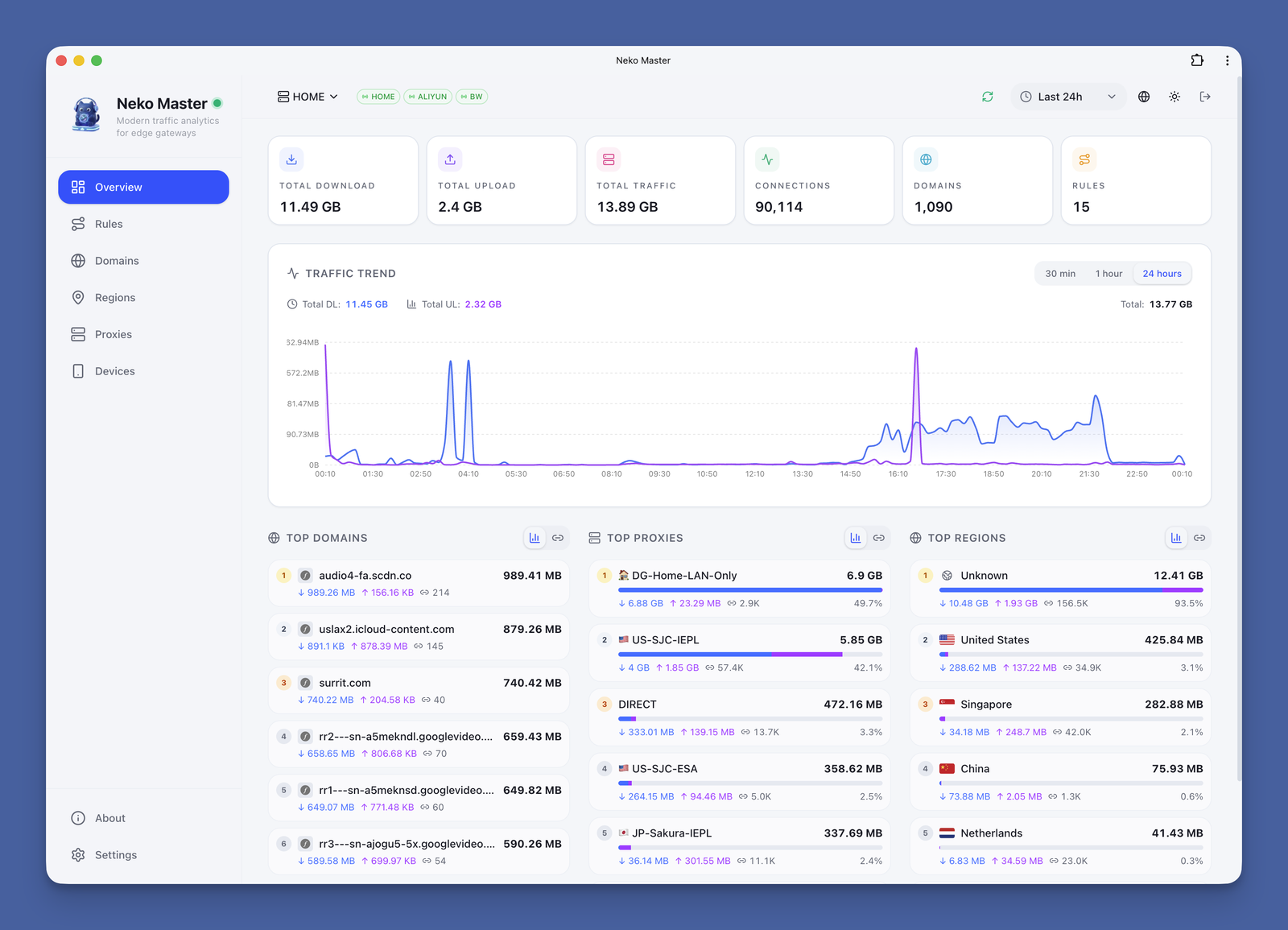
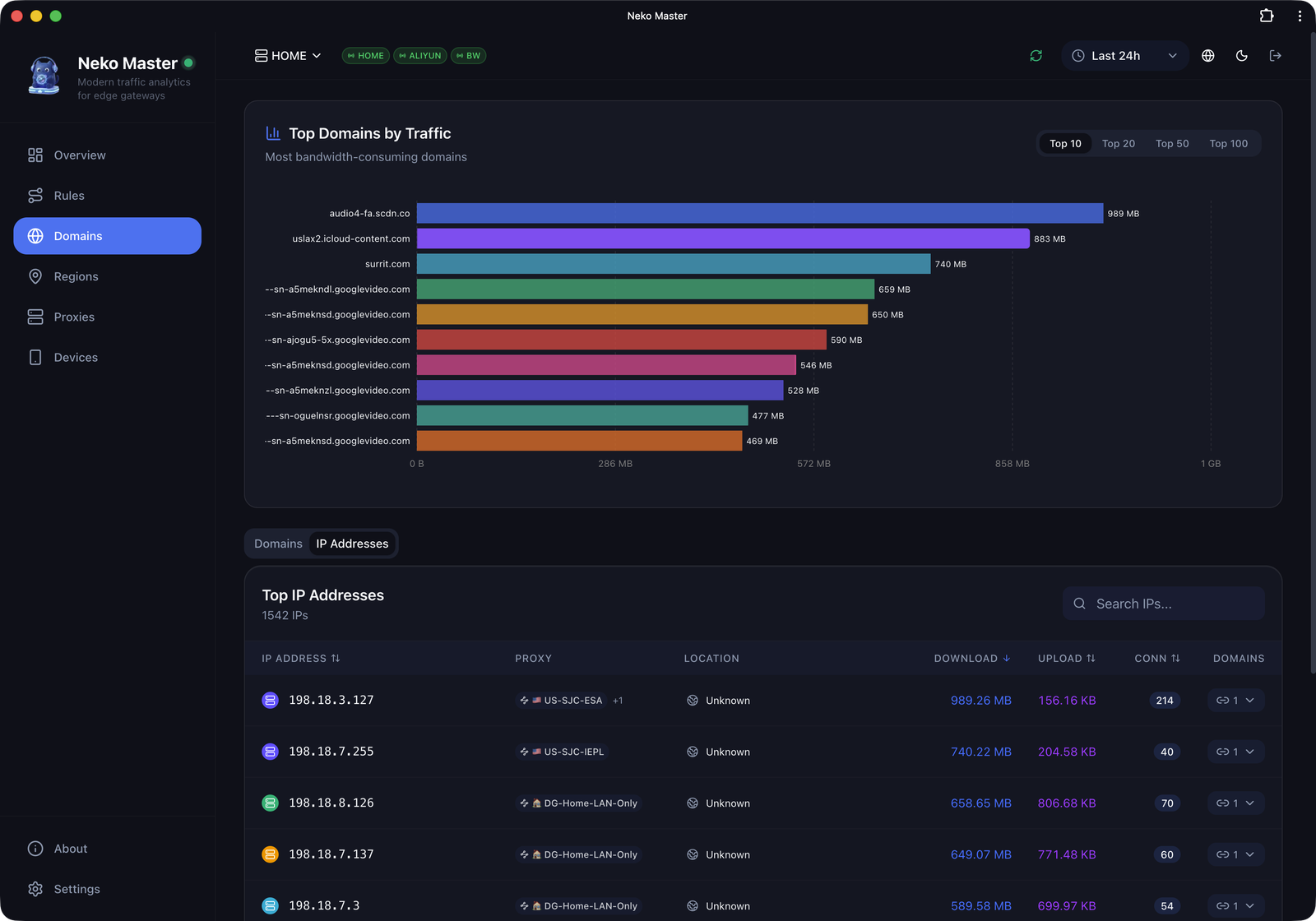
|
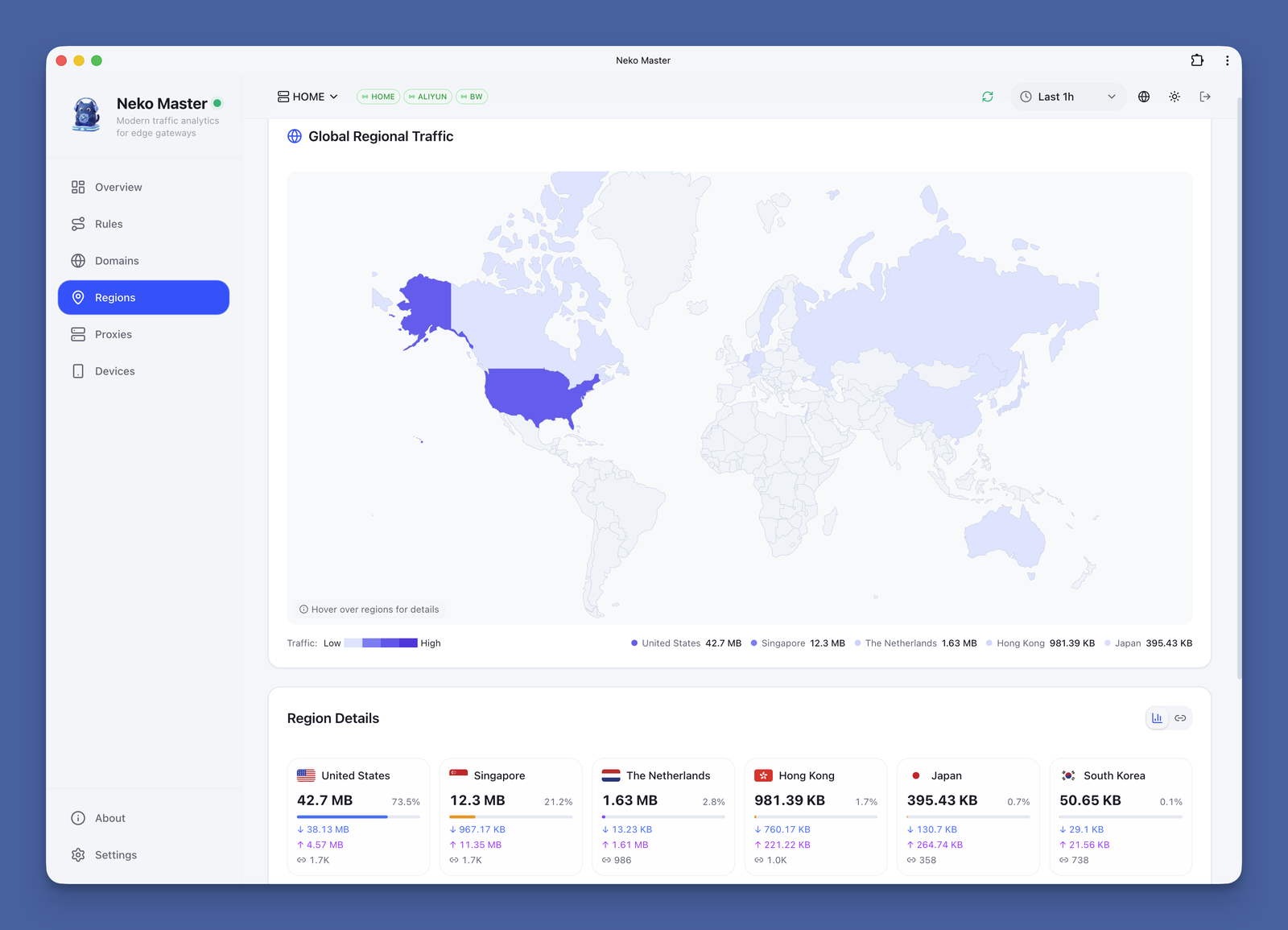
|
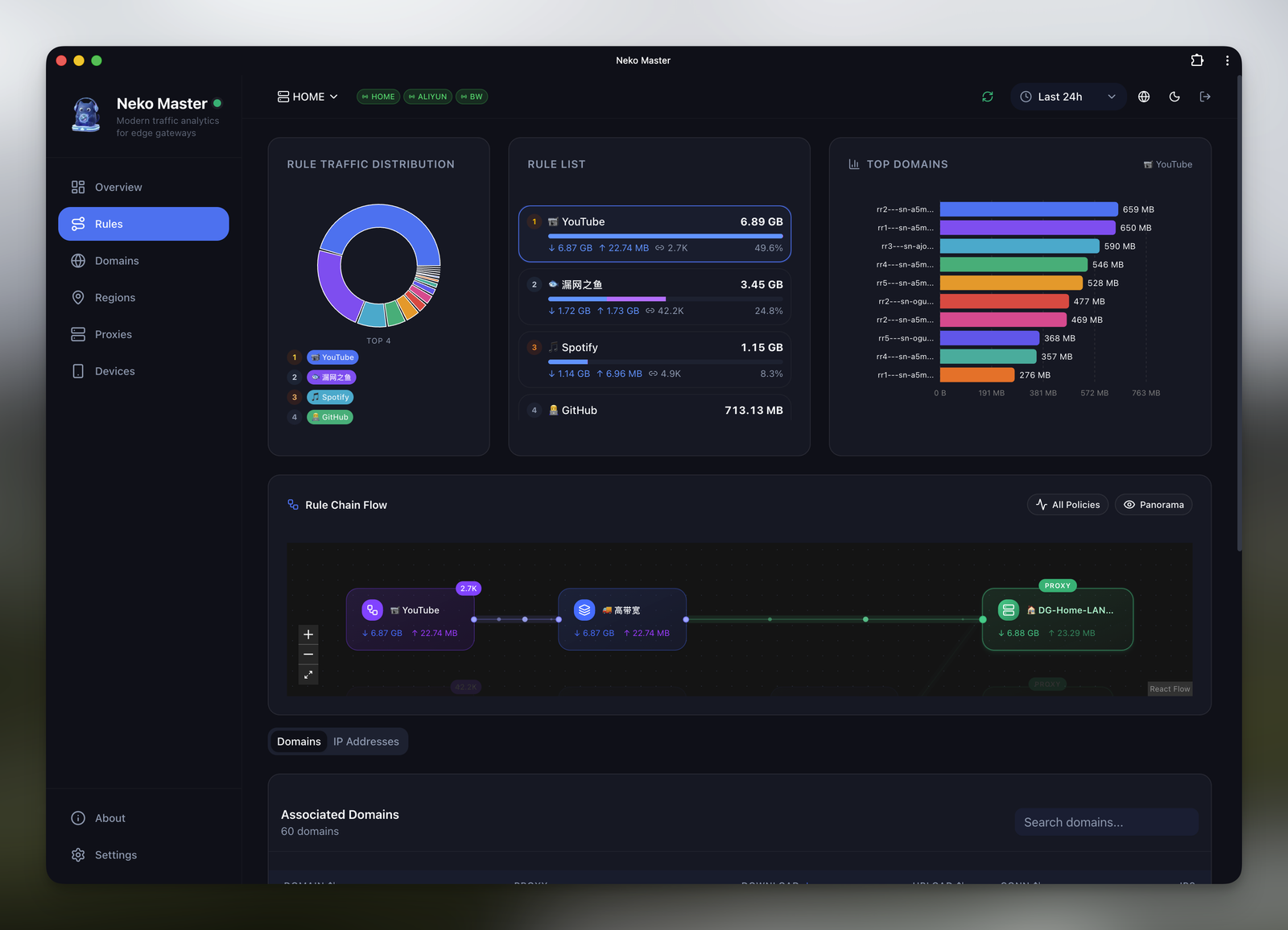
|
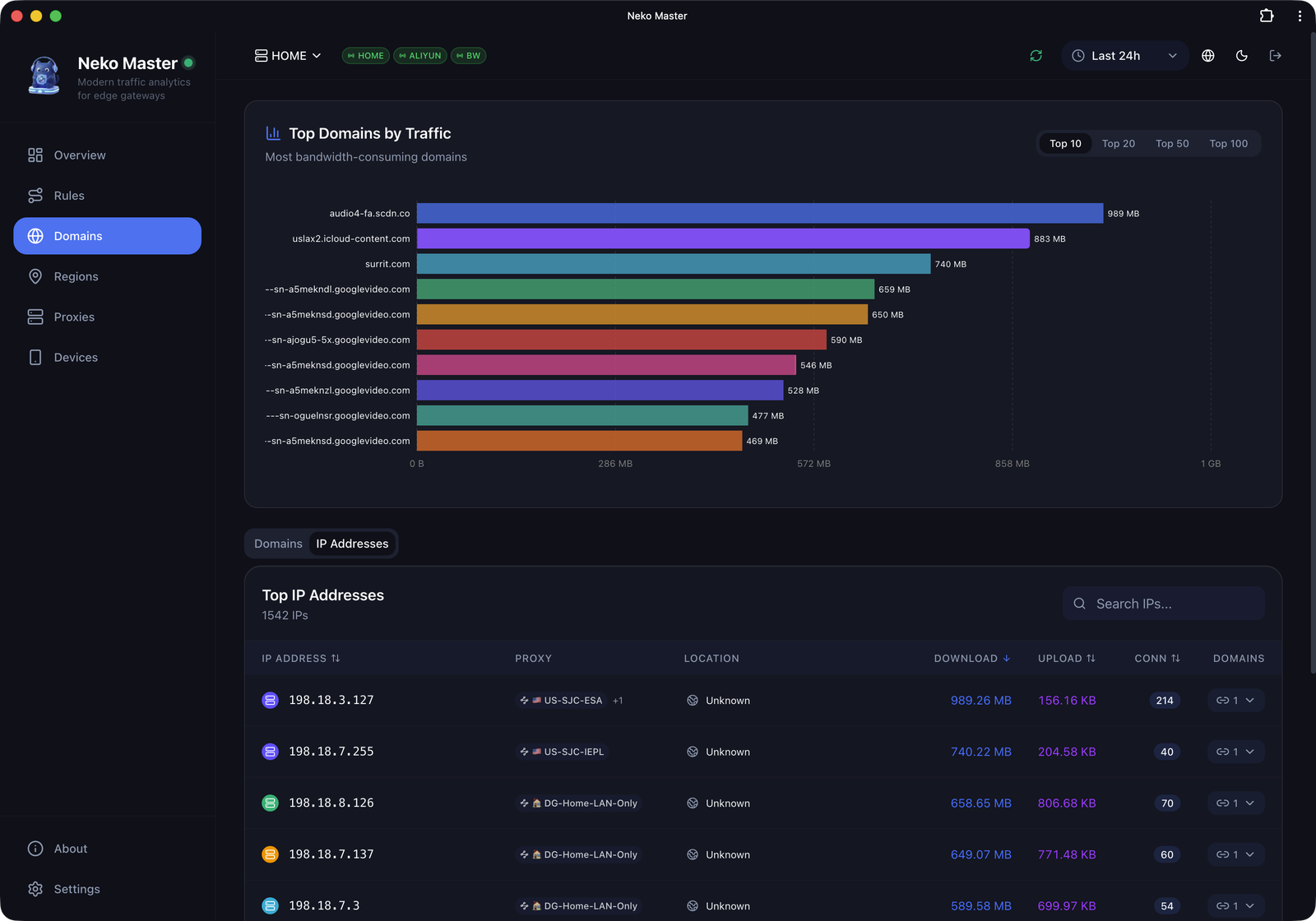
|
演示地址: https://neko-master.is26.com
访问密码: neko2026
演示站为只读展示模式,部分功能受限。
Neko(ねこ)在日语中意为“猫”, 发音为 /ˈneɪkoʊ/(NEH-ko)。
如同猫一般安静而敏锐, Neko Master 专注于对网络流量进行轻量、精确的分析与可视化。
仓库内置的
docker-compose.yml默认映射3000/3001/3002。
下方场景 A/B 是更精简的常见部署模板,可按需选择。
services:
  neko-master:
    image: foru17/neko-master:latest
    container_name: neko-master
    restart: unless-stopped
    ports:
      - "3000:3000" # Web UI
    volumes:
      - ./data:/app/data
      # 本地 MMDB(可选,文件需自行下载并放到 ./geoip)
      - ./geoip:/app/data/geoip:ro
    environment:
      - NODE_ENV=production
      - DB_PATH=/app/data/stats.db
      - COOKIE_SECRET=${COOKIE_SECRET}
建议在
docker-compose.yml同目录的.env中配置:
COOKIE_SECRET=<至少32字节随机字符串>(可用openssl rand -hex 32生成)
该模式完全兼容升级,页面可用。
未打通 WS 时会自动回退到 HTTP 轮询刷新。
services:
  neko-master:
    image: foru17/neko-master:latest
    container_name: neko-master
    restart: unless-stopped
    ports:
      - "3000:3000" # Web UI
      - "3002:3002" # WebSocket(供 Nginx / Tunnel 转发)
    volumes:
      - ./data:/app/data
      # 本地 MMDB(可选,文件需自行下载并放到 ./geoip)
      - ./geoip:/app/data/geoip:ro
    environment:
      - NODE_ENV=production
      - DB_PATH=/app/data/stats.db
      - COOKIE_SECRET=${COOKIE_SECRET}
启动服务:
docker compose up -d
若你直接使用仓库内置 Compose 文件(默认暴露 3000/3001/3002),执行同一命令即可。
# 建议先生成固定 Cookie 密钥(用于会话持久)
export COOKIE_SECRET="$(openssl rand -hex 32)"
# 最简(仅 3000)
docker run -d \
  --name neko-master \
  -p 3000:3000 \
  -v $(pwd)/data:/app/data \
  -e COOKIE_SECRET="$COOKIE_SECRET" \
  --restart unless-stopped \
  foru17/neko-master:latest

# 实时 WS(配合反代)
docker run -d \
  --name neko-master \
  -p 3000:3000 \
  -p 3002:3002 \
  -v $(pwd)/data:/app/data \
  -e COOKIE_SECRET="$COOKIE_SECRET" \
  --restart unless-stopped \
  foru17/neko-master:latest
默认前端 API 走同域
/api,通常不需要额外暴露 3001。
若希望 WebSocket 实时生效,需要让反代层可以访问3002;未打通时会回退到 HTTP 轮询(约 5 秒级)。
docker run修改外部端口时,直接改-p映射即可。
仅在“非反代直连 WS 且外部 WS 端口不是 3002”时,额外传入-e WS_EXTERNAL_PORT=<外部WS端口>。本地 MMDB 查询模式(可选):额外挂载
-v $(pwd)/geoip:/app/data/geoip:ro, 并在面板「设置 -> 偏好设置 -> IP 查询来源」切换到本地。
自动检测端口冲突并配置,适合不熟悉 Docker 的用户:
# 使用 curl
curl -fsSL https://raw.githubusercontent.com/foru17/neko-master/main/setup.sh | bash

# 或使用 wget
wget -qO- https://raw.githubusercontent.com/foru17/neko-master/main/setup.sh | bash
脚本会自动:
docker-compose.yml# 1. 克隆仓库
git clone https://github.com/foru17/neko-master.git
cd neko-master
# 2. 安装依赖
pnpm install
# 3. 准备 collector 环境变量(源码模式读取 apps/collector/.env)
cp apps/collector/.env.example apps/collector/.env
# 4. 启动开发服务
pnpm dev
源码模式下:
collector默认监听3001/3002,web默认监听3000。
如果你修改了API_PORT(非 3001),请同步设置API_URL(例如API_URL=http://localhost:4001)供 web 的/api转发使用。
apps/collector/.env.local的优先级高于apps/collector/.env。
当你希望中心化部署一个 Neko Master 服务,并在不同设备(OpenWrt、Linux、macOS)本地采集网关数据时,推荐使用 Agent 模式。Agent 运行在网关旁边,主动拉取数据并上报至面板,面板无需主动连接网关。
支持网关类型:Clash / Mihomo(WebSocket 实时)和 Surge v5+(HTTP 轮询)。
Agent 类型后端,选择网关类型(Clash 或 Surge)# Clash / Mihomo 网关示例
curl -fsSL https://raw.githubusercontent.com/foru17/neko-master/main/apps/agent/install.sh \
| env NEKO_SERVER='http://your-panel:3000' \
NEKO_BACKEND_ID='1' \
NEKO_BACKEND_TOKEN='ag_xxx' \
NEKO_GATEWAY_TYPE='clash' \
NEKO_GATEWAY_URL='http://127.0.0.1:9090' \
sh