在您的 Android 手机上运行 Linux 容器和完整的 Linux 桌面。无需 root。
一个拥有独立内核的真正 Alpine Linux 虚拟机——不是 chroot 或 proot 的障眼法——因此 Podman、Docker 和 LXC 的表现与在服务器上完全一致。





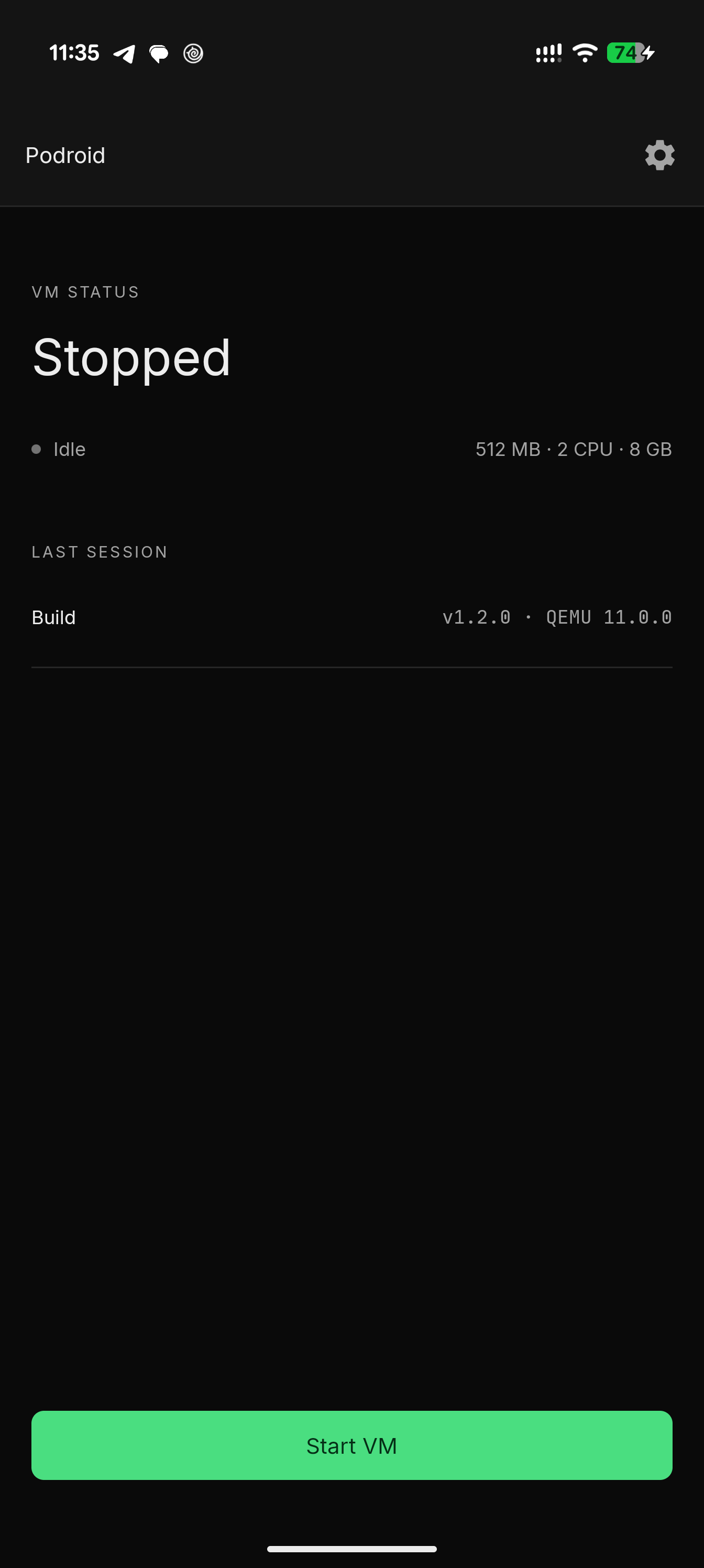 主页 |
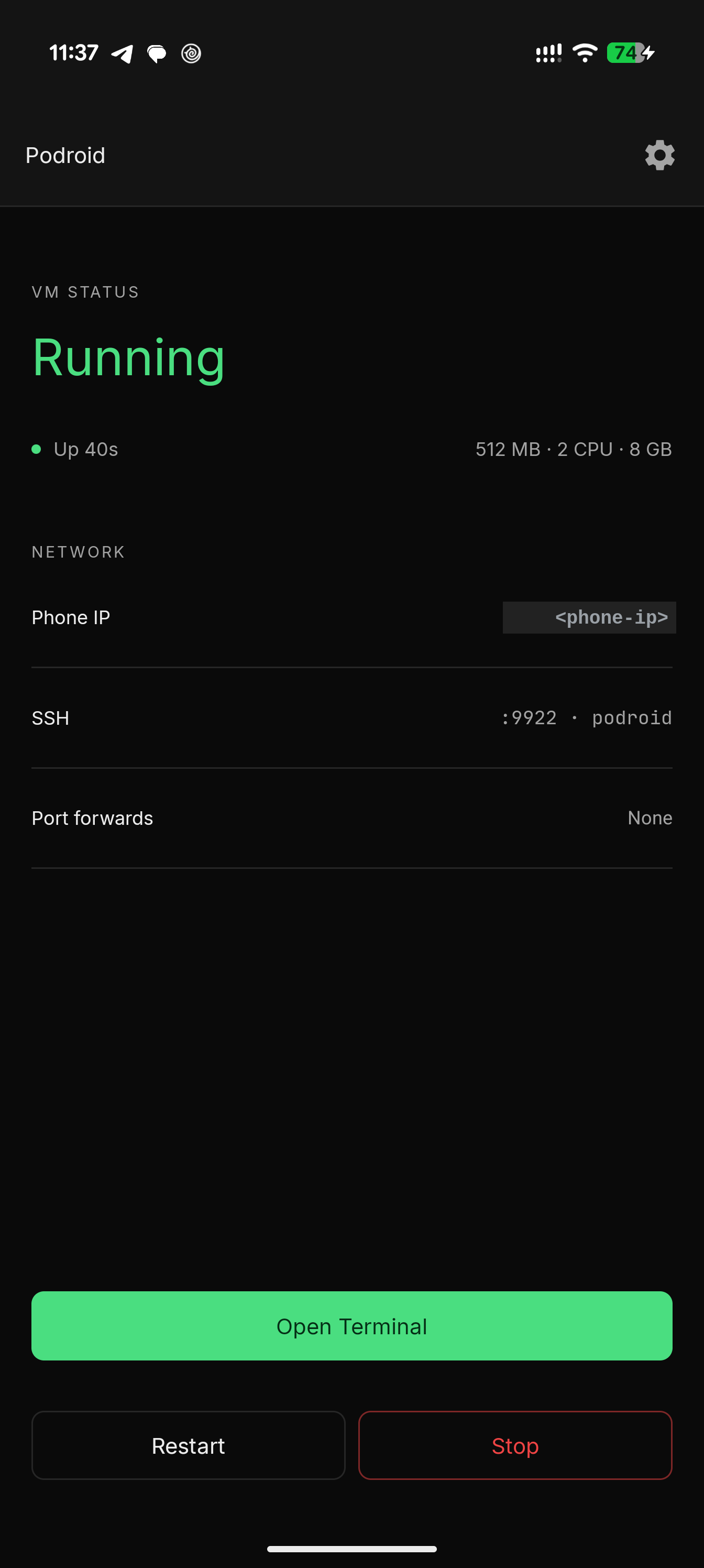 运行中 |
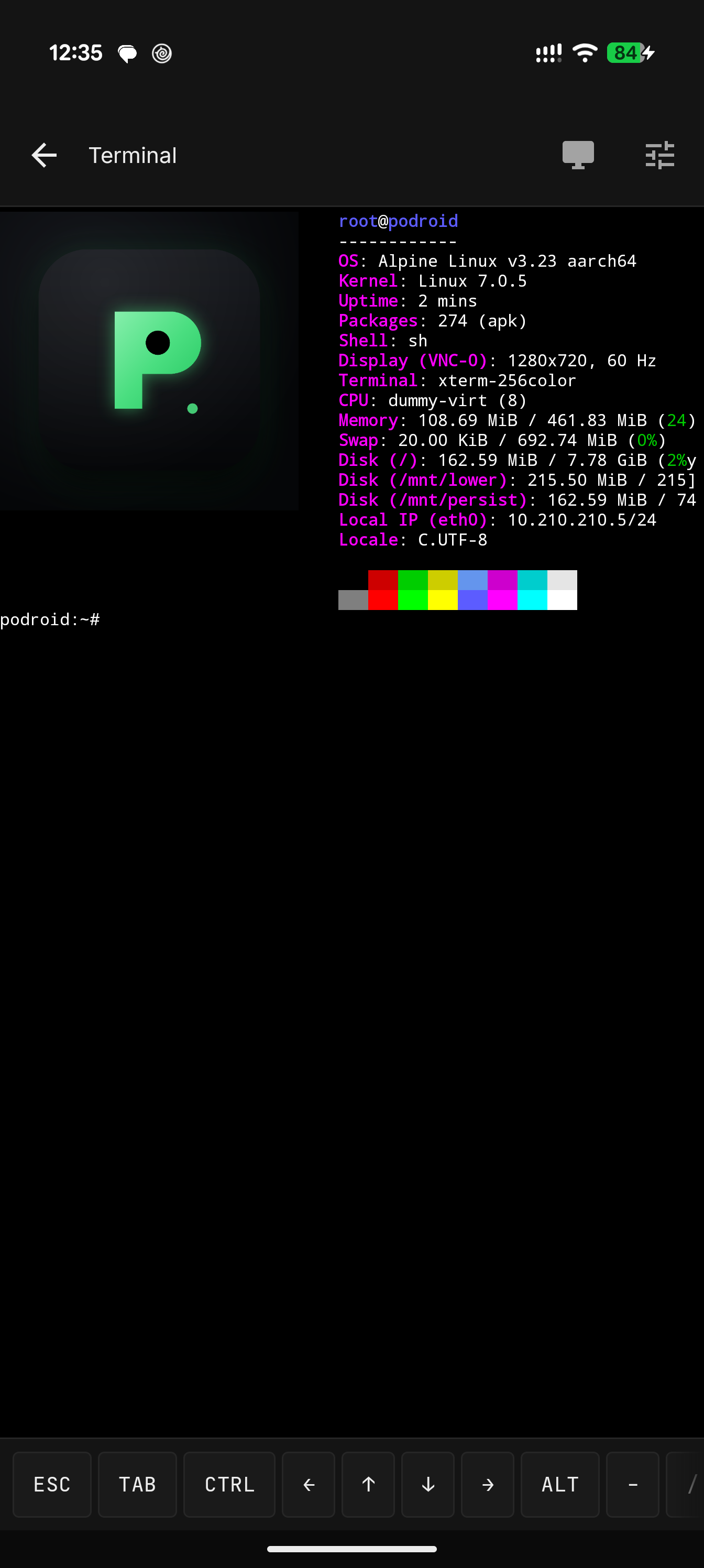 终端 |
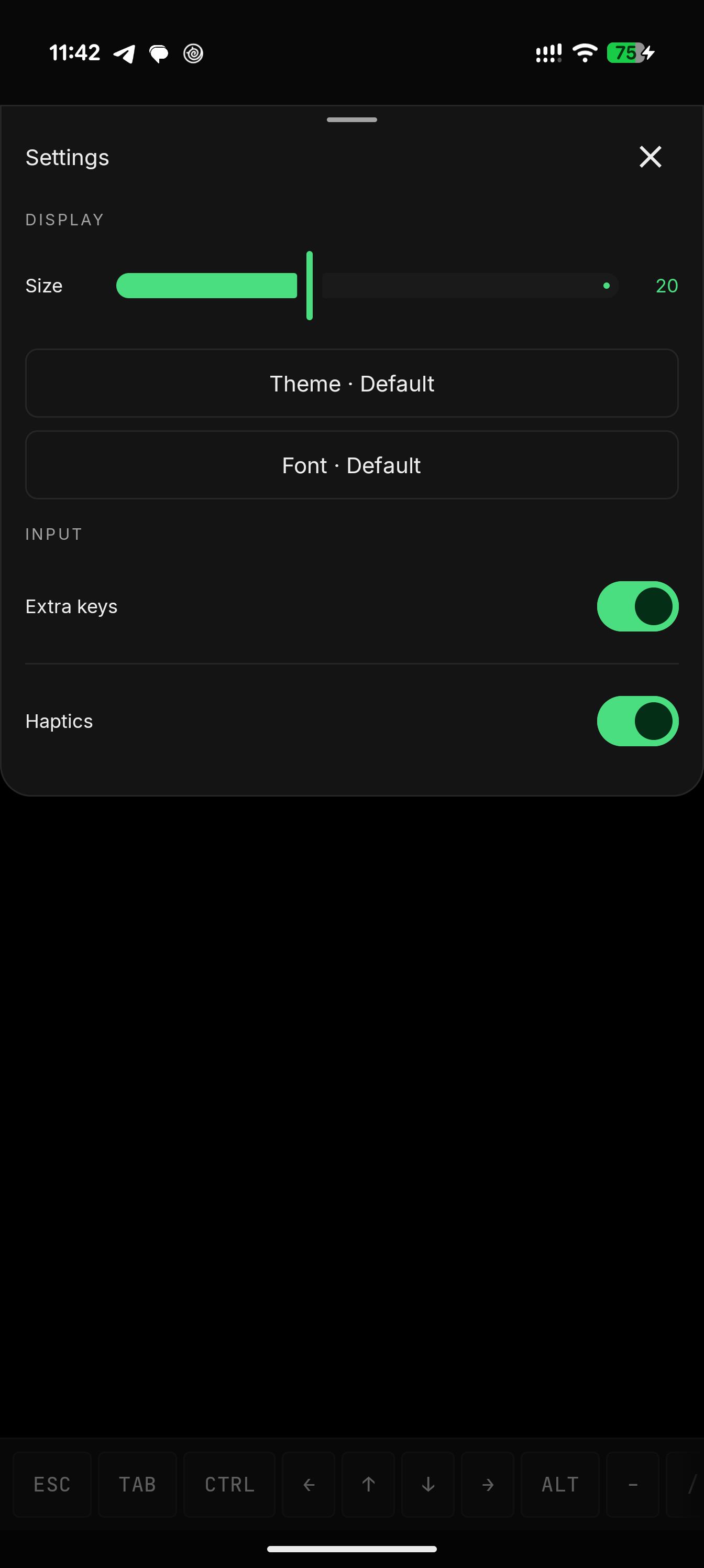 主题与字体 |
# rootless containers, straight away
podman run --rm alpine echo "hello from a container"
docker run -d -p 8080:80 nginx

# expose that container to your phone and LAN, right from the VM shell
podroid-forward add 8080 8080 tcp     # TCP or UDP, on both the QEMU and AVF backends
curl http://<phone-ip>:8080
podroid-forward clean                 # remove every rule you added, in one go

# SSH in from your laptop (enable SSH in the setup wizard or Settings)
ssh root@<phone-ip> -p 9922        # password: podroid

# read this documentation with no network connection
podroid-forward add 9980 9980 tcp     # forward the docs port to the phone
podroid-docs                          # serves docs/guide at http://127.0.0.1:9980
安装、两个后端、网络、X11 查看器和故障排除都记录在 文档 中。
git clone https://github.com/ExTV/Podroid.git
cd Podroid
./build-all.sh all     # kernel, rootfs, QEMU and APK (needs Docker + Android SDK/NDK)
各组件构建与工具链详情:CONTRIBUTING.md。
欢迎各种规模的贡献:缺陷报告、内核配置调整、新主题、UI 打磨、X11 输入修复,任何内容都可以。
./build-all.sh test,并在 PR 描述中说明为什么。RikkaHub Agent 是 RikkaHub(原生 Android LLM 聊天客户端)的一个分支,它将其转变为真正的设备端智能体:80+ 设备工具、定时任务、AI 驱动的浏览器、Linux 工作区、SSH、屏幕自动化以及远程 Telegram 机器人,全部为可选启用。其 SSH 工具可以登录到正在运行的 Podroid VM(localhost:9922),因此你手机上的智能体无需你输入任何命令即可构建、运行和检查容器。
| QEMU | 机器模拟 |
| Termux | 终端模拟器引擎 |
| Alpine Linux | 客户机发行版 |
完整列表见 CREDITS.md。