

意外泄露机密——用户名和密码、API 令牌或私钥——到公共代码仓库中,是开发者和安全团队最可怕的噩梦。欺诈者不断扫描公共代码仓库以寻找这些秘密,从而获得系统立足点。代码比以往任何时候都更互联,因此这些秘密常常提供对私密和敏感数据的访问——例如云基础设施、数据库服务器、支付网关和文件存储系统等。
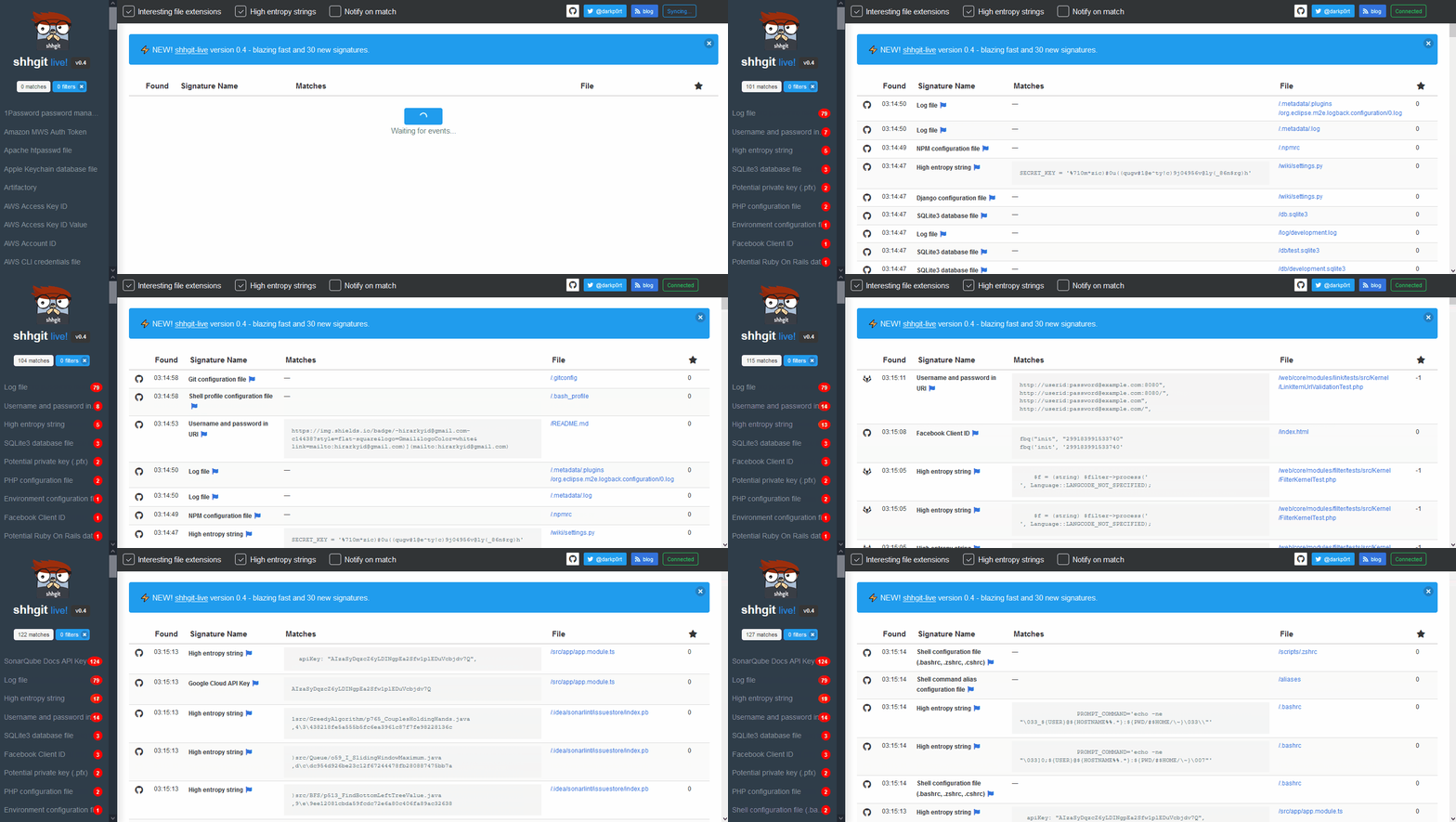
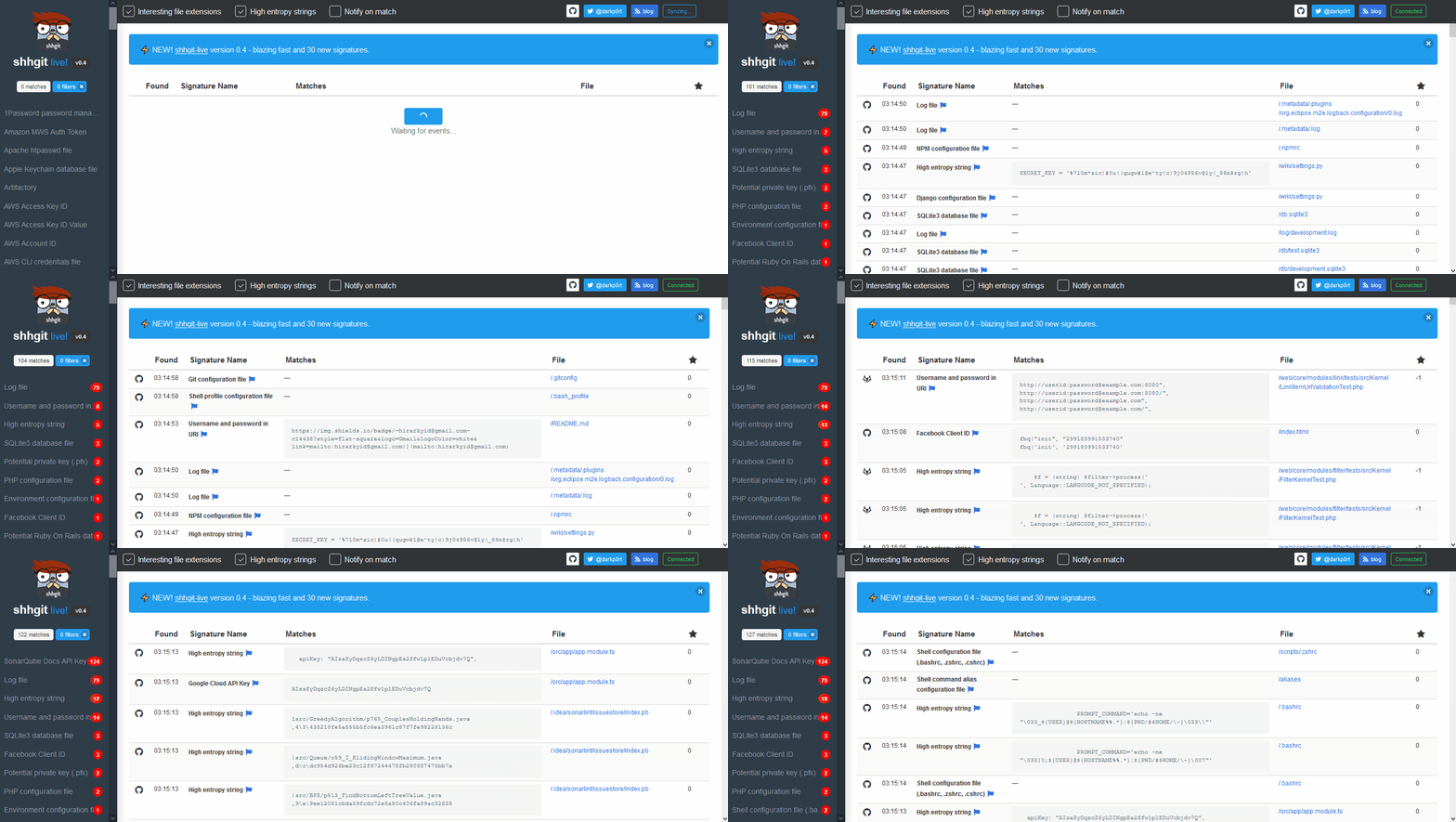
shhgit 可以持续扫描你的代码仓库,发现并提醒你这些秘密。
你有两个选择。我推荐第一个,因为它可以让你访问 shhgit 实时 Web 界面。如果你只想要命令行界面,请使用第二个选项。
git clone https://github.com/eth0izzle/shhgit.gitdocker-compose buildconfig.yaml 文件(例如添加你的 GitHub 令牌)docker-compose up注意:此方法不包括 shhgit Web 界面
go get github.com/eth0izzle/shhgit 会自动下载并构建 shhgit。或者你可以克隆此仓库并运行 go build -v -i。config.yaml 文件,然后查看下面的用法。shhgit 可以通过两种方式工作:使用 GitHub、Gist、GitLab 和 BitBucket 的公共 API,或者处理本地目录中的文件。
默认情况下,shhgit 将以前者“公共模式”运行。对于 GitHub 和 Gist,你需要获取并提供访问令牌(参见此指南;它不需要任何范围或权限)。然后将其放在 config.yaml 的 github_access_tokens 下。GitLab 和 BitBucket 不需要任何 API 令牌。
你还可以放弃签名,使用自己的自定义搜索查询来运行 shhgit,例如,要查找所有 AWS 密钥,你可以使用 shhgit --search-query AWS_ACCESS_KEY_ID=AKIA。要以本地模式运行(并可能集成到你的 CI 流水线中),你可以传递 --local 标志(参见下面的用法)。
--clone-repository-timeout
        Maximum time it should take to clone a repository in seconds (default 10)
--config-path
        Searches for config.yaml from given directory. If not set, tries to find if from shhgit binary's and current directory
--csv-path
        Specify a path if you want to write found secrets to a CSV. Leave blank to disable
--debug
        Print debugging information
--entropy-threshold
        Finds high entropy strings in files. Higher threshold = more secret secrets, lower threshold = more false positives. Set to 0 to disable entropy checks (default 5.0)
--local
        Specify local directory (absolute path) which to scan. Scans only given directory recursively. No need to have Github tokens with local run.
--maximum-file-size
        Maximum file size to process in KB (default 512)
--maximum-repository-size
        Maximum repository size to download and process in KB) (default 5120)
--minimum-stars
        Only clone repositories with this many stars or higher. Set to 0 to ignore star count (default 0)
--path-checks
        Set to false to disable file name/path signature checking, i.e. just match regex patterns (default true)
--process-gists
        Watch and process Gists in real time. Set to false to disable (default true)
--search-query
        Specify a search string to ignore signatures and filter on files containing this string (regex compatible)
--silent
        Suppress all output except for errors
--temp-directory
        Directory to store repositories/matches (default "%temp%\shhgit")
--threads
        Number of concurrent threads to use (default number of logical CPUs)
config.yaml 文件包含 7 个元素。提供了 默认配置。
github_access_tokens: # provide at least one token
  - 'token one'
  - 'token two'
webhook: '' # URL to a POST webhook.
webhook_payload: '' # Payload to POST to the webhook URL
blacklisted_strings: [] # list of strings to ignore
blacklisted_extensions: [] # list of extensions to ignore
blacklisted_paths: [] # list of paths to ignore
blacklisted_entropy_extensions: [] # additional extensions to ignore for entropy checks
signatures: # list of signatures to check
  - part: '' # either filename, extension, path or contents
    match: '' # simple text comparison (if no regex element)
    regex: '' # regex pattern (if no match element)
    name: '' # name of the signature
shhgit 自带 150 个签名。你可以通过编辑 config.yaml 文件来移除或添加更多签名。