Skip to content
KitploitKITPLOIT
工具博客
提交
工具博客
提交

黑客、渗透测试和网络安全工具,武装您的安全武器库!

Kitploit 是一个黑客、网络安全和渗透测试工具的目录。发现最新的项目更新,查找漏洞、分析系统、自动化测试并加强你的安全。

··订阅源·联系·隐私·© 2026 Kitploit

工具目录

分类

查看所有分类
Loading categories
tor-router — 一款工具,可让您将 TOR 设为默认网关,并将所有互联网连接通过 TOR(作为透明代理)发送,从而在无需额外不必要代码的情况下提升隐私/匿名性。 | Kitploit
工具/GitHubGitHub/edu4rdshl/tor-router
网络安全隐私保护DNS 分析
GitHubedu4rdshl/tor-router

tor-router

一款工具,可让您将 TOR 设为默认网关,并将所有互联网连接通过 TOR(作为透明代理)发送,从而在无需额外不必要代码的情况下提升隐私/匿名性。

查看仓库
309642年前Kitploit 审核通过

最受欢迎

查看全部 →

发现我们社区最常用的工具。

探索所有工具

浏览我们的工具集合

查看所有工具 →
分享

TOR Router

TOR Router 允许你使用 TOR 作为透明代理,并将所有流量(包括 DNS 请求)通过 TOR 传输,你只需要:一个使用 systemd 的系统(如果你想使用服务)和 tor。

与其他路由流量的工具不同,TOR Router 不会修改系统文件,原因在于:路由流量不需要移动文件,而且移动文件是个坏主意,因为脚本/工具中的故障可能导致系统网络连接中断,而你却不知道发生了什么。

注意: tor-router 不会路由 UDP 数据包,因为 TOR 不支持 UDP:https://2019.www.torproject.org/docs/faq.html.en#TransportIPnotTCP

仅适用于使用 SystemD 的发行版的安装脚本

如果你在使用 BlackArch Linux (https://blackarch.org),可以通过以下命令从仓库安装脚本:`# pacman -S tor-router`

从源码安装:

注意:你需要 BASH,而不是 sh

root@kitploit:~
~$ git clone https://github.com/edu4rdshl/tor-router.git && cd ./tor-router && sudo bash install.sh

使用方法

在使用 systemd 的发行版中,建议使用 install.sh 脚本,不过这里也描述了安装/配置 tor-router 的过程。

脚本需要 root 权限

  1. 打开终端,使用以下命令克隆脚本:
root@kitploit:~
~$ git clone https://github.com/edu4rdshl/tor-router.git && cd tor-router/files
  1. 在 /etc/tor/torrc 文件末尾添加以下行:
root@kitploit:~
# 为 tor-router 设置 TOR 透明代理
VirtualAddrNetwork 10.192.0.0/10
AutomapHostsOnResolve 1
TransPort 9040
DNSPort 5353
  1. 重启 tor 服务
  2. 以 root 身份执行 tor-router 脚本
root@kitploit:~
# sudo ./tor-router
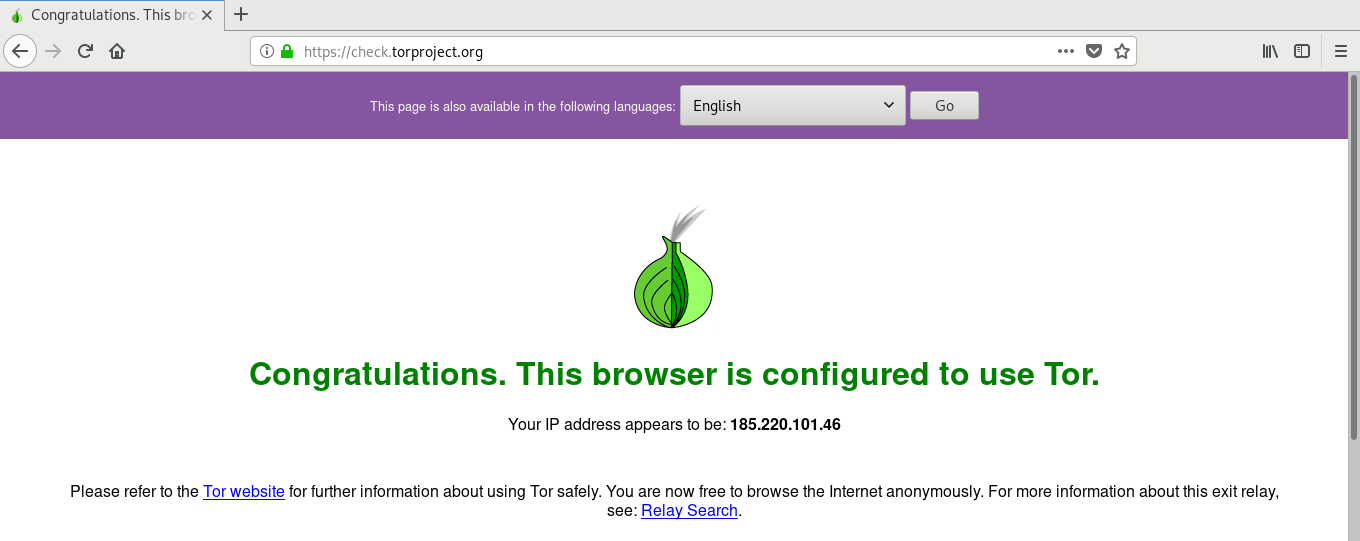
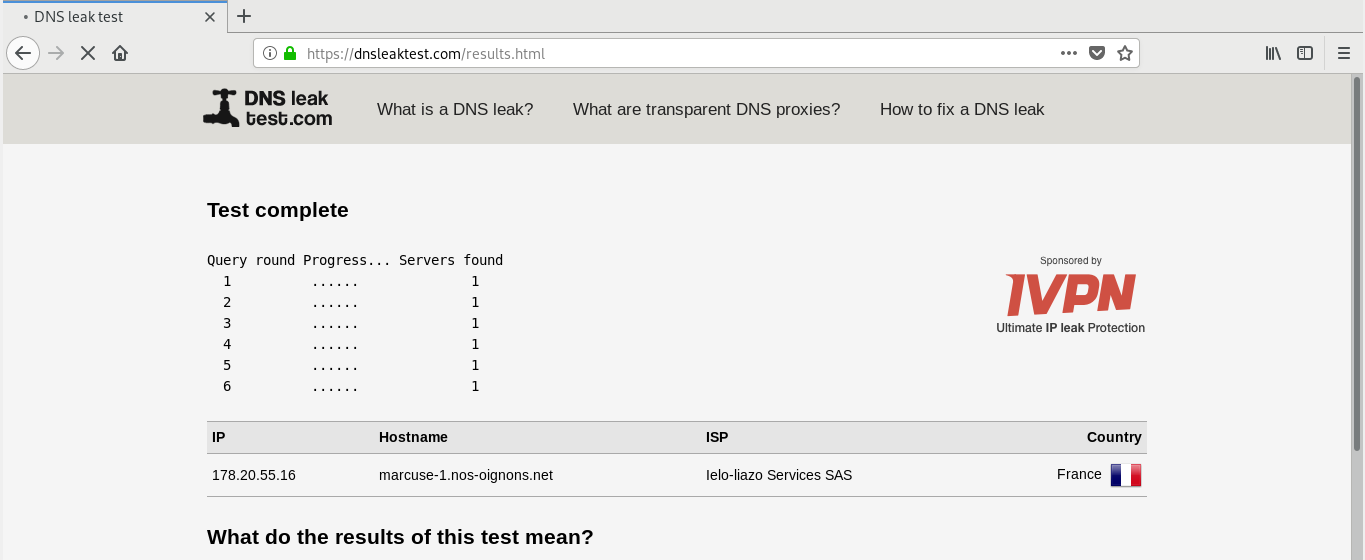
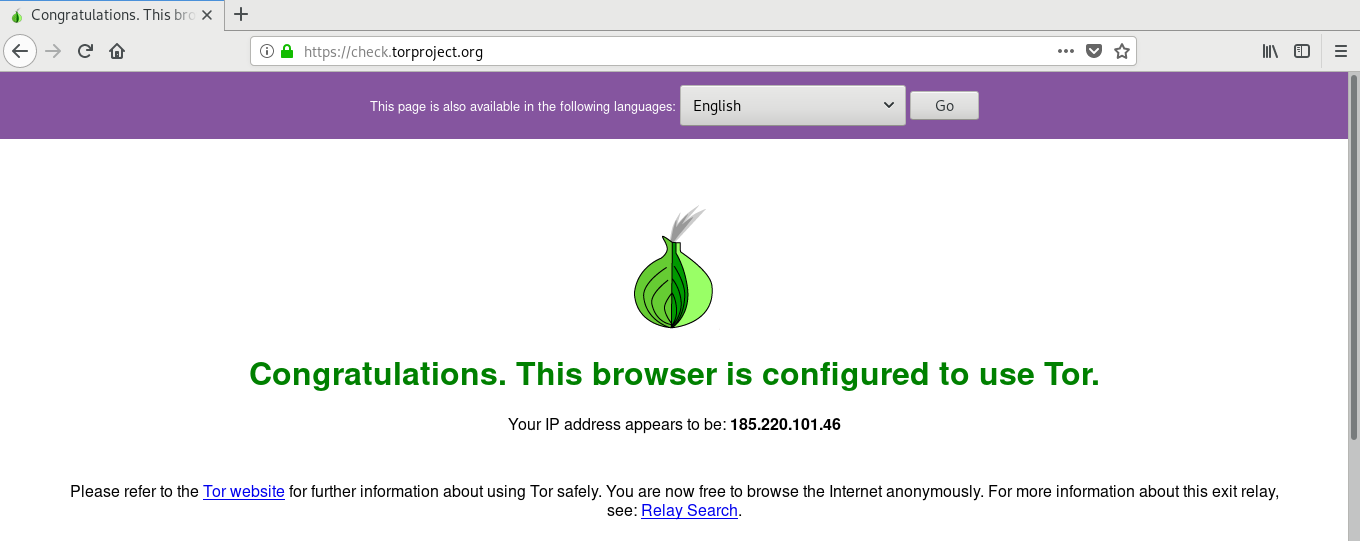
  1. 现在所有流量都在 TOR 之下,你可以在以下页面验证:https://check.torproject.org,DNS 测试请访问:https://dnsleaktest.com
  2. 为了自动化脚本运行,你需要根据所使用的 init 系统将其添加到系统自启动脚本中,对于 systemd,我们在 files 文件夹中提供了一个 .service 文件。

卸载/停止

删除 /etc/tor/torrc 中的 tor-router 配置行,使用 systemctl 禁用 tor-router.service(如果你使用了 install.sh 脚本),移除 /usr/bin/tor-router、/etc/systemd/system/tor-router.service,然后重启电脑。

注意事项

  1. tor-router 目前仅支持 IPv4 流量,对 IPv6 流量的支持将很快添加。(参见 https://github.com/Edu4rdSHL/tor-router/issues/1)

概念验证

运行脚本后,按照以下步骤确保一切正常:

  • IP 隐藏及 TOR 网络已配置:访问 https://check.torproject.org,你应该看到类似下面的消息:

替代文本

  • 检查 DNS 泄露:访问 https://dnsleaktest.com 并进行扩展测试,以查看你的 DNS。你应该得到类似下面的结果:

替代文本

使用该脚本的发行版

BlackArch Linux:https://github.com/BlackArch/blackarch/blob/master/packages/tor-router

下载工具