🏴☠️ 信息收集工具 🏴☠️ - DNS / 子域名 / 端口 / 目录枚举

由 edoardottt 用 💙 编写
分享到 Twitter!
安装 • 快速开始 • 示例 • 更新日志 • 贡献 • 许可证
brew install scilla
sudo snap install scilla
go install -v github.com/edoardottt/scilla/cmd/scilla@latest
你需要 Go (>=1.23)
git clone https://github.com/edoardottt/scilla.git
cd scilla
go get ./...
make linux # (to install)
make unlinux # (to uninstall)
如果你想使用 API 密钥,请编辑 ~/.config/scilla/keys.yaml 文件。
一行命令:git clone https://github.com/edoardottt/scilla.git && cd scilla && go get ./... && make linux
请注意,该可执行文件仅在 cariddi 文件夹中有效(别名?)。
git clone https://github.com/edoardottt/scilla.git
cd scilla
.\make.bat windows # (to install)
.\make.bat unwindows # (to uninstall)
如果你想使用 API 密钥,请创建一个 keys.yaml 文件。
docker build -t scilla .
docker run scilla help
DNS 枚举:
scilla dns -target example.comscilla dns -oj output -target example.comscilla dns -oh output -target example.comscilla dns -ot output -target example.comscilla dns -plain -target example.com子域名枚举:
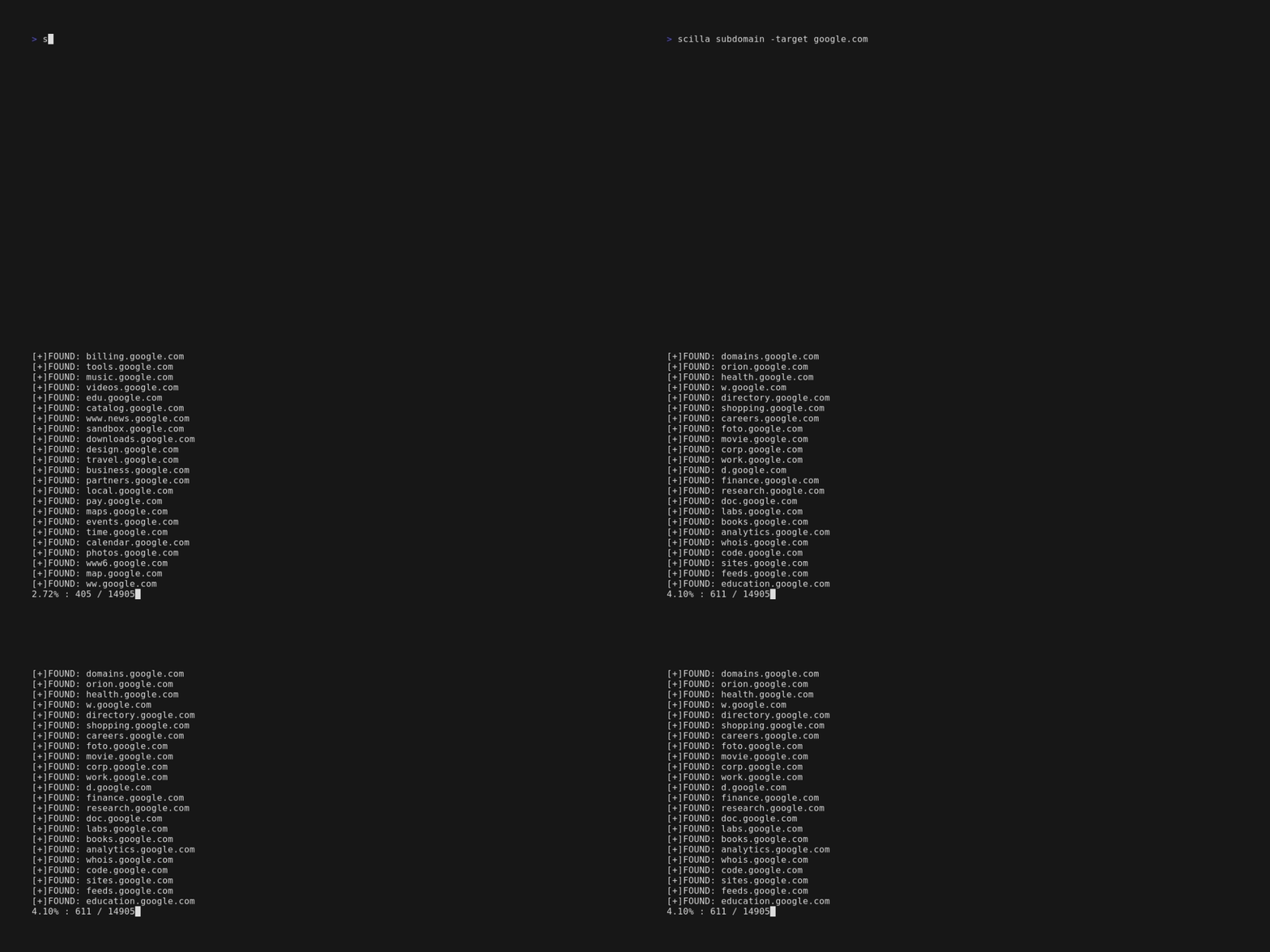
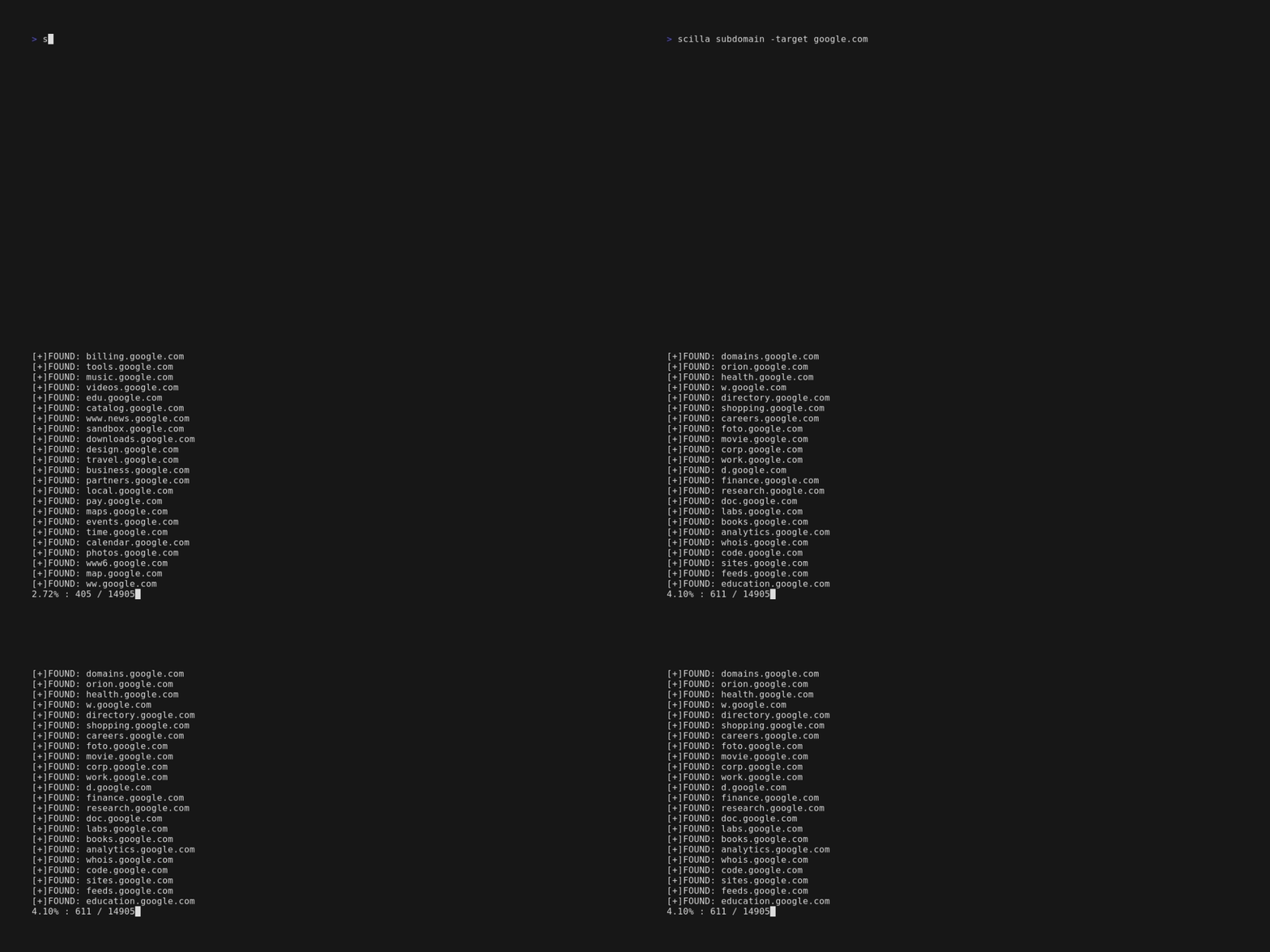
scilla subdomain -target example.comscilla subdomain -w wordlist.txt -target example.comscilla subdomain -oj output -target example.comscilla subdomain -oh output -target example.comscilla subdomain -ot output -target example.comscilla subdomain -i 400 -target example.comscilla subdomain -i 4** -target example.comscilla subdomain -c -target example.comscilla subdomain -db -target example.comscilla subdomain -plain -target example.comscilla subdomain -db -no-check -target example.comscilla subdomain -db -vt -target example.comscilla subdomain -db -bw -target example.comscilla subdomain -ua "CustomUA" -target example.comscilla subdomain -rua -target example.comscilla subdomain -dns 8.8.8.8 -target example.comscilla subdomain -alive -target example.com目录枚举:
scilla dir -target example.comscilla dir -w wordlist.txt -target example.comscilla dir -oj output -target example.comscilla dir -oh output -target example.comscilla dir -ot output -target example.comscilla dir -i 500,401 -target example.comscilla dir -i 5**,401 -target example.comscilla dir -c -target example.comscilla dir -plain -target example.comscilla dir -nr -target example.comscilla dir -ua "CustomUA" -target example.comscilla dir -rua -target example.com端口枚举:
scilla port -target example.comscilla port -p 20-90 -target example.comscilla port -p 20- -target example.comscilla port -p -90 -target example.comscilla port -p 21,25,80 -target example.comscilla port -common -target example.comscilla port -p 80 -target example.comscilla port -oj output -target example.comscilla port -oh output -target example.comscilla port -ot output -target example.comscilla port -plain -target example.com完整报告:
scilla report -target example.comscilla report -p 20-90 -target example.comscilla report -p 20- -target example.comscilla report -p -90 -target example.comscilla report -p 80 -target example.comscilla report -p 21,25,80 -target example.comscilla report -oj output -target example.comscilla report -oh output -target example.comscilla report -ot output -target example.comscilla report -wd dirs.txt -target example.comscilla report -ws subdomains.txt -target example.comscilla report -id 500,501,502 -target example.comscilla report -is 500,501,502 -target example.comscilla report -id 5**,4** -target example.comscilla report -is 5**,4** -target example.comscilla report -cd -target example.comscilla report -cs -target example.comscilla report -db -target example.comscilla report -common -target example.comscilla report -nr -target example.comscilla report -db -vt -target example.comscilla report -ua "CustomUA" -target example.comscilla report -rua -target example.comscilla report -dns 8.8.8.8 -target example.comscilla report -alive -target example.comscilla help 在命令行中打印帮助信息。
usage: scilla subcommand { options }