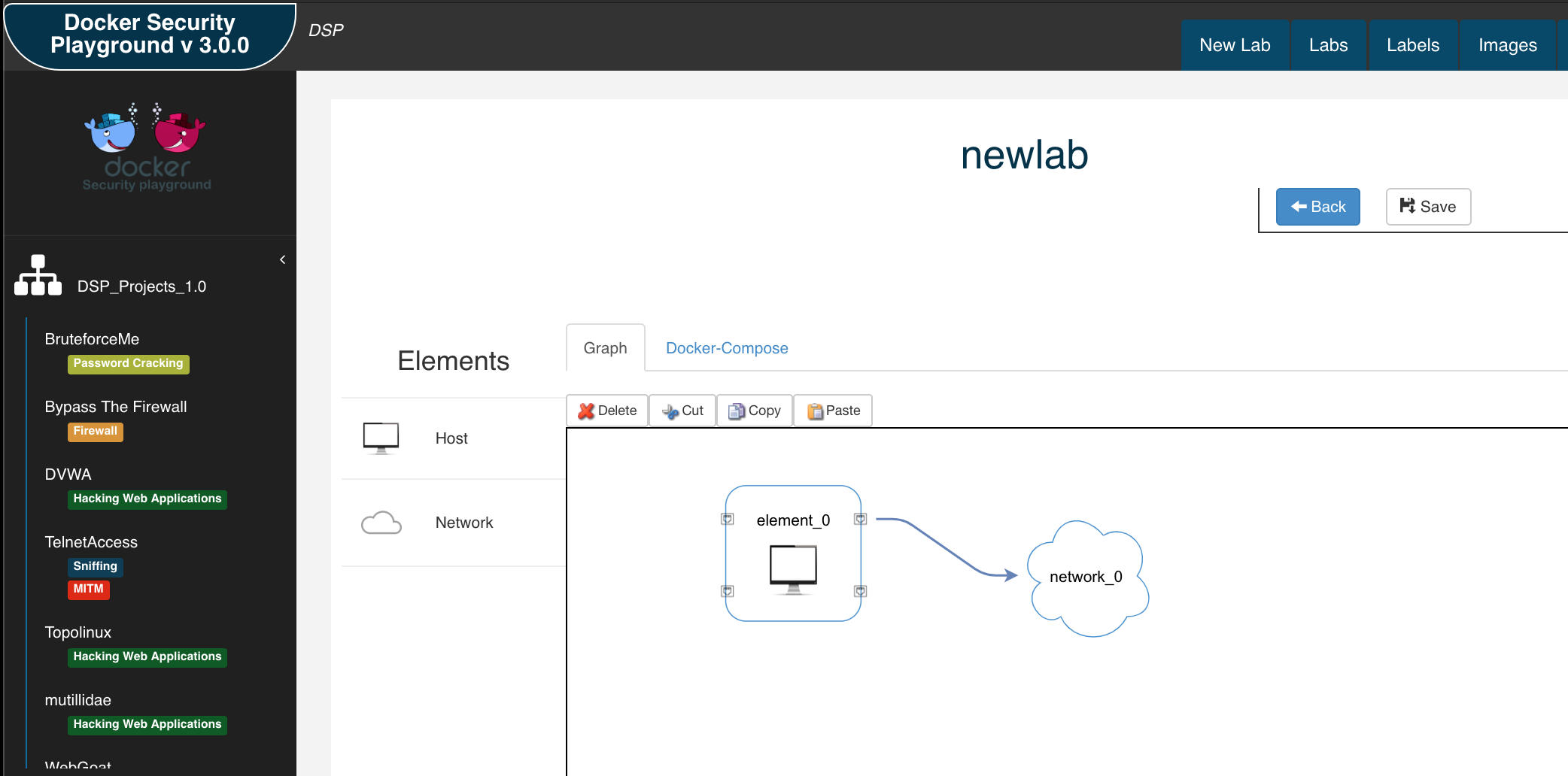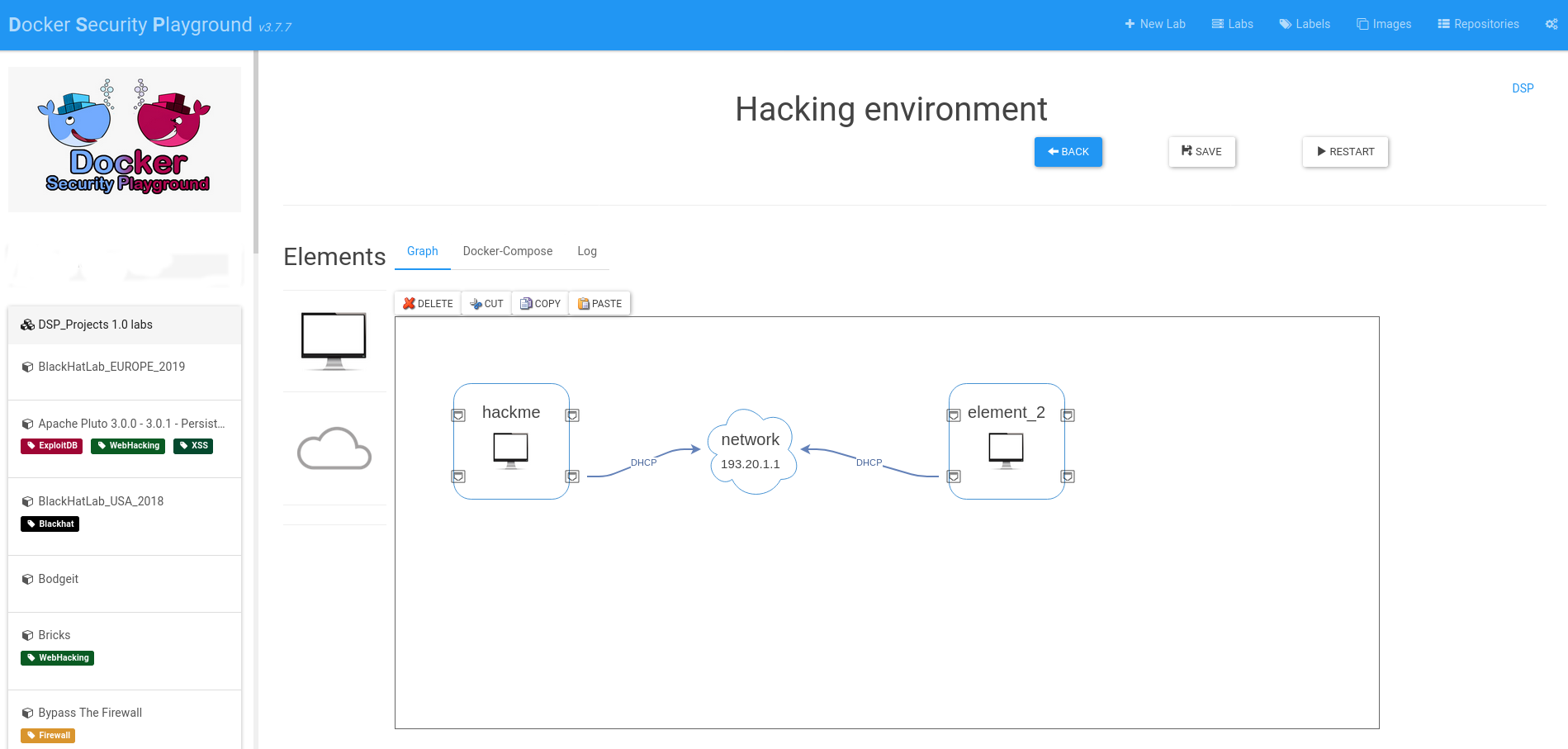
Docker Security Playground 是一款应用程序,允许您:
推荐的 DSP 安装工作流程是使用 Kali 虚拟机:
以下是在 Kali 虚拟机上安装 DSP 的步骤。其他 Linux 发行版请遵循类似步骤,但请确保安装所有依赖项。
sudo apt update && sudo apt install -y docker.io docker-compose nodejs npm git
注意(2025 年 Kali 密钥环问题)。
如果在安装过程中遇到以下问题:
Fetched 34.0 kB in 1s (58.4 kB/s)
Warning: Failed to fetch http://http.kali.org/kali/dists/kali-rolling/InRelease  The following signatures couldn't be verified because the public key is not available: NO_PUBKEY ED65462EC8D5E4C5
Warning: Some index files failed to download. They have been ignored, or old ones used instead.
您需要添加缺失的密钥:
wget https://http.kali.org/kali/pool/main/k/kali-archive-keyring/kali-archive-keyring_2025.1_all.deb
sudo dpkg -i kali-archive-keyring_2025.1_all.deb
rm kali-archive-keyring_2025.1_all.deb
sudo systemctl enable docker
sudo groupadd docker
sudo usermod -aG docker $USER
docker ps
此外,验证 docker compose 是否正常工作:
docker compose --version # 或旧版本的 docker-compose --version
同时验证 npm 和 nodejs 的安装:
node -v
npm -v
可以通过启用 Rosetta 在 M1 主机上运行 DSP,但我强烈建议使用 UTM 或 VMware Fusion 创建一个 Kali 虚拟机,然后按照之前的安装步骤操作,并安装 binfmt-misc 软件包以在 ARM 架构上运行 x86 镜像。
sudo apt install binfmt-support qemu-user-static
重启机器。
然后,使用 Tonisiigi 容器为不同架构注册所有解释器:
docker run --privileged --rm tonistiigi/binfmt --install amd64
验证 Docker 镜像是否能在您的机器上运行:
docker run --rm -it --platform linux/amd64 ubuntu uname -m
git clone https://github.com/DockerSecurityPlayground/DSP.git
cd DSP
npm install
安装完成后,您可以启动 DSP:
npm start
DSP 将在“http://localhost:18181”上运行。
在 Kali 上使用 Wireshark 的注意事项:我建议使用 Chromium 浏览器,因为 Wireshark 容器使用了一些 Kali 上 Firefox 不支持的编解码器。您只需在终端中输入“chromium”即可启动 Chromium。
第一步将是在当前机器上安装所有必需的文件夹。
您还可以通过环境变量自动执行此安装步骤:
export DSP_AUTOINSTALL=1 && npm start
如果您想使用主机的浏览器,可以暴露在 0.0.0.0 接口上。 如果您想暴露在其他接口上,请更改 DSP_IFACE 环境变量:
export DSP_IFACE="0.0.0.0"
现在您可以在远程接口上使用 DSP。
如果出现问题,您可以使用以下命令将 DSP 重置为出厂状态:
npm run uninstall
这将删除所有内容,您可以从安装步骤重新开始 DSP。
DSP_Repo 包含官方 DSP 实验室。通过创建新的 DSP 实验室为 DSP 做出贡献。
在安装过程中,您可以创建一个不与 git 关联的本地环境,或者将个人仓库与应用程序关联。这对于与他人分享您的工作非常有用。 DSP 仓库必须满足若干要求,因此我创建了一个基本的 DSP 仓库模板,您可以用它来创建个人仓库。 因此,分享实验室的最简单方法如下:
重要的是,您使用的所有镜像应对其他用户可用,因此:
.docker-images 目录中提供 dockerfile,以便用户使用 build.sh 构建您的镜像并使用您的仓库。如果您需要“私有方式”分享实验室,您应该以其他方式分享仓库,目前不支持分享私有仓库。
在 DSP 中,您可以管理多个用户仓库(“仓库”选项卡)。
如果您遇到问题,可以使用 Issue 板块。
运行测试:
mocha test/<test-nodejs-file.js>
测试使用 helper.start() 方法初始化测试环境:
如果安装过程中出现以下错误:
[2020-12-14T10:18:21.854Z]  INFO: DockerSecurityPlayground/1536 on vagrant: [DOCKER ACTIONS - DOWNLOAD IMAGE]
events.js:174
      throw er; // Unhandled 'error' event
      ^

Error: connect EACCES /var/run/docker.sock
    at PipeConnectWrap.afterConnect [as oncomplete] (net.js:1107:14)
Emitted 'error' event at:
    at Socket.socketErrorListener (_http_client.js:401:9)
    at Socket.emit (events.js:198:13)
    at emitErrorNT (internal/streams/destroy.js:91:8)
    at emitErrorAndCloseNT (internal/streams/destroy.js:59:3)
    at process._tickCallback (internal/process/next_tick.js:63:19)
请验证两件事:
docker 组测试方法:
docker ps
如果以普通用户运行 DSP,请勿使用 sudo。 如果出现以下错误:
vagrant@vagrant:~/git/DockerSecurityPlayground$ docker ps
Got permission denied while trying to connect to the Docker daemon socket at unix:///var/run/docker.sock: Get http://%2Fvar%2Frun%2Fdocker.sock/v1.24/containers/json: dial unix /var/run/docker.sock: connect: permission denied
您需要将用户添加到 docker 组: https://docs.docker.com/engine/install/linux-postinstall/
$ sudo groupadd docker
$ sudo usermod -aG docker $USER
注销并重新登录。 现在您需要清理 DSP:
npm run uninstall
然后一切应该正常工作。
MacOS ECONNRESET 错误:
events.js:183
      throw er; // Unhandled 'error' event
      ^

Error: read ECONNRESET
    at _errnoException (util.js:992:11)
    at TCP.onread (net.js:618:25)
在 Mac 上,某些 node 包似乎存在问题,因此要解决此问题,请运行:
MacBook-Pro:DockerSecurityPlayground gaetanoperrone$ npm install [email protected] --save-dev --save-exact
其他信息请参见:http://gitlab.comics.unina.it/NS-Thesis/DockerSecurityPlayground_1/wikis/docker-operation-errors
git checkout -b my-new-featuregit commit -am 'Add some feature'git push origin my-new-feature请使用 Issues 来询问您想问的一切!