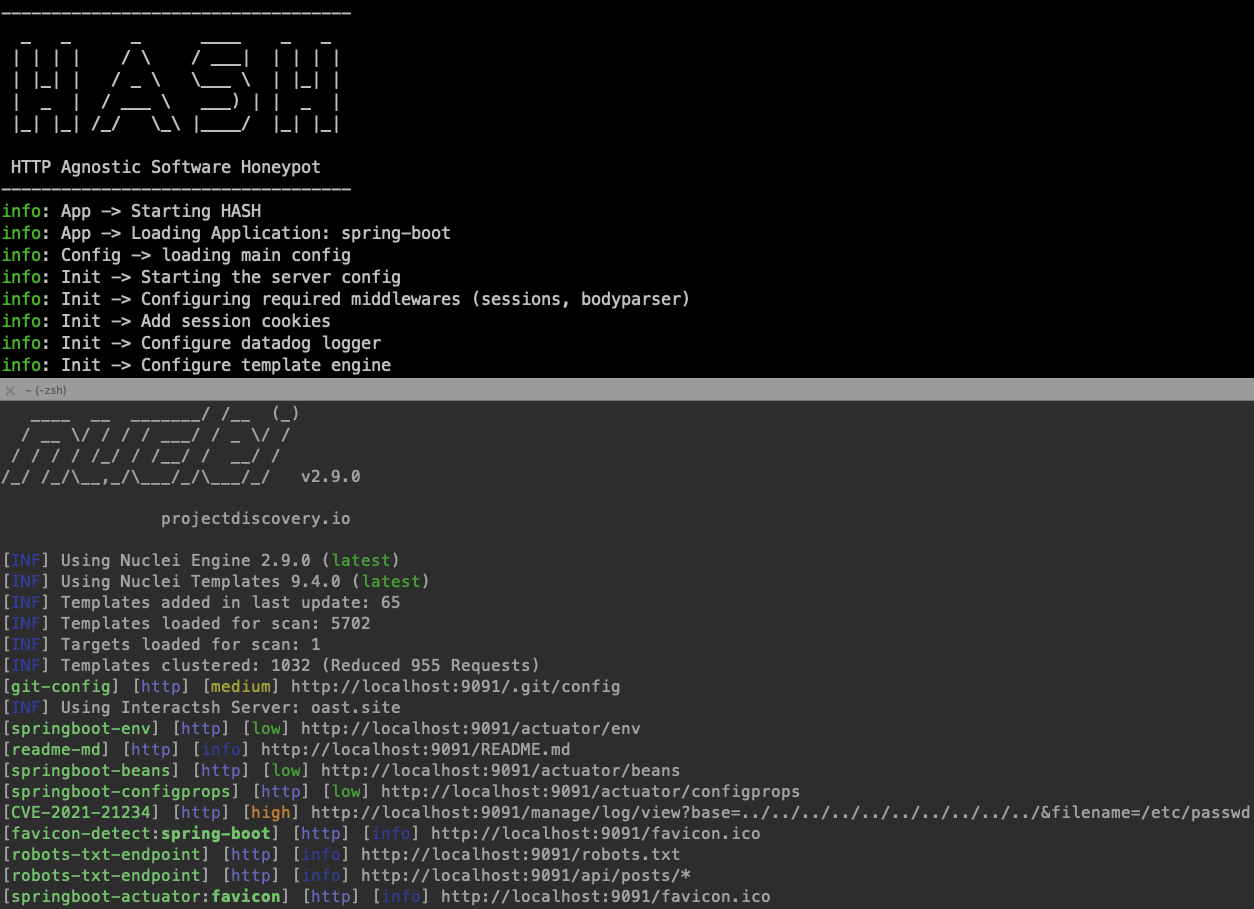
HASH 是一个用于创建和运行低交互蜜罐的框架。
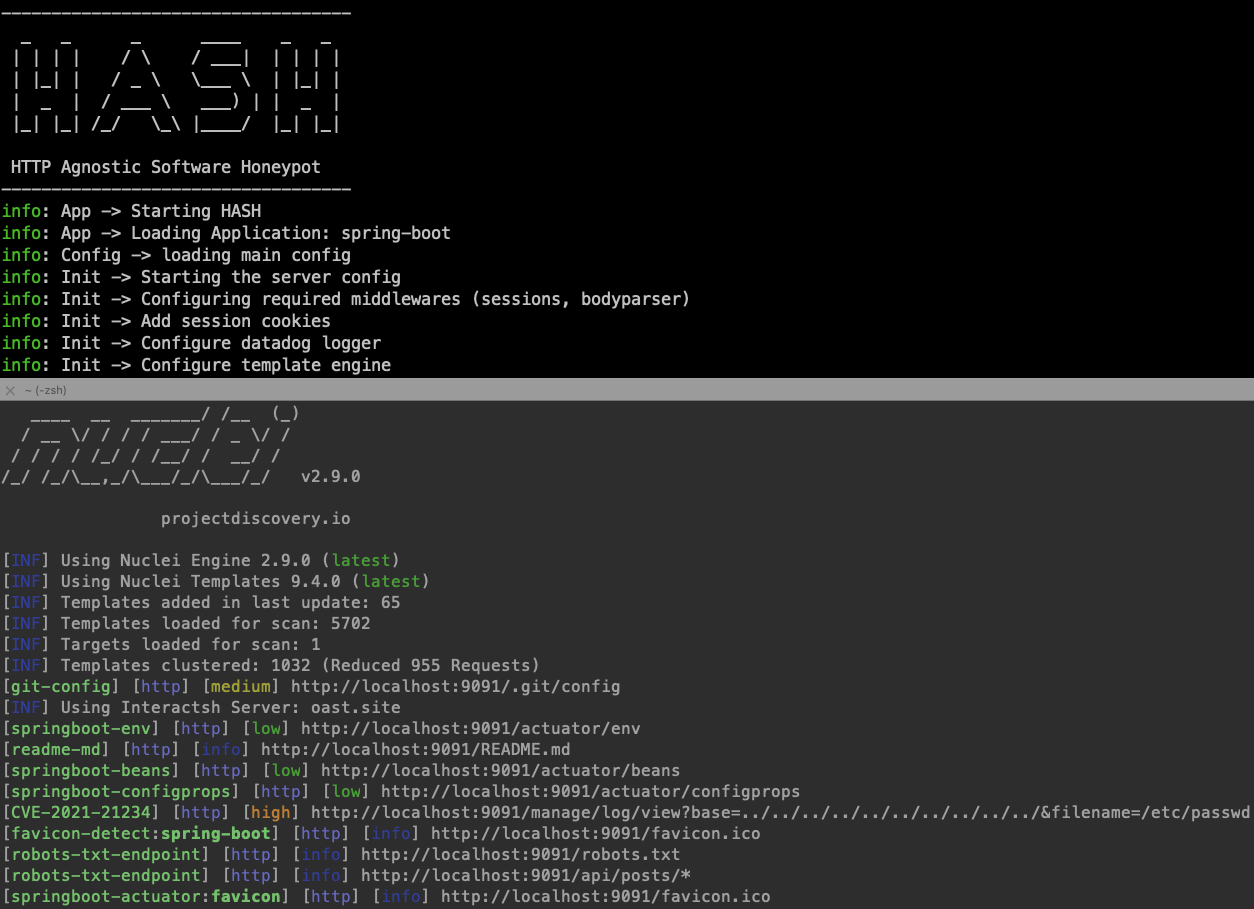
HASH 的主要理念是易于配置且灵活,能够模拟任何运行在 HTTP/HTTPS 上的软件。其占用空间极小,以避免被检测为蜜罐。
fakerjs 的强大随机化,避免蜜罐检测HASH 基于 Node.js 构建,但可根据配置模拟任何基于 Web 的语言/服务器。详情请阅读下方完整文档。
npm install -g hash-honeypot
docker run --rm ghcr.io/datadog/hash help
HASH 使用 YAML 文件来配置模拟目标软件。配置文件夹的典型结构如下:
|____templates
|     |____resources
|     |     |____index.html
|     |     |____style.css
|     |     |____favicon.ico
|     |____404.yaml
|     |____default.yaml
|____init.yaml
您可以自行构建,也可以使用 generate 命令生成:
Usage: HASH generate [options] <folder>

生成蜜罐配置文件

Arguments:
  folder                         配置文件夹路径

Options:
  -t --template <template_name>  基础模板 (默认: "default")
  -n --name <honeypot_name>      蜜罐名称
  -s --swagger <swagger_file>    要转换的 Swagger 文件路径
  -h, --help                     显示命令帮助
示例
hash-honeypot generate myhoneypot --name my-honey-pot --template default
您还可以通过 generate 命令直接将 Swagger 文件转换为蜜罐配置:
将 Swagger 文件转换为蜜罐配置的示例
hash-honeypot generate sample-swagger2 -n sample -s ./test-swagger/test-swagger.yaml
Usage: HASH run [options] <folder>

运行 HASH

Arguments:
  folder                     模板文件夹路径

Options:
  -l, --log <transport>      日志传输方式 (默认: "console,file,datadog")
  -f, --log_file <filename>  日志文件名 (默认: "hash.log")
  -h, --help                 显示命令帮助
示例
hash-honeypot my-honeypot-profile -l file -f ./logs/hash.log
如果您使用 Datadog 进行日志记录,请确保导出了 Datadog API 密钥:
export DD_API_KEY=<your-api-key>
您可以根据需要自定义蜜罐配置文件。
请求模板示例:
id: sqli-error
info:
    title: 'SQL 错误蜜饵'
requests:
    - isTrap: false
      expect:
          method: GET
          path: '/author/:Id([0-9]+)'
      reply:
          status: 200
          headers:
              content-type: 'text/html'
          body:
              view: 'author.html'
    - isTrap: true
      expect:
          method: GET
          path: '/author/:Id'
      reply:
          status: 500
          headers:
              content-type: 'text/html'
          body:
              contents: "You have an error in your SQL syntax; check the manual that corresponds to your MySQL server version for the right syntax to use near '' at line 2"
基于 Apache-2.0 许可证发布,欢迎贡献!
欢迎提交 Issue,或发送邮件至 [email protected]。