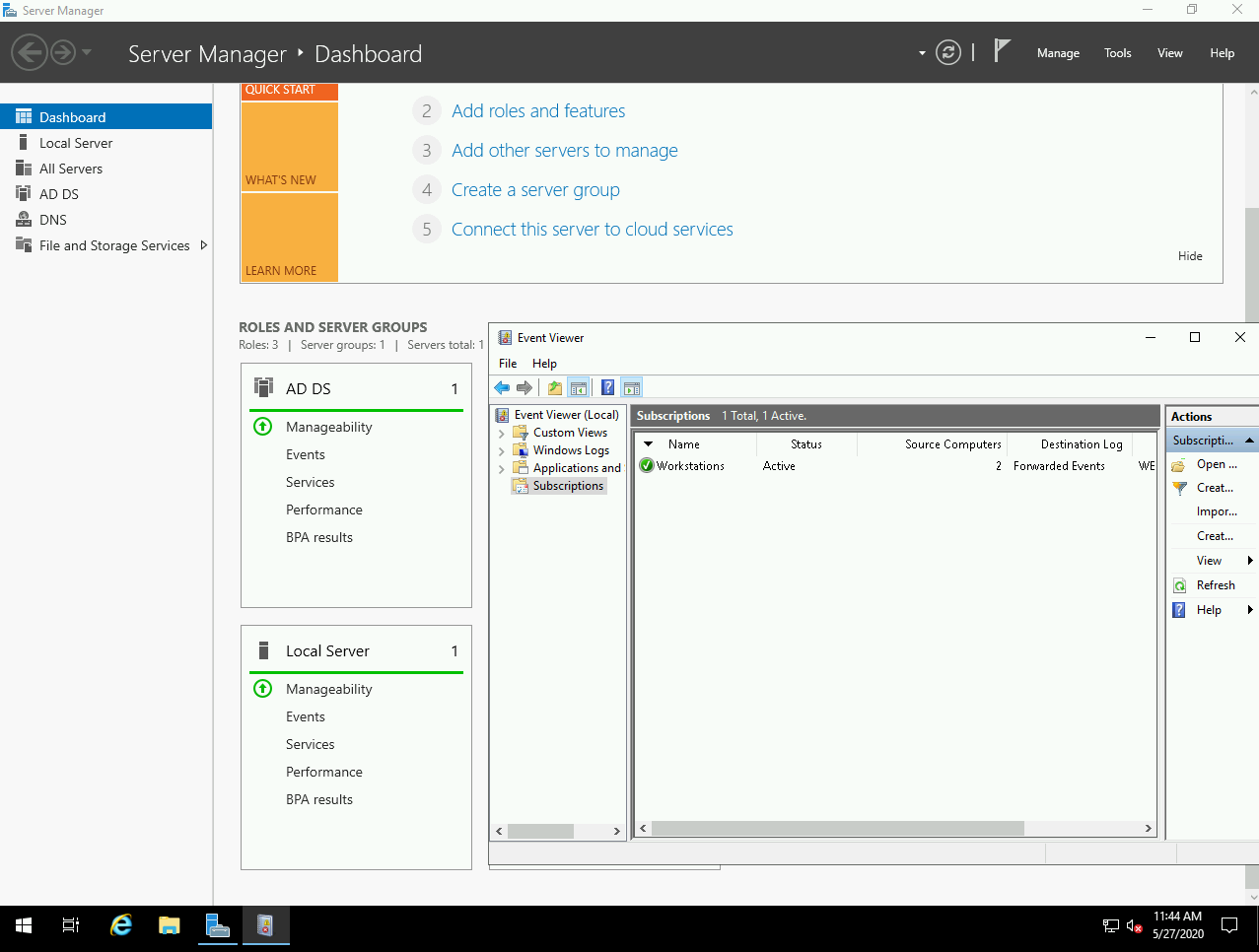
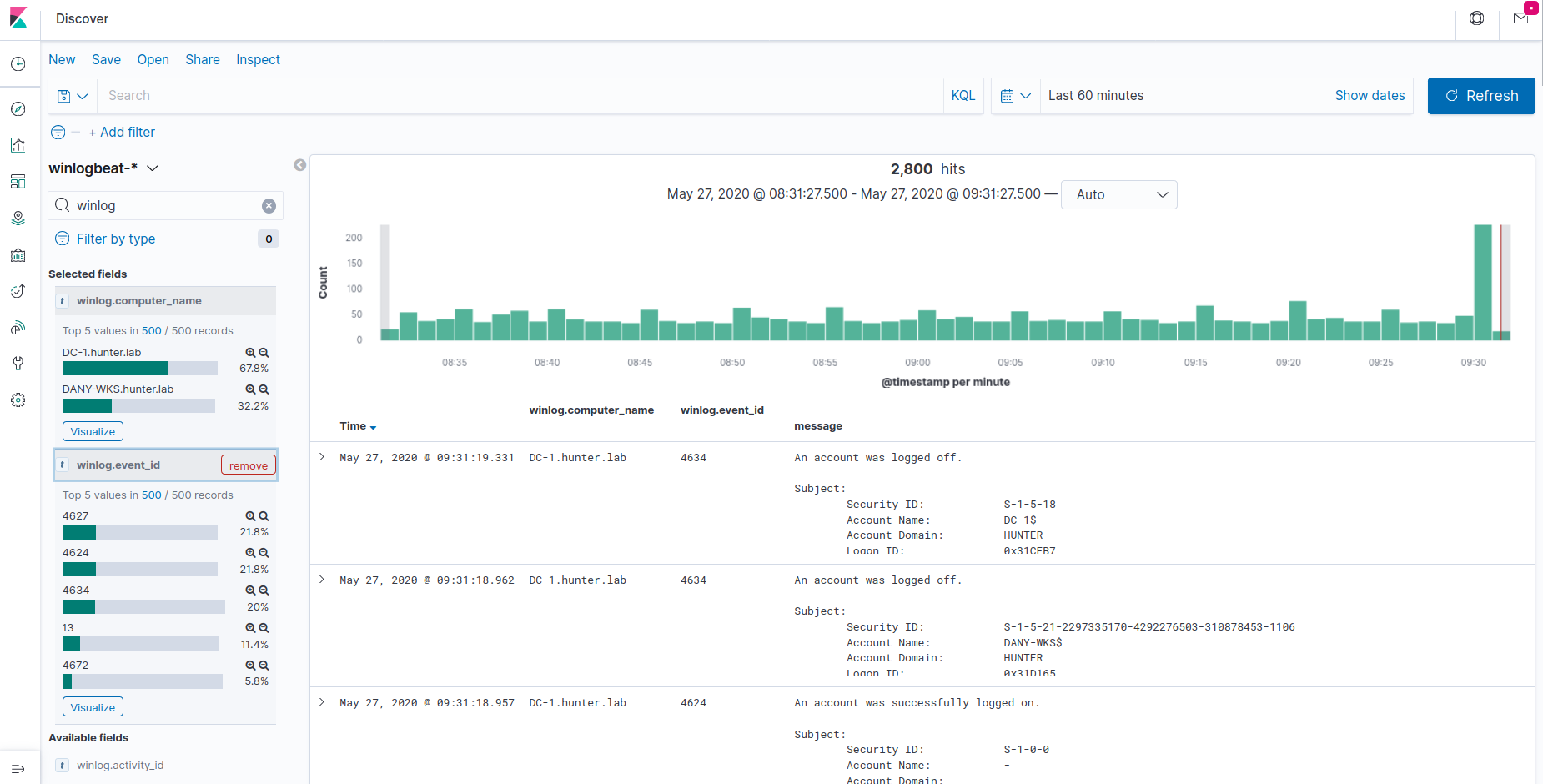
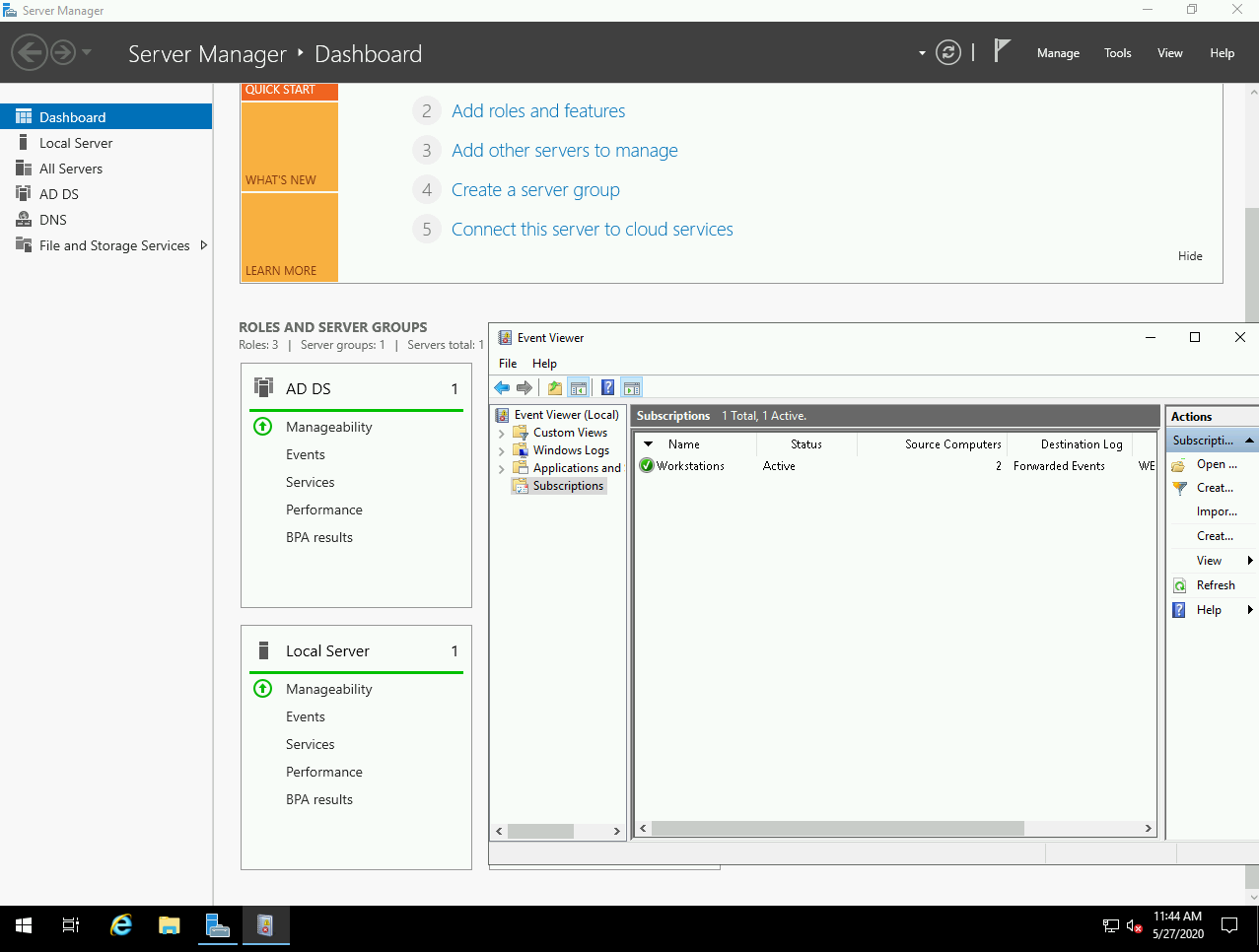
该项目允许你 在 Azure 中轻松搭建 Active Directory 实验室,包含已加入域的工作站、Windows 事件转发、Kibana 和 Sysmon,并使用 Terraform/Ansible 进行部署。
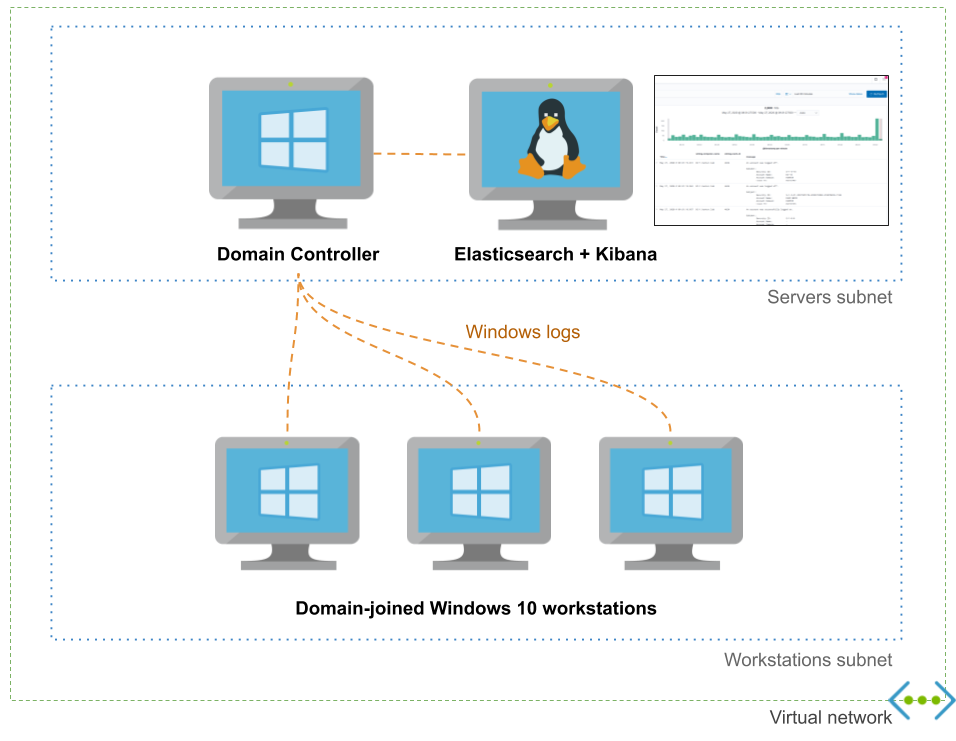
它提供了一个用于你的域的高级配置文件,允许你自定义用户、组和工作站。
dns_name: hunter.lab
dc_name: DC-1

initial_domain_admin:
 username: hunter
 password: MyAdDomain!

organizational_units: {}

users:
- username: christophe
- username: dany

groups:
- dn: CN=Hunters,CN=Users
 members: [christophe]

default_local_admin:
 username: localadmin
 password: Localadmin!

workstations:
- name: XTOF-WKS
 local_admins: [christophe]
- name: DANY-WKS
 local_admins: [dany]

enable_windows_firewall: yes
以下是与 DetectionLab 的一个不完整且有偏见的比较:
| Adaz | DetectionLab | |
|---|---|---|
| 公有云支持 | Azure | AWS、Azure(测试版) |
| 搭建实验室预计耗时 | 15-20 分钟 | 25 分钟 |
| 日志管理与查询 | Elasticsearch+Kibana | Splunk Enterprise |
| WEF | ✔️ | ✔️ |
| 审计策略 | ✔️ | ✔️ |
| Sysmon | ✔️ | ✔️ |
| YAML 域配置文件 | ✔️ | 🚫 |
| 支持多台 Windows 10 工作站 | ✔️ | 🚫 |
| VirtualBox/VMWare 支持 | 🚫 | ✔️ |
| osquery / fleet | 🚫(投票!) | ✔️ |
| Powershell 转录日志记录 | 🚫(投票!) | ✔️ |
| IDS 日志 | 🚫(投票!) | ✔️ |
检测工程:拥有一个标准配置的干净实验室,是理解常见攻击和横向移动技术留下哪些痕迹的绝佳方式。
学习 Active Directory:我经常需要测试 GPO 或各种 AD 功能(AppLocker、LAPS...)。拥有一个可随时销毁重建的实验室对此至关重要。
一个 Azure 订阅。你可以免费创建一个,并在前 30 天获得 $200 的额度。请注意,此类订阅在每个区域有 4 个 vCPU 的限制,这仍然允许你运行 1 台域控制器和 2 台工作站(使用默认实验室配置)。
~/.ssh/id_rsa.pub 中的 SSH 密钥。你的私钥必须添加到 ssh-agent 中(通常,运行一次 ssh-add ~/.ssh/id_rsa 并在 .bashrc 中添加 eval "$(ssh-agent -s)"),或者未使用密码短语加密。
Terraform >= 0.12
你必须通过运行 az login 登录到你的 Azure 账户。你可以使用 az account list 确认你可以访问你的 Azure 订阅
git clone https://github.com/christophetd/Adaz.git
# 注意:虚拟环境需要位于 ansible/venv
python3 -m venv ansible/venv
source ansible/venv/bin/activate
pip install -r ansible/requirements.txt
deactivate
cd terraform
terraform init
(可选)根据你的需求编辑 domain.yml(参考此处),然后运行:
terraform apply
资源创建和配置需要 15-20 分钟。完成后,你将得到类似以下的输出:
dc_public_ip = 13.89.191.140
kibana_url = http://52.176.3.250:5601
what_next =
####################
###  WHAT NEXT?  ###
####################

Check out your logs in Kibana:
http://52.176.3.250:5601

RDP to your domain controller:
xfreerdp /v:13.89.191.140 /u:hunter.lab\\hunter '/p:Hunt3r123.' +clipboard /cert-ignore

RDP to a workstation:
xfreerdp /v:52.176.5.229 /u:localadmin '/p:Localadmin!' +clipboard /cert-ignore


workstations_public_ips = {
  "DANY-WKS" = "52.165.182.15"
  "XTOF-WKS" = "52.176.5.229"
}
如果在配置过程中你看到一些类似
FAILED - RETRYING: List Kibana index templates (xx retries left)的消息,请不要担心
默认情况下,资源部署在 West Europe 区域,资源组为 ad-hunting-lab。你可以使用 Terraform 变量控制区域:
terraform apply -var 'region=East US 2'
引用 Adaz 的演讲 / 文章:
对于接下来的功能,我将非常依赖你在 feature-proposal issues 上留下的赞数!
欢迎随时开启 issue 或在推特上联系 @christophetd。