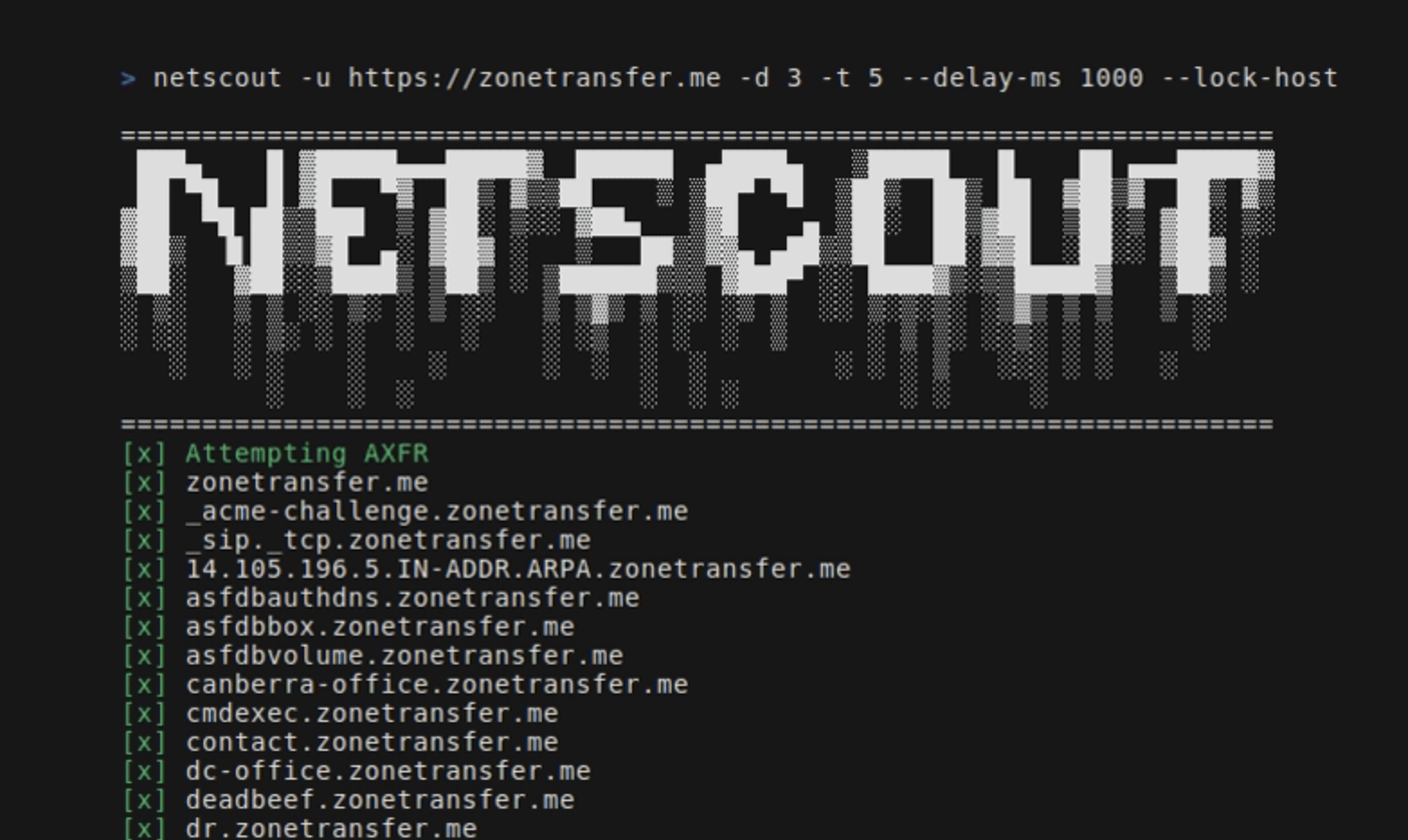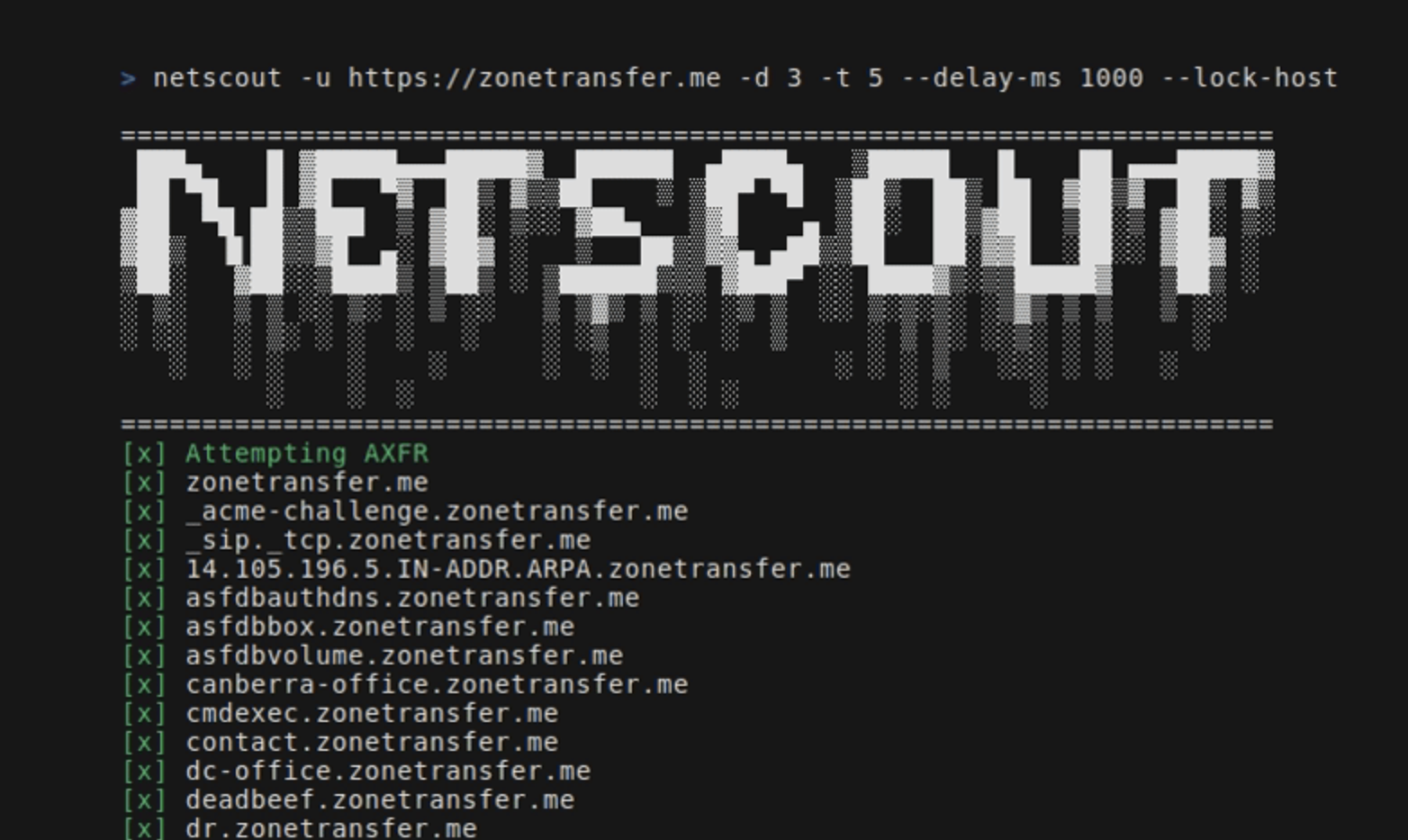
NetScout 是一款 OSINT 工具,可根据给定的种子 URL 查找域名、子域、目录、端点和文件。 它由以下组件组成:
go install github.com/caio-ishikawa/netscout@latestmake installNetScout 使用两个外部 API:BinaryEdge 和 SerpAPI。 BinaryEdge 用于查询注册到种子 URL 的子域的历史数据,SERP API 用于收集种子 URL 的特定文件类型的 Google 搜索结果。
NetScout 期望 API 密钥以环境变量的形式设置:
export BINARYEDGE_API_KEY="<key>"export SERP_API_KEY="<key>"用法:
=======================================================================
 ███▄    █ ▓█████▄▄▄█████▓  ██████  ▄████▄   ▒█████   █    ██ ▄▄▄█████▓
 ██ ▀█   █ ▓█   ▀▓  ██▒ ▓▒▒██    ▒ ▒██▀ ▀█  ▒██▒  ██▒ ██  ▓██▒▓  ██▒ ▓▒
▓██  ▀█ ██▒▒███  ▒ ▓██░ ▒░░ ▓██▄   ▒▓█    ▄ ▒██░  ██▒▓██  ▒██░▒ ▓██░ ▒░
▓██▒  ▐▌██▒▒▓█  ▄░ ▓██▓ ░   ▒   ██▒▒▓▓▄ ▄██▒▒██   ██░▓▓█  ░██░░ ▓██▓ ░
▒██░   ▓██░░▒████▒ ▒██▒ ░ ▒██████▒▒▒ ▓███▀ ░░ ████▓▒░▒▒█████▓   ▒██▒ ░
░ ▒░   ▒ ▒ ░░ ▒░ ░ ▒ ░░   ▒ ▒▓▒ ▒ ░░ ░▒ ▒  ░░ ▒░▒░▒░ ░▒▓▒ ▒ ▒   ▒ ░░
░ ░░   ░ ▒░ ░ ░  ░   ░    ░ ░▒  ░ ░  ░  ▒     ░ ▒ ▒░ ░░▒░ ░ ░     ░
   ░   ░ ░    ░    ░      ░  ░  ░  ░        ░ ░ ░ ▒   ░░░ ░ ░   ░
         ░    ░  ░              ░  ░ ░          ░ ░     ░
=======================================================================
Usage:
  -u string
        A string representing the URL
  -d int
        An integer representing the depth of the crawl
  -t int
        An integer representing the amount of threads to use for the scans (default 5)
  -delay-ms int
        An integer representing the delay between requests in miliseconds
  -lock-host
        A boolean - if set, it will only save URLs with the same host as the seed
  -o string
        A string representing the name of the output file
  -h string
        A comma-separated key-value string representing request headers
  -c string
        A comma-separated key-value string representing the cookies
  -v
        A boolean - if set, it will display all found URLs


  -skip-axfr
        A bool - if set, it will skip the DNS zone transfer attempt
  -skip-binaryedge
        A bool - if set, it will skip BinaryEdge subdomain scan
  -skip-google-dork
        A bool - if set, it will skip the Google filetype scan
  -headless
        A bool - if set, all requests in the crawler will be made through a headless Chrome browser (requires Google Chrome)
  -deep
        A bool - if set, the shortened URL scan will be performed (can take several minutes)
设置种子 URL、深度和输出文件:
netscout -u https://crawler-test -d 2 -o netscout.txt
跳过 BinaryEdge 和 Google dork:
netscout -u https://crawler-test.com -d 2 --skip-binaryedge --skip-google-dork -o netscout.txt
将线程数设置为 5,请求延迟设置为 1000ms,并强制请求通过无头 Chrome 浏览器发出。
netscout -u https://crawler-test.com -d 2 -t 5 --delay-ms 1000 --headless -o netscout.txt
将深度设置为 2,并添加 Cookie 和请求头值:
netscout -u https://crawler-test.com --deep -d 2 -t 5 -h "key=test,key_two=test_2" -c "key=test,key_two=test_2"
启用短链接扫描,将爬虫深度设置为 2,线程数设置为 5:
netscout -u https://crawler-test.com --deep -d 2 -t 5
在提交 PR 之前,请确保项目能够成功构建,并且所有现有测试均通过。更多信息请参阅测试
感谢您有兴趣为该项目做出贡献!
测试文件与被测文件放在同一目录中,爬虫测试要求 DVWA(Damn Vulnerable Web App) 在本地运行并暴露 80 端口。 运行测试之前,必须先设置测试文件。
测试所需的全部设置都在 Makefile 中处理:
make test-container-pullmake testfiles-setupmake test-container-runmake testmake testfiles-teardown