暗网 CTI 与 OSINT 调查框架



⚠️ 法律免责声明:DarkFox 仅设计用于经授权的安全研究、网络威胁情报(CTI)以及合法的 OSINT 调查。用户有责任遵守所有适用的法律和法规。未经授权访问计算机系统是违法的。
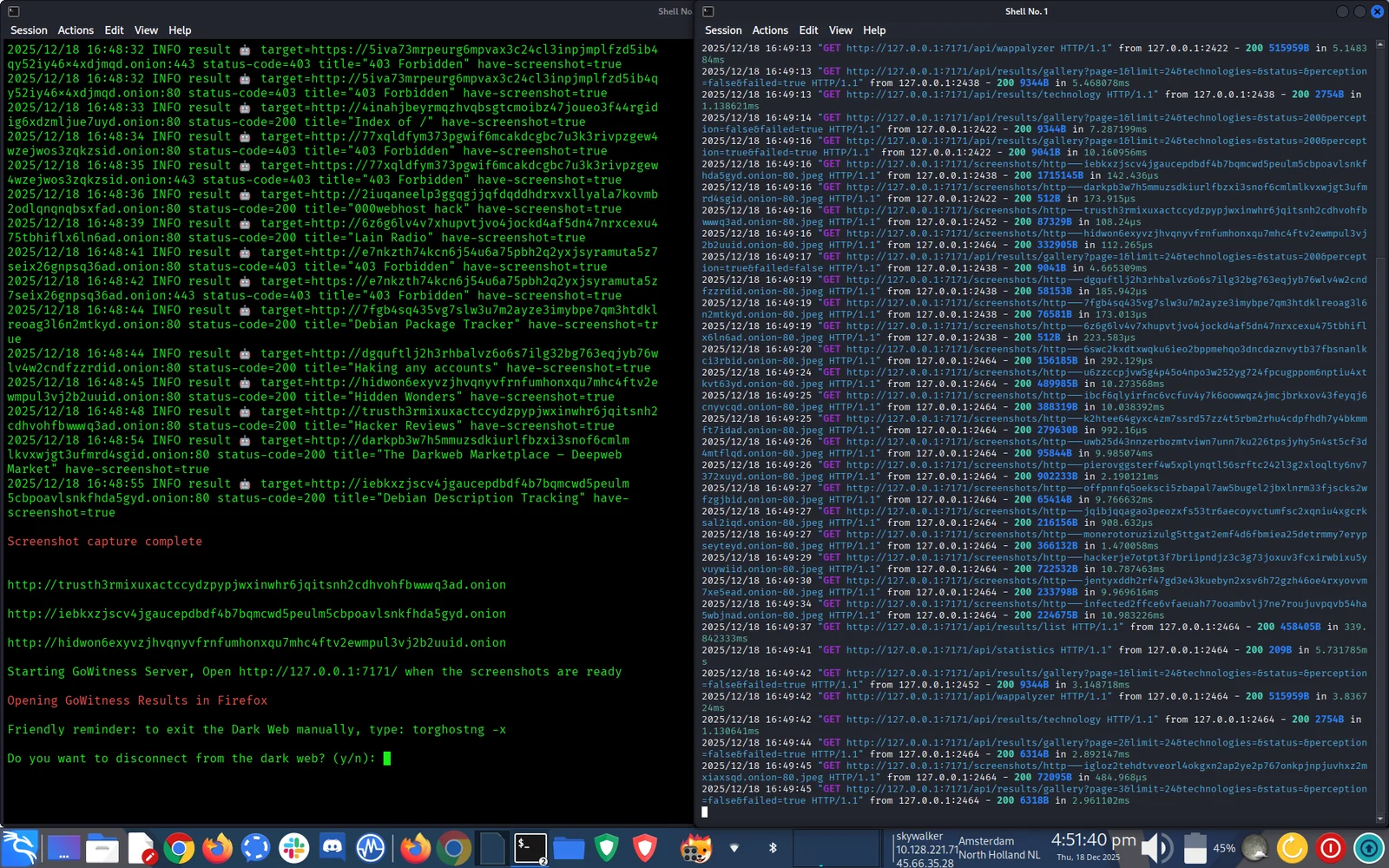
🦊 DarkFox 是一个自动化的暗网调查框架,可简化 OSINT/CTI 工作流程:
适用于:

必需:
DarkFox 依赖项:
# Clone the repository
sudo git clone https://github.com/aryanguenthner/darkfox /opt/darkfox

# Navigate to directory
cd /opt/darkfox

# Make scripts executable
sudo chmod +x darkfox.sh

# Run DarkFox
sudo bash darkfox.sh
运行该工具:
sudo bash darkfox.sh
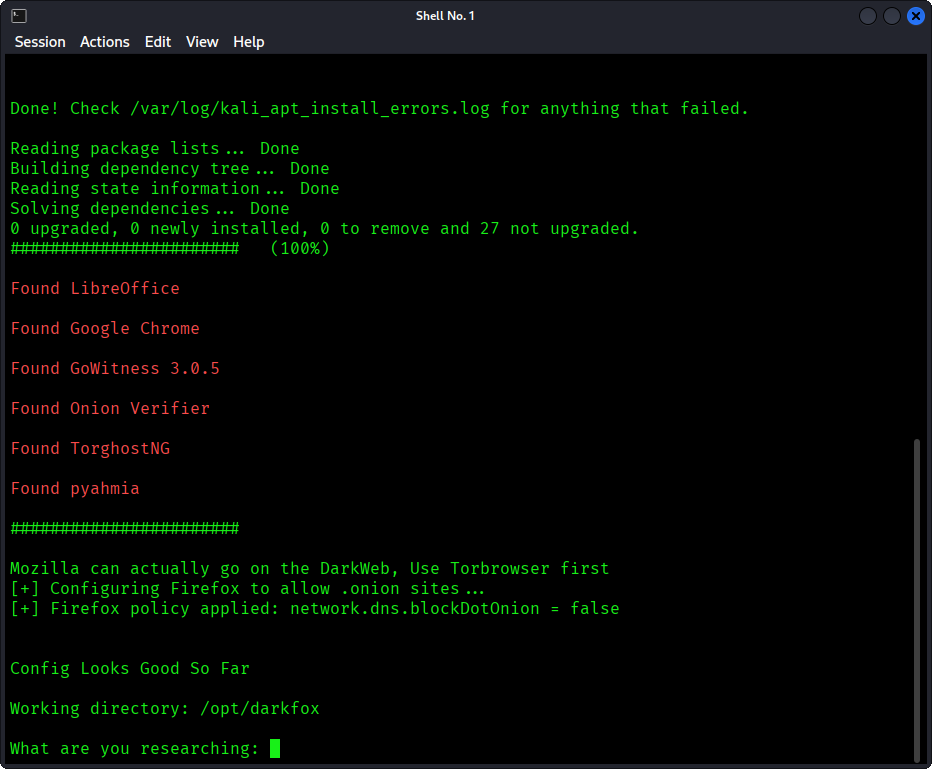
输入你的搜索查询:
What are you researching: cybercrime forums
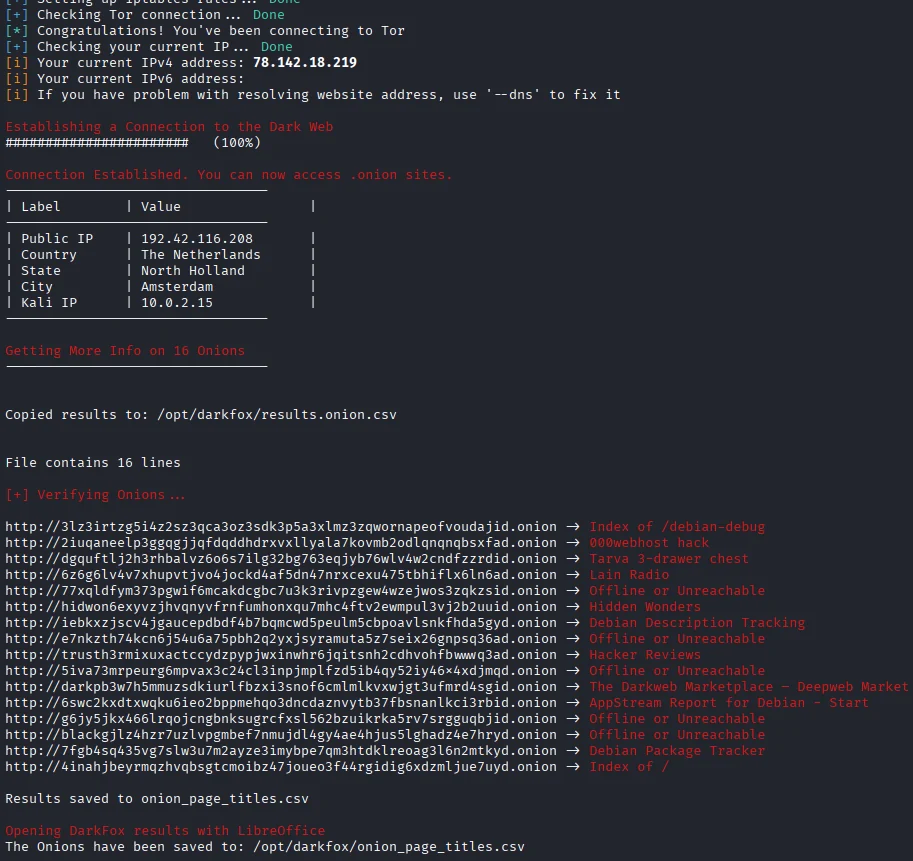
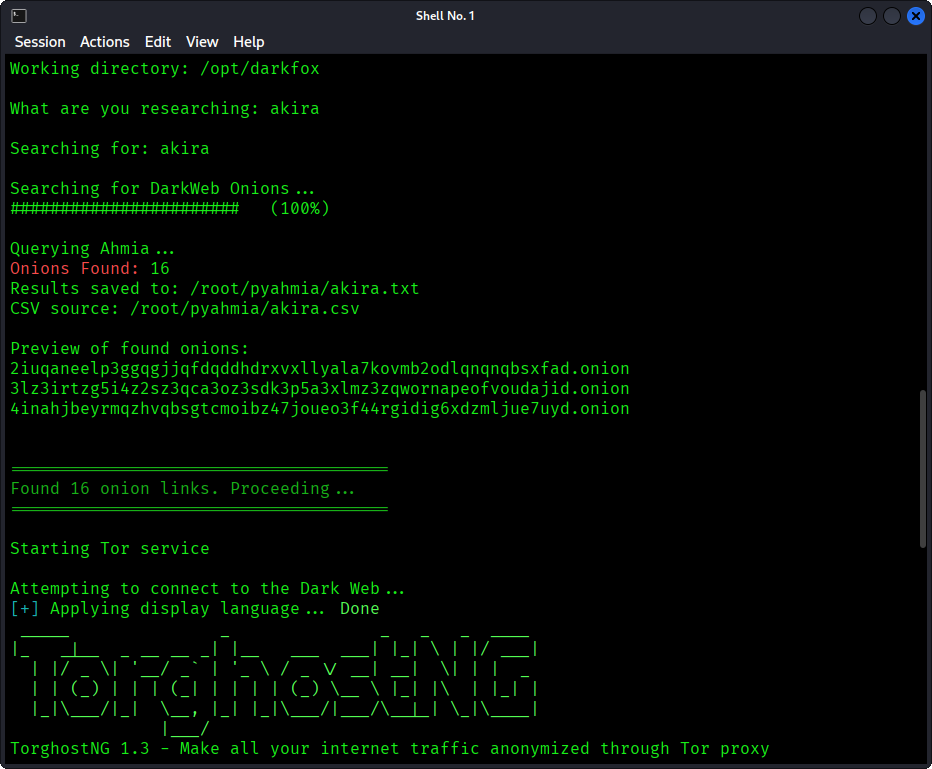
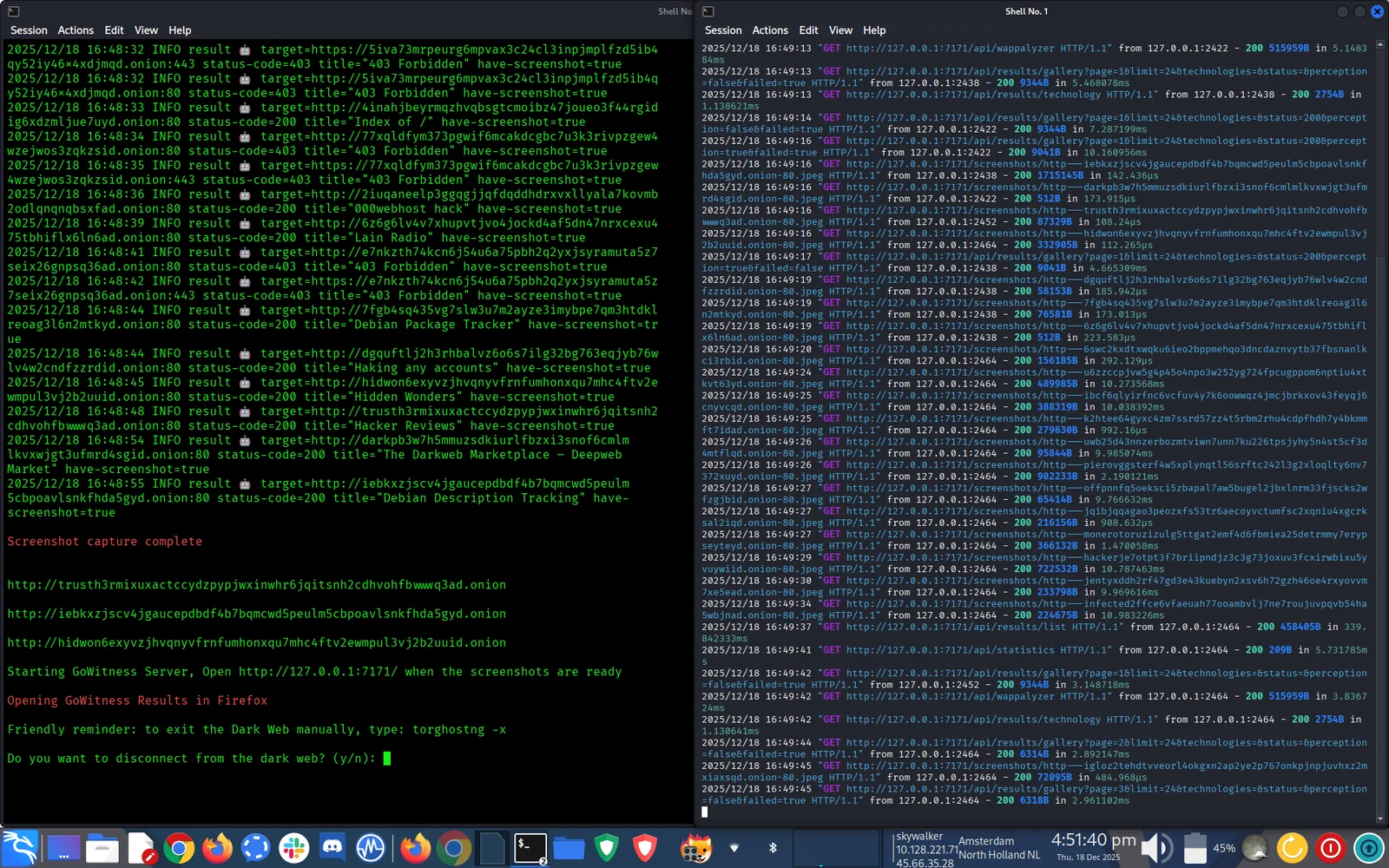
等待结果:
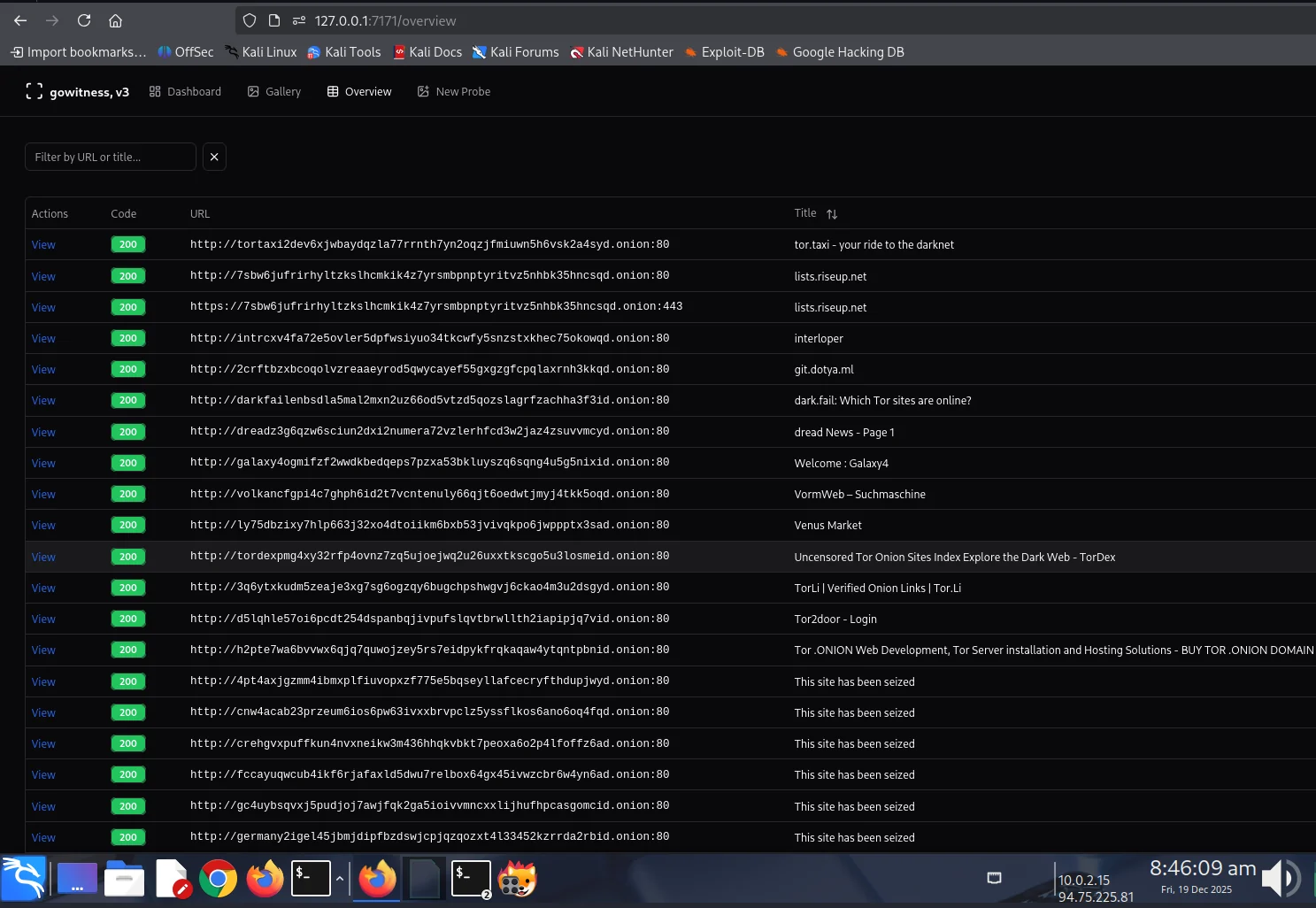
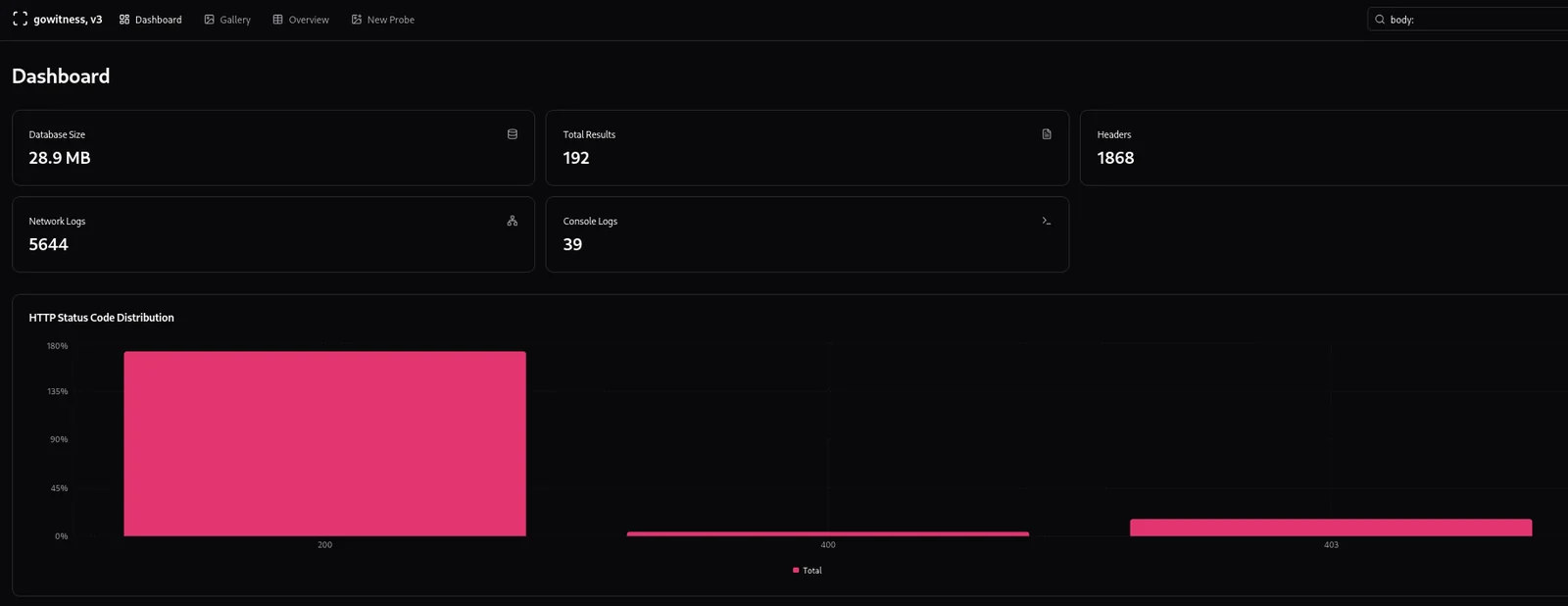
查看 CTI 调查结果:
sudo bash darkfox.sh
按照交互式提示操作:
自定义 Tor 出口国家:
编辑 darkfox.sh 并修改:
connect_tor_network "nl"  # Netherlands (default)
# Options: nl, cz, de, us, ca, mx, ru, br, gb, fr, etc.
# Exit the Tor: torghostng -x --dns
调整截图线程数:
# In darkfox.sh, find GoWitness command:
--threads 10  # Increase for faster scanning (use with caution)
安装完成后,DarkFox 会创建:
/opt/darkfox/
├── investigations/              # All investigation results
│   └── [topic_name_timestamp]/  # Individual investigation
│       ├── results.onion.csv    # Raw search results
│       ├── onion_page_titles.csv # Verified sites with titles
│       ├── screenshots/         # GoWitness captures
│       └── gowitness.db        # Screenshot database
├── tools/
│   ├── gowitness              # Screenshot tool
│   └── onion_verifier.py      # Verification script
├── logs/
│   ├── tor_connection.log     # Tor connection logs
│   ├── verification.log       # Onion verification logs
│   └── gowitness.log         # Screenshot capture logs
└── venv/                      # Python virtual environment
| 工具 | 用途 | 版本 |
|---|---|---|
| Ahmia | 暗网搜索引擎 | 0.7.3 |
| GoWitness | 截图捕获 | 3.0.5 |
| TorGhostNG | Tor 路由与匿名 | 最新版 |
| LibreOffice Calc | 文档与报告 | 最新版 |
| Firefox ESR | .onion 站点浏览 | 最新版 |
darkfox.sh - 主编排脚本onion_verifier.py - 验证 .onion 地址DarkFox 可防护:
DarkFox 无法防护:
始终践行操作安全(OPSEC)!
# Check Tor service
sudo systemctl status tor

# Restart Tor
sudo systemctl restart tor

# Try different exit country
# Edit darkfox.sh: connect_tor_network "us"
# Check if running
ps aux | grep gowitness

# Manually download
cd /opt/darkfox/tools
wget https://github.com/sensepost/gowitness/releases/download/3.0.5/gowitness-3.0.5-linux-amd64 -O gowitness
chmod +x gowitness
# Fix ownership (replace 'kali' with your username)
sudo chown -R kali:kali /opt/darkfox/investigations

# Fix permissions
sudo chmod 755 /opt/darkfox
sudo chmod a+x /opt/darkfox/*.sh
# Manually configure Firefox
# Open Firefox, go to about:config
# Search: network.dns.blockDotOnion
# Set to: false
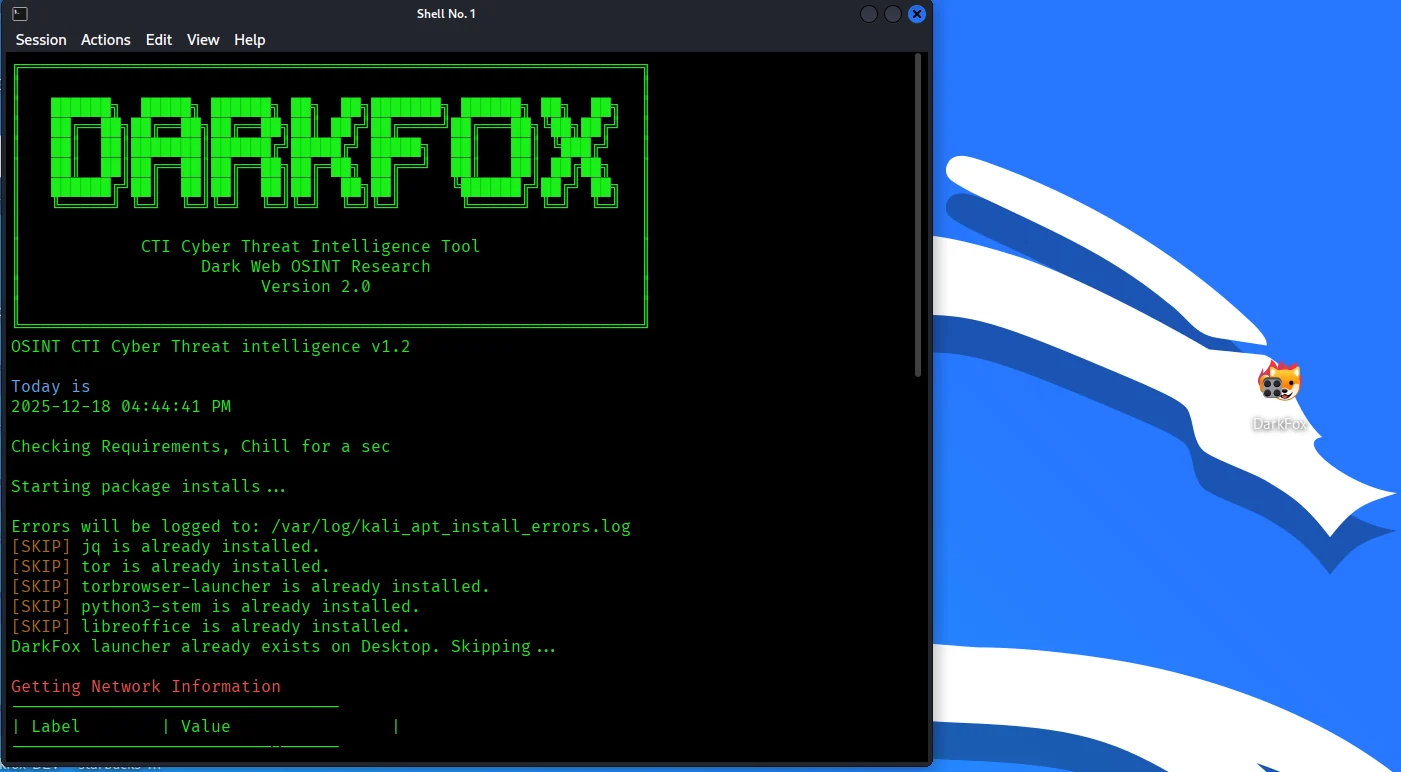
╔══════════════════════════════════════════════════════════════╗
║                        DarkFox v1.0                          ║
║            CTI Cyber Threat Intelligence Tool                ║
╚══════════════════════════════════════════════════════════════╝

[INFO] Today is 2025-01-15 14:23:45
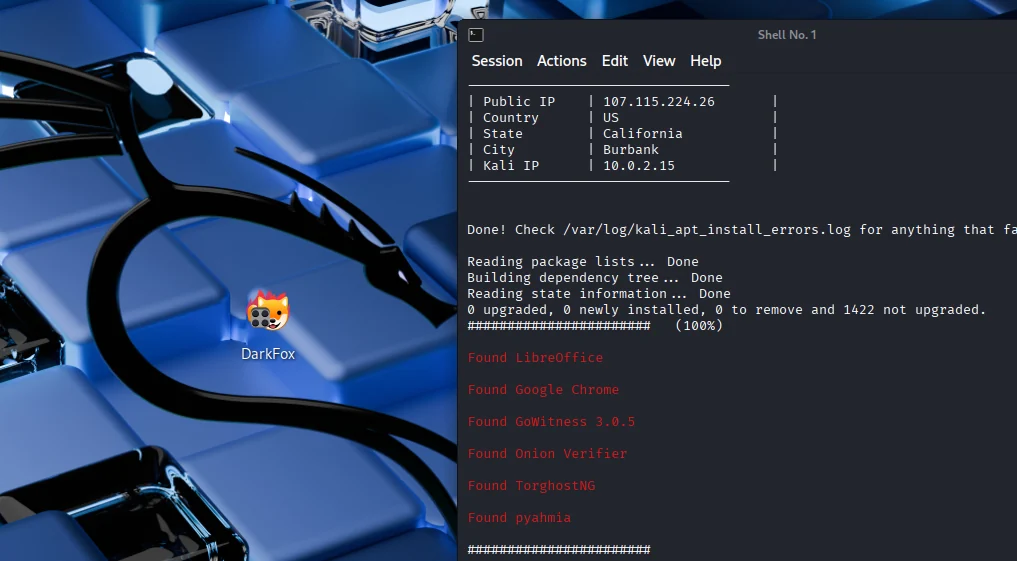
[INFO] Current Network Information:
━━━━━━━━━━━━━━━━━━━━━━━━━━━━━━━━━━━━━━━
│ Label          │ Value                │
━━━━━━━━━━━━━━━━━━━━━━━━━━━━━━━━━━━━━━━
│ Public IP      │ 13.88.214.23         │
│ Country        │ United States        │
│ State/Region   │ California           │
│ City           │ Los Angeles          │
│ Local IP       │ 192.168.2.23        │
━━━━━━━━━━━━━━━━━━━━━━━━━━━━━━━━━━━━━━━

What are you researching: ransomware