一款基于网页的工具,用于管理 Windows 端点上的 Sysmon 配置 —— 支持无代理(WMI/SMB)和基于代理的部署。





| 功能 | 描述 |
|---|---|
| 无代理部署 | 通过 WMI 和 SMB 推送 Sysmon 二进制文件和配置 |
| 代理支持 | 适用于云虚拟机和 DMZ 服务器的轻量级代理 |
| Docker 支持 | 在 Linux/Docker 上运行,仅用于代理部署 |
| Web 界面 | 现代 React UI,支持实时部署进度 |
| 事件日志查看器 | 从远程主机查询 Sysmon 日志 |
| 噪声分析 | 识别高容量事件以调整配置 |
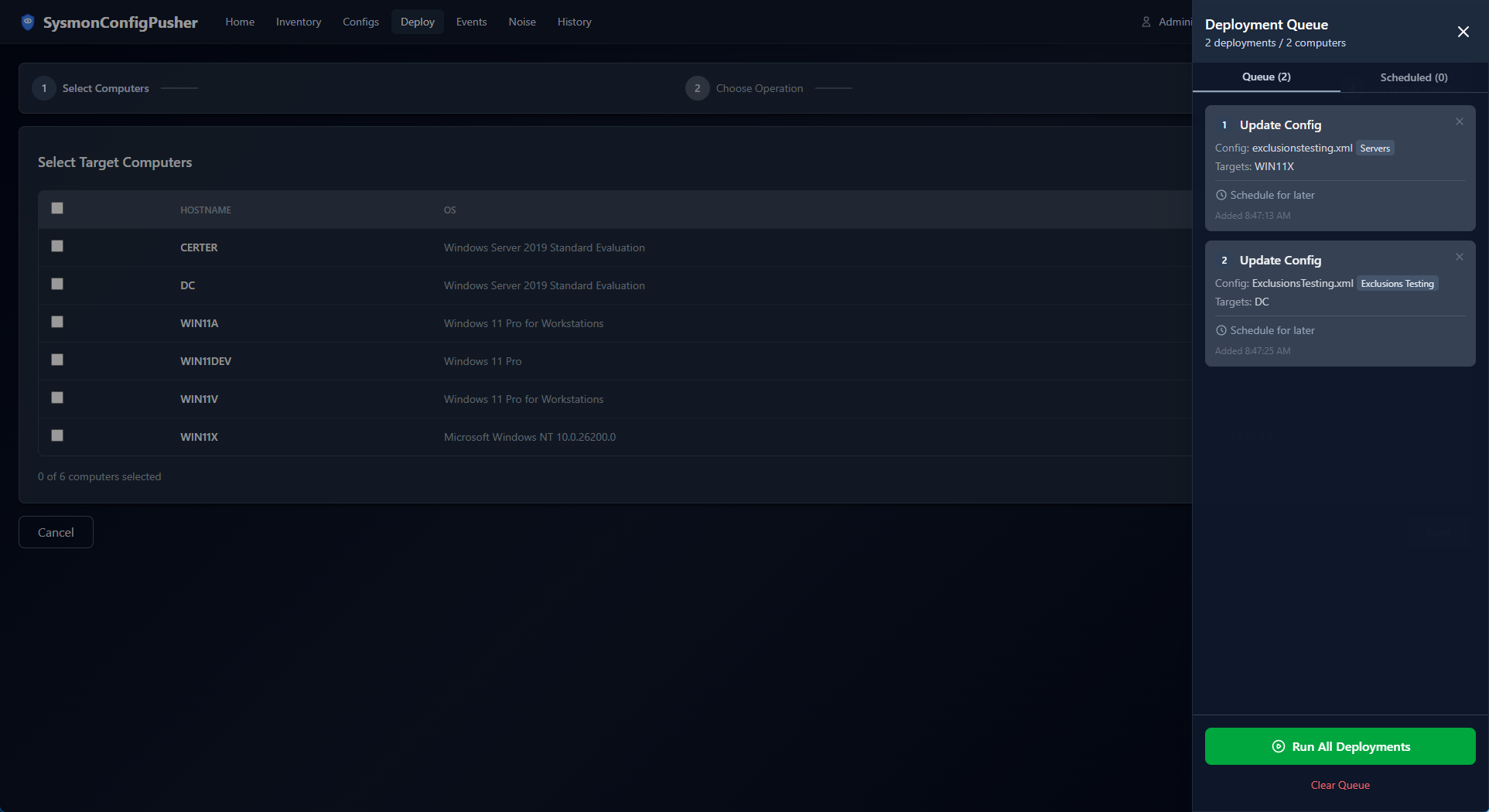
| 计划部署 | 安排未来执行的部署 |
| 灵活认证 | Windows 集成认证或 API 密钥 |
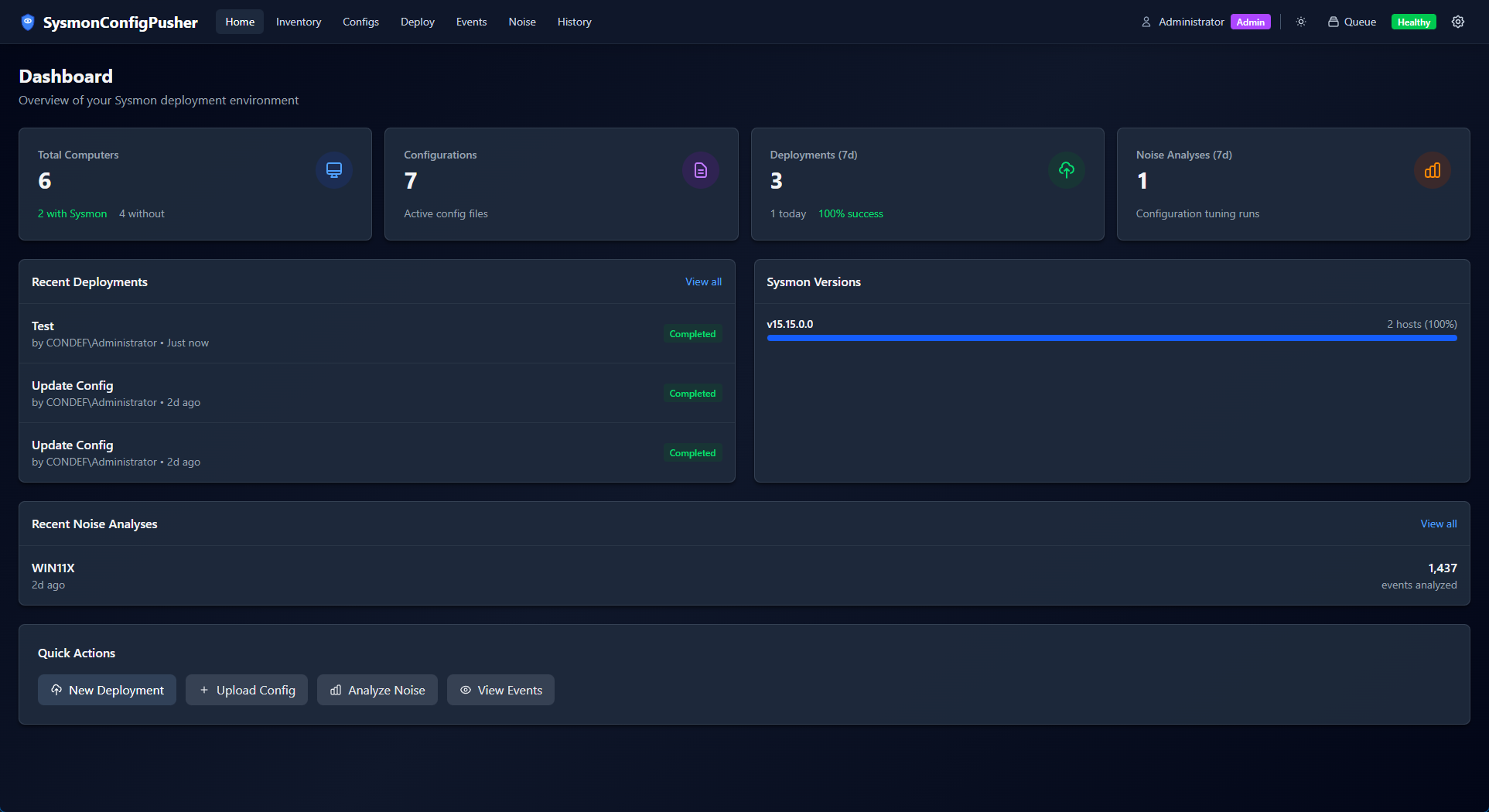
| 仪表盘 | 清单 |
|---|---|
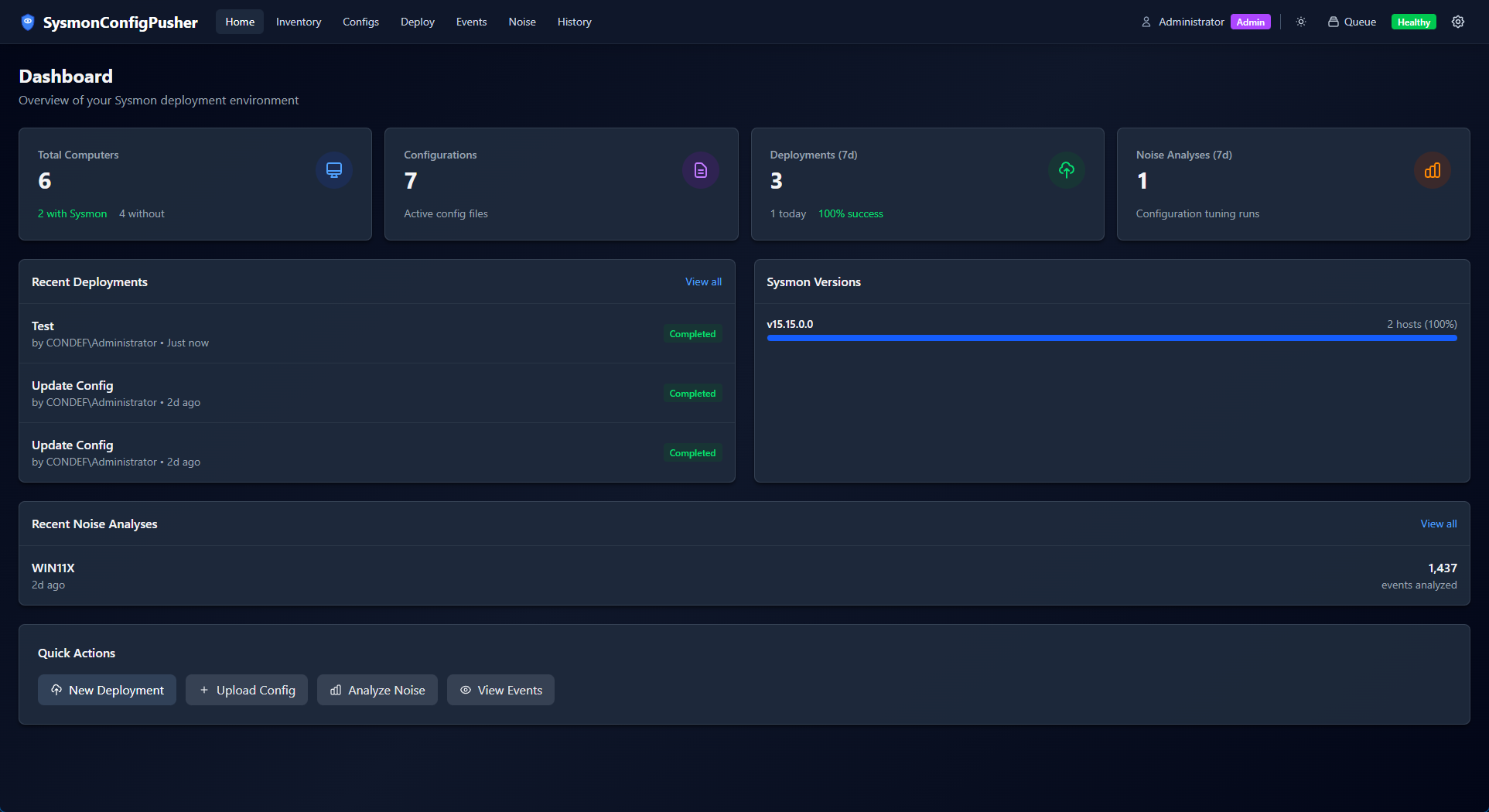 | 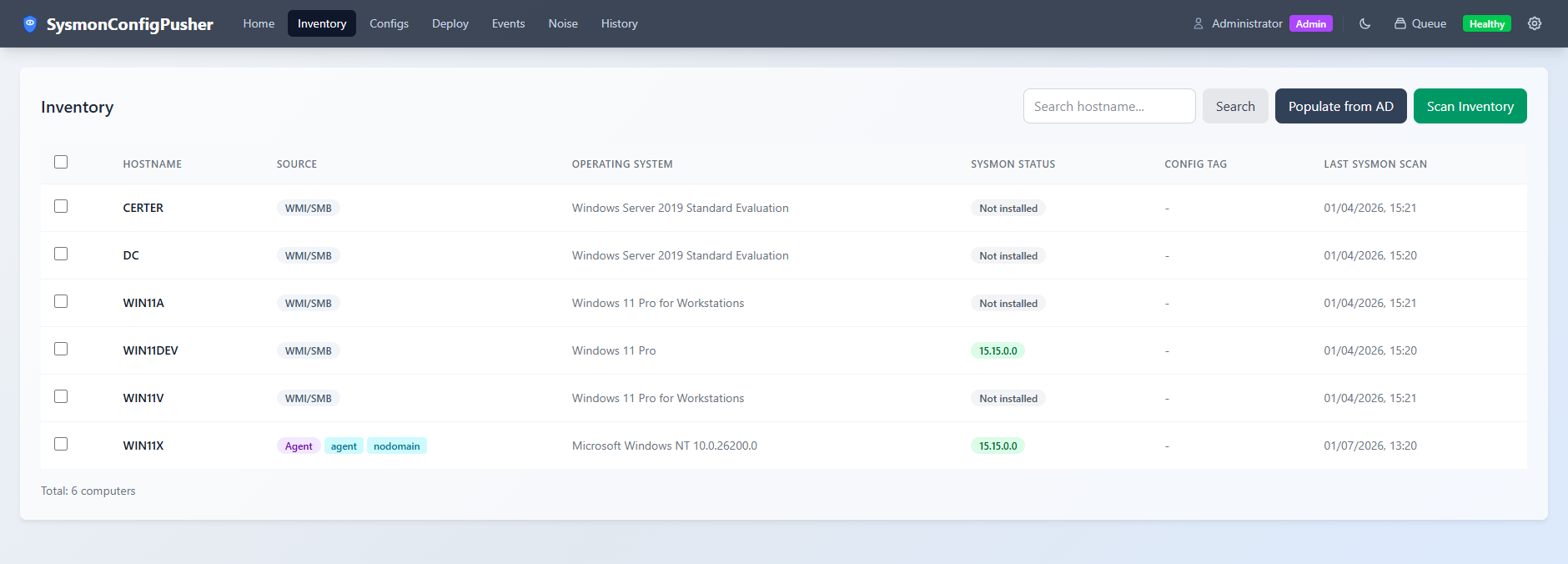 |
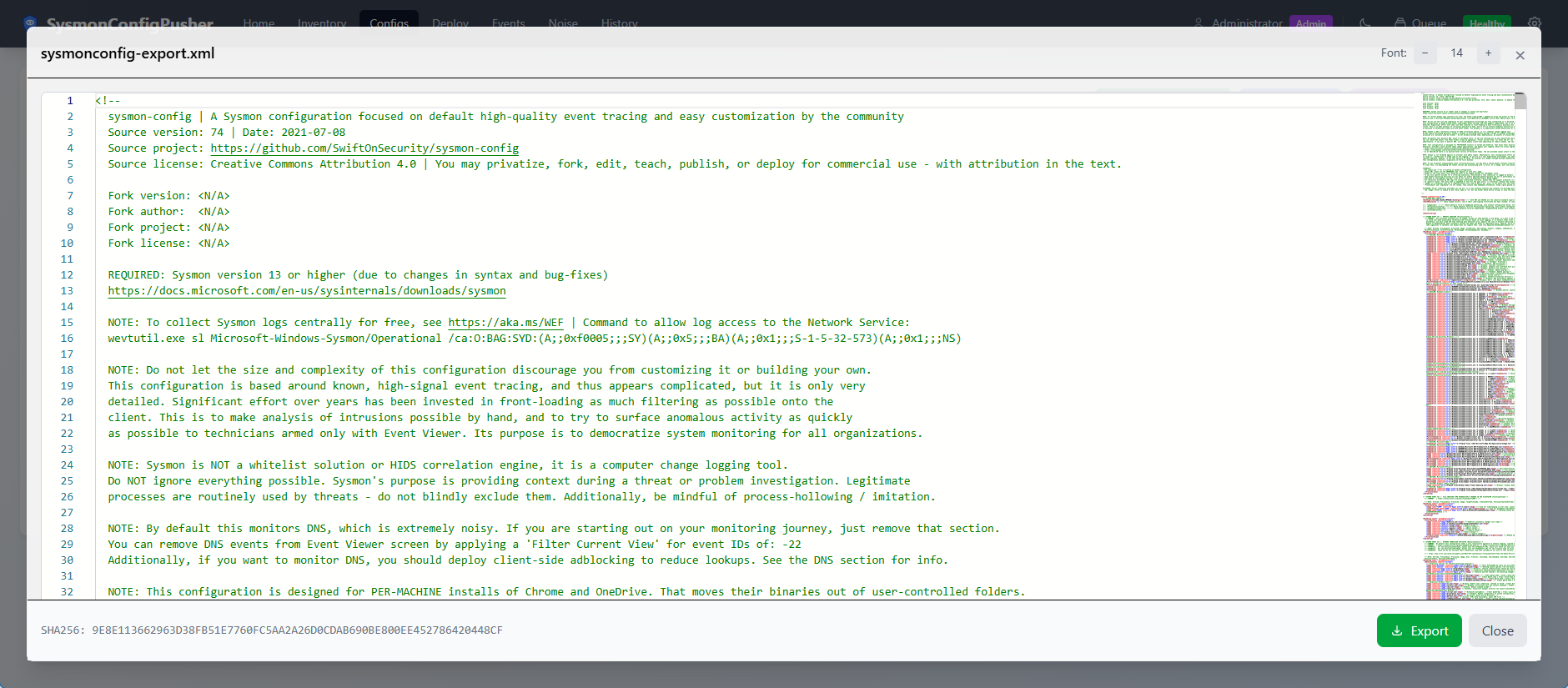
| 配置视图 | 配置编辑器 |
|---|---|
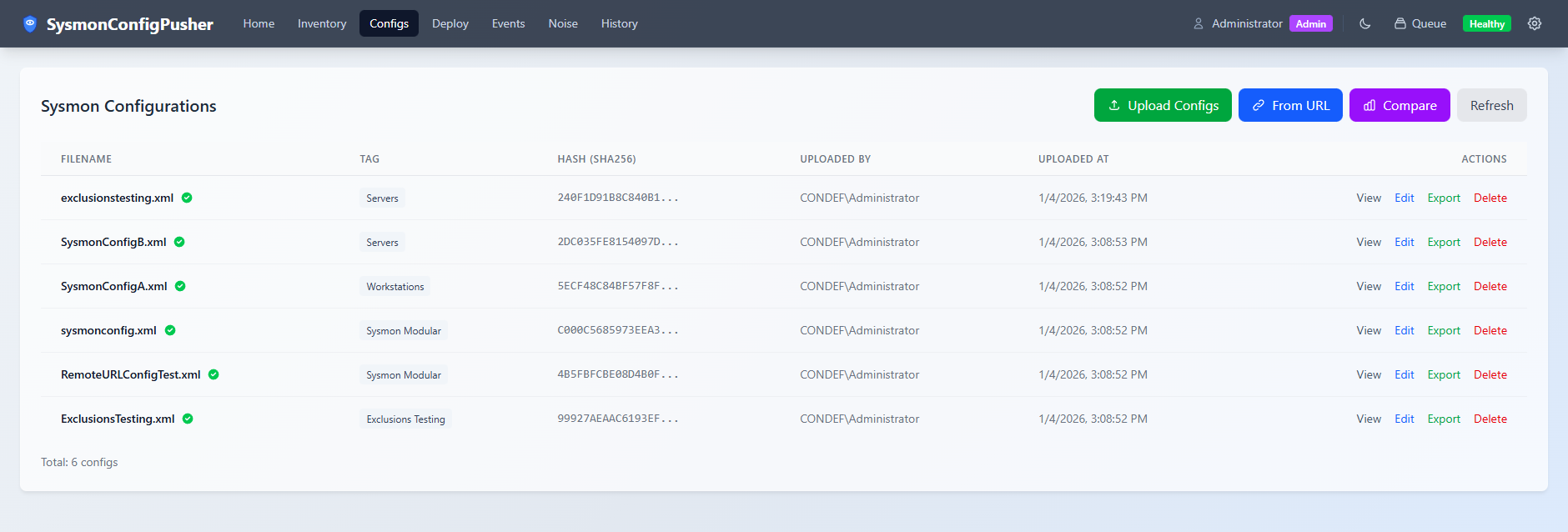 |  |
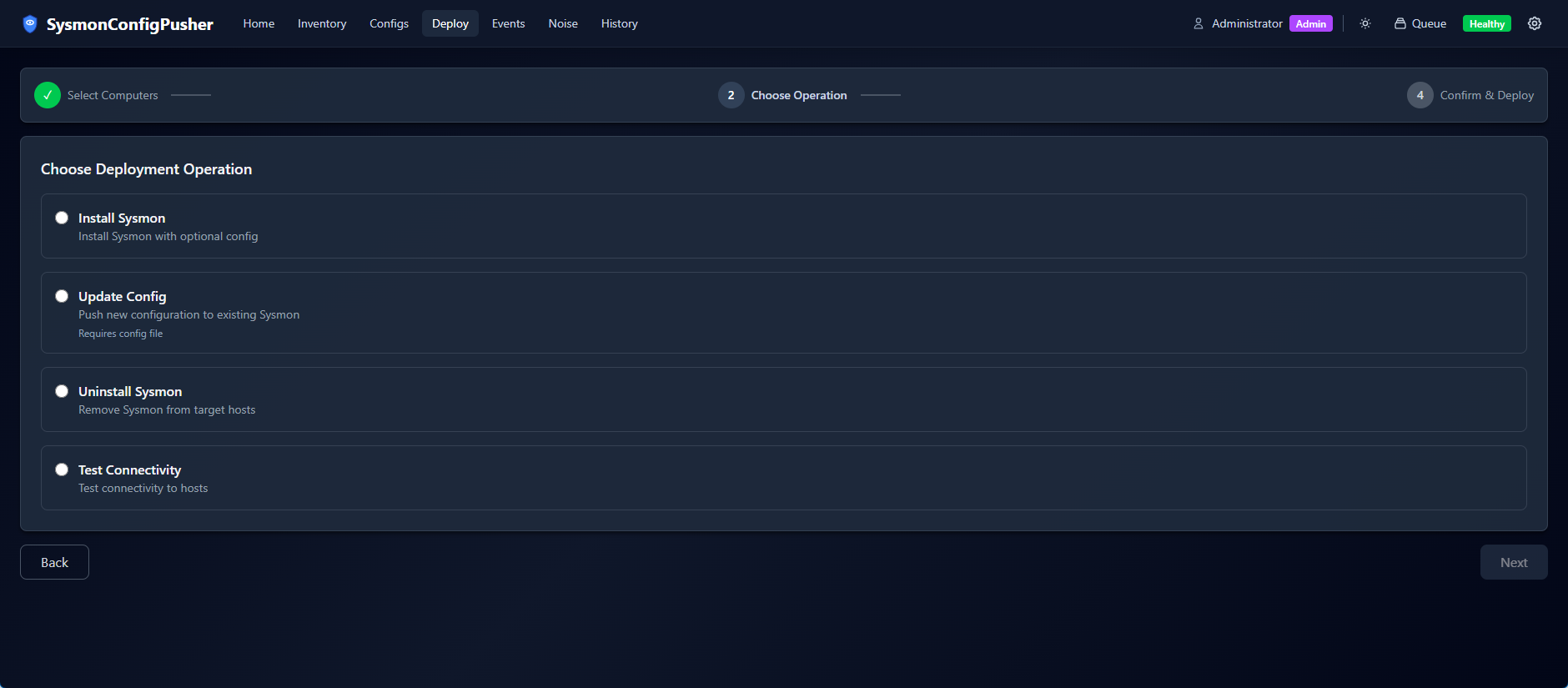
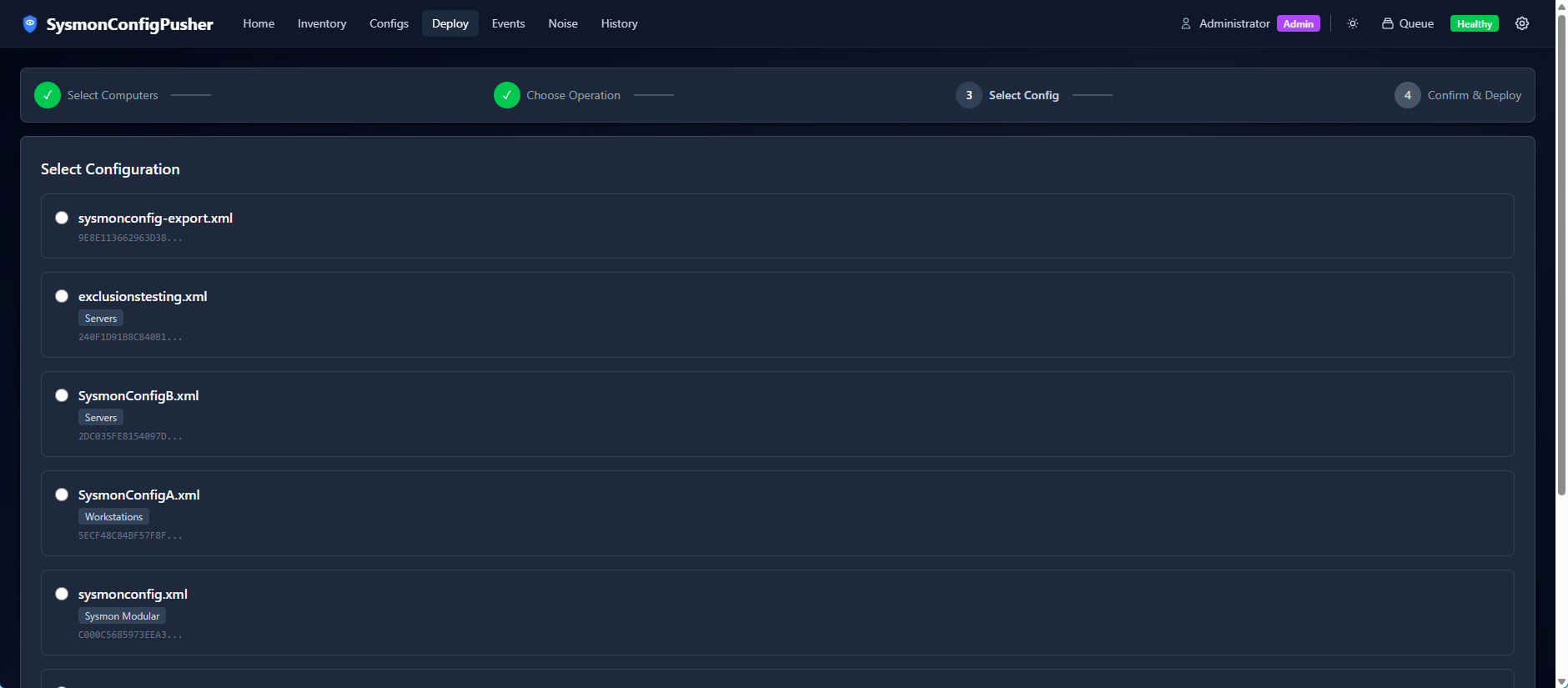
| 部署向导 | 部署进度 |
|---|---|
 |  |
| 计划部署 | 噪声分析 |
|---|---|
 | 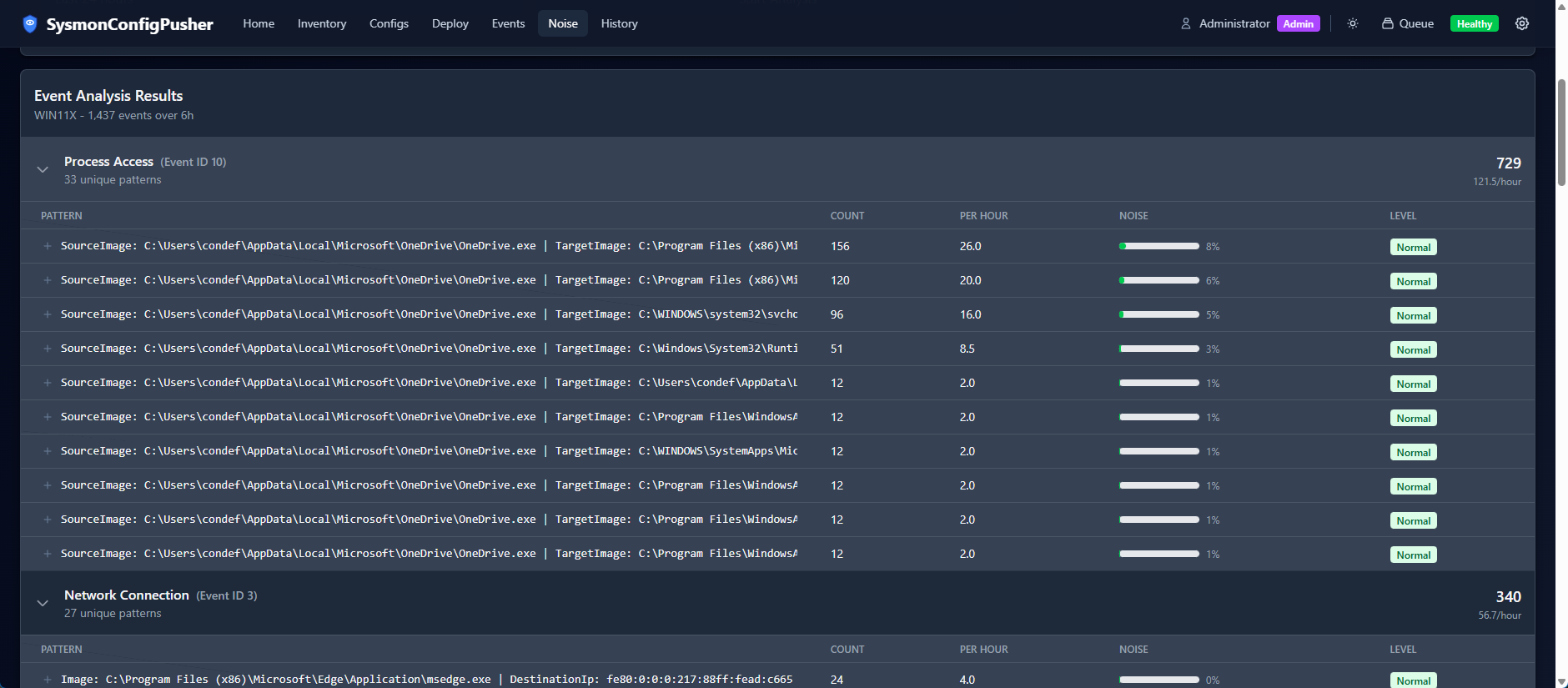 |
appsettings.json 中配置)docker run -d --name sysmonpusher \
-p 5001:5001 \
-v sysmonpusher-data:/data \
-e API_KEY_ADMIN="your-admin-key" \
-e AGENT_TOKEN="your-agent-token" \
ghcr.io/antonlovesdnb/sysmonconfigpusher2:latest
访问 UI 于 https://localhost:5001(预期会出现自签名证书警告)。
完整配置选项请参阅 Docker 指南。
本地构建和运行的说明请参阅开发指南。
| 指南 | 描述 |
|---|---|
| 安装指南 | 在 Windows Server 上进行生产部署 |
| 使用指南 | 如何使用应用程序、配置标记(SCPTAG) |
| 代理指南 | 部署和管理轻量级代理 |
| Docker 指南 | 容器部署、备份和恢复 |
| 证书指南 | 服务器和代理的 TLS 配置 |
| 部署模式 | 完整模式与仅代理模式的比较 |
| 开发指南 | 从源代码构建、本地运行 |
详细比较请参阅部署模式。
┌─────────────────────────────────────────────────────────────────────┐
│                          Web Browser                                │
│              (Windows Auth or API Key Authentication)               │
└─────────────────────────────┬───────────────────────────────────────┘
                              │ HTTPS
                              ▼
┌─────────────────────────────────────────────────────────────────────┐
│                    SysmonConfigPusher Server                        │
│                (Windows Service or Docker Container)                │
│                                                                     │
│  ┌─────────────┐  ┌──────────────┐  ┌────────────────────────────┐  │
│  │  REST API   │  │ SignalR Hub  │  │  Background Workers        │  │
│  │  (Configs,  │  │ (Real-time   │  │  (Deployments, Scans,      │  │
│  │  Deploy)    │  │  Progress)   │  │   Scheduled Jobs)          │  │
│  └─────────────┘  └──────────────┘  └────────────────────────────┘  │
│  ┌────────────────────────────────────────────────────────────────┐ │
│  │                    SQLite Database                             │ │
│  │    (Configs, Inventory, Deployments, Audit Log)                │ │
│  └────────────────────────────────────────────────────────────────┘ │
└───────────────────┬─────────────────────────────┬───────────────────┘
                    │                             │
        WMI + SMB   │                             │  HTTPS (Agent API)
      (Full Mode)   │                             │  (Agent-Only Mode)
                    ▼                             ▼
┌───────────────────────────────┐   ┌───────────────────────────────┐
│     Domain Endpoints          │   │     Cloud/DMZ Endpoints       │
│        (Agentless)            │   │      (Lightweight Agent)      │
│                               │   │                               │
│  • Direct WMI execution       │   │  • Agent polls for commands   │
│  • SMB file transfer          │   │  • Outbound HTTPS only        │
│  • Remote event log queries   │   │  • No inbound ports needed    │
└───────────────────────────────┘   └───────────────────────────────┘
| 层次 | 技术 |
|---|---|
| 后端 | ASP.NET Core 8、Entity Framework Core、SQLite |
| 前端 | React 18、TypeScript、Tailwind CSS、Vite |
| 实时通信 | SignalR WebSockets |
| 部署 | Windows 服务、Docker、MSI 安装程序(WiX) |
| 代理 | .NET 8 自包含 Windows 服务 |
想要在实验环境中尝试?请查看 Constructing Defense Lab!
欢迎贡献!请随时提交 Pull Request。
本项目采用 MIT 许可证授权 — 详情请参阅 LICENSE 文件。
这是对原版 SysmonConfigPusher WPF 应用程序的现代化改造。