作者:Austin Haggard
Binary Ninja Ollama 集成您本地托管的 ollama 服务器,利用 AI 重命名函数和变量
Ollama 是一个允许你拉取开源 AI 模型并在本地运行的工具。 有些模型需要强大的计算能力,而另一些则可以在你的个人笔记本上运行。 根据你选择的模型,结果会大不相同 :)。
为什么要用这个而不是 sidekick/openai?
该插件将 Ollama 与 Binary Ninja 集成,并支持以下操作:
如果你将其作为独立插件安装,可以将它放置(或符号链接)到 Binary Ninja 的插件路径中。默认路径详见 Vector 35 的文档。
ollama,通过 pip3 install ollama 安装这要求你能够访问或托管自己的 ollama 服务器,并拉取你想要使用的任何模型。
按照 https://ollama.com 上的说明设置你的服务器并拉取你想尝试的模型。 一旦完成,服务器应自动启动,并可通过 localhost:11434 访问。
“重命名所有函数变量”选项将解析一个函数中的所有变量,并尝试根据以下提示重命名它们:
prompt = (
             f"In one word, what should the variable '{variable}' be named in the below Function? "
             f"The name must meet the following criteria: all lowercase letters, usable in Python code"
)
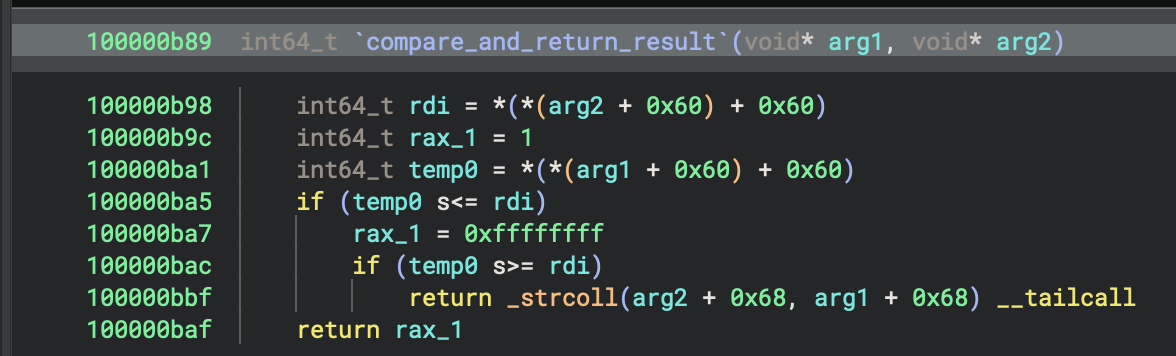
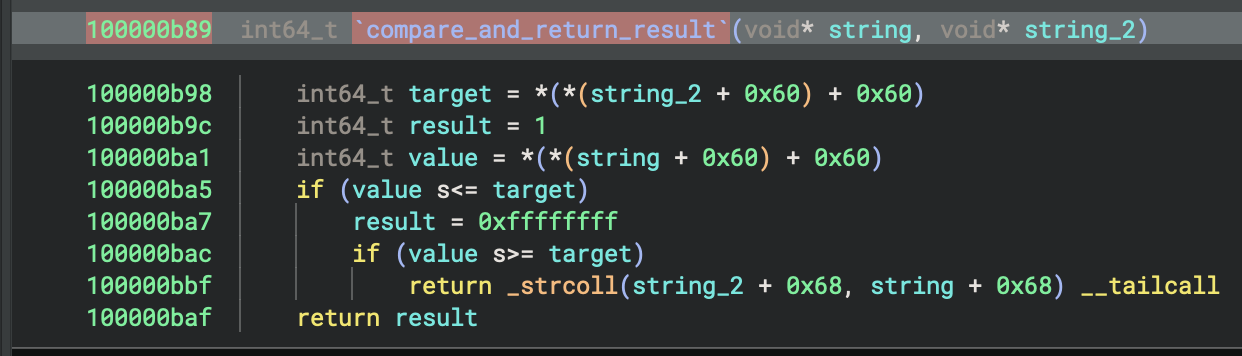
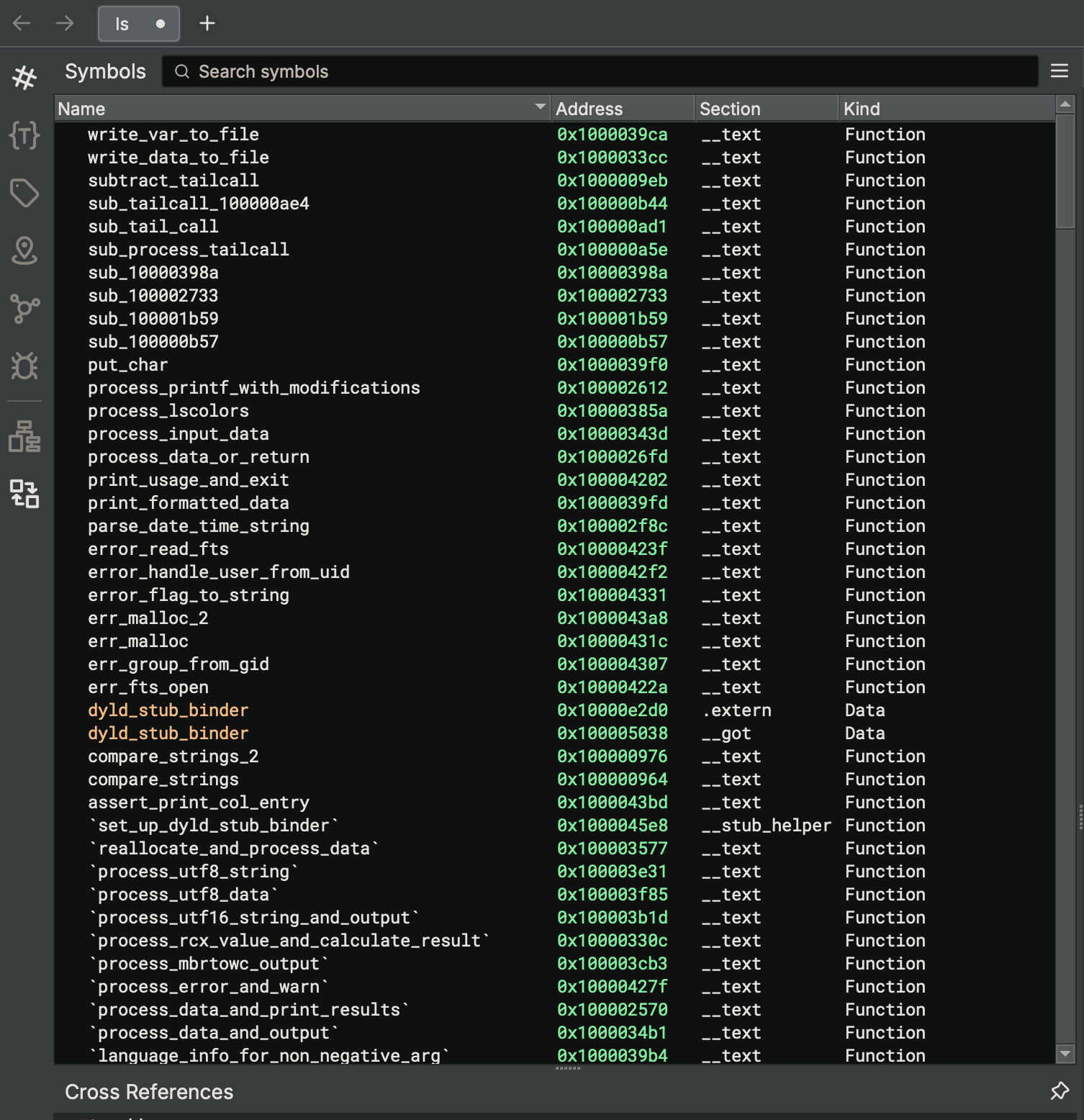
“重命名所有函数”选项将遍历 binaryview 中的所有函数(从小到大),并根据以下提示重命名它们:
prompt = (
    f"Given the following HLIL decompiled code snippet, provide a Python-style function name that describes what the code is doing. "
    f"The name must meet the following criteria: all lowercase letters, usable in Python code, with underscores between words. "
    f"Only return the function name and no other explanation or text data included."
)
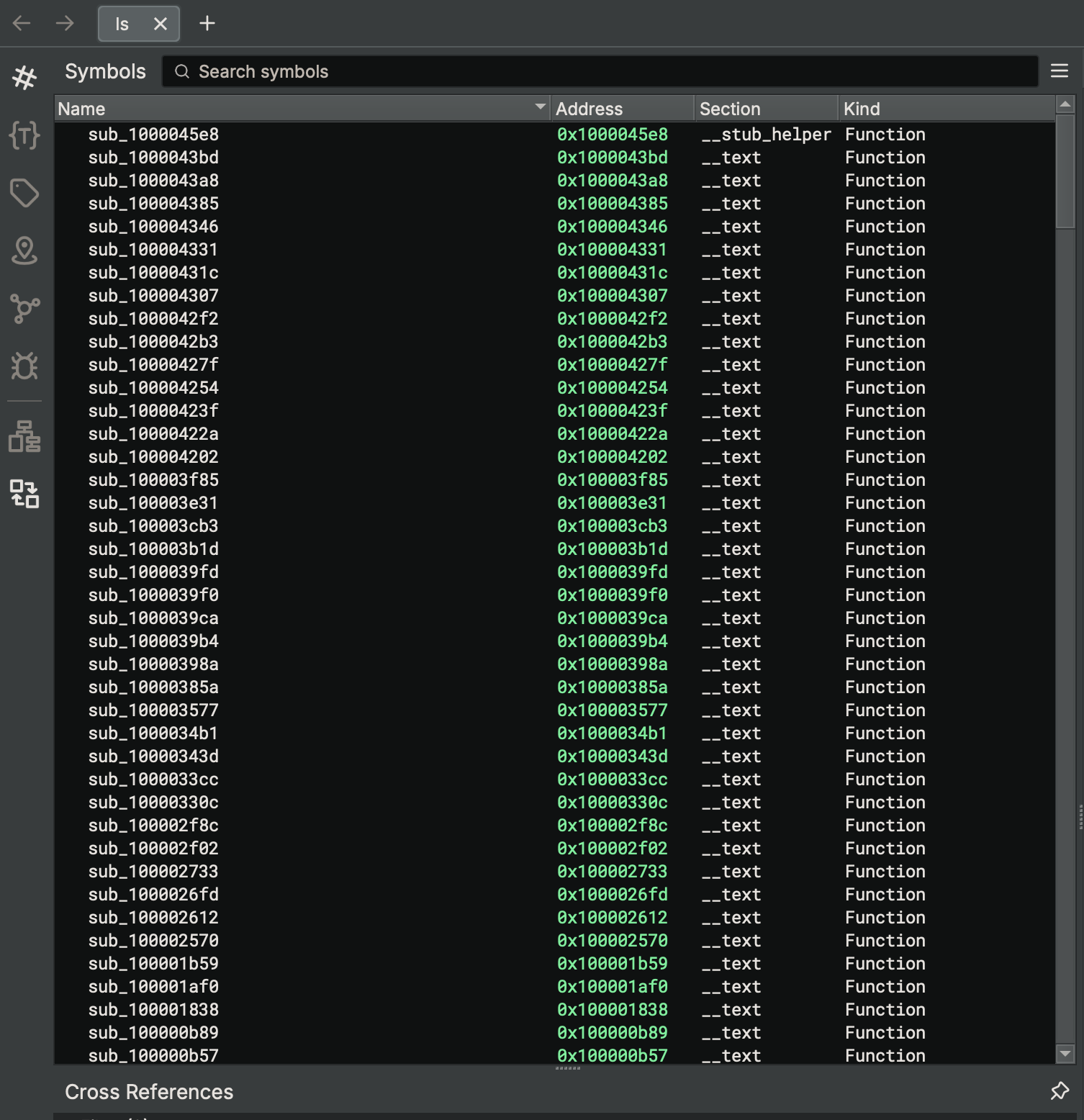
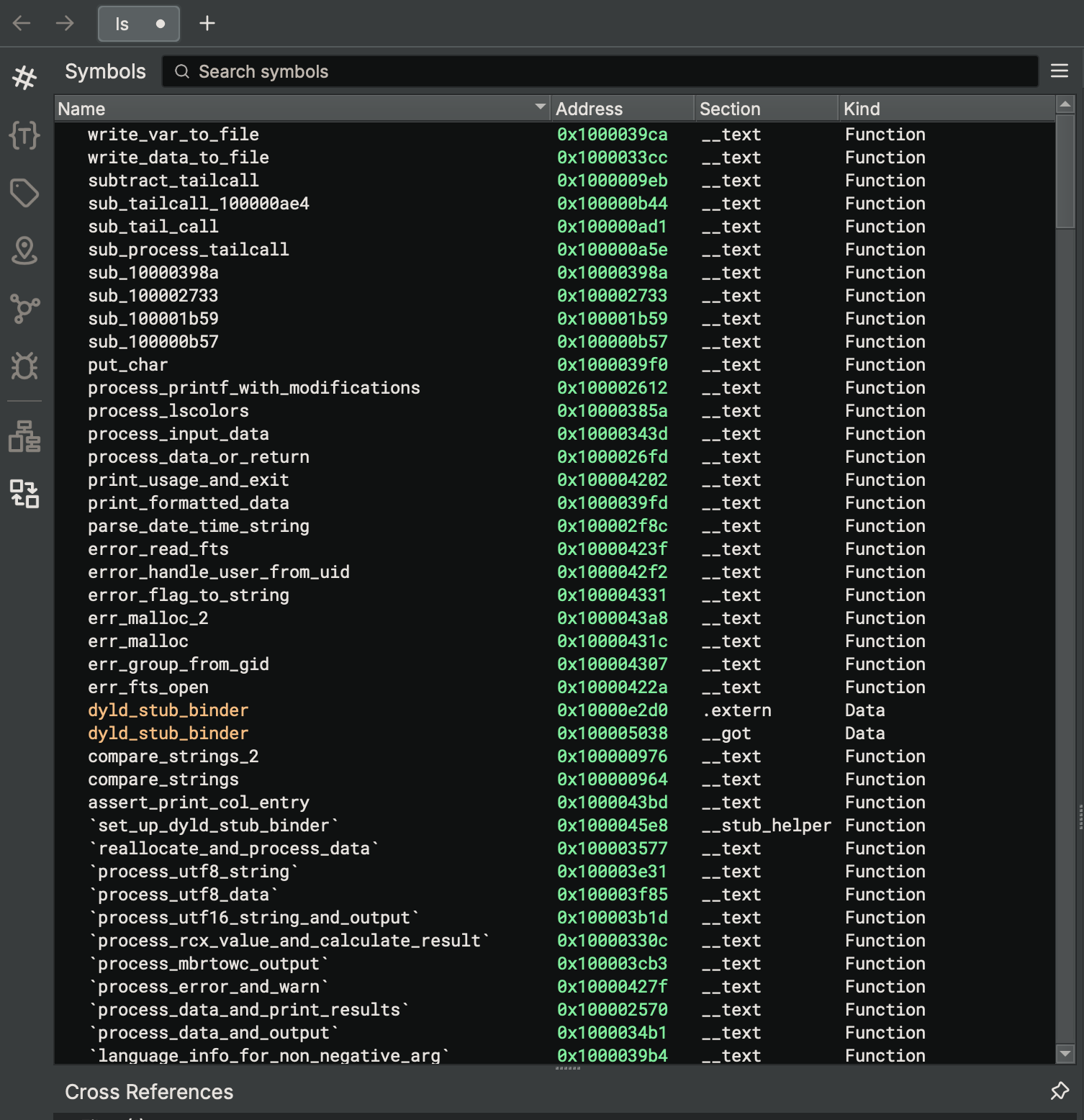
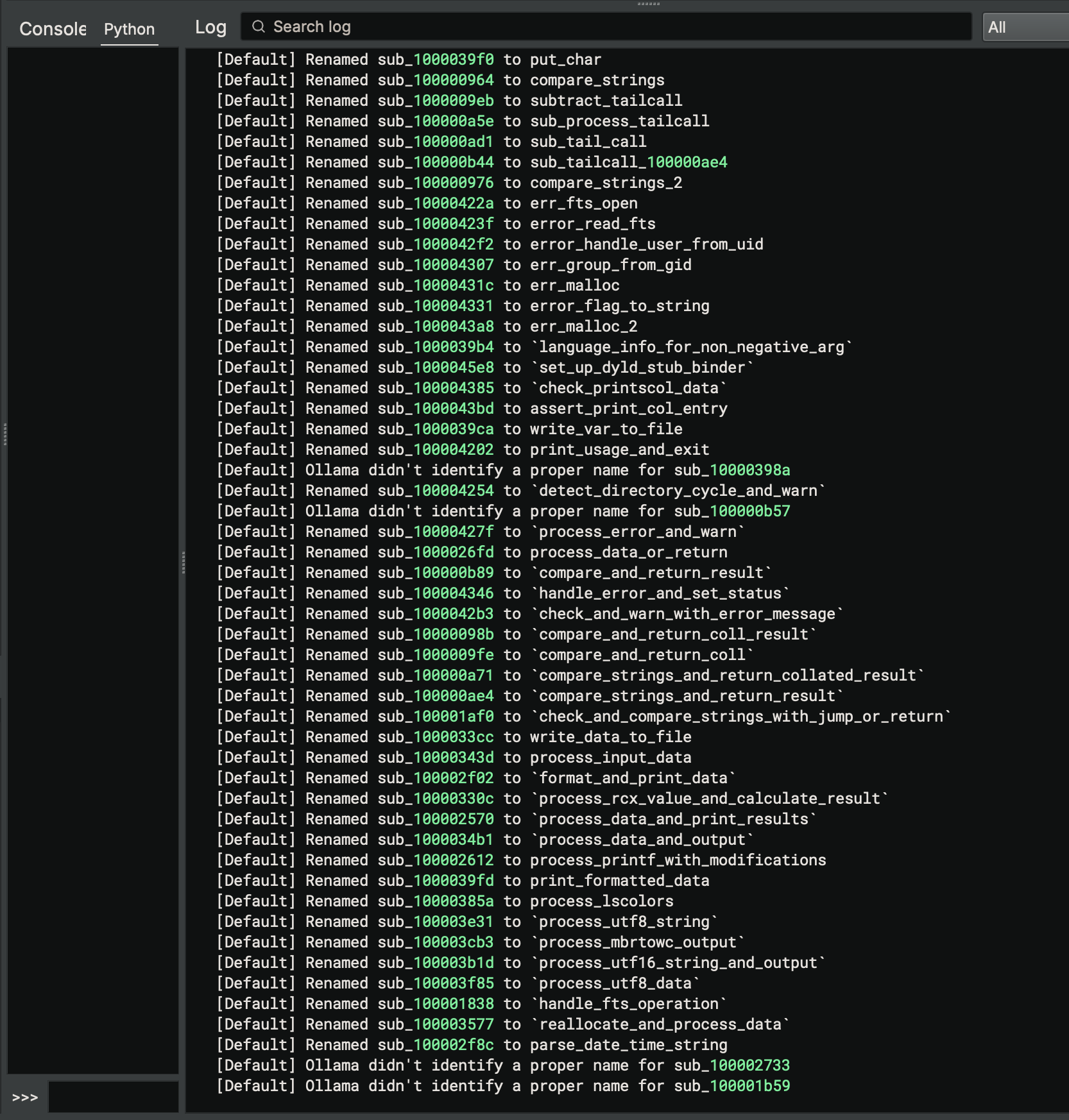
重命名目标函数使用与重命名所有函数相同的提示,但触发插件时仅限作用于所选函数。
重命名目标变量使用与重命名所有变量相同的提示,但触发插件时仅限作用于所选函数。
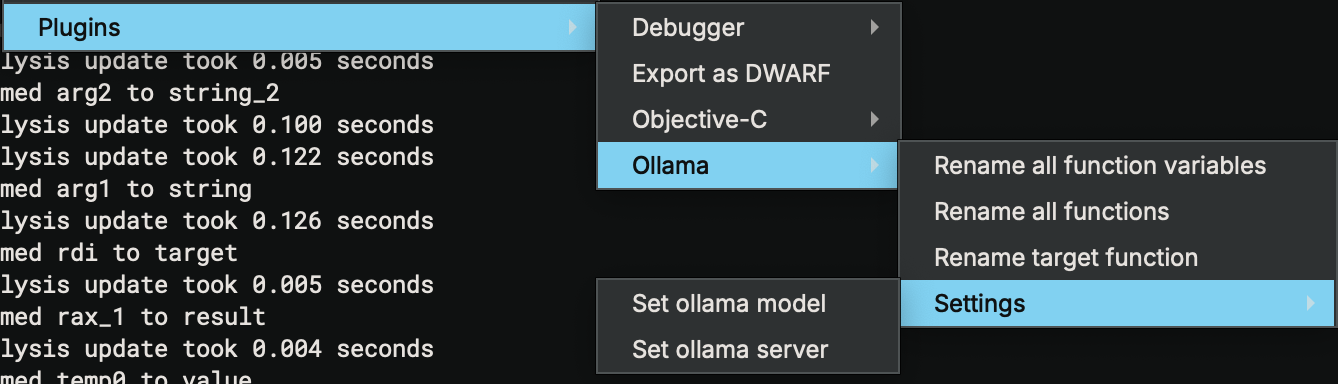
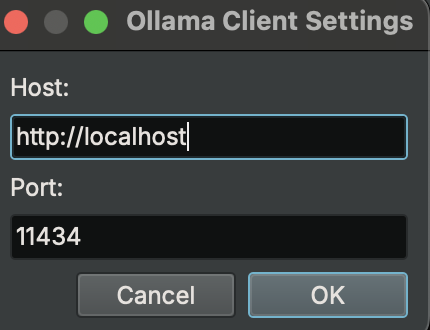
当 Binary Ninja 首次启动时,设置会在第一次调用任何重命名操作时触发,也可以手动触发。已应用的设置将在 Binary Ninja 会话中持续生效。
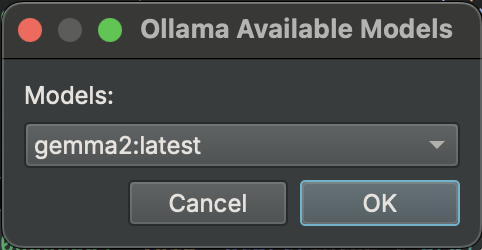
设置窗口允许你设置要在 ollama 中使用的 IP、端口和模型。只有已下载的模型才可选择。
有任何你感兴趣但未包含的功能吗?
想法:
该插件以 MIT 许可证发布。