 0xcub3/wblock
The next-generation ad blocker for Safari. Free and open source on macOS, iOS, iPadOS, and visionOS, with 750,000 rules, userscripts, userstyles, and an element zapper.


The end of Safari ad-blocking B.S.
A free, open-source ad blocker for Safari on Mac, iPhone, iPad, and Apple Vision Pro.






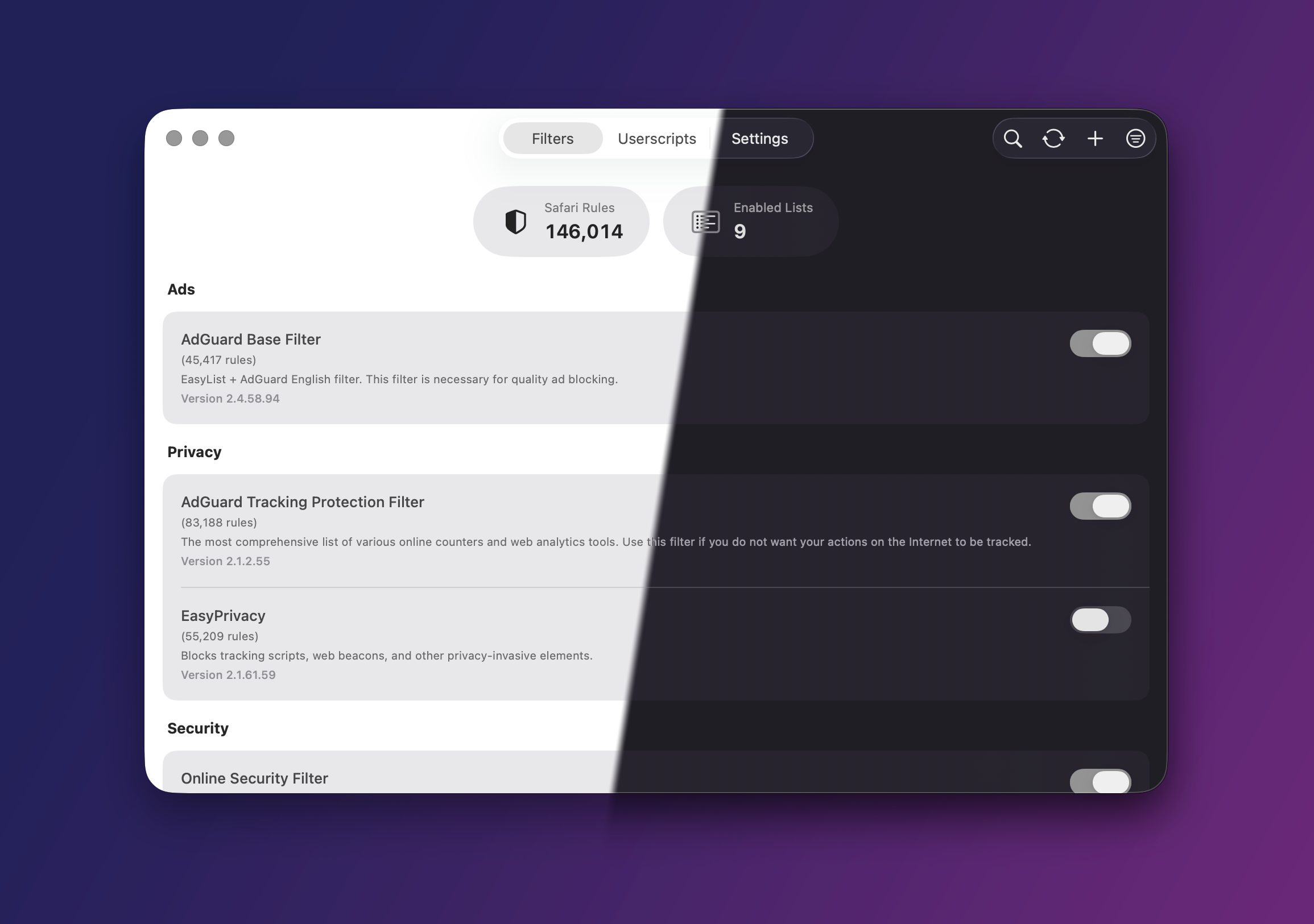
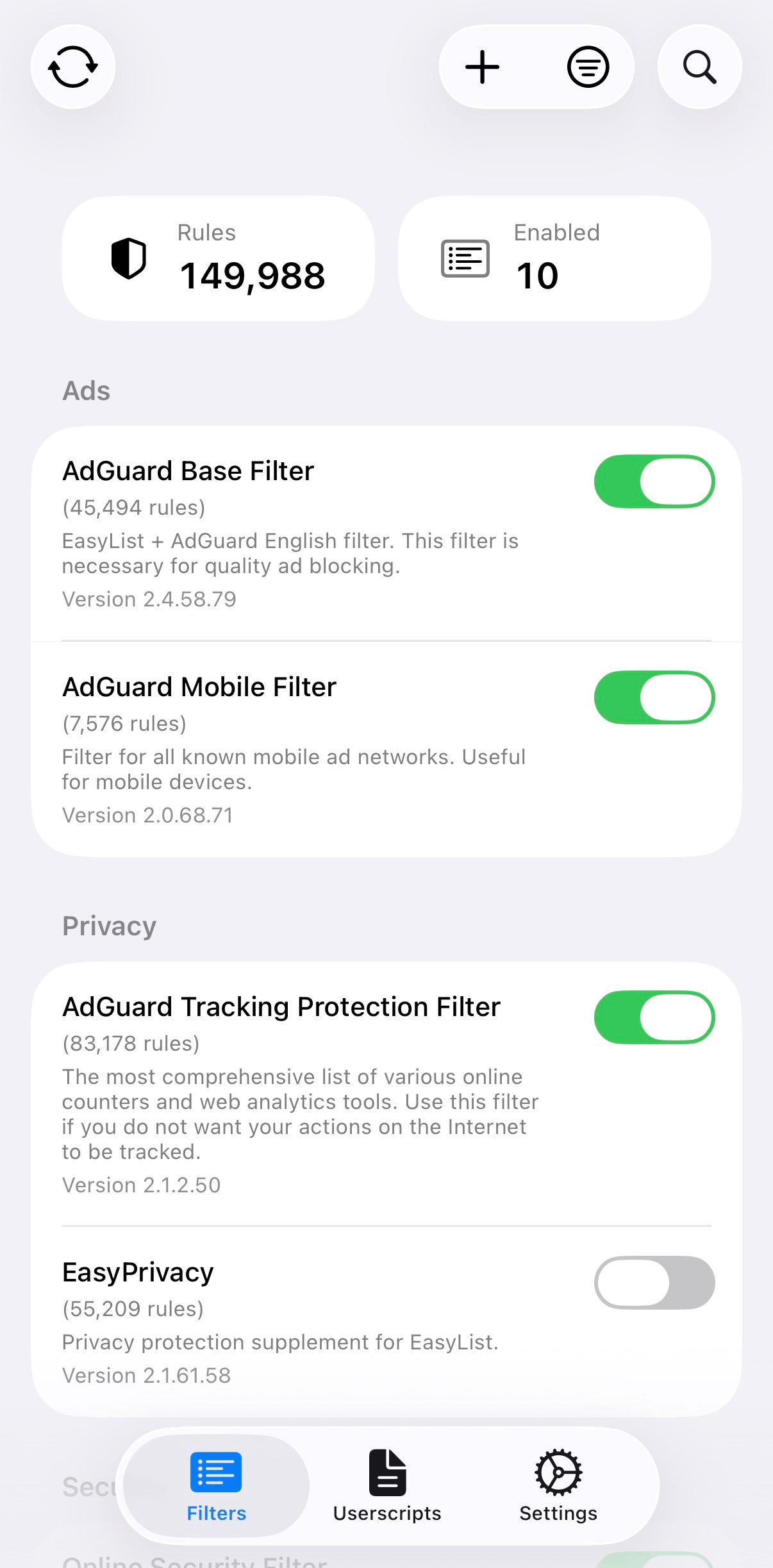
wBlock is a free, open-source Safari content blocker for macOS, iOS, iPadOS, and visionOS. Five content blocking extensions provide a combined capacity of 750,000 rules, with a limit of 150,000 per extension. A separate scripts extension supports scriptlets, cosmetic filtering, userscripts, userstyles, element hiding, and native video controls.
wBlock does not collect user data. The rules viewer provides access to compiled rules, unsupported filter entries, and changes from the latest filter update.
[!TIP] The comparison guide covers wBlock, uBlock Origin Lite, Wipr, and AdGuard.
utm_*, and link-shortener resolution. Both are enabled by default.GM_* and GM.* APIs. GM_xmlhttpRequest is restricted to hosts declared in a script's @connect metadata..user.css) with Less and Stylus support. See docs/USERSTYLES.md.Tube Cleaner and Player Cleaner enable Safari's native controls on existing video elements before the page renders. Supported features include Picture-in-Picture, background audio, fullscreen playback, and Now Playing integration.
Tube Cleaner supports YouTube while preserving its original video stream. It integrates chapters and captions into Safari's native menus and provides SponsorBlock skipping with per-category settings. DeArrow is available separately for alternative titles and thumbnails.
Player Cleaner supports video.js, JW Player, Plyr, Flowplayer, MediaElement, Clappr, Media Chrome, and shadow-root players such as Archive.org's. Playback speed, volume, captions, and playback position are saved per site.
Both scripts receive updates from wBlock-userscripts independently of app releases. Ad blocking remains the responsibility of the filter lists.
The Safari toolbar popup provides separate controls for filtering, userscripts, and autoplay, along with the element zapper. Filter lists and userscripts can be restricted to selected sites or excluded from specific domains. Zapper rules can be edited in Settings.
wBlock supports macOS, iOS, iPadOS, and visionOS. iCloud sync includes filter lists, custom filters, userscripts, the allowlist, and settings. Local backup export is also available.
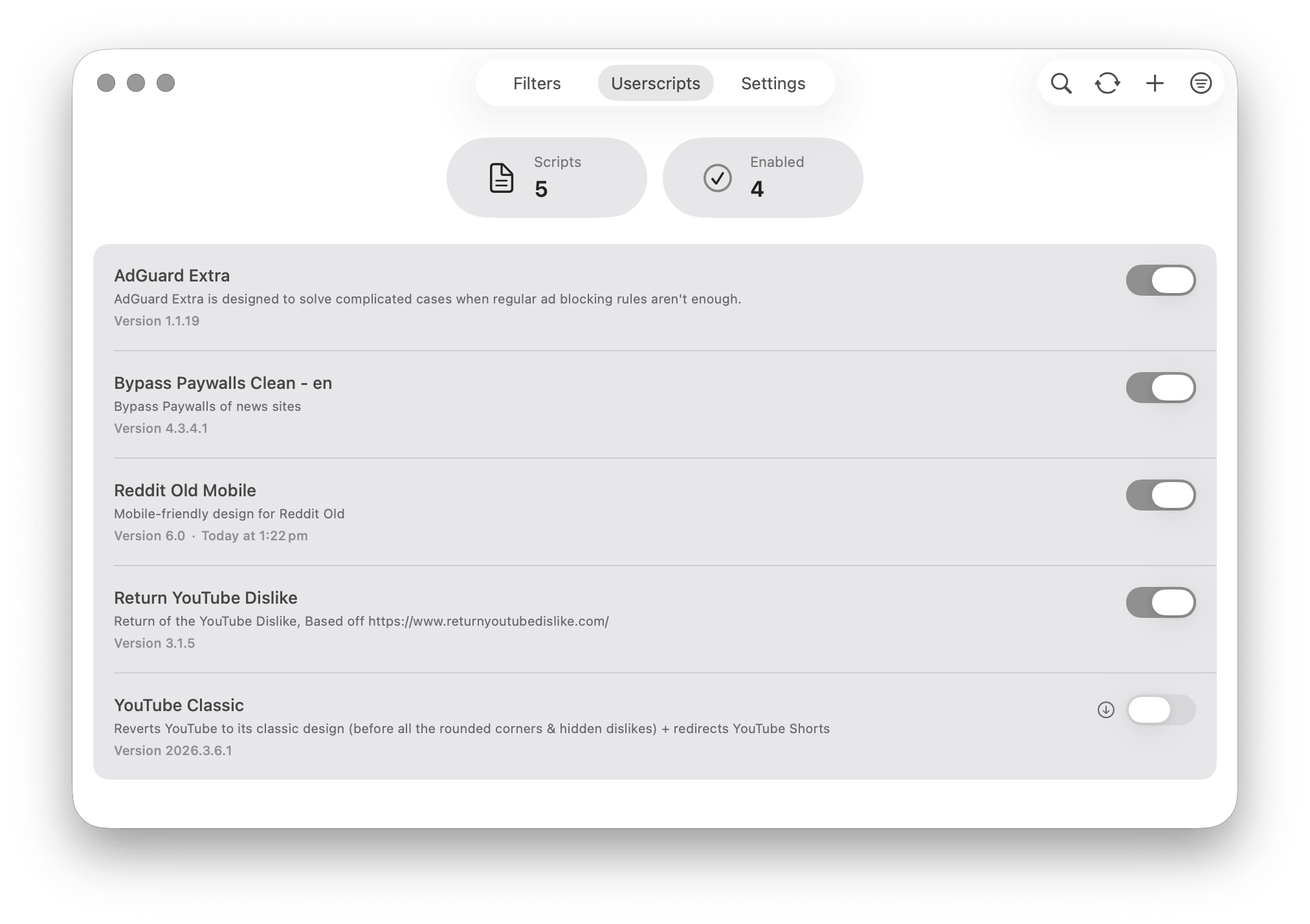
Userscripts on macOS |
|
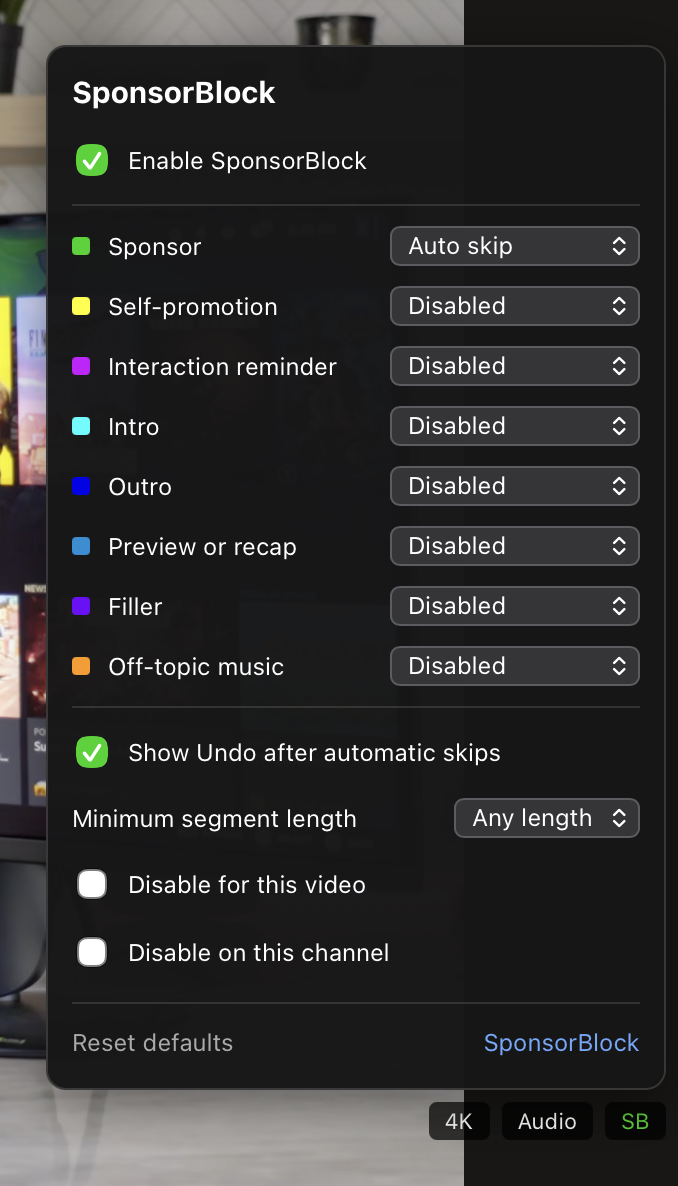
SponsorBlock in Tube Cleaner |
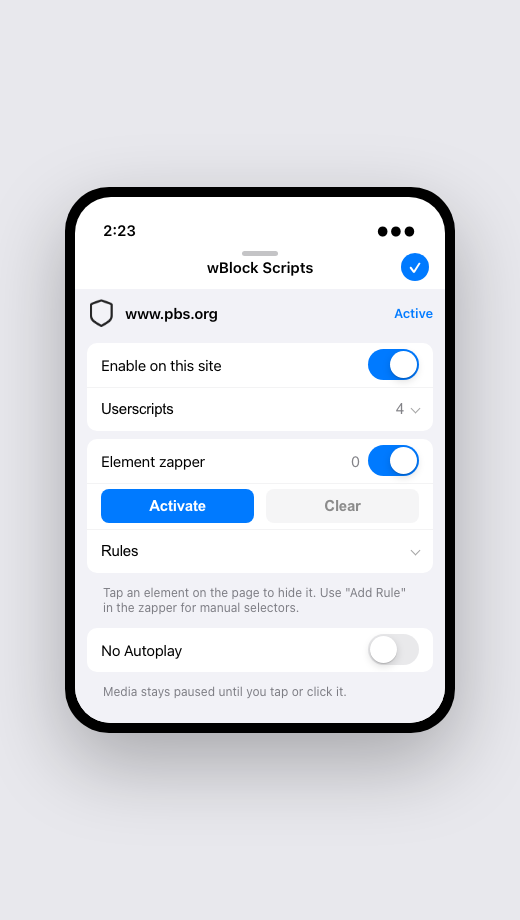
The Safari popup on iPhone |
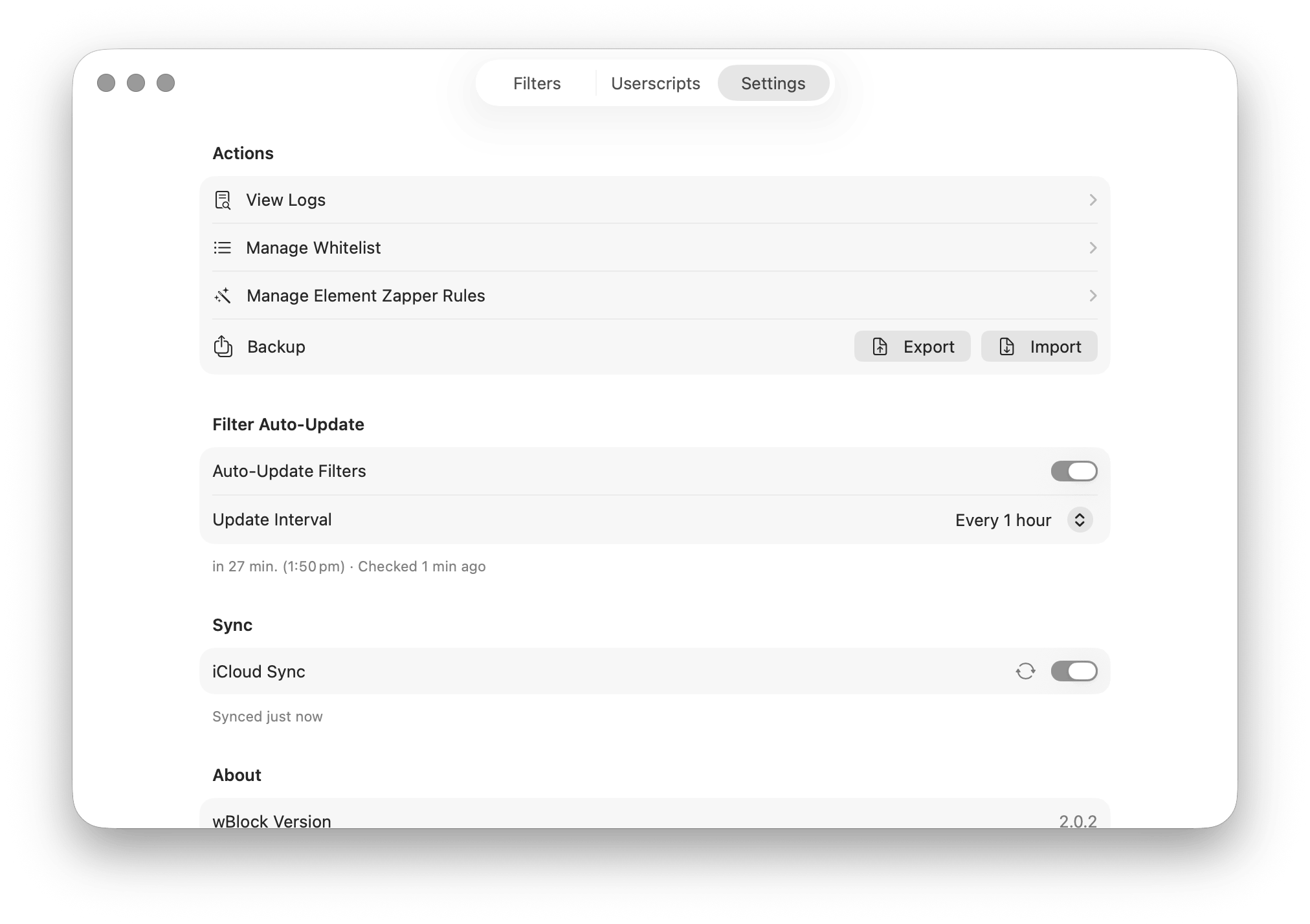
Settings on macOS |
|
brew tap 0xcub3/wblock && brew install --cask wblockThe initial setup provides instructions for enabling the extensions in Safari.
