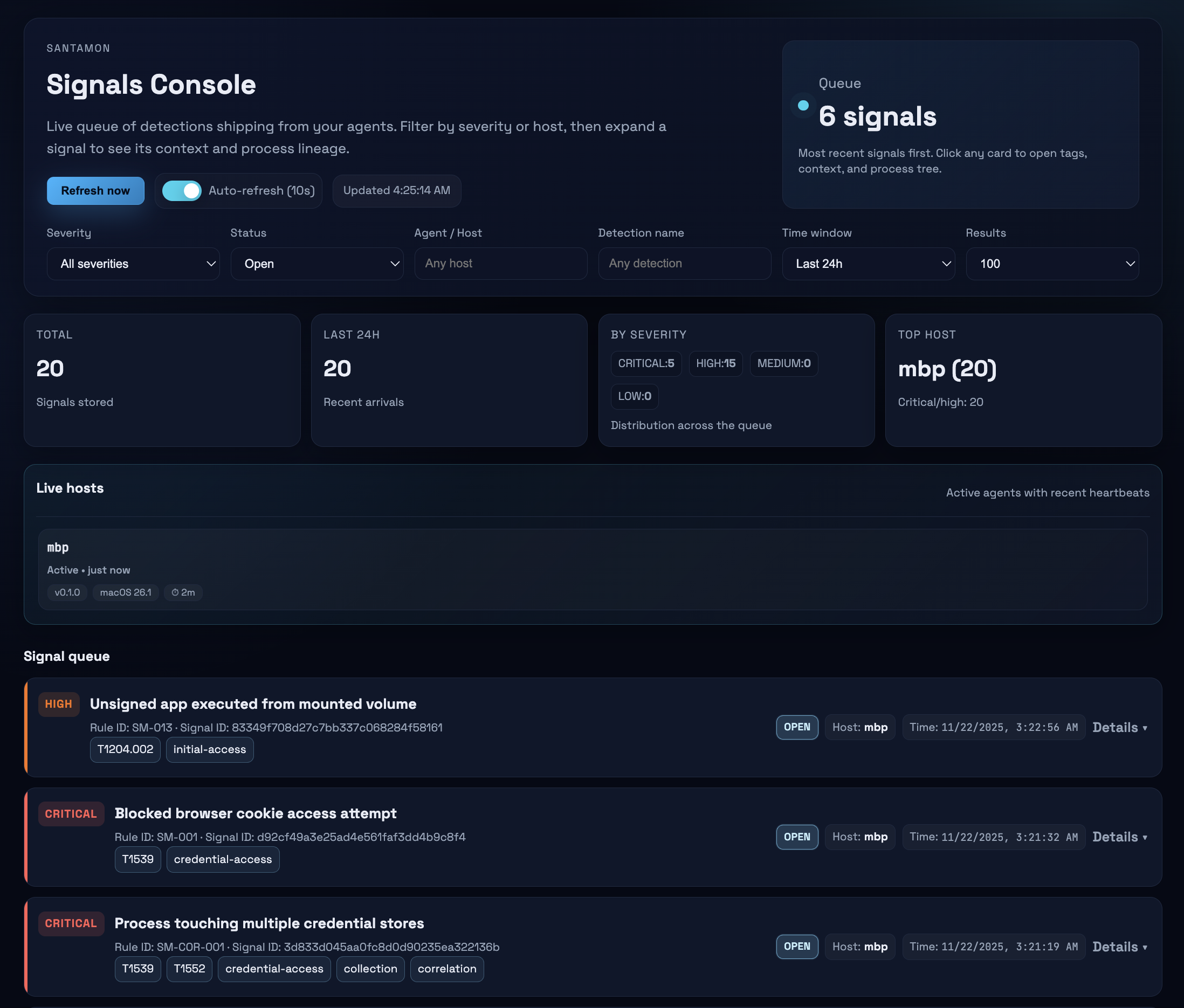
轻量级 macOS 检测侧车,用于 Santa,在本地使用 CEL 规则评估 Endpoint Security 遥测数据,并仅将匹配的检测信号转发到后端服务器。
实验性。 专为家庭实验室和小规模机群构建。早期版本——可能存在错误和 API 变更。
Santamon 读取 Santa 的 protobuf 遥测流,使用 CEL 表达式评估检测规则,并将安全信号发送到后端。原始遥测数据保留在终端上——只转发检测结果。
核心能力:
Santamon 是 Santa 的一个检测侧车,而不是另一个 ESF 客户端。
构建自定义 ESF 工具需要 Apple 的受限授权、配置文件,以及仔细处理高容量的 Endpoint Security 事件。Santa 已经做到了这一点,并在生产环境中经过实战检验。
Santamon 的价值:
Santa 负责可靠安全地处理 Endpoint Security 事件的繁重任务;Santamon 专注于检测逻辑和信号质量。
Santa Spool → Watcher → Decoder → Rules Engine → Signal Generator → Shipper → Backend
                 ↓                      ↓
                ┌────────────────────────┐
                │ State DB (BoltDB)      │
                │ • 关联窗口             │
                │ • 基线追踪             │
                │ • 信号队列             │
                └────────────────────────┘
                进程谱系:内存缓存(1小时TTL,最大50K)
数据流:
/var/db/santa/spool/new/)中新增的 protobuf 文件Spool 生命周期:
santa.archive_dir(默认:/var/lib/santamon/spool_hits)进程谱系:
tcc_modification 需要 macOS 15+)必须配置 Santa 以写入 protobuf 事件。使用提供的配置文件:
# 查看并自定义,然后通过系统设置安装
open configs/examples/santa-config.mobileconfig

# 验证
santactl status | grep "Log Type"
# 应显示:Log Type | protobuf
git clone https://github.com/0x4d31/santamon.git
cd santamon
make build
sudo make install
这将安装:
/usr/local/bin/santamon/etc/santamon/config.yaml 和 rules.yaml/Library/LaunchDaemons/com.santamon.plist/var/lib/santamon/编辑 /etc/santamon/config.yaml:
shipper:
  endpoint: "https://your-backend.example.com:8443/ingest"
  api_key: "${SANTAMON_API_KEY}"
在 LaunchDaemon plist 中设置 API 密钥:
# 生成强 API 密钥
openssl rand -hex 32

# 编辑 LaunchDaemon
sudo nano /Library/LaunchDaemons/com.santamon.plist

# 在 EnvironmentVariables 下添加:
<key>SANTAMON_API_KEY</key>
<string>your-generated-key-here</string>
# 启动服务
sudo make start

# 监控日志
make logs
主配置:/etc/santamon/config.yaml
agent:
  id: "${HOSTNAME}"

shipper:
  endpoint: "https://backend.example.com:8443/ingest"
  api_key: "${SANTAMON_API_KEY}"
santa:
  spool_dir: "/var/db/santa/spool"      # Santa spool 位置
  archive_dir: "/var/lib/santamon/spool_hits"  # 归档产生告警的 spool 文件
  stability_wait: "2s"                  # 读取新文件前等待

rules:
  path: "/etc/santamon/rules.yaml"      # 文件或目录

state:
  db_path: "/var/lib/santamon/state.db"
  sync_writes: true                     # 写入后 fsync(更安全但更慢)

  first_seen:
    max_entries: 10000                  # 基线规则的 LRU 缓存

  windows:
    max_events: 1000                    # 每个关联窗口的最大事件数

shipper:
  batch_size: 100                       # 每批信号数
  flush_interval: "30s"                 # 刷新间隔
  timeout: "10s"                        # HTTP 请求超时
  tls_skip_verify: false                # 生产环境绝对不要设为 true
所有选项及其详细注释见 configs/santamon.yaml。
规则是评估 Santa 事件的 CEL 表达式。支持三种类型:简单、关联和基线。
rules:
  - id: SM-014
    title: "非交互式进程调用 curl/wget"
    description: |
      非终端、非包管理器的进程启动 curl 或 wget。
    expr: |
      kind == "execution" &&
      event.execution.target.executable.path in ["/usr/bin/curl", "/usr/bin/wget"] &&

      // 排除交互式 shell
      !(
        event.execution.instigator.executable.path.startsWith("/bin/bash") ||
        event.execution.instigator.executable.path.startsWith("/bin/zsh") ||
        event.execution.instigator.executable.path.startsWith("/bin/sh")
      ) &&

      // 排除 Homebrew / 包管理器辅助进程(它们经常合法使用 curl)
      !(
        event.execution.instigator.executable.path.startsWith("/opt/homebrew/") ||
        event.execution.instigator.executable.path.contains("/Homebrew/")
      )
    severity: high
    tags: ["T1105", "command-and-control"]
    extra_context: ["event.execution.args"]
    include_process_tree: true
    enabled: true
correlations:
  - id: SM-COR-001
    title: "进程访问多个凭据存储"
    description: "单个进程在 5 分钟内访问 3 个或更多凭据存储。"
    expr: |
      kind == "file_access" &&
      event.file_access.policy_name in [
        "ChromeCookies", "CometCookies", "SSHPrivateKeys",
        "BrowserPasswords", "KeychainDB"
      ]
    window: "5m"
    group_by: ["event.file_access.instigator.executable.path"]
    count_distinct: "event.file_access.policy_name"
    threshold: 3
    severity: critical
    tags: ["T1539", "T1552", "credential-access"]
    enabled: true
baselines:
  - id: SM-BASE-001
    title: "用户路径中首次执行未签名二进制"
    description: "首次在 /Users 路径下执行未签名二进制。"
    expr: |
      kind == "execution" &&
      event.execution.decision == DECISION_ALLOW &&
      event.execution.target.executable.path.startsWith("/Users/") &&
      (
        !has(event.execution.target.code_signature) ||
        !has(event.execution.target.code_signature.team_id) ||
        event.execution.target.code_signature.team_id == ""
      )
    track: ["event.execution.target.executable.cdhash"]
    learning_period: "720h"
    severity: high
    tags: ["T1204.002", "initial-access"]
    enabled: true
规则组织: 单个文件(/etc/santamon/rules.yaml)或多文件目录结构。
部署前验证:
santamon rules validate
完整指南见 RULES.md。
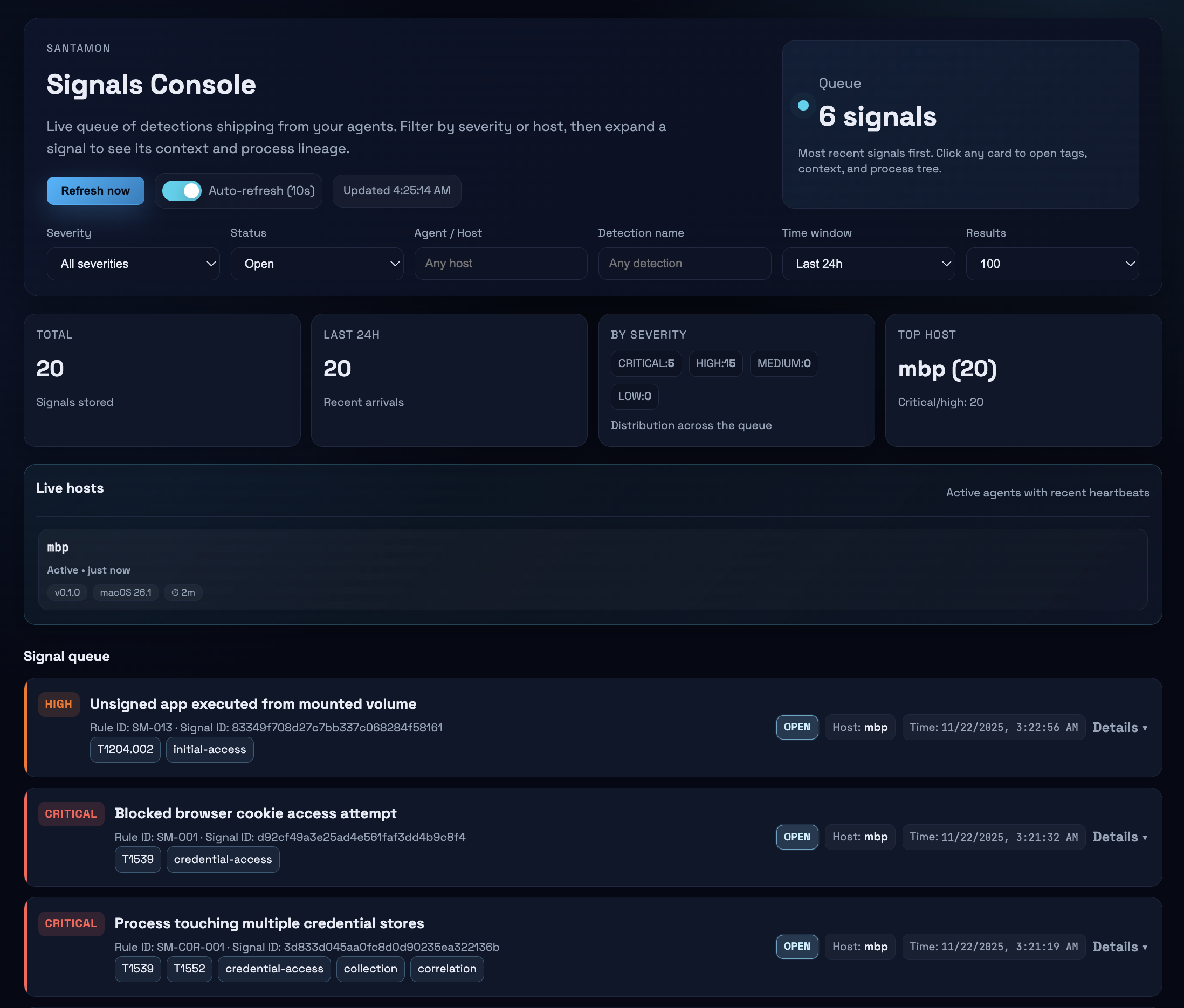
Santamon 需要一个后端来接收信号。一个最小的 FastAPI 后端包含在 backend/ 目录中。
功能:
POST /ingest 接收信号(需要 API 密钥)GET /signals、GET /stats)POST /agents/heartbeat)快速启动:
cd backend
pip install fastapi uvicorn

# 设置 API 密钥
export SANTAMON_API_KEY="your-key-here"

# 运行(如果存在 cert.pem 则使用 HTTPS,否则使用 HTTP)
python backend.py
# 运行代理(前台,详细模式)
santamon run --verbose

# 验证规则
santamon rules validate

# 显示状态
santamon status

# 数据库操作
santamon db stats      # 显示统计信息
santamon db compact    # 压缩数据库