
新发布Sep 3, 2026
pphack v0.1.5
高级客户端原型污染扫描器
pphack
高级客户端原型污染扫描器
由 edoardottt 用 💙 编写

安装 • 快速开始 • 示例 • 更新日志 • 贡献 • 许可证
安装 📡
使用 Go
go install github.com/edoardottt/pphack/cmd/pphack@latest
pphack 依赖 chromedp,因此你需要 Chrome 或基于 Chromium 的浏览器。
快速开始 🎉
Usage:
  pphack [flags]

Flags:
INPUT:
   -u, -url string   Input URL
   -l, -list string  File containing input URLs

CONFIGURATION:
   -c, -concurrency int       Concurrency level (default 50)
   -t, -timeout int           Connection timeout in seconds (default 20)
   -px, -proxy string         Set a proxy server (URL)
   -rl, -rate-limit int       Set a rate limit (per second)
   -ua, -user-agent string    Set a custom User Agent (random by default)
   -H, -headers string[]      Set custom headers
   -Hf, -headers-file string  File containing custom headers

SCAN:
   -p, -payload string            Custom payload
   -js, -javascript string        Run custom Javascript on target
   -jsf, -javascript-file string  File containing custom Javascript to run on target
   -e, -exploit                   Automatic Exploitation

OUTPUT:
   -o, -output string  File to write output results
   -v, -verbose        Verbose output
   -s, -silent         Silent output. Print only results
   -j, -json           JSON output
示例 💡
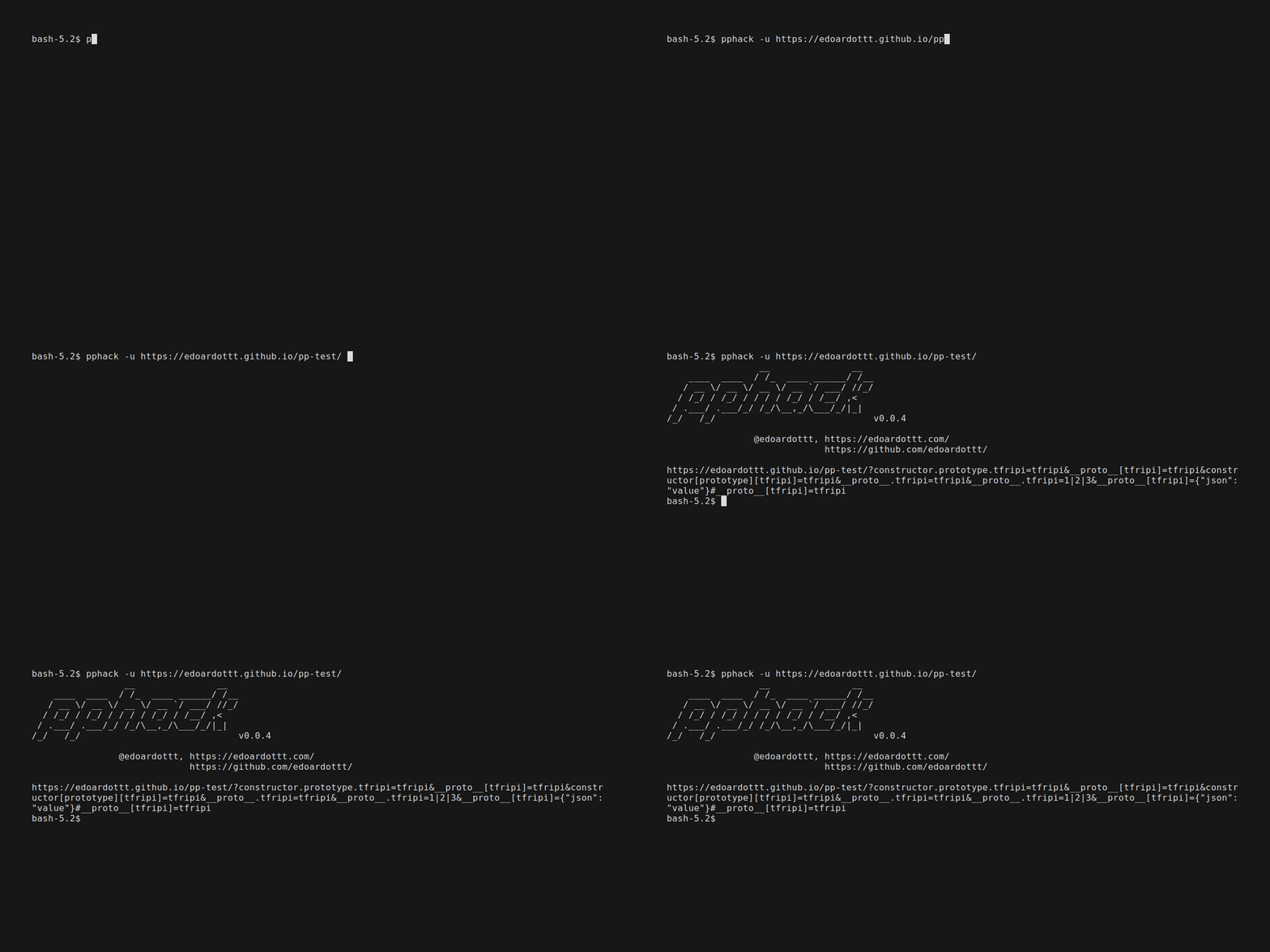
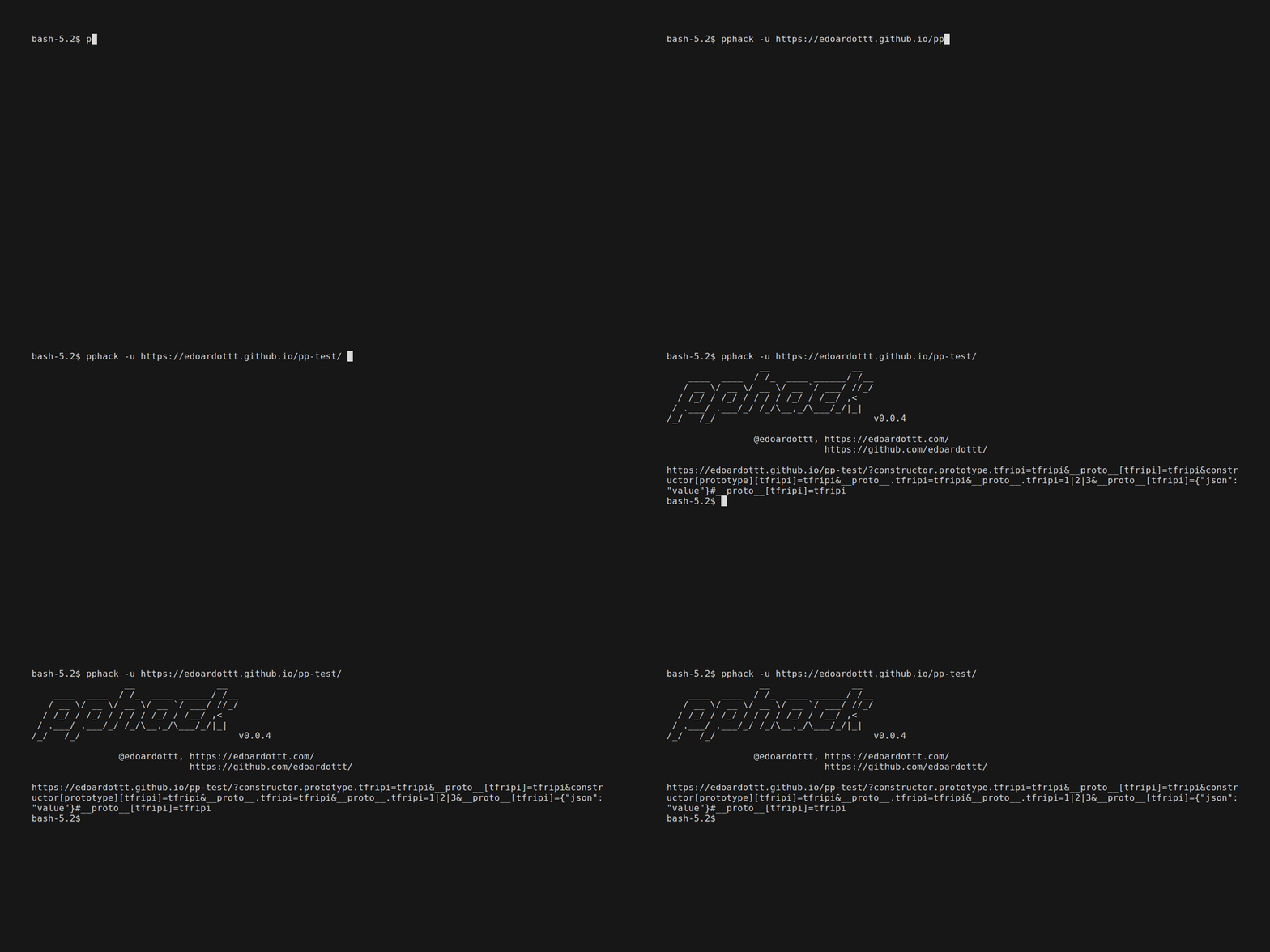
扫描单个 URL
pphack -u https://edoardottt.github.io/pphack-test/
echo https://edoardottt.github.io/pphack-test/ | pphack
扫描 URL 列表
pphack -l targets.txt
cat targets.txt | pphack
自动利用
pphack -e -u https://edoardottt.github.io/pphack-test/
阅读 Wiki 以了解如何使用 pphack。
更新日志 📌
每个版本的详细变更记录在发布说明中。
贡献 🛠
只需提交一个 issue / pull request。
在提交 pull request 之前,请下载 golangci-lint 并运行
golangci-lint run
如果没有错误,那就继续吧 :)
新闻 📰
许可证 📝
本仓库采用 MIT 许可证。
edoardottt.com 联系我。