
新发布Sep 3, 2026
censys-python v2.3.0
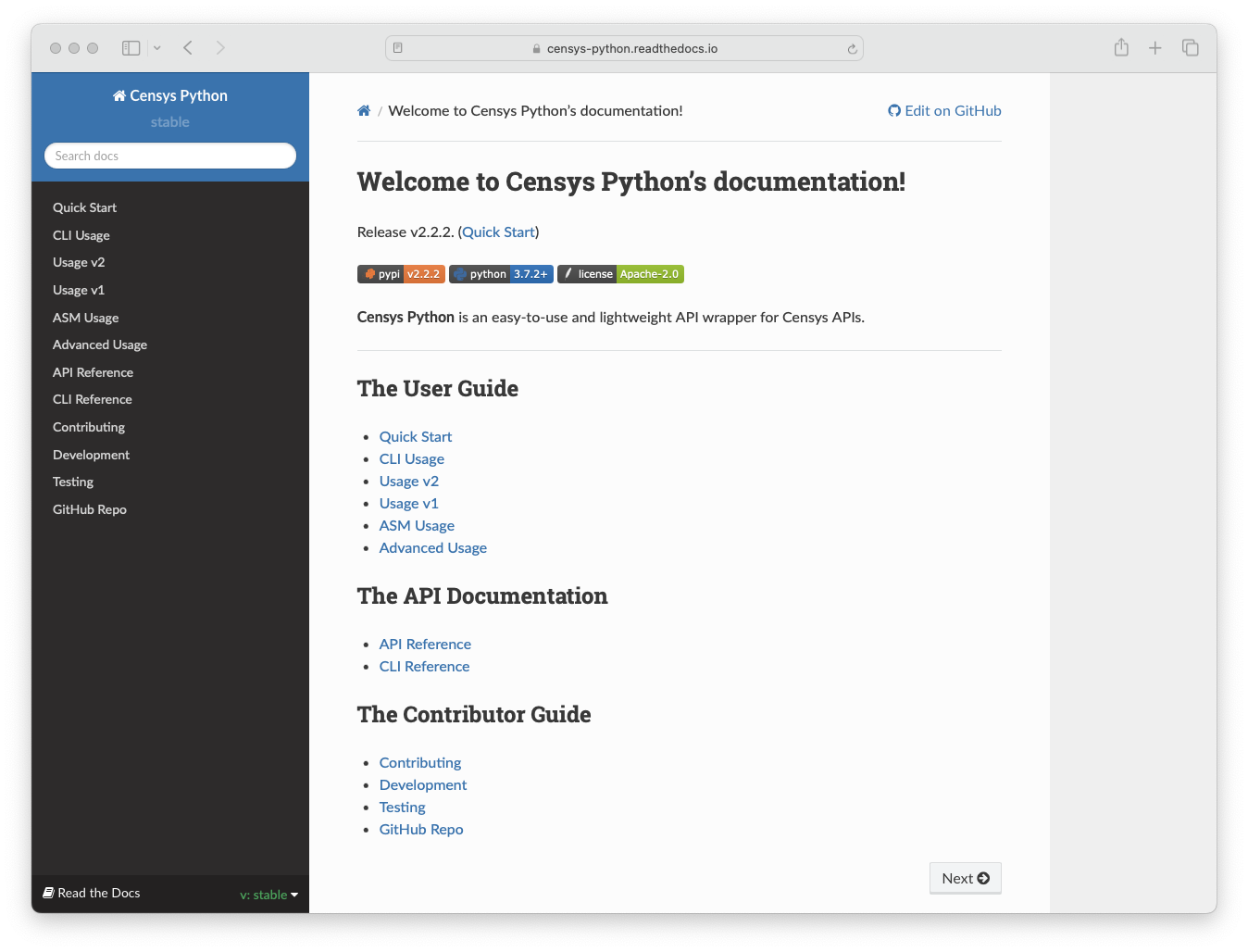
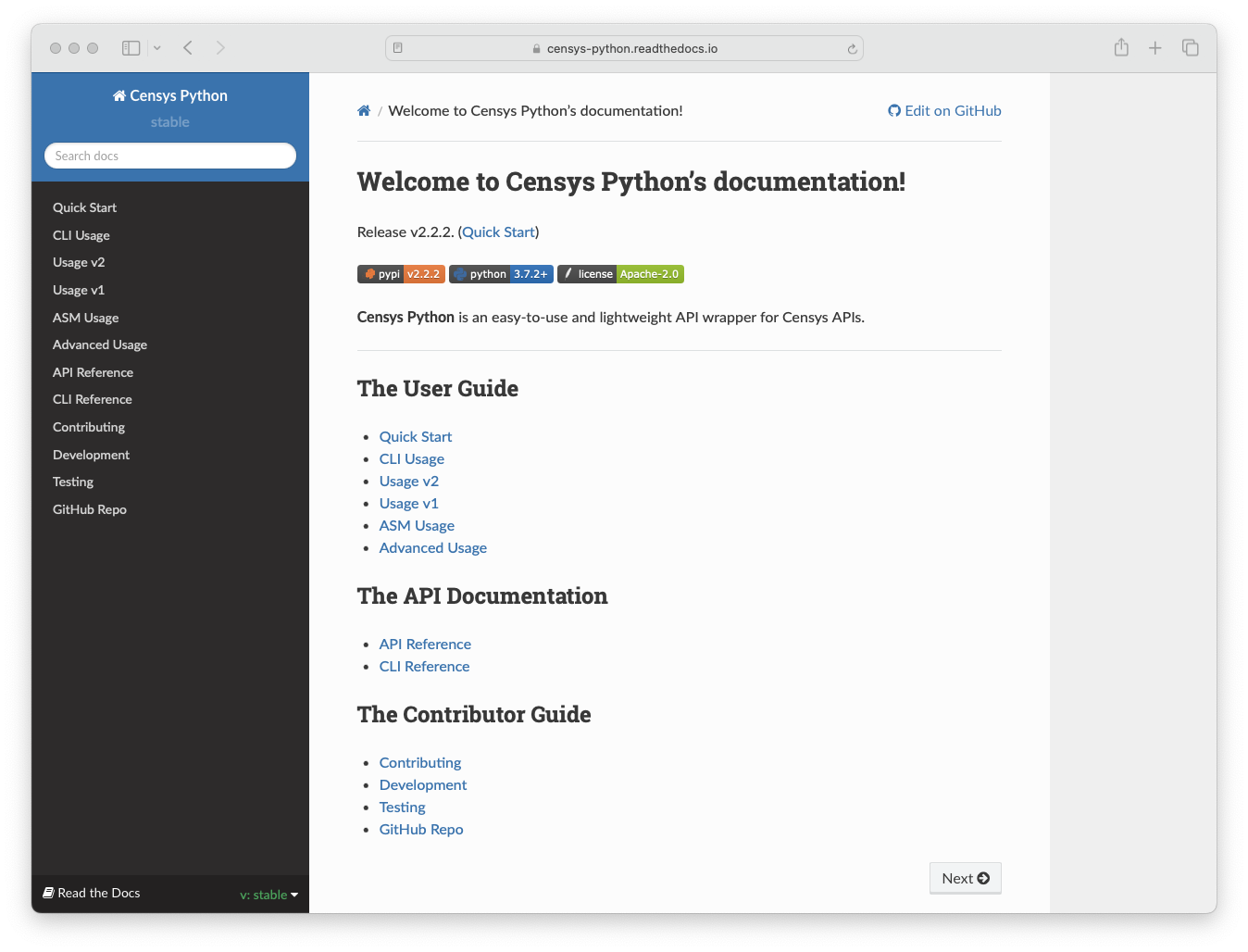
一个易用且轻量级的Censys API封装器。
Censys Python 库






[!WARNING] 弃用通知:Censys Search v1 和 v2 API 即将弃用。请迁移至新的 Censys Platform。
- 📖 新 API 文档:https://docs.censys.com/reference/get-started
- 📦 新 Python SDK:censys/censys-sdk-python
- 🖥️ 新 CLI 工具(
cencli):censys/cencli
- ⚠️ 如果您计划使用新的 CLI,您需要先卸载此包的 CLI,因为两者都使用
censys命令名称此库中的 Censys ASM API 不会弃用,并将继续获得支持。
一个易于使用且轻量级的 Censys API 封装库(censys.io)。目前支持 Python 3.9+。该库已在 Python 3.9 和 3.x(当前版本 3.13)上进行了测试。
功能特性

快速开始
可以使用 pip 安装该库。
pip install censys
使用 pip 进行升级。
pip install --upgrade censys
或者,您可以使用 uv 安装该库。
git clone https://github.com/censys/censys-python.git
cd censys-python/
uv install
可选地,您可以通过将以下行添加到您的 ~/.bashrc、~/.zshrc 或等效文件中,为 CLI 启用 Tab 补全功能。
请注意,自动补全支持
search命令中的字段名称。
eval "$(register-python-argcomplete censys)"
要配置您的搜索凭据,请运行 censys config 或同时设置 CENSYS_API_ID 和 CENSYS_API_SECRET 环境变量。
$ censys config

Censys API ID: XXX
Censys API Secret: XXX
Do you want color output? [y/n]: y

Successfully authenticated for [email protected]
如果您拥有 Censys ASM 账户,您可以通过运行 censys asm config 或设置 CENSYS_ASM_API_KEY 环境变量来配置您的 ASM 凭据。
$ censys asm config

Censys ASM API Key: XXX
Do you want color output? [y/n]: y

Successfully authenticated
示例
位于 examples/ 目录中的示例是很好的入门起点。您还可以在使用文档中找到更多示例。
文档
资源
贡献
欢迎所有贡献(无论大小)。请参阅为 Censys Python 做贡献
开发
git clone [email protected]:censys/censys-python.git
cd censys-python/
uv install
测试
# 运行测试
uv run pytest
# 带覆盖率报告
uv run pytest --cov-report html
许可证
本软件根据 Apache License, Version 2.0 许可。
- 版权所有 (C) 2026 Censys, Inc.