MANTIS
MANTIS stands for Multi-source Analysis and Threat Intelligence Search. MANTIS is a threat intelligence workbench for IOC enrichment, OSINT CTI collection, ransomware and breach monitoring, YARA operations, and much more.
Highlights
- IOC and infrastructure intelligence: Search hashes, domains, IPs, URLs, keywords, and infrastructure; choose providers; pivot from returned evidence; inspect prior lookups; and use dedicated Infra Search, Infra Pivot, OpenDir Hunt, C2 Hunting Catalog, C2 & Tool Exposure, Data Feeds, and Infra History workbenches.
- Threat-intelligence collection: Today's Intelligence, RSS-backed CTI Articles, Country & Industry Reports, ransomware intelligence, vulnerability/PoC intelligence, OSV malicious packages, threat actors, malware/tool knowledge, and a synchronized Threat Hunting Library.
- Detection engineering: Full SIGMA explorer, statistics, emerging-threat and MITRE ATT&CK views, query conversion, repository management, plus YARA exploration, scanning, validation, testing, authoring, and AI-assisted repair.
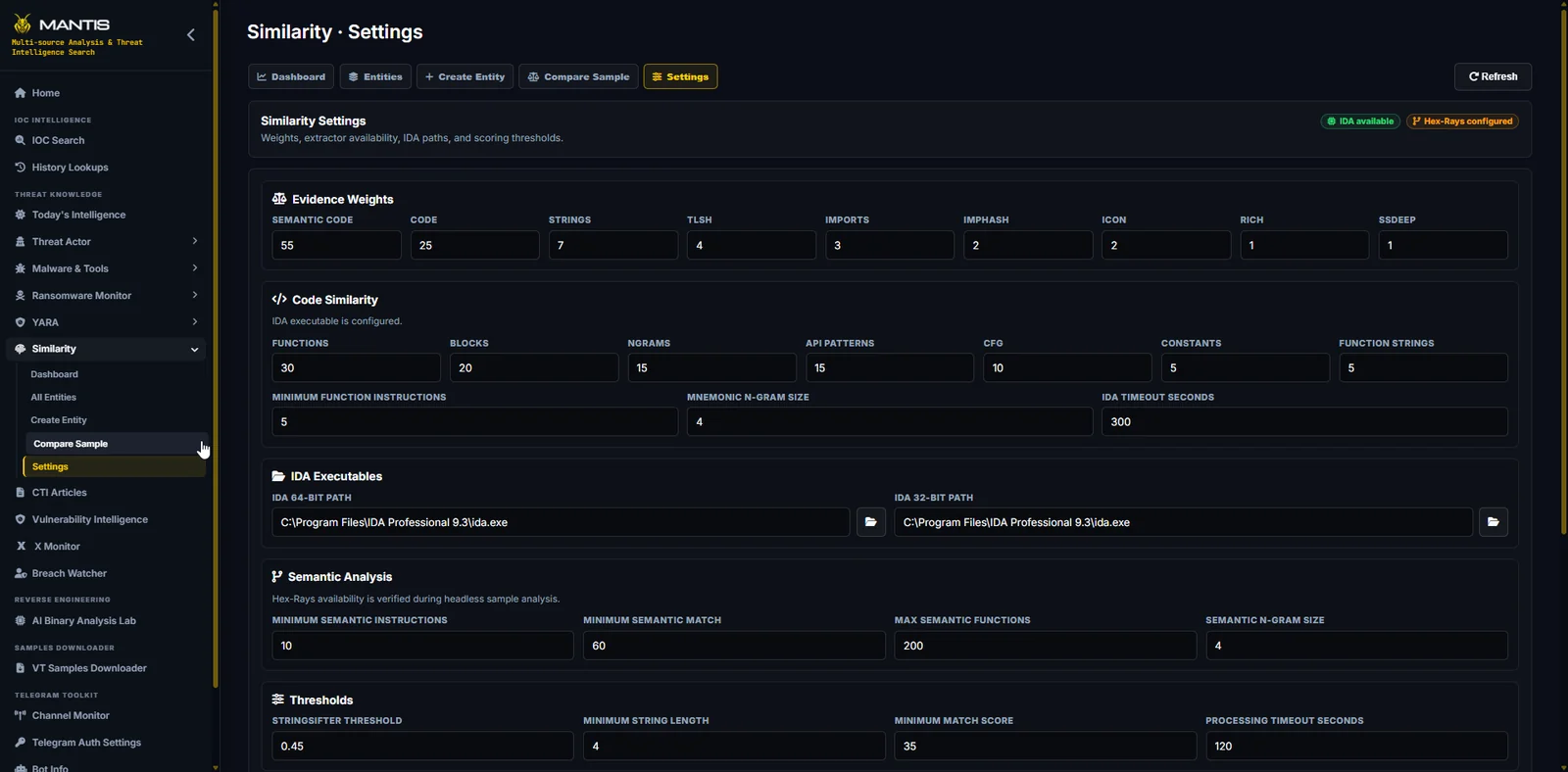
- Malware analysis and acquisition: Similarity families and comparisons, an IDA/Ghidra-backed AI Binary Analysis Lab, a manual Binary Reversing workspace, a local Malware Repository, and VirusTotal bulk sample downloads.
- Monitoring and underground collection: X Monitor, Breach Watcher, Credential Stealer ingestion and watchlists, Telegram account/channel and bot workflows, and resumable Discord guild evidence collection.
- Investigation management: TI Case Manager for notes, IOCs, samples, relationships, MITRE ATT&CK techniques, references, and MalwareBazaar sample lookup/download.
- Analyst drawing tools: Diagram, flowchart, mind-map, map-chart, chart, Mermaid, and Markdown workspaces for turning investigation material into reusable visuals.
- Dual deployment modes: Local Workstation mode with native Windows pickers, or authenticated Team Server mode with per-user encrypted API-key vaults, server tool discovery, web uploads, and shared staging areas.
Open-Source Differentiation
MANTIS acknowledges the strong open-source projects that already address important parts of cyber threat intelligence, OSINT, sharing, and enrichment. The comparison below is intended to show differences in product scope rather than make an absolute quality ranking.
Legend: ✅ Built-in · ◐ Partial / integration · — Not included
| Project | Primary focus | IOC and OSINT enrichment | CTI knowledge | Continuous monitoring | YARA and malware analysis | Social / Telegram | AI and reporting |
|---|
| MANTIS | Unified analyst workbench | ✅ | ✅ | ✅ | ✅ | ✅ | ✅ |
| IntelOwl | IOC and file enrichment | ✅ | ◐ | ◐ | ✅ | — | ◐ |
| OpenCTI | STIX knowledge graph | ◐ | ✅ | ◐ | — | ◐ | ◐ |
| MISP | Intelligence sharing | ✅ | ✅ | ✅ | ◐ | ◐ | ◐ |
| YETI | CTI and DFIR enrichment | ✅ | ✅ | ◐ | ◐ | — | — |
| SpiderFoot | OSINT and attack-surface mapping | ✅ | ◐ | ◐ | — | ◐ | — |
| OpenOSINT | AI-assisted passive OSINT | ✅ | ◐ | — | — | ◐ | ✅ |
| Watcher | AI-powered CTI monitoring | ◐ | ◐ | ✅ | — | — | ✅ |
Based on publicly documented open-source capabilities as of November 2026. Integrations and available features may change.
Home
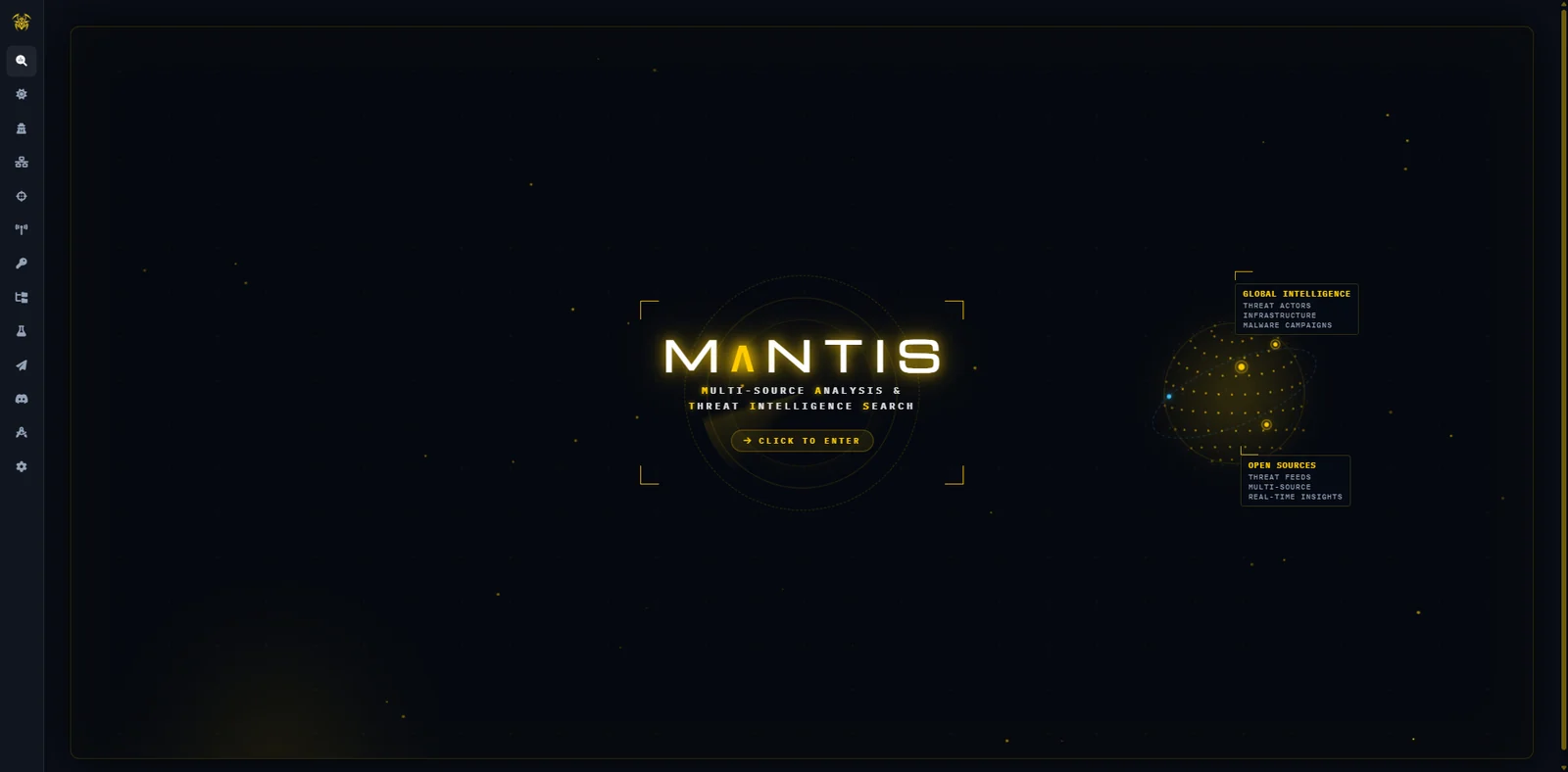
The Home page is the entry point to MANTIS. From here, Click to Enter opens IOC Search and starts the main investigation workflow.
Returning Home also closes the active workspace and brings the interface back to its initial state.
IOC Search
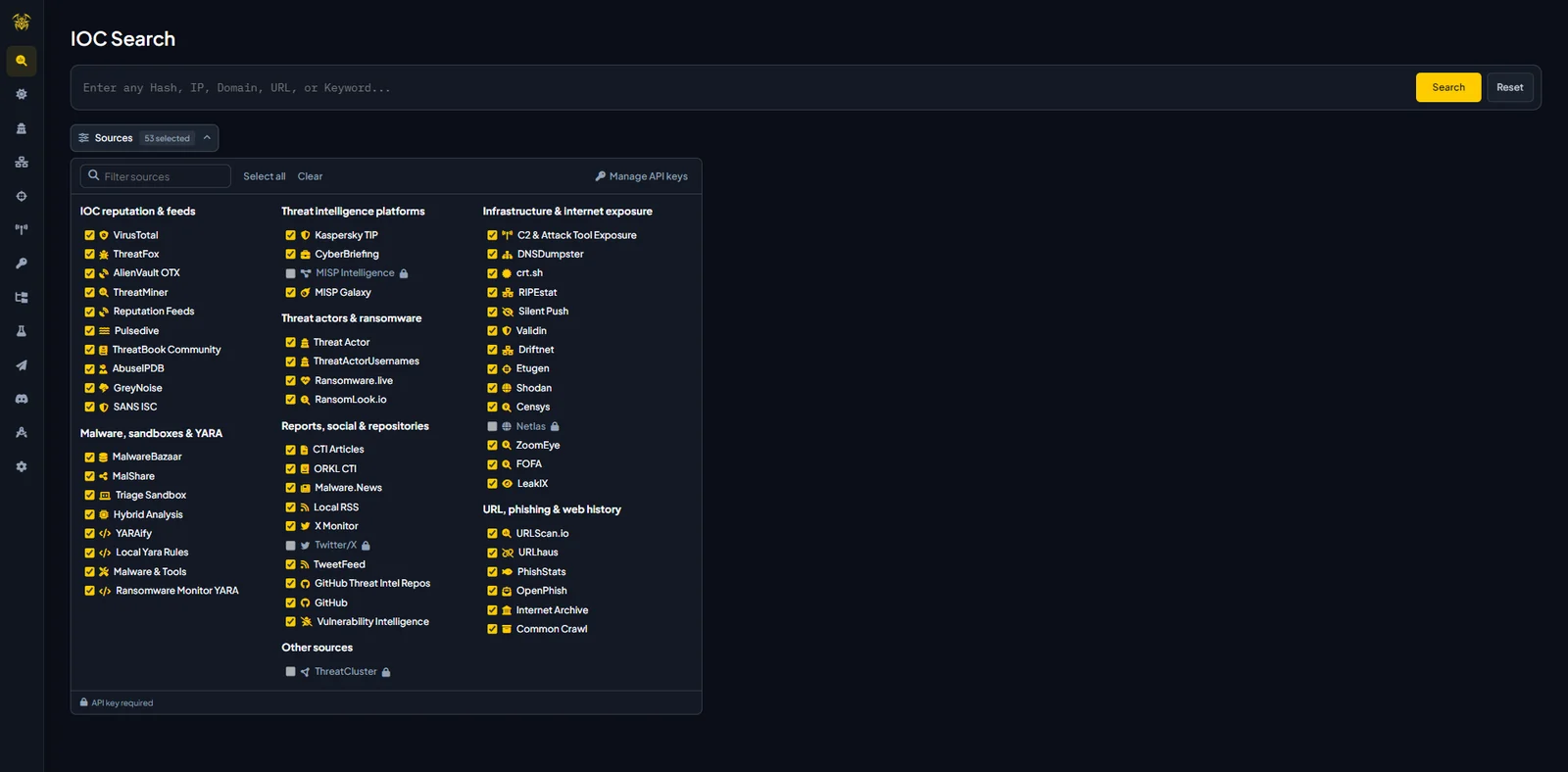
IOC Search is where most investigations start. It accepts hashes, domains, IP addresses, URLs, keywords, and infrastructure queries, with Auto-Detect available when the indicator type is not specified.
Before running a lookup, analysts can choose which intelligence providers to query. MANTIS collects the results and presents them as provider-specific cards rather than mixing everything into a single verdict.
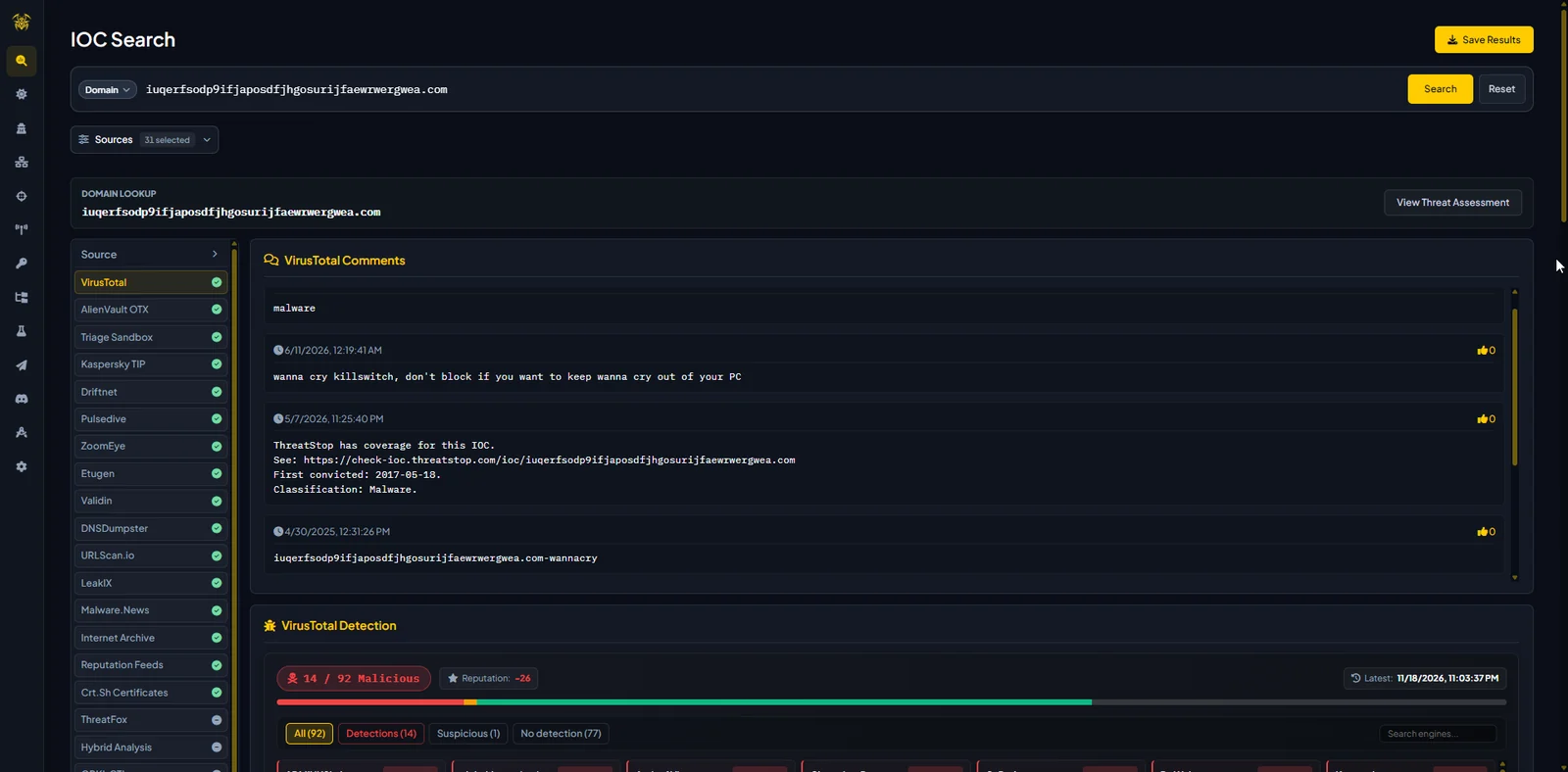
Depending on the indicator and available sources, results may include reputation, detections, MISP event context, passive DNS, certificates, related infrastructure, malware families, sandbox observations, sightings, and other provider context. Values returned by providers can also be used as pivots for follow-up searches inside MANTIS.
History Lookups
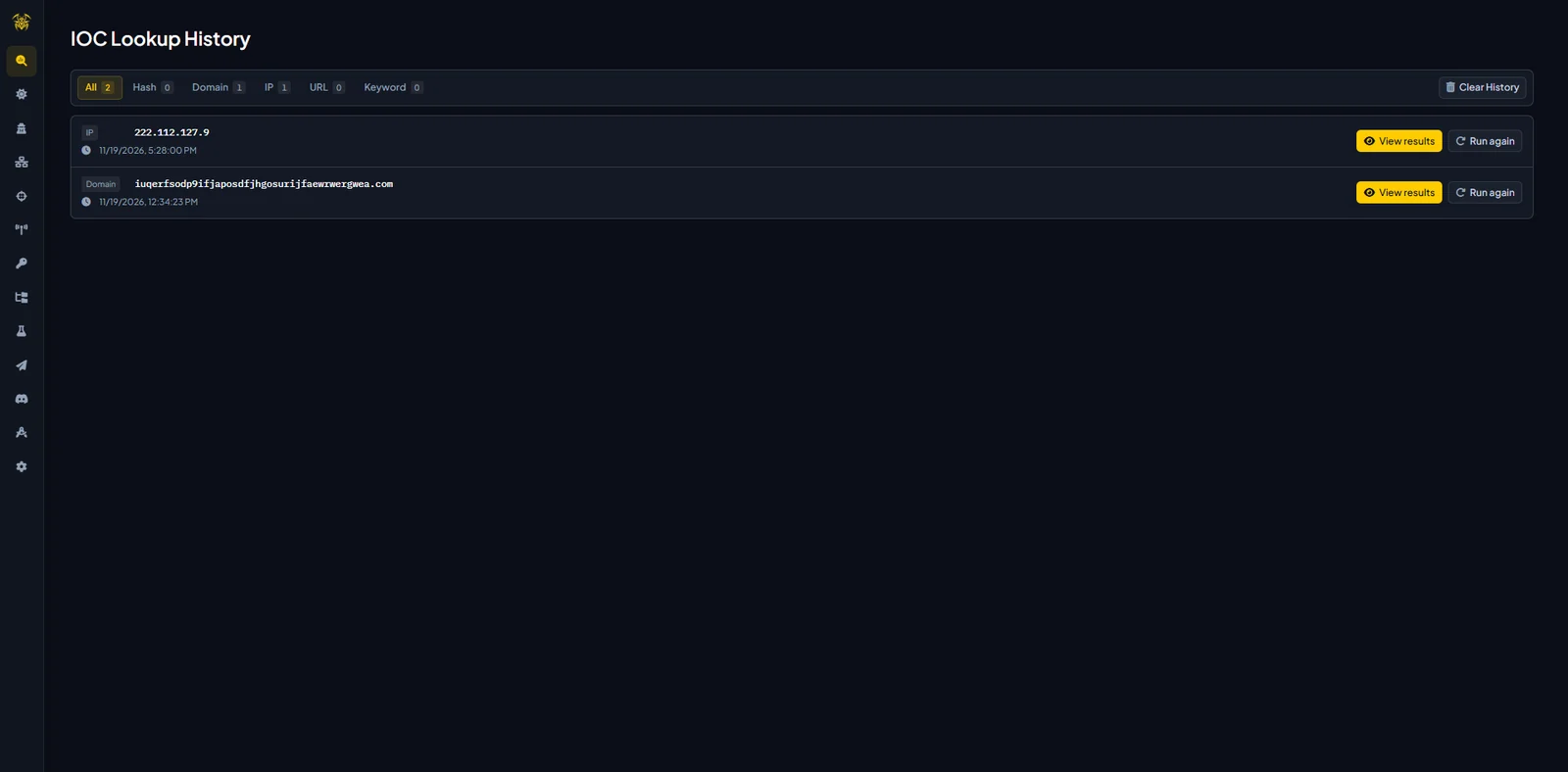
History Lookups keeps a local record of previous MANTIS searches. It is useful when returning to an IOC investigated earlier or checking what information was available during a previous lookup.
The same section also contains AI Reports, where reports generated by MANTIS AI can be reopened or removed.
Infrastructure research workbenches
Infrastructure research is split into focused views rather than one overloaded screen:
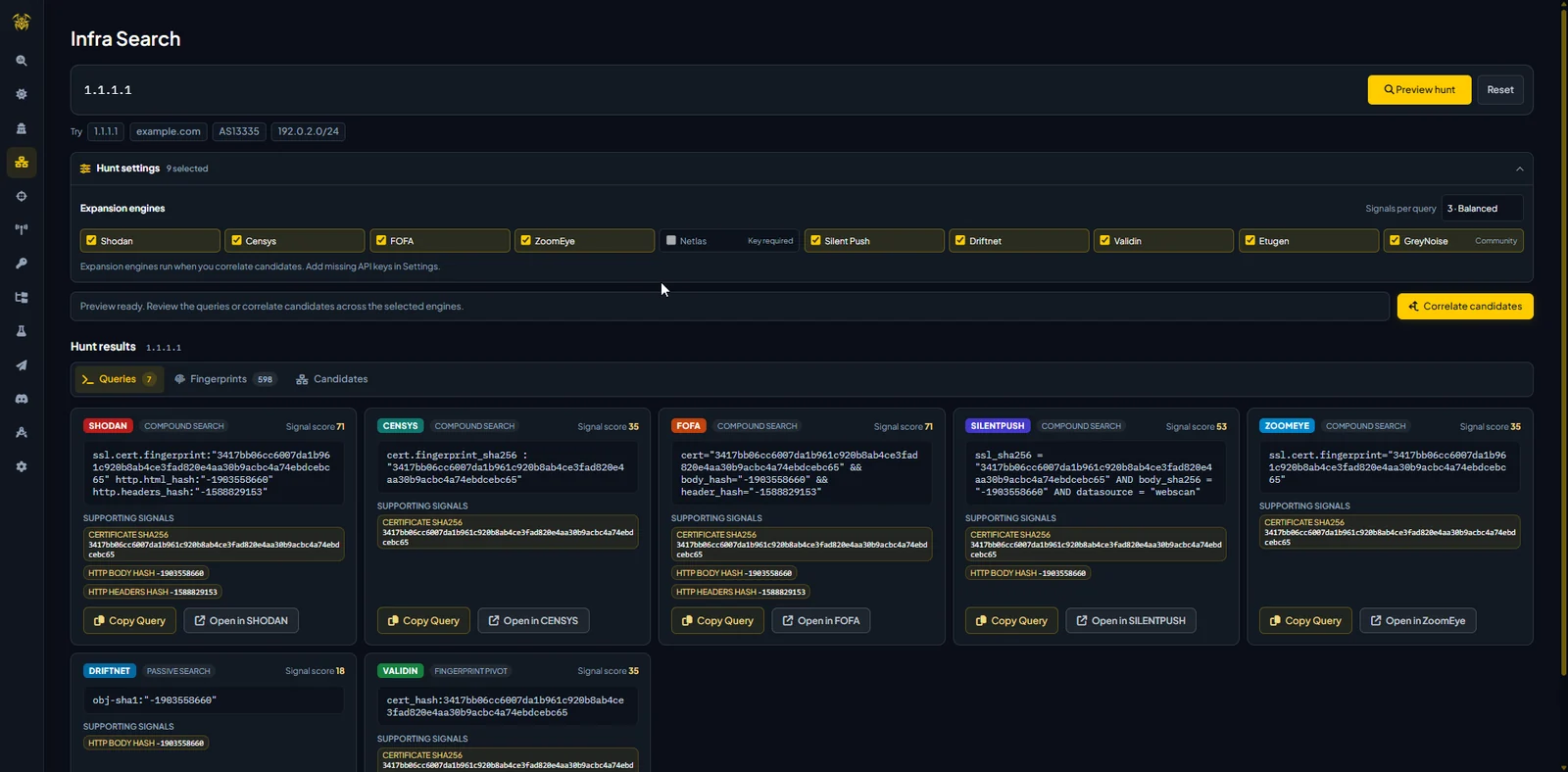
- Infra Search runs provider-backed infrastructure queries from IOC Search.
- Infra Pivot normalizes seed material or extracted text, runs selected passive capabilities, tracks investigations, renders evidence and an interactive relationship graph, and supports cancel, resume, history, and export.
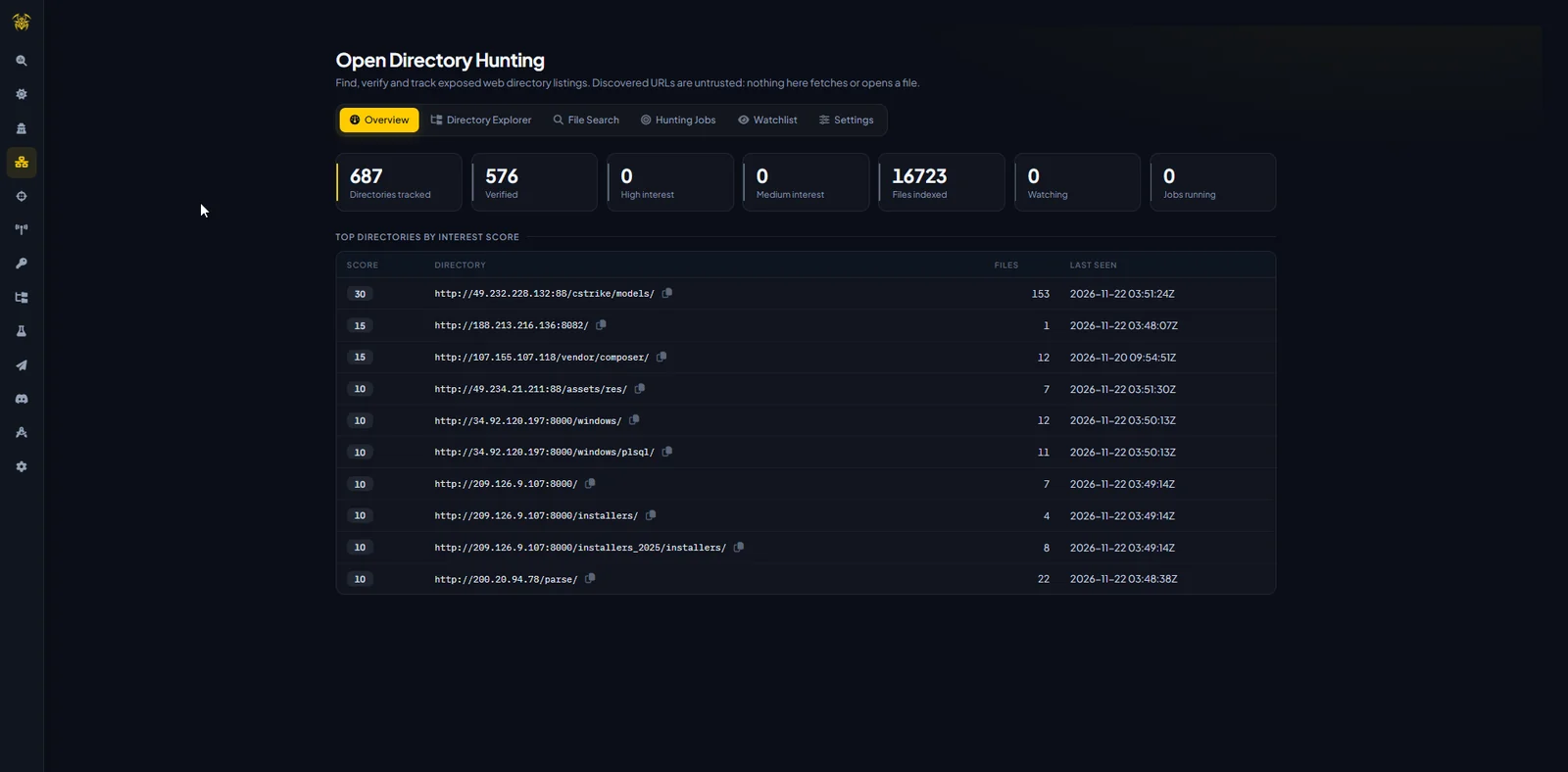
- OpenDir Hunt inventories observed open directories and files, applies scoring, stores snapshots and changes, manages collection jobs, and supports watchlists.
- C2 Hunting Catalog manages reusable provider queries and C2 framework playbooks.
- C2 & Tool Exposure executes editable passive queries for curated C2, phishing, malware, security-tool, and AI red-team profiles and stores observations for later IOC searches.
- Data Feeds synchronizes the feed catalog, enables or disables sources, refreshes Kaspersky feeds, and exports the active catalog.
- Infra History reopens saved infrastructure investigations and run output.
 fareedfauzi/mantis







