 0xusmanismail/lure
Локальный инструмент анализа бинарных файлов Linux. Без облака. Без root. Точно узнайте, что делает бинарный файл, прежде чем запускать его.

Локальный анализ Linux-бинарников. Без облака. Без root. Бесплатно.
lure — это локальный инструмент для анализа и песочницы Linux ELF-файлов, предназначенный для исследователей безопасности, специалистов по реверс-инжинирингу и игроков CTF. Версия 0.7.1 добавляет поддержку ARM64-бинарников через эмуляцию пользовательского режима QEMU.
Он предоставляет три взаимодополняющих рабочих процесса:
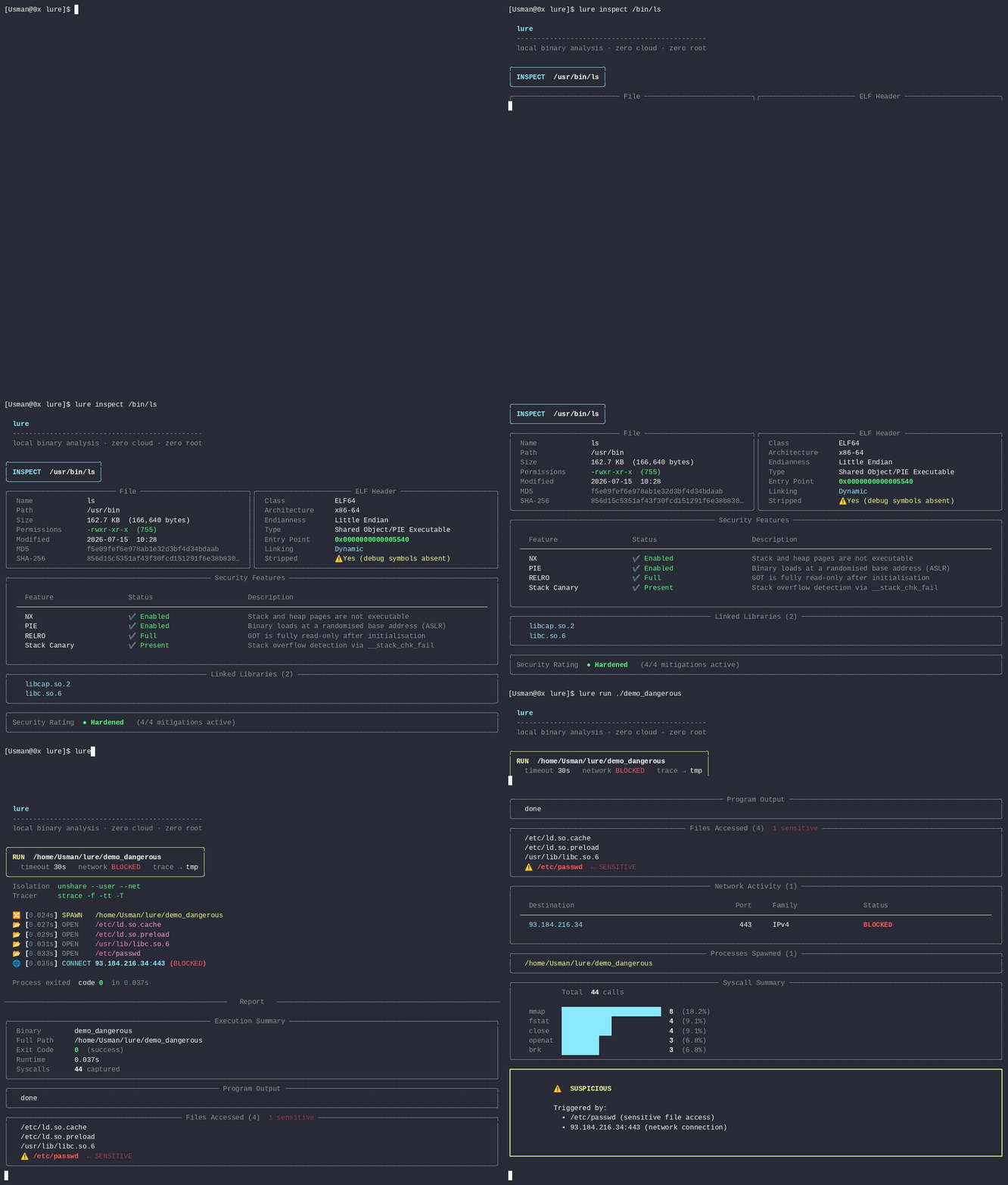
lure inspect — проверка ELF без его выполнения.lure run — выполнение ELF в пространствах имён Linux, strace и политике seccomp-bpf с последующим формированием читаемого отчёта.lure diff — сравнение двух сохранённых поведенческих отчётов.Всё обрабатывается локально. Ни образец, ни отчёт не загружаются в облачный сервис.
Альфа-программное обеспечение: lure всё ещё находится в активной разработке. Тестируйте его в среде, подходящей для исследований безопасности, и не рассматривайте эту песочницу как замену выделенной VM для анализа вредоносного ПО.
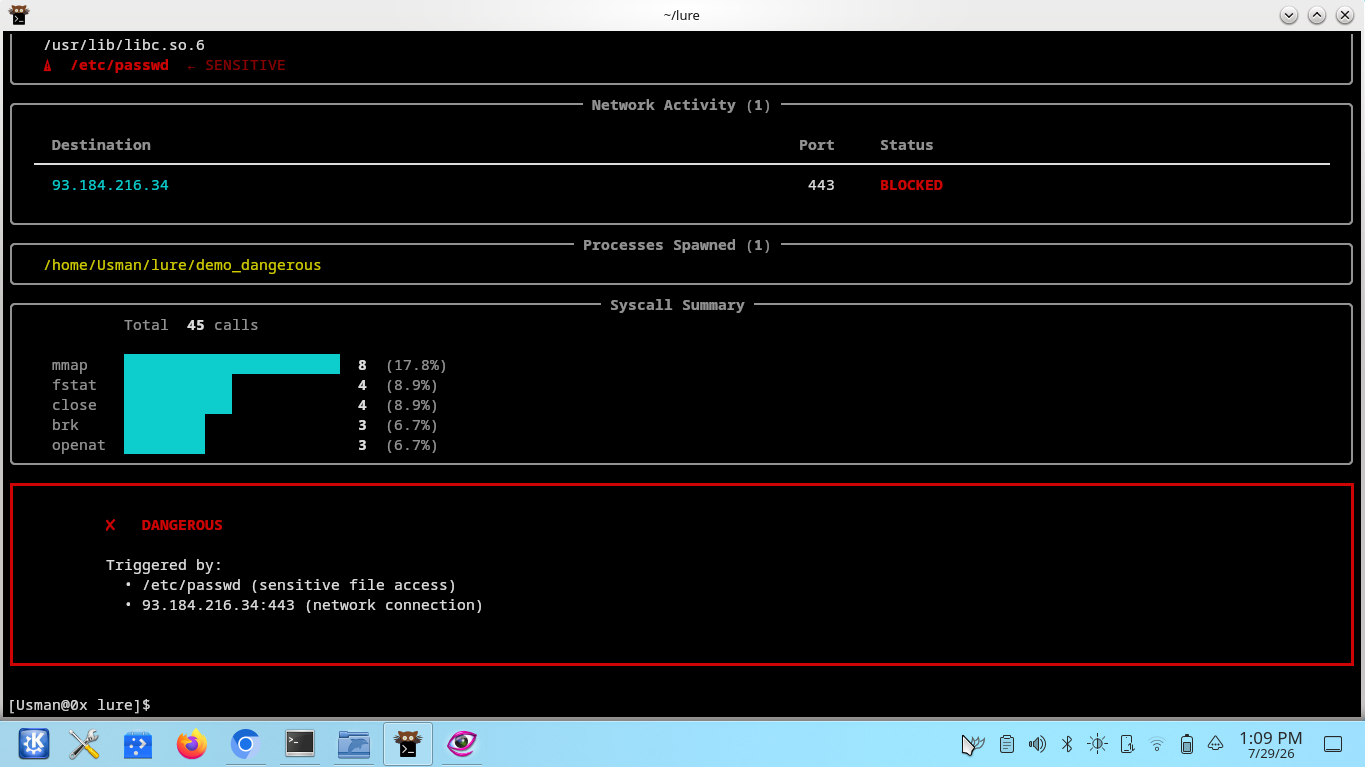
Lure сочетает статический анализ ELF с поведенческим анализом выполнения. Он может показать, к чему обращается бинарник, какие сетевые подключения он пытается установить, какие процессы порождает и как запуск классифицируется как CLEAN, SUSPICIOUS или DANGEROUS.
strace.lure inspect сообщает:
--sections--stringsПроверяемый файл не выполняется.
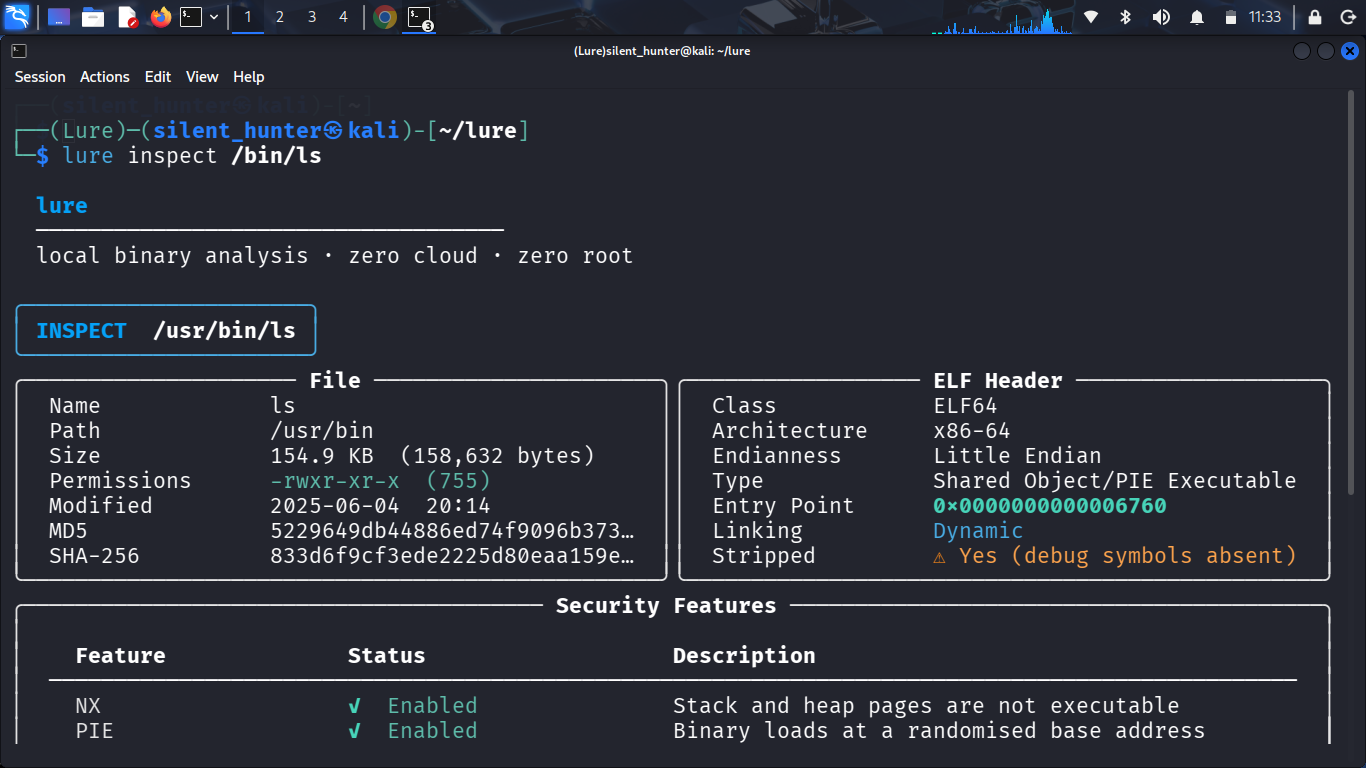
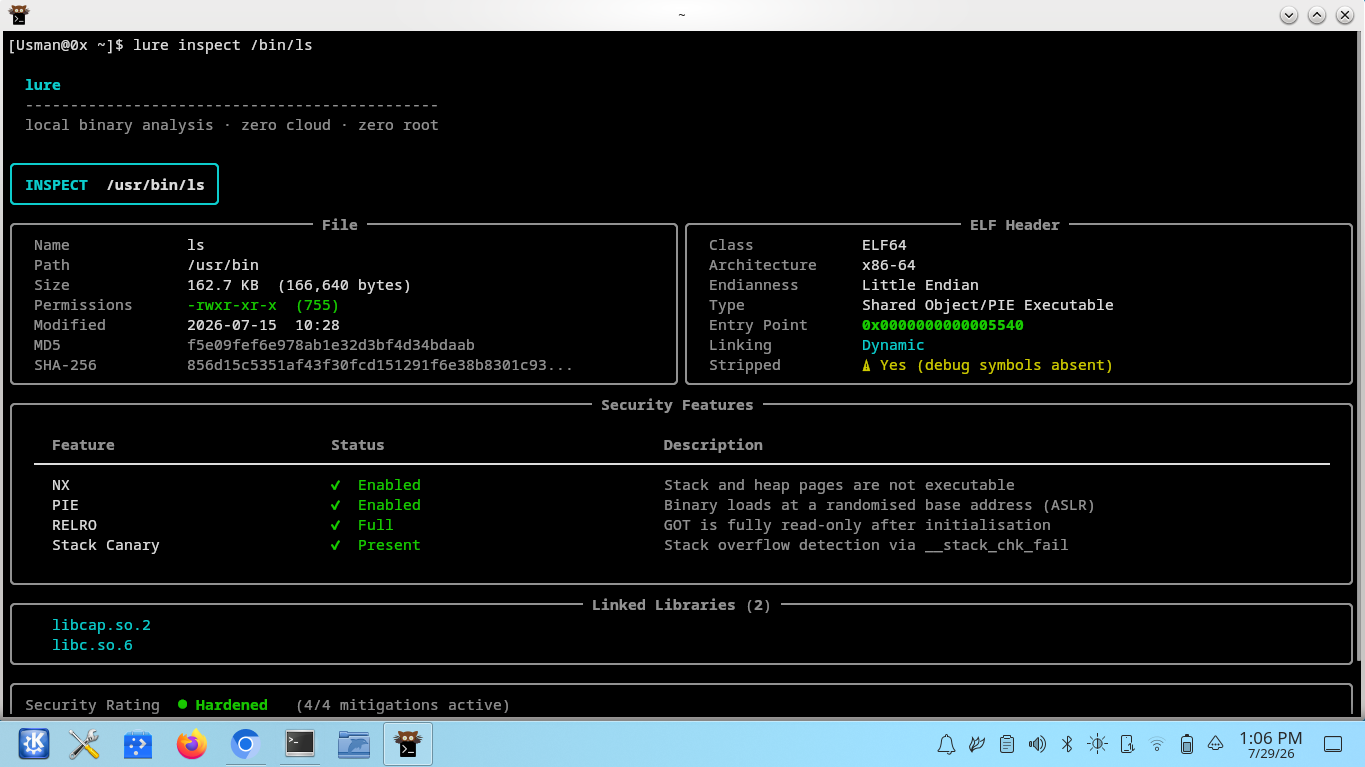
lure inspect /bin/ls
lure inspect ./arm64_binary   # ARM64 ELF — QEMU не требуется для проверки
lure run объединяет:
strace--allow-netstraceqemu-aarch64 (v0.7.1+)Сетевой доступ заблокирован по умолчанию.
lure run ./suspicious_binary
lure run ./arm64_binary          # ARM64: qemu-aarch64 автоматически оборачивает бинарник
Когда обнаружен ARM64-бинарник, lure:
qemu-aarch64 есть в PATH (завершает работу с понятной подсказкой по установке, если его нет).qemu-aarch64 в начало команды выполнения — strace трассирует всю цепочку QEMU.lure diff сравнивает два сохранённых отчёта .json:
lure run --save ./binary_v1
lure run --save ./binary_v2
lure diff ~/.lure/reports/binary_v1_*.json ~/.lure/reports/binary_v2_*.json
pip install lure-analyze
| Инструмент | Пакет | Назначение |
|---|---|---|
strace | sudo pacman -S strace | трассировка системных вызовов |
unshare | часть util-linux (предустановлен) | изоляция пространств имён |
gcc / cc | sudo pacman -S gcc | компиляция seccomp-обёртки во время выполнения |
| Инструмент | Пакет | Назначение |
|---|---|---|
qemu-aarch64 | sudo pacman -S qemu-user | эмуляция ARM64-бинарников |
Установите qemu-user, чтобы анализировать ARM64 ELF-бинарники с помощью lure run. Статический анализ с lure inspect работает для ARM64 ELF без дополнительных инструментов.
Чтобы включить лимиты памяти и PID, делегируйте поддерево cgroup вашему пользователю:
sudo mkdir -p /sys/fs/cgroup/lure
sudo chown "$USER" /sys/fs/cgroup/lure
lure inspect BINARY [--json] [--sections] [--strings]
lure run BINARY [--timeout SECS] [--args 'ARG ...'] [--allow-net] [--out FILE] [--save]
lure diff REPORT1 REPORT2
qemu-aarch64lure inspect корректно отображает ARM64 для AArch64 ELFlure run автоматически определяет ARM64 ELF и оборачивает выполнение через qemu-aarch64Architecture: ARM64 (QEMU emulated) для ARM64-запусковqemu-aarch64 отсутствуетlure diffMIT — см. LICENSE.
