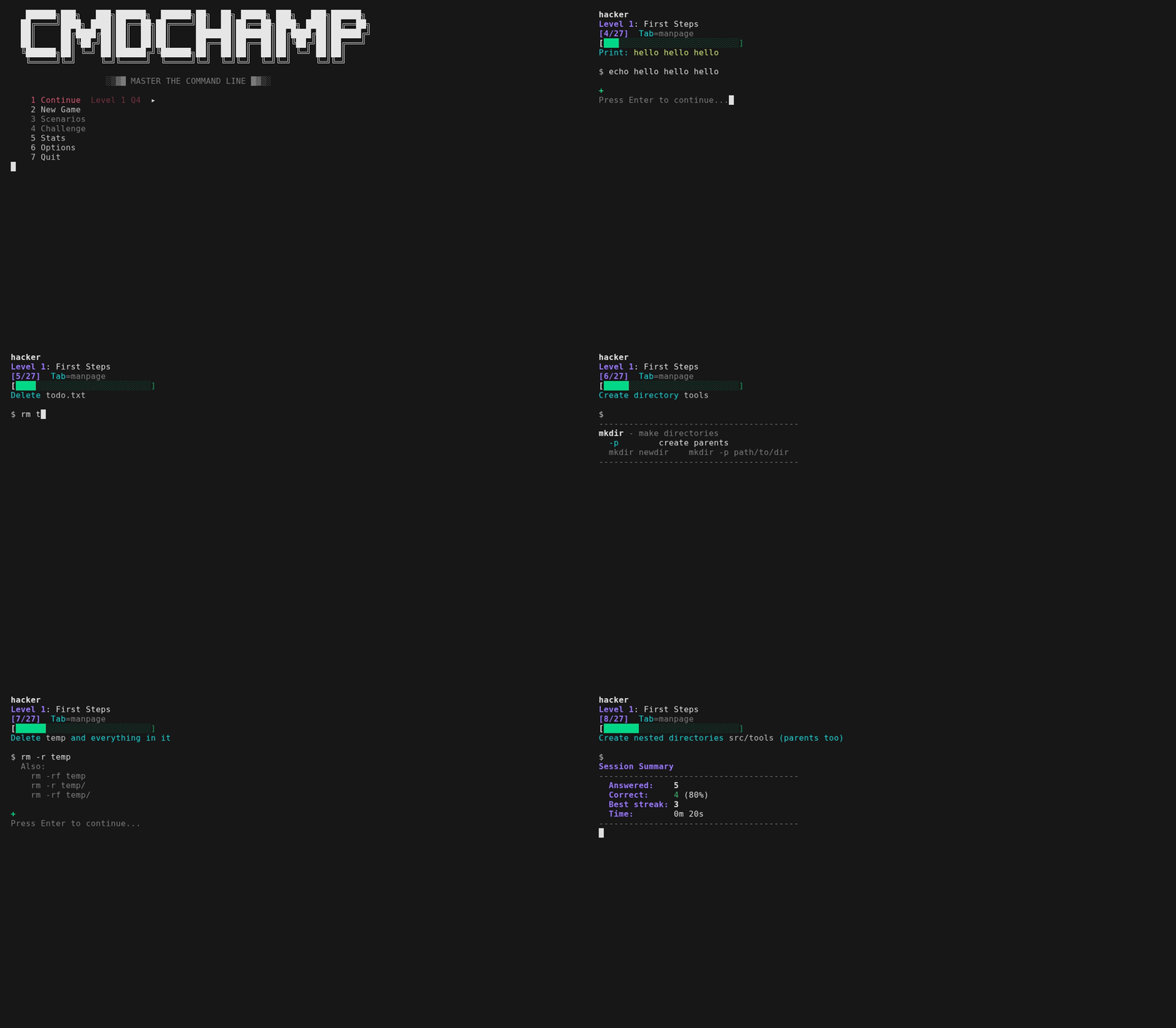


treinador de CLI bash — 30 níveis, do ls à escalada de privilégios
Treinador de CLI em Bash — 30 níveis de ls até escalonamento de privilégios.
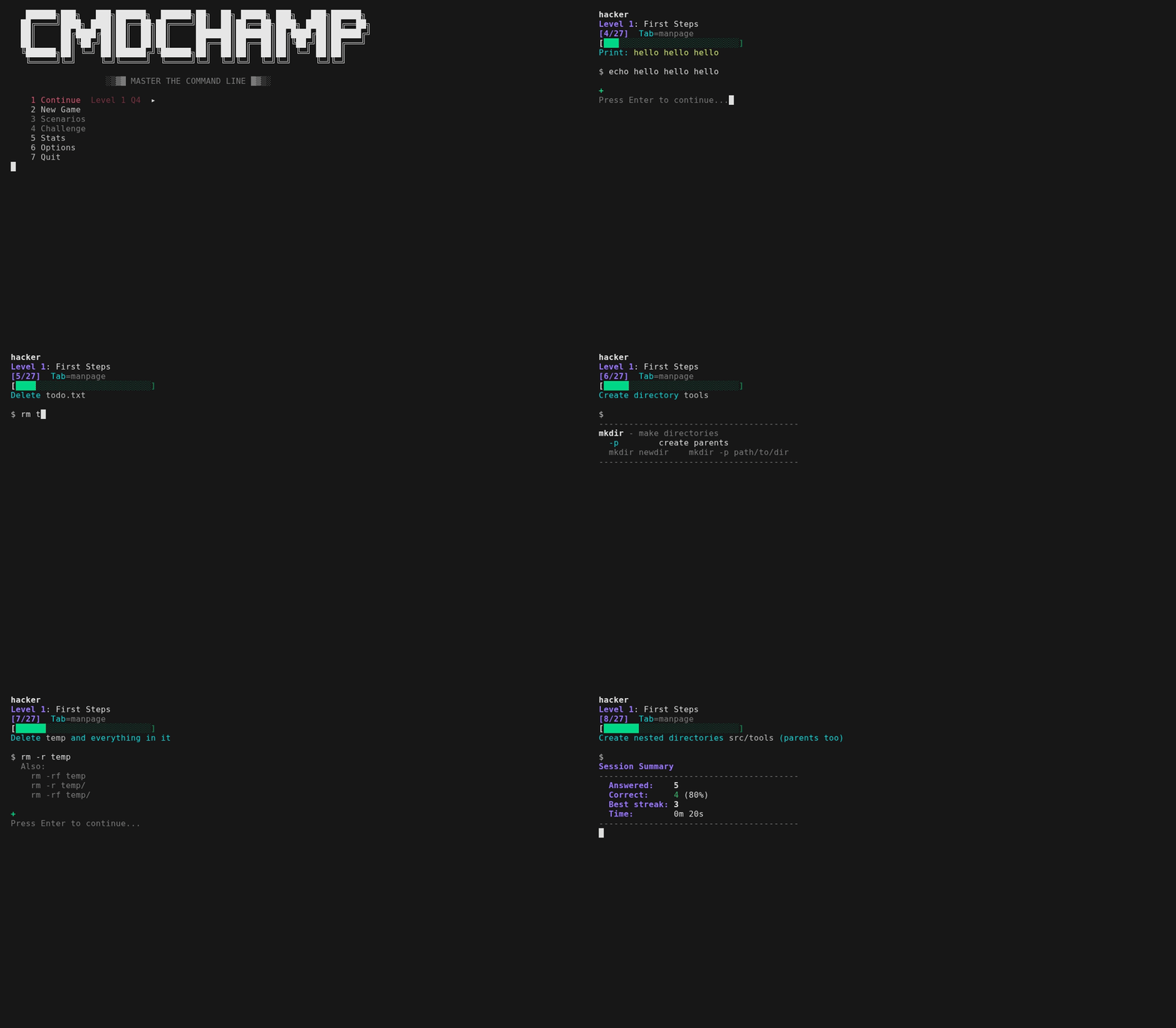
Cada pergunta pede que você digite um comando real — receba feedback instantâneo e siga em frente. Erre uma e ela não apenas mostra a resposta: mostra o que SEU comando imprimiu em comparação com o que era esperado e, para um pipeline, a contagem de linhas em cada estágio, para que você veja o ponto onde ele falhou. Para perguntas com correspondência de texto, ela nomeia a resposta aceita à qual a sua foi mais próxima e a flag exata que você deixou de fora. Acertou do jeito longo e ela mostra o jeito curto — cat f | grep -c X rende um Shorter: grep -c X f, acionado por menos estágios de pipeline além de menos caracteres, porque o processo que você economizou é a lição. Muitas rodam contra arquivos reais no sandbox, e todas aceitam múltiplas sintaxes válidas (sort -u ou sort | uniq). Tab alterna a página de manual quando você precisa de uma referência — páginas condensadas para cada comando que a resposta executa, além da sintaxe de shell na qual ela se apoia (x=$(cmd), ${var:-default}, ${path##*/}), para que nada em uma pergunta fique para você adivinhar. A ordem é aleatorizada a cada execução para que você não possa memorizá-la. Maestria acompanha o que você sabe: acerte uma pergunta duas vezes para dominá-la, erre e ela é rebaixada para voltar mais cedo. Uma sequência de 5 acertos ativa o modo fogo — um banner que roda até você errar.
Cada nível termina com uma rodada de chefe — sem páginas de manual, cronômetro de 30s, 4/5 para passar. Falhe e você pode tentar o chefe novamente imediatamente ou voltar para a prática. Vença todos os 30 e o modo desafio é desbloqueado — a provação final: cadeias de múltiplos comandos que compõem as ferramentas de todo o jogo em um único pipeline. 30s cada, uma vida, sem páginas de manual, sua melhor pontuação é o recorde. Cada cadeia é avaliada pela sua saída real no sandbox, então qualquer pipeline correto passa. Cada execução também constrói um sandbox aleatório novo — IPs, contagens, hosts e dados de log diferentes — e sorteia de 50+ modelos de cadeia com delimitadores rotativos, ordem de classificação e agregados, então o IP mais movimentado, a URL principal, a contagem mais alta nunca são os mesmos duas vezes. A primeira execução inclui um tutorial curto e um teste de nivelamento que permite pular níveis que você já conhece.
Com o bubblewrap, os comandos rodam em um sistema de arquivos real em sandbox e são avaliados pela sua saída real. A caixa interna é sintética — usuário sandbox, host sandbox, seu próprio /etc/passwd e linha de comando do kernel — então nada que você digitar pode imprimir seu nome de usuário real, nome da máquina ou layout de disco na tela, e id, whoami e hostname respondem o mesmo em qualquer lugar. Isso agora alcança também o nível de forense: o nível 28 entrega uma amostra binária real (samples/target.bin) e avalia se você realmente extraiu a flag, o domínio de exfiltração e a chave de API vazada dela — o mesmo para as perguntas de jq em JSON real. A provação final compõe essas extrações em cadeias cronometradas. Os níveis 24-25 agora também rodam de verdade: um pequeno serviço HTTP inicia em localhost:8080 dentro do namespace de rede próprio do sandbox enquanto sua resposta roda, com três portas escutando, então curl, jq sobre HTTP, ss e nmap são avaliados pelo que realmente retornaram. Nada é exposto à sua máquina — o namespace ainda bloqueia toda conexão de saída, e a porta é invisível de fora. Apenas as ferramentas que genuinamente não podem rodar em um sandbox — wifi/RF, captura ao vivo e forense de memória/disco grande — permanecem com correspondência de texto. Os níveis de busca (16-17) aceitam tanto a sintaxe de rg/fd quanto a de grep/find. Edição de linha Vi é integrada — movimentos, operadores, contagens, registradores, desfazer e modo visual (v/V, o para trocar extremidades), com ? para o mapa completo.
Arch (AUR):
paru -S cmdchamp # ou: yay -S cmdchamp
Em qualquer lugar (arquivo único):
mkdir -p ~/.local/bin && curl -sL https://raw.githubusercontent.com/mellen9999/cmdchamp/main/cmdchamp -o ~/.local/bin/cmdchamp && chmod +x ~/.local/bin/cmdchamp
Adicione ~/.local/bin ao PATH se necessário: echo 'export PATH="$HOME/.local/bin:$PATH"' >> ~/.bashrc
Ou clone:
git clone https://github.com/mellen9999/cmdchamp.git
cd cmdchamp && make install
Requer: bash 4.4+, coreutils, awk
macOS: Vem com bash 3.2 — instale bash 4.4+ primeiro: brew install bash
Opcional: bubblewrap (bwrap) para o modo sandbox (somente Linux) — a maioria das distros desktop o inclui. Sem ele, as respostas são apenas com correspondência de texto
Opcional: python3 — serve o serviço HTTP localhost do sandbox, então as perguntas live api / live box dos níveis 24-25 são avaliadas pela saída real. Sem ele, essas perguntas voltam à correspondência de texto; nada mais muda
Acessibilidade: Respeita NO_COLOR e TERM=dumb. O layout se adapta a COLUMNS / tput cols. As barras de maestria carregam tanto cor quanto um símbolo ✓ / ~ / x — legíveis sem cor.
Terminais: Roda em terminais seriais reais, não apenas emuladores. cmdchamp testa o que o terminal pode realmente exibir e escolhe um de três níveis de renderização — unicode, desenho de linhas DEC ACS ou ASCII puro — para que os quadros permaneçam intactos em um VT100/VT220/VT320/VT420 ou Wyse. Em uma tela monocromática, as distinções de cor são recodificadas como negrito/reverso. Force um nível com CMDCHAMP_ASCII=1 ou CMDCHAMP_UNICODE=1. ./test_terminals.sh verifica isso.
cmdchamp                # Inicia o menu do jogo
cmdchamp explain 'CMD'  # Explica qualquer comando - cada flag, além da sintaxe de shell ao redor
cmdchamp autopsy        # Lê seu próprio histórico de shell e o mapeia no currículo
cmdchamp daily          # Joga a provação diária de hoje (mesma execução para todos)
cmdchamp daily 2026-02-16   # Repete a execução de um dia específico (corra com um amigo)
cmdchamp play           # Sandbox de jogo livre: digite qualquer comando, veja-o rodar
cmdchamp --no-sandbox   # Desativa o sandbox (apenas correspondência de texto)
cmdchamp reset          # Limpa todo o progresso
cmdchamp test           # Executa autotestes
cmdchamp version        # Imprime a versão
cmdchamp help           # Mostra a ajuda
cmdchamp explain (ou cmdchamp x) é o painel Tab como ferramenta autônoma: páginas escritas à mão para ~300 comandos mais a sintaxe de shell ao redor, offline, sem rede, sem dependências. Ele aceita um comando entre aspas ou as palavras simples, e lê stdin quando nenhuma é fornecida — então history | tail -1 | cmdchamp x explica o que você acabou de executar. Sai com 0 quando conhece o comando, 1 quando não conhece.
cmdchamp autopsy lê seu histórico de shell — $HISTFILE, depois ~/.bash_history, depois ~/.zsh_history, ou um arquivo que você nomear, ou - para stdin — e o mapeia nos 30 níveis: o que você realmente usa, hábitos que valem abandonar com sua própria contagem ao lado de cada um (cat em grep, find em xargs sem -print0, chmod 777, curl | sh), quantos dos comandos que o jogo ensina você já executou, e o nível mais antigo com uma lacuna. Ele imprime apenas padrões e contagens — nunca uma linha, um fragmento ou um "exemplo" do seu histórico, porque um histórico contém tokens e senhas digitados como argumentos. Nada sai da máquina, e não há flag para fazê-lo ecoar seu histórico.
