 topscoder/nuclei-wordfence-cve
80k+ WordPress Nuclei templates, updated daily from Wordfence intel—filter by severity/tags/CVE and scan in one line. 🚀🔒




Level up your WordPress security game! This project's got a treasure trove of fresh Nuclei templates for WordPress. Scan for weaknesses in Core, plugins, and themes – all based on the latest intel from Wordfence.com.
Here's why this is your new best friend:
If you're guarding a WordPress site, this project is your secret weapon to identify vulnerabilities before the bad guys do. Stop wasting time and secure your sites like a pro!
[!TIP] If you found this project helpful, please consider buying me a coffee.
|
|
To install this nuclei-wordfence-cve repository for use with Nuclei, you can use the following commands:
export GITHUB_TEMPLATE_REPO=topscoder/nuclei-wordfence-cve
nuclei -update-templates
Once you have installed this template repo using the commands above, you can run the following command to scan for vulnerabilities using Nuclei:
nuclei -t github/topscoder/nuclei-wordfence-cve -u https://target.com
Wordfence provides two separate feeds for vulnerabilities. The first feed includes only production vulnerabilities, each with an assigned CVE. The second feed contains candidate vulnerabilities, which do not yet have a CVE assigned and may or may not be promoted to the production feed. To differentiate templates generated from these feeds, a tag is assigned to each template—either production or candidate—allowing you to target them using a tag filter.
Include only production templates:
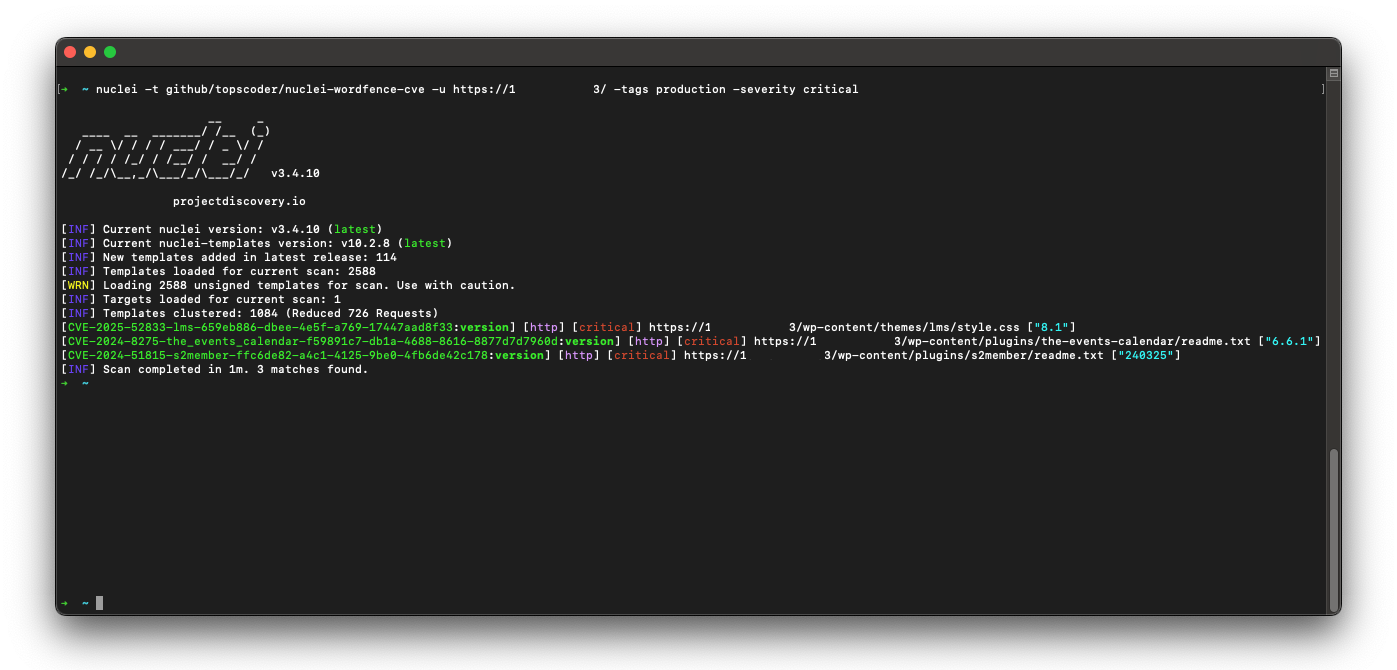
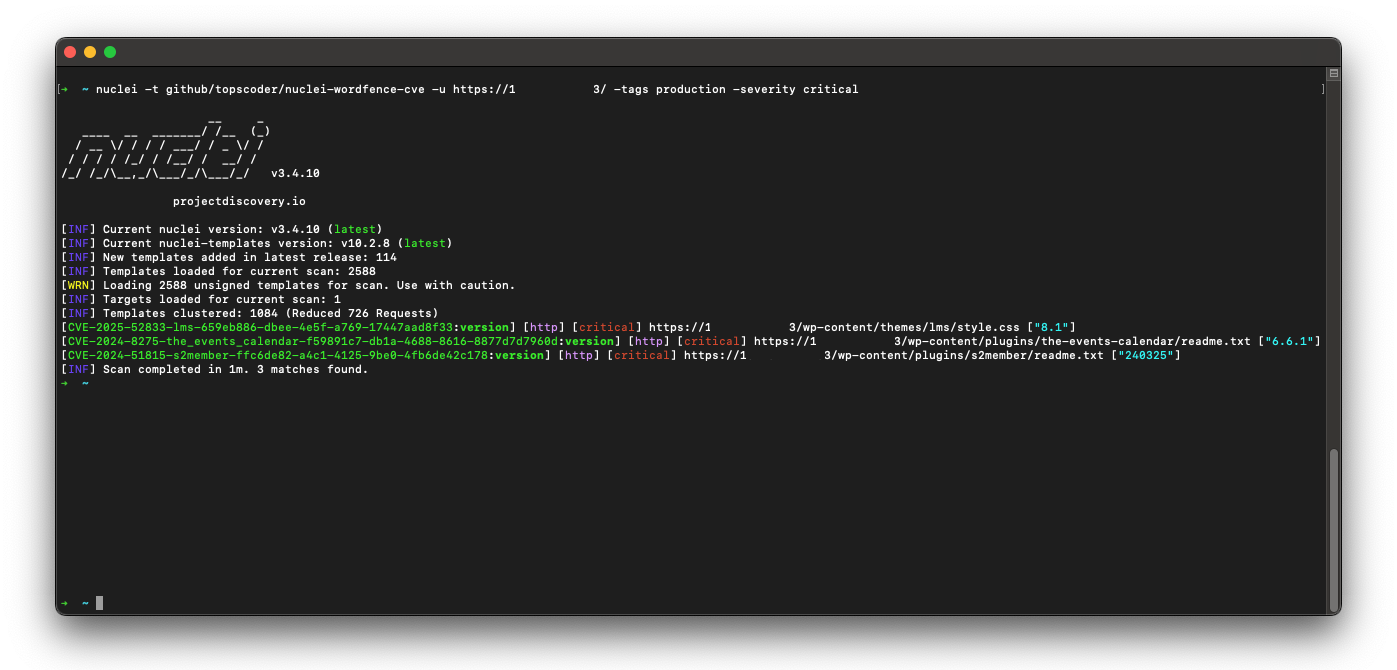
nuclei -t github/topscoder/nuclei-wordfence-cve -tags production -u https://target.com
Include only candidate templates:
nuclei -t github/topscoder/nuclei-wordfence-cve -tags candidate -u https://target.com
Here are some examples how to use the templates:
nuclei -t github/topscoder/nuclei-wordfence-cve -u https://target.com
nuclei -t github/topscoder/nuclei-wordfence-cve -template-id cve-2023-32961 -u https://target.com
nuclei -t github/topscoder/nuclei-wordfence-cve -severity critical -u https://target.com
nuclei -t github/topscoder/nuclei-wordfence-cve -tags wp-core -u https://target.com
nuclei -t github/topscoder/nuclei-wordfence-cve -tags wp-plugin -u https://target.com
nuclei -t github/topscoder/nuclei-wordfence-cve -tags wp-theme -u https://target.com
nuclei -t github/topscoder/nuclei-wordfence-cve -tags wp-plugin,wp-theme -severity critical,high
-tc) that allows complex expressions like the following ones:nuclei -t github/topscoder/nuclei-wordfence-cve -template-condition "contains(to_lower(name),'cross-site scripting') || contains(to_upper(name),'XSS')" -u https://target.com
nuclei -t github/topscoder/nuclei-wordfence-cve -template-condition "contains(to_lower(name),'sql injection') || contains(to_lower(description),'sql injection')" -u https://target.com
nuclei -t github/topscoder/nuclei-wordfence-cve -template-condition "contains(to_lower(name),'file inclusion') || contains(to_lower(description),'file inclusion')" -u https://target.com

