 thewhiteh4t/pwnedornot
손상된 이메일 주소의 비밀번호를 찾는 OSINT 도구

제작: Lohitya Pushkar (thewhiteh4t).
Twitter
-
Blog
| 사용 가능 | 에서 | |
|---|---|---|
| BlackArch Linux | SecBSD | Tsurugi Linux |
 |  |  |
pwnedOrNot은 두 단계로 작동합니다. 첫 번째 단계에서는 HaveIBeenPwned v3 API를 사용하여 주어진 이메일 주소가 과거에 침해되었는지 확인하고, 두 번째 단계에서는 사용 가능한 공개 덤프에서 비밀번호를 검색합니다.
[!IMPORTANT]
이 도구를 사용하려면 API 키가 필요합니다. 아래 링크된 HIBP 웹사이트에서 키를 구매할 수 있습니다.
https://haveibeenpwned.com/API/v3
Pastebin용 OSINT 수집 도구 - Jake Creps
https://github.com/thewhiteh4t/pwnedOrNot/wiki/Changelog
haveibeenpwned는 침해된 이메일에 대한 많은 정보를 제공하며, pwnedOrNot은 가장 유용한 정보를 표시합니다:
비밀번호를 찾을 가능성은 다음 요소에 따라 달라집니다:
Windows 사용자는 Kali Linux WSL2 또는 VM 사용을 권장합니다.
Ubuntu / Kali Linux / Nethunter / Termux
git clone https://github.com/thewhiteh4t/pwnedOrNot.git
cd pwnedOrNot
chmod +x install.sh
./install.sh
BlackArch Linux
pacman -S pwnedornot
Docker
git clone https://github.com/thewhiteh4t/pwnedOrNot.git
docker build -t pon .
docker run -it pon
cd pwnedOrNot
git pull
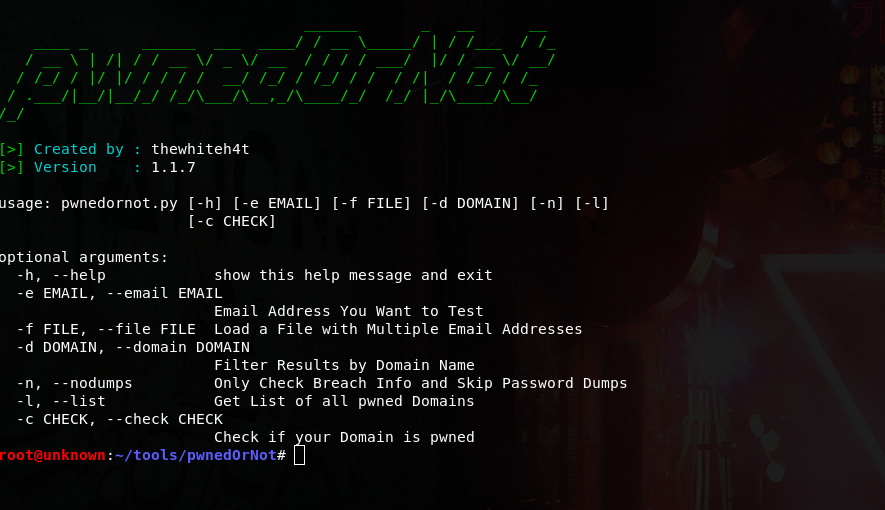
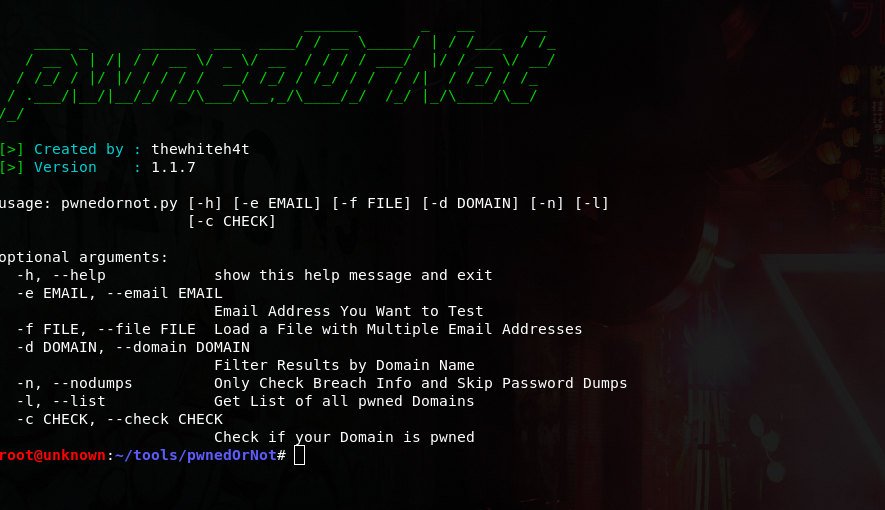
python3 pwnedornot.py -h
usage: pwnedornot.py [-h] [-e EMAIL] [-f FILE] [-s SAVE] [-d DOMAIN] [-b BREACH]
                     [-n] [-l] [-c CHECK] [-k KEY]

options:
  -h, --help           show this help message and exit
  -e, --email EMAIL    Email address
  -f, --file FILE      input file with multiple email addresses
  -s, --save SAVE      Output file for pwned email addresses
  -d, --domain DOMAIN  Filter results by domain name
  -b, --breach BREACH  Get info about a breach by breach name
  -n, --nodumps        Only Check Breach Info and Skip Password Dumps
  -l, --list           Get List of all pwned Domains
  -c, --check CHECK    Check if your Domain is pwned
  -k, --key KEY        API Key
# Using ENV variable :

export PWNED_API_KEY="<hibp-api-key>"

# Using CLI argument :

python3 pwnedornot.py -e [email protected] -k <hibp-api-key>


# Using config file :

nano ~/.config/pwnedornot/config.json
{
  "api_key": "<hibp-api-key>"
}
# Check Single Email

python3 pwnedornot.py -e <email>
#OR
python3 pwnedornot.py --email <email>

# Check Multiple Emails from File

python3 pwnedornot.py -f <file name>
#OR
python3 pwnedornot.py --file <file name>

# Filter Result for a Domain Name [Ex : adobe.com]

python3 pwnedornot.py -e <email> -d <domain name>
#OR
python3 pwnedornot.py -f <file name> --domain <domain name>

# Get only Breach Info, Skip Password Dumps

python3 pwnedornot.py -e <email> -n
#OR
python3 pwnedornot.py -f <file name> --nodumps

# Get List of all Breached Domains

python3 pwnedornot.py -l
#OR
python3 pwnedornot.py --list

# Check if a Domain is Pwned

python3 pwnedornot.py -c <domain name>
#OR
python3 pwnedornot.py --check <domain name>