 thebeanogamer/hstsparser
Firefox 및 Chrome HSTS 데이터베이스를 분석하여 포렌식 아티팩트로 변환하는 도구!






HSTS 파서는 Firefox 및 Chrome의 HSTS 데이터베이스를 실제로 유용한 포렌식 아티팩트로 파싱하는 간단한 도구입니다! 이 도구의 배경 연구와 잠재적 사용 사례에 대한 자세한 내용은 제 블로그에서 확인하세요!
HSTS 파서는 pip를 통해 설치하거나 네이티브 실행 파일로 설치할 수 있습니다.
Python이 이미 설치되어 있다면 pip를 사용하여 HSTS 파서를 설치할 수 있습니다.
pip install hstsparser

HSTS 파서는 Fedora 38 이상에서 사용 가능합니다.
dnf install hstsparser
Windows 바이너리는 HSTS 파서의 각 릴리스에 대해 GitHub Actions CI에서 게시됩니다. 릴리스 페이지에서 다운로드할 수 있습니다.
아래의 모든 문서는 독립 실행형 실행 파일이 아닌 Python 버전을 기준으로 작성되었지만, 명령어는 동일합니다.
$ hstsparser -h
usage: hstsparser [-h] [-w WORDLIST] [--csv CSV] (--firefox | --chrome) FILE

Process HSTS databases

positional arguments:
  FILE         The path to the database to be processed

optional arguments:
  -h, --help   show this help message and exit
  -w WORDLIST  The path to a file containing a wordlist for bruteforcing hashes
  --csv CSV    Output to a CSV file
  --firefox    Process a Firefox database
  --chrome     Process a Chrome database
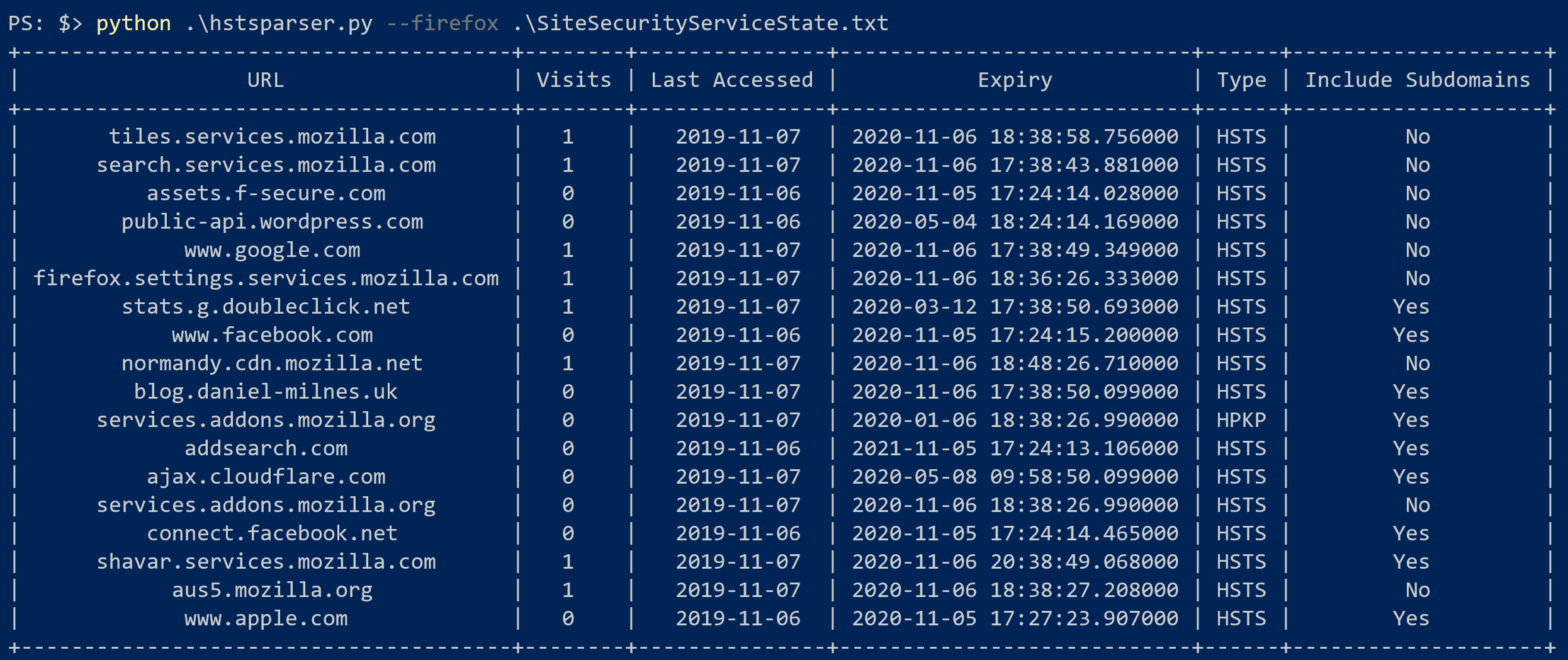
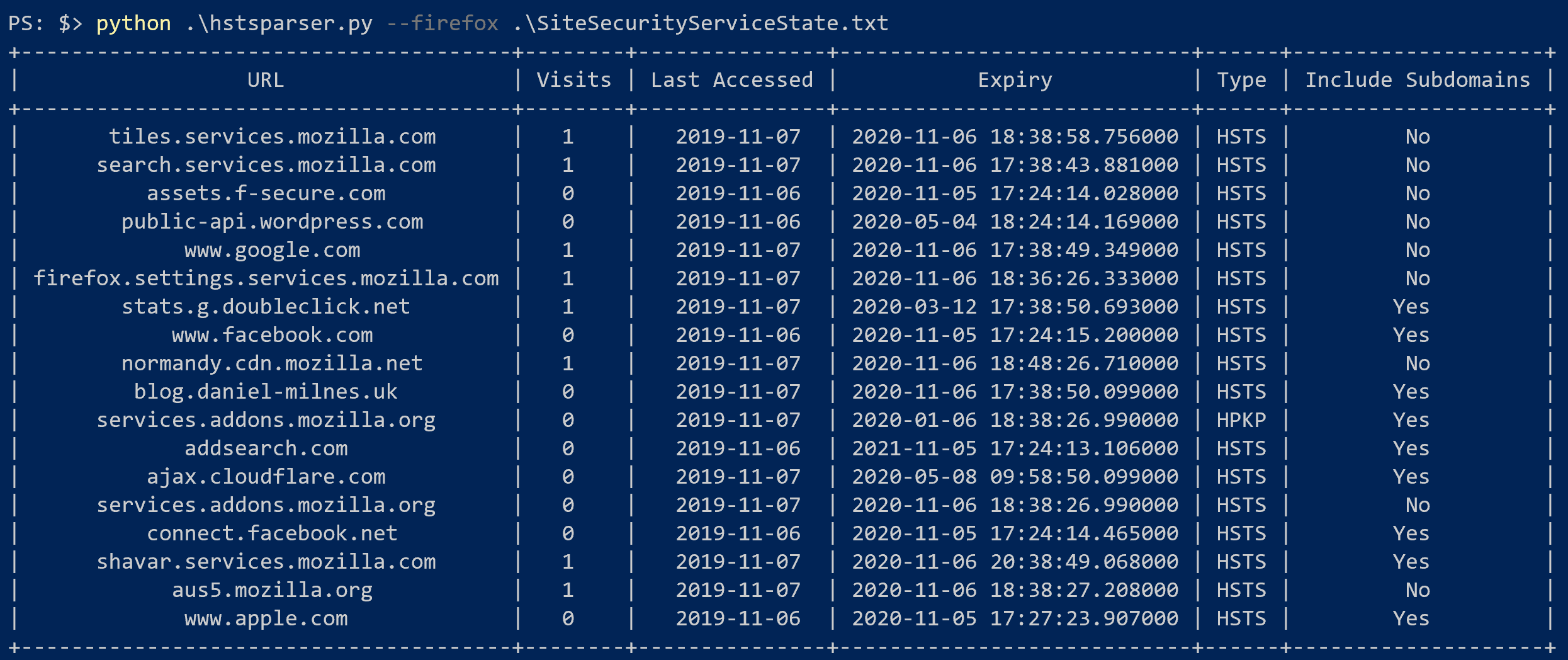
hstsparser --firefox SiteSecurityServiceState.txt
hstsparser --chrome TransportSecurity
hstsparser -w wordlist.txt --chrome TransportSecurity