 telekom-security/explo
사람과 기계가 읽을 수 있는 웹 취약점 테스트 형식

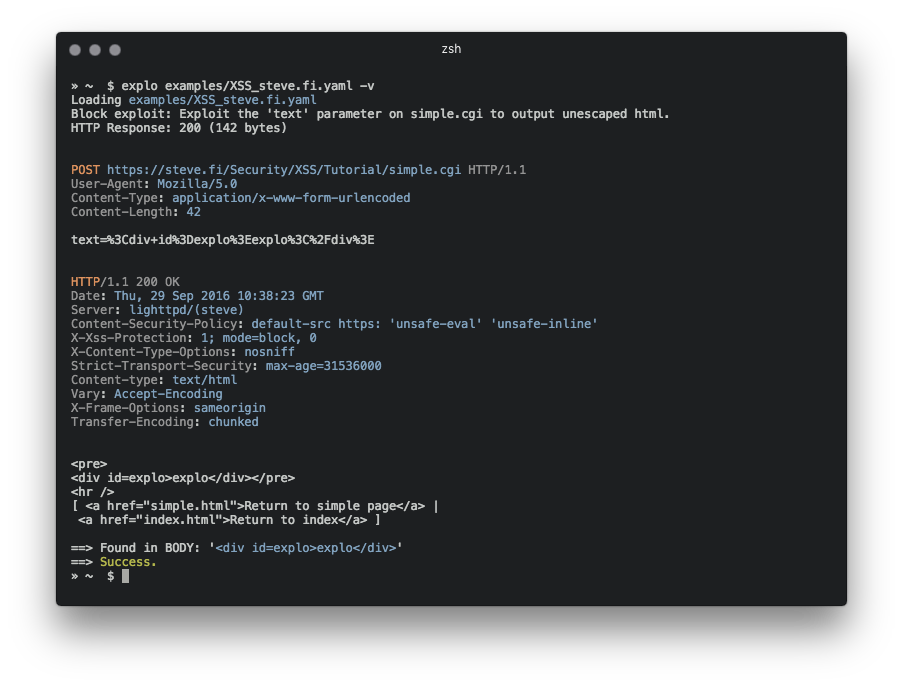
explo는 웹 보안 문제를 사람과 기계가 모두 읽을 수 있는 형식으로 기술하기 위한 간단한 도구입니다. 요청/조건 워크플로우를 정의함으로써 explo는 스크립트를 작성할 필요 없이 보안 문제를 익스플로잇할 수 있습니다. 이를 통해 복잡한 취약점을 간단하고 읽기 쉬우며 실행 가능한 형식으로 공유할 수 있습니다.
CSRF 토큰을 추출하고 양식에서 이를 사용하는 예시:
name: get_csrf
description: extract csrf token
module: http
parameter:
    url: http://example.com/contact
    method: GET
    header:
        user-agent: Mozilla/5.0
    extract:
        csrf: [CSS, "#csrf"]
---
name: exploit
description: exploits sql injection vulnerability with valid csrf token
module: http
parameter:
    url: http://example.com/contact
    method: POST
    body:
        csrf: "{{get_csrf.extracted.csrf}}"
        username: "' SQL INJECTION"
    find: You have an error in your SQL syntax
이 예제 정의 파일에서는 보안 문제가 위에서 아래로 실행되는 두 단계를 수행하여 테스트됩니다. 마지막 단계는 'You have an error in your SQL syntax' 문자열이 발견되는지 여부에 따라 성공 또는 실패를 반환합니다.
pip install explo
git clone https://github.com/dtag-dev-sec/explo
cd explo
python setup.py install
explo [--verbose|-v] testcase.yaml
explo [--verbose|-v] examples/*.yaml
examples/ 폴더에 몇 가지 예제 테스트 케이스가 있습니다.
$ explo examples/SQLI_simple_testphp.vulnweb.com.yaml
explo를 Python 라이브러리로 포함시킬 수도 있습니다:
from explo.core import from_content as explo_from_content
from explo.core import ExploException, ProxyException

def save_log(msg):
    print(msg)

try:
    result = explo_from_content(explo_yaml_file, save_log)
except ExploException as err:
    print(err)
HTTP/HTTPS 프록시와 요청 타임아웃은 환경 변수를 통해 설정할 수 있습니다. 기본 타임아웃은 15초로 설정됩니다.
$ export http_proxy=http://proxy:8089
$ export https_proxy=https://proxy:8090
$ export timeout=10
$ explo ...
모듈을 추가하여 기능과 보안 문제 클래스를 개선할 수 있습니다.
http 모듈은 HTTP 요청을 보내고, 콘텐츠를 추출하며, 콘텐츠를 검색/확인할 수 있게 해줍니다.
다음 단계에서 사용할 수 있는 데이터는 다음과 같습니다:
stepname.response.contentstepname.response.cookiesresponse.extracted.variable_namefind_regex 매개변수가 설정되면 응답 본문에 대해 정규식 일치가 수행됩니다. 일치에 실패하면 이 모듈은 실패를 반환하고 현재 워크플로우(및 모든 단계)의 실행을 중지합니다.
정규식으로 추출할 때는 추출할 값을 표시하기 위해 일치 그룹 extract를 사용합니다 (아래 예시 참조).
쿠키를 참조할 때는 쿠키를 가져올 이전 단계의 이름을 참조하십시오 (cookies: the_other_step.response.cookies).
매개변수 예시:
parameter:
    url: http://example.com
    method: GET
    allow_redirects: True
    headers:
        User-Agent: explo
        Content-Type: abc
    cookies: stepname.response.cookies
    body:
        key: value
    find: search for string
    find_regex: search for (reg|ular)expression
    find_in_headers: searchstring in headers
    expect_response_code: 200
    extract:
        variable1: [CSS, '#csrf']
        variable2: [REGEX, '<input(.*?)value="(?P<extract>.*?)"']
http_header 모듈은 응답에 지정된 헤더(및 값) 세트가 누락되었는지 확인할 수 있게 해줍니다. 다른 모든 매개변수는 http 모듈과 동일합니다.
다른 모듈에서 사용할 수 있는 데이터는 다음과 같습니다:
stepname.response.contentstepname.response.cookies매개변수 예시:
parameter:
    url: http://example.com
    method: GET
    allow_redirects: True
    headers:
        User-Agent: explo
        Content-Type: abc
    body:
        key: value
    headers_required:
        X-XSS-Protection: 1
        Server: .               # all values are valid
sqli_blind 모듈은 시간 기반 블라인드 SQL 인젝션을 식별할 수 있습니다.
다른 모듈에서 사용할 수 있는 데이터는 다음과 같습니다:
stepname.response.contentstepname.response.cookies매개변수 예시:
parameter:
    url: http://example.com/vulnerable.php?id=1' waitfor delay '00:00:5'--
    method: GET
    delay_seconds: 5
5초(delay_seconds) 임계값을 초과하면 검사가 true를 반환합니다(따라서 성공으로 간주).
metadata 블록은 .yaml 파일의 첫 번째 블록으로 추가하여 취약점에 메타데이터를 추가하고 추가 처리를 할 수 있는 특수 블록입니다. 이는 explo가 라이브러리로 사용될 때 유용하며, meta_from_content(content)를 사용하여 각 취약점 설명에 대한 메타데이터를 읽을 수 있습니다. 이 모듈은 이름이나 설명이 필요하지 않습니다.
예시:
module: metadata
parameter:
    cvss: 8.9
    author: Robin Verton
---
name: login
description: login with test credentials
module: http
parameter:
    url: http://testphp.vulnweb.com/userinfo.php
    method: POST
    body:
        uname: test
        pass: test
