 stratosphereips/manati
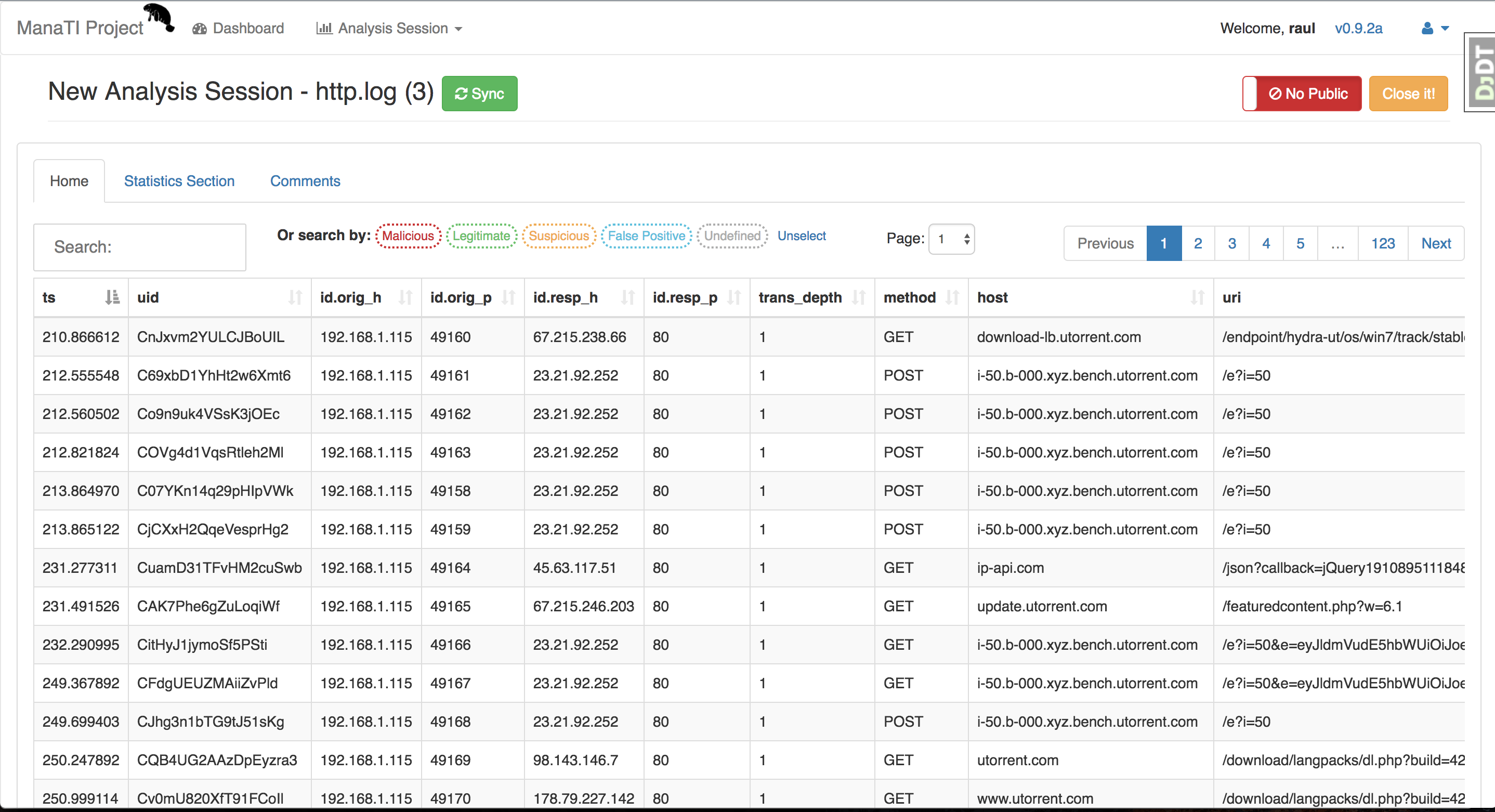
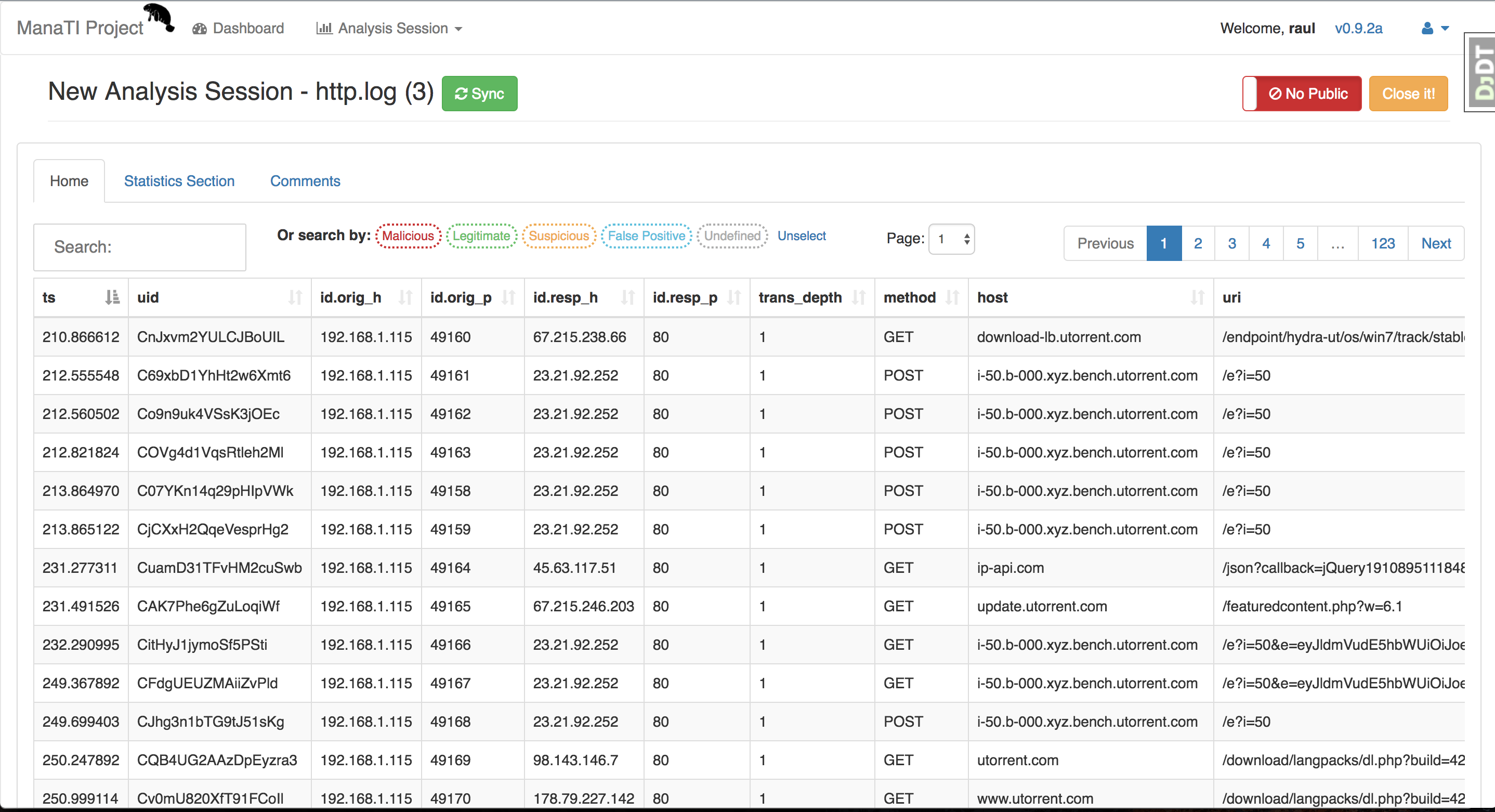
직관적인 위협 분석가의 작업을 지원하는 웹 기반 도구입니다.




위협 직관 분석을 위한 머신러닝
ManaTI 프로젝트의 목표는 직관적인 위협 분석가가 새로운 보안 문제를 더 빠르게 발견할 수 있도록 지원하는 머신러닝 기술을 개발하는 것입니다. 머신러닝은 새로운 관계와 추론을 찾아내어 분석에 기여할 것입니다. 이 프로젝트에는 분석가가 데이터와 머신러닝 결과와 상호작용할 수 있는 웹 인터페이스 개발이 포함됩니다.
이 프로젝트는 Cisco Systems의 부분 지원을 받고 있습니다. 프로젝트에 대한 자세한 내용은 Stratosphere Lab 페이지를 방문해 주세요.
ManaTI는 Postgres 데이터베이스를 사용하는 Django 프로젝트이며 Linux와 MacOS에서 작동합니다. 설정을 위해 virtualenv 환경을 사용하는 것을 권장합니다. Linux에서의 설치 단계는 다음과 같습니다:
sudo apt-get update ; sudo apt-get upgrade -y
git clone [email protected]:stratosphereips/Manati.git; cd Manati
또는 SSH를 사용하지 않으려면 HTTPS를 사용하세요
git clone https://github.com/stratosphereips/Manati.git; cd Manati
sudo apt-get install virtualenv python-pip python-dev libpq-dev build-essential libssl-dev libffi-dev
virtualenv .vmanati
source .vmanati/bin/activate
sudo apt-get install postgresql-server-dev-all postgresql-9.5 postgresql-client-9.5
    cp .env.example .env
    cp .env-docker.example .env-docker
선택 사항
원하는 경우 데이터베이스의 비밀번호와 이름을 수정할 수 있습니다. 아래 Postgres 데이터베이스 설정에 변경 사항을 반영해야 합니다.
pip install -r requirements/local.txt
~/.cache 폴더의 권한에 문제가 있을 수 있습니다. 다음 명령을 실행하면 문제가 해결됩니다:
sudo chmod 777 ~/.cache
Amazon AWS EC2에 배포할 때 메모리 오류가 발생하면 다음을 시도해 보세요:
pip install -r requirements/local.txt --no-cache-dir
sudo /etc/init.d/postgresql start
su - postgres
    psql

    create user manati_db_user with password 'password';

    create database manati_db;

    grant all privileges on database manati_db to manati_db_user;

    alter role manati_db_user createrole createdb;

    CTRL-D (to output the postgres db shell)
선택 사항
postgres 사용자의 기본 비밀번호를 변경하려면 (원하는 경우 동일한 비밀번호를 사용할 수 있음), pgAdmin3-4를 postgres 클라이언트로 사용하려는 경우 특히 좋은 방법입니다. "sudo - postgres"를 종료하지 마세요.
    psql

    \password;

    CTRL-D (to output the postgres db shell)
    psql -h localhost -d manati_db -U manati_db_user

    (and put the password)
비밀번호를 입력하면 postgres에 로그인되어야 합니다.
sudo apt-get install redis-server
선택 사항
Redis를 구성하려면. 예를 들어, 비밀번호를 변경하려면 다음과 같이 할 수 있습니다:
sudo vi /etc/redis/redis.conf
requirepass 줄을 찾아 그 옆에 원하는 비밀번호를 작성합니다.
requirepass passwodUser
프로젝트 루트에 있는 .env 파일의 환경 변수 REDIS_PASSWORD를 업데이트해야 합니다.
    python ./manage.py makemigrations guardian
    python ./manage.py migrate
python ./manage.py check_external_modules
./utility/redis_worker.sh
python manage.py createsuperuser
서버를 root로 실행하는 것은 권장되지 않지만, 1024 미만의 포트 번호는 root만 열 수 있으므로 어떤 사용자를 사용할지는 사용자에게 달려 있습니다. 기본적으로 포트 8000을 열므로 root로 실행할 수 있습니다:
python ./manage.py runserver
이 후 브라우저에서 http://localhost:8000/manati_project/manati_ui를 열면 됩니다.
네트워크에서 서버를 열려면 다음과 같이 할 수 있습니다:
python ./manage.py runserver <ip-address>:8000
실행 중이거나 대기 중인 작업을 보려면 http://localhost:8000/manati_project/django-rq/로 이동하세요.
cd path/to/project_directory
git pull origin master
pip install -r requirements/local.txt
./utility/redis_worker.sh
python ./manage.py makemigrations guardian --noinput
python ./manage.py migrate --noinput
python ./manage.py check_external_modules
python ./manage.py runserver
백그라운드 작업을 처리하기 위해 surpevisor, gunicorn을 서버로, RQ worker (redis 서버 포함)를 사용합니다. 향후 nginx 설정을 준비할 계획입니다.
cd path/to/project_directory
python manage.py collectstatic --noinput --clear
sudo supervisord -c supervisor-manati.conf -n
Docker가 설치되어 있다면 ManaTI Docker 이미지를 설치하는 것이 좋습니다. Dockerfile 및 서버 구성 파일은 여기에 있습니다. 이 ManaTI Docker 이미지는 NGINX 및 uWSGI 서버 위에서 실행됩니다. 이 이미지는 @Piuliss가 유지 관리합니다.
docker pull honeyjack/manati:latest
docker run --name manati -p 8888:8888 -dti honeyjack/manati:latest bash
그런 다음 5~10초 정도 기다린 후 http://localhost:8888로 이동합니다.
ManaTI를 설치하는 데 시간을 낭비하고 싶지 않고 Docker가 설치되어 있다면 docker-compose를 실행하면 됩니다. 먼저 저장소를 클론하고 프로젝트 디렉토리로 이동합니다.
cd Manati
cp .env.example .env
cp .env-docker.example .env-docker
docker-compose build
docker-compose run web bash -c "python manage.py makemigrations --noinput; python manage.py migrate; python manage.py check_external_modules"
docker-compose run web bash -c "python manage.py createsuperuser2 --username admin --password Password123 --noinput --email '[email protected]'"
docker-compose up # or 'docker-compose up -d' if you don't want to see the logs in the console.
이 후 브라우저에서 http://localhost:8000/manati_project/manati_ui/new를 열면 됩니다.
pg_dump -U manati_db_user -W -F p manati_db > backup.sql # plain text
