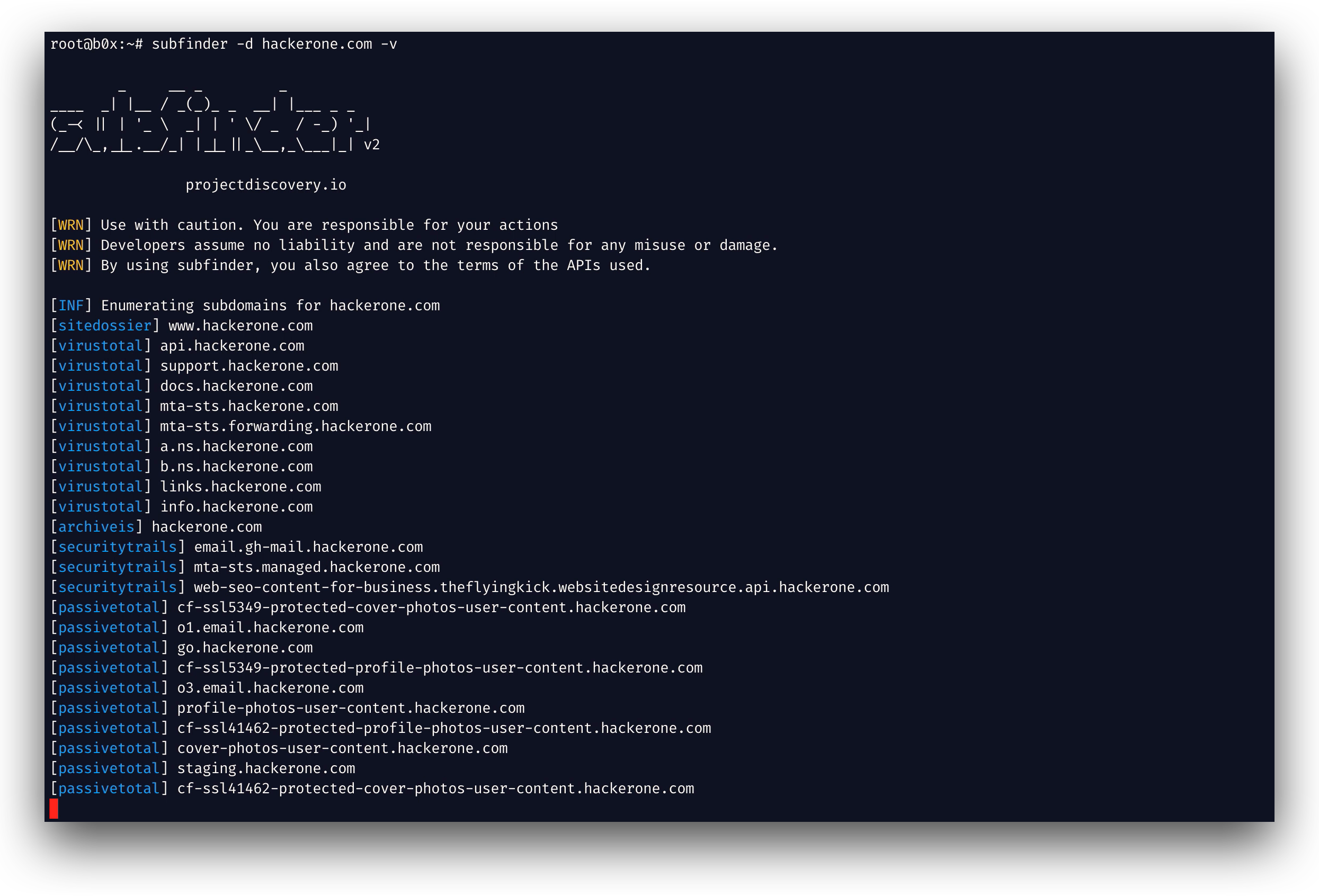

 projectdiscovery/subfinder
빠른 패시브 서브도메인 열거 도구.





기능 • 설치 • 사용법 • API 설정 • 라이브러리 • Discord 참여
subfinder는 패시브 온라인 소스를 사용하여 웹사이트의 유효한 서브도메인을 반환하는 서브도메인 발견 도구입니다. 간단하고 모듈식인 아키텍처를 가지며 속도에 최적화되어 있습니다. subfinder는 오직 한 가지만 수행하도록 만들어졌습니다 - 패시브 서브도메인 열거이며, 이를 아주 잘 수행합니다.
우리는 사용되는 모든 패시브 소스 라이선스와 사용 제한을 준수하도록 만들었습니다. 패시브 모델은 침투 테스터와 버그 바운티 헌터 모두가 활용할 수 있는 속도와 은밀성을 보장합니다.
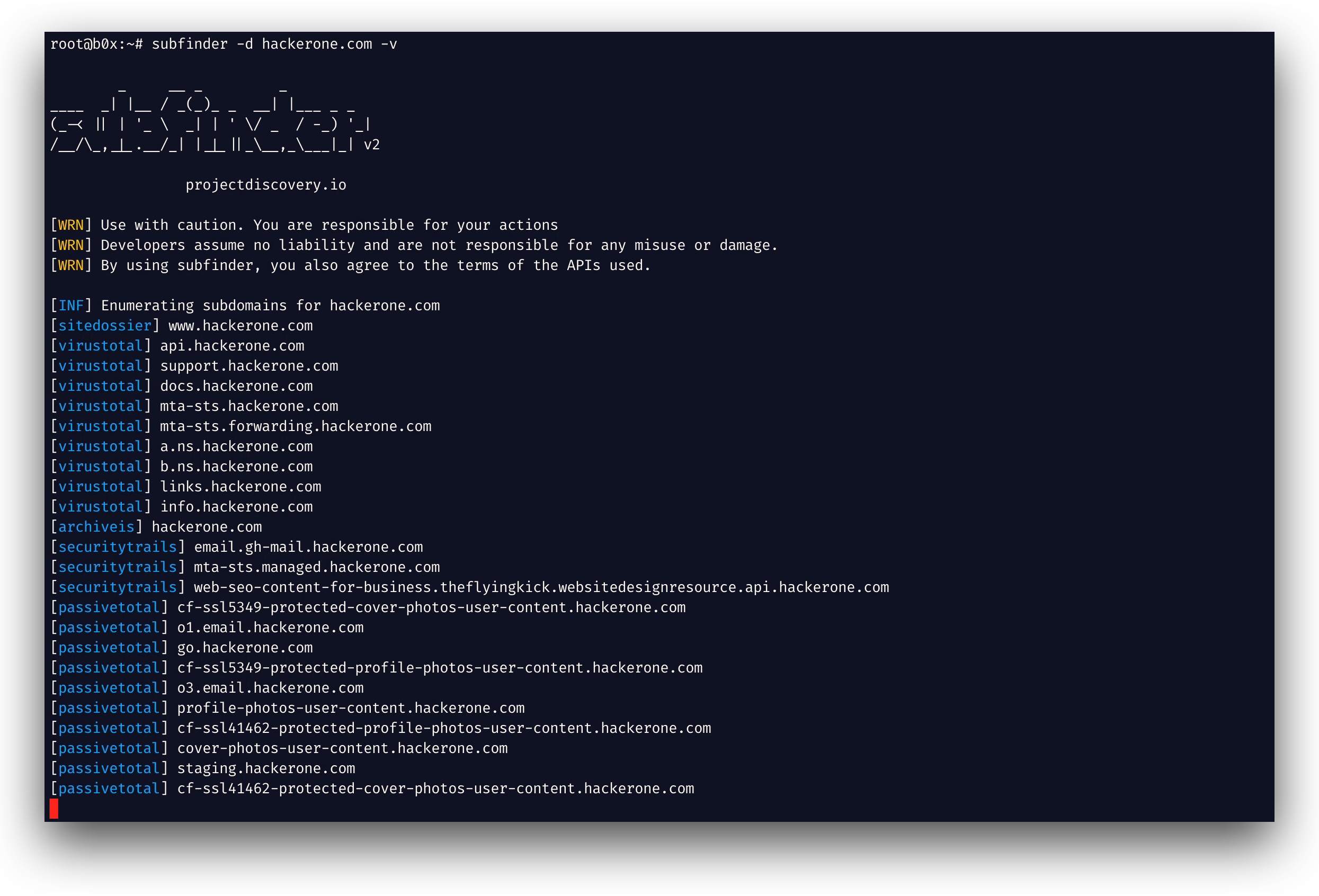
subfinder -h
이 명령은 도구에 대한 도움말을 표시합니다. 지원하는 모든 스위치는 다음과 같습니다.
Usage:
  ./subfinder [flags]

Flags:
INPUT:
  -d, -domain string[]  domains to find subdomains for
  -dL, -list string     file containing list of domains for subdomain discovery

SOURCE:
  -s, -sources string[]           specific sources to use for discovery (-s crtsh,github). Use -ls to display all available sources.
  -recursive                      use only sources that can handle subdomains recursively (e.g. subdomain.domain.tld vs domain.tld)
  -all                            use all sources for enumeration (slow)
  -es, -exclude-sources string[]  sources to exclude from enumeration (-es alienvault,zoomeyeapi)

FILTER:
  -m, -match string[]   subdomain or list of subdomain to match (file or comma separated)
  -f, -filter string[]   subdomain or list of subdomain to filter (file or comma separated)

RATE-LIMIT:
  -rl, -rate-limit int  maximum number of http requests to send per second
  -rls value            maximum number of http requests to send per second for providers in key=value format (-rls "hackertarget=10/s,shodan=15/s")
  -t int                number of concurrent goroutines for resolving (-active only) (default 10)

UPDATE:
  -up, -update                 update subfinder to latest version
  -duc, -disable-update-check  disable automatic subfinder update check

OUTPUT:
  -o, -output string       file to write output to
  -oJ, -json               write output in JSONL(ines) format
  -oD, -output-dir string  directory to write output (-dL only)
  -cs, -collect-sources    include all sources in the output (-json only)
  -oI, -ip                 include host IP in output (-active only)

CONFIGURATION:
  -config string                flag config file (default "$CONFIG/subfinder/config.yaml")
  -pc, -provider-config string  provider config file (default "$CONFIG/subfinder/provider-config.yaml")
  -r string[]                   comma separated list of resolvers to use
  -rL, -rlist string            file containing list of resolvers to use
  -nW, -active                  display active subdomains only
  -proxy string                 http proxy to use with subfinder
  -ei, -exclude-ip              exclude IPs from the list of domains
  -mr, -max-results int         limit the number of results per source (0 = unlimited; honored by paginating sources)

DEBUG:
  -silent             show only subdomains in output
  -version            show version of subfinder
  -v                  show verbose output
  -nc, -no-color      disable color in output
  -ls, -list-sources  list all available sources (-oJ for JSON)

OPTIMIZATION:
  -timeout int   seconds to wait before timing out (default 30)
  -max-time int  minutes to wait for enumeration results (default 10)
Subfinder는 구성 파일의 사용자 지정 경로를 지정하기 위해 환경 변수를 지원합니다:
SUBFINDER_CONFIG - config.yaml 파일 경로 (기본값 $CONFIG/subfinder/config.yaml을 재정의)SUBFINDER_PROVIDER_CONFIG - provider-config.yaml 파일 경로 (기본값 $CONFIG/subfinder/provider-config.yaml을 재정의)subfinder를 성공적으로 설치하려면 go1.24가 필요합니다. 최신 버전을 설치하려면 다음 명령을 실행하세요:
go install -v github.com/projectdiscovery/subfinder/v2/cmd/subfinder@latest
subfinder를 설치하는 더 다양한 방법은 여기에서 확인하세요: https://docs.projectdiscovery.io/tools/subfinder/install.
subfinder는 설치 직후 사용할 수 있지만, 많은 소스가 작동하려면 API 키가 필요합니다. 자세한 내용은 여기에서 확인하세요: https://docs.projectdiscovery.io/tools/subfinder/install#post-install-configuration.
Subfinder 실행 방법은 여기에서 확인하세요: https://docs.projectdiscovery.io/tools/subfinder/running.
Subfinder는 라이브러리로도 사용할 수 있으며, subfinder SDK 사용에 대한 최소한의 예제는 여기에서 확인할 수 있습니다.
subfinder는 projectdiscovery 팀이 🖤를 담아 만들었습니다. 커뮤니티의 기여가 이 프로젝트를 지금의 모습으로 만들었습니다. 자세한 내용은 THANKS.md 파일을 참조하세요.
사용 면책 조항은 DISCLAIMER.md에서 읽어보시고, API 제거 관련 문의는 문의하기로 연락해 주세요.
