
 lissy93/web-check
🕵️♂️ All-in-one OSINT tool for analysing any website
Comprehensive, on-demand open source intelligence for any website
🌐 web-check.xyz
Kindly supported by:
 NinjaPear API to get a full B2B profiles from any URL |
 Hostinger Deploy Web-Check with one click on Hostinger |
 Warp Built for coding with multiple AI agents |
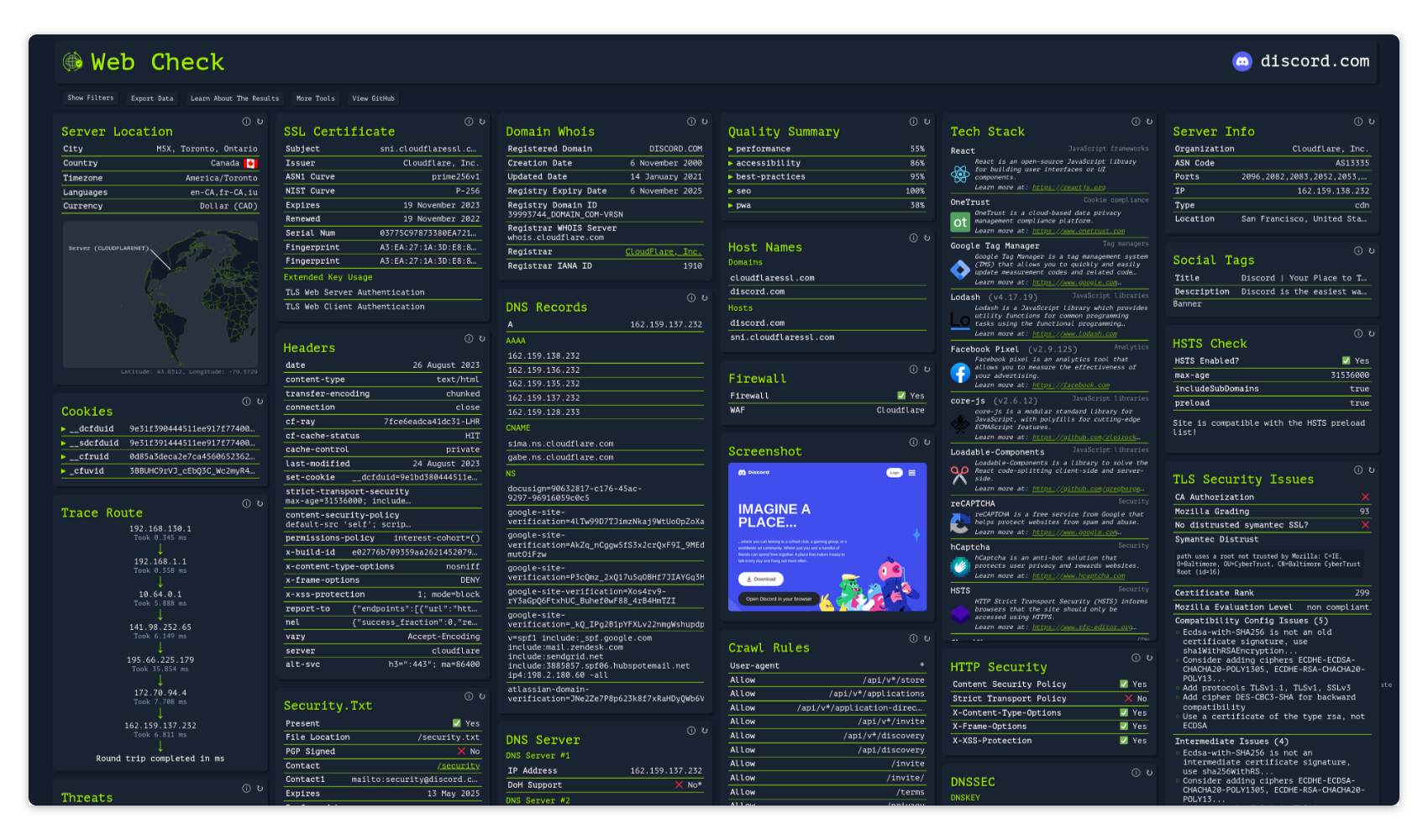
Get an insight into the inner-workings of a given website: uncover potential attack vectors, analyse server architecture, view security configurations, and learn what technologies a site is using.
The aim is to help you easily understand, optimize and secure your website.


A hosted version can be accessed at: web-check.as93.net
The source for this repo is mirrored to CodeBerg, available at: codeberg.org/alicia/web-check
Build & Deploys:


Repo Management & Miscellaneous: 

See web-check.xyz/about for the full list of checks, and what each one does
Click the button below, to deploy to Netlify 👇
Click the button below, to deploy to Vercel 👇
Deploy Web-Check with a single click on Hostinger – pre-configured and ready to run 👇

Click the button below, to deploy to Render 👇
Run docker run -p 3000:3000 lissy93/web-check, then open localhost:3000
You can get the Docker image from:
lissy93/web-checkghcr.io/lissy93/web-checkdocker build -t web-check .Install the prerequisites listed in the Developing section, then run:
git clone https://github.com/Lissy93/web-check.git  # Download the code from GitHub
cd web-check                                        # Navigate into the project dir
yarn install                                        # Install the NPM dependencies
yarn build                                          # Build the app for production
yarn start                                          # Start the app (API and GUI)
By default, no configuration is needed.
But there are some optional environmental variables that you can set to give you access to some additional checks, or to increase rate-limits for some checks that use external APIs.
API Keys & Credentials: