 knownsec/kunyu
Kunyu, 보다 효율적인 기업 자산 수집


English | 중국어 문서

Kunyu(곤여)는 그 이름이 에서 따온 것으로, 실제로는 지리 정보와 관련된 전문 분야로, 해양, 육지, 하늘의 지리 정보를 집계합니다. 사이버 공간에도 동일하게 적용됩니다. 알려지지 않고 취약한 자산을 발견하는 것도 마찬가지입니다. 이는 사이버 공간 지도에 더 가깝고, 사이버 공간 자산, 사이버 공간의 다양한 요소 및 요소 간의 관계, 그리고 사이버 공간과 현실 공간 간의 매핑 관계를 포괄적으로 설명하고 표시하는 데 사용됩니다. 따라서 "Kunyu"가 이 개념에 여전히 적합하다고 생각합니다.
Kunyu는 기업 자산 수집을 보다 효율적으로 만들고 더 많은 보안 관련 실무자가 사이버 공간 매핑 기술을 이해하고 사용할 수 있도록 하는 것을 목표로 합니다.
Kunyu의 사용에는 다음과 같은 많은 적용 시나리오가 있을 수 있습니다.
Python3 이상이 필요합니다``` git clone https://github.com/knownsec/Kunyu.git cd Kunyu pip3 install -r requirements.txt
Linux: python3 setup.py install kunyu console
Windows: cd kunyu python3 console.py
PYPI: pip3 install kunyu
P.S. Windows also supports python3 setup.py install.
# 0x02 구성 지침
프로그램을 처음 실행할 때, 다음 명령어를 입력하여 작동을 초기화하십시오. 다른 로그인 방법도 제공되며, API 방식이 권장됩니다 (사용자 이름/비밀번호 로그인은 더 이상 사용되지 않습니다).```
kunyu init --apikey <your zoomeye key> --seebug <your seebug key>
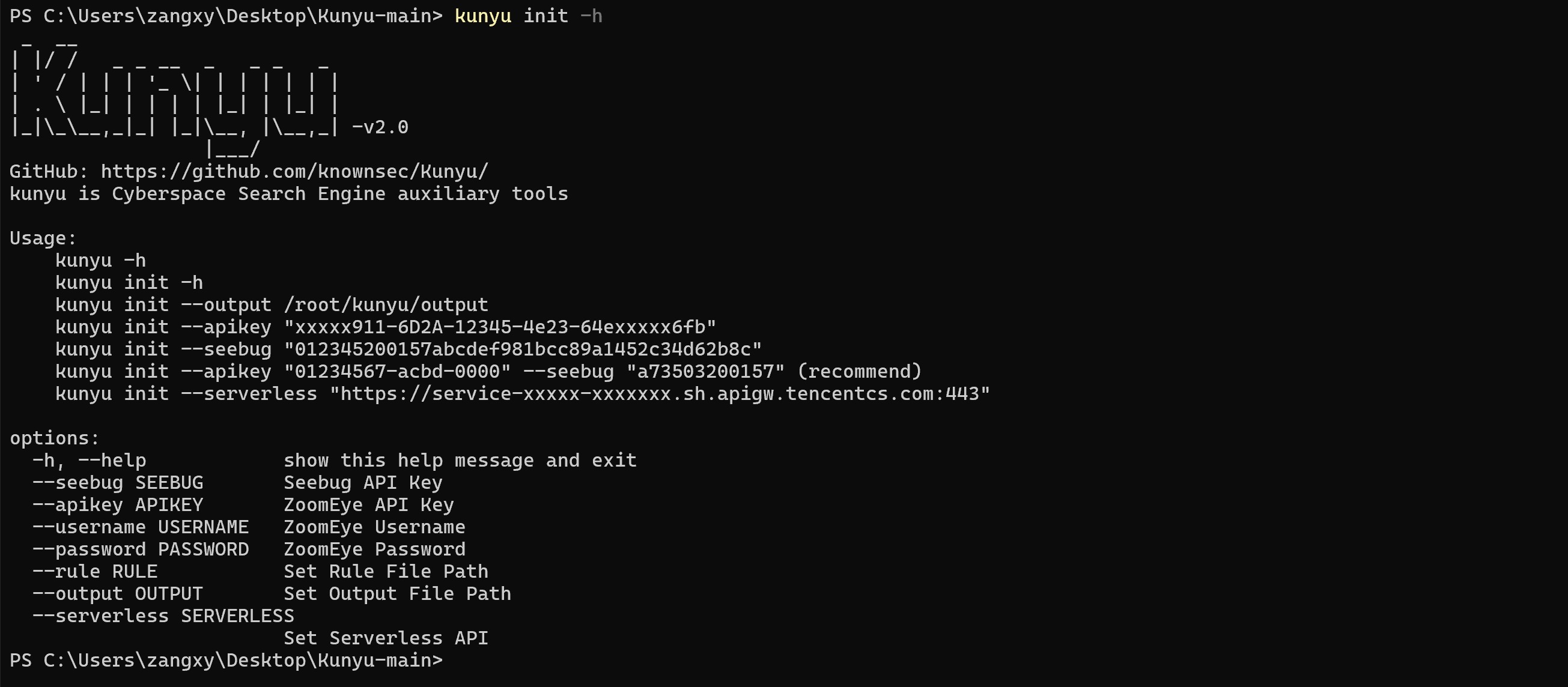
처음 사용할 때는 ZoomEye 로그인 자격 증명을 사용하여 도구를 통해 정보를 수집해야 합니다. 현재 ZoomEye API는 유료입니다.
ZoomEye 접속 주소: https://www.zoomeye.org/
Seebug 접속 주소: https://www.seebug.org/
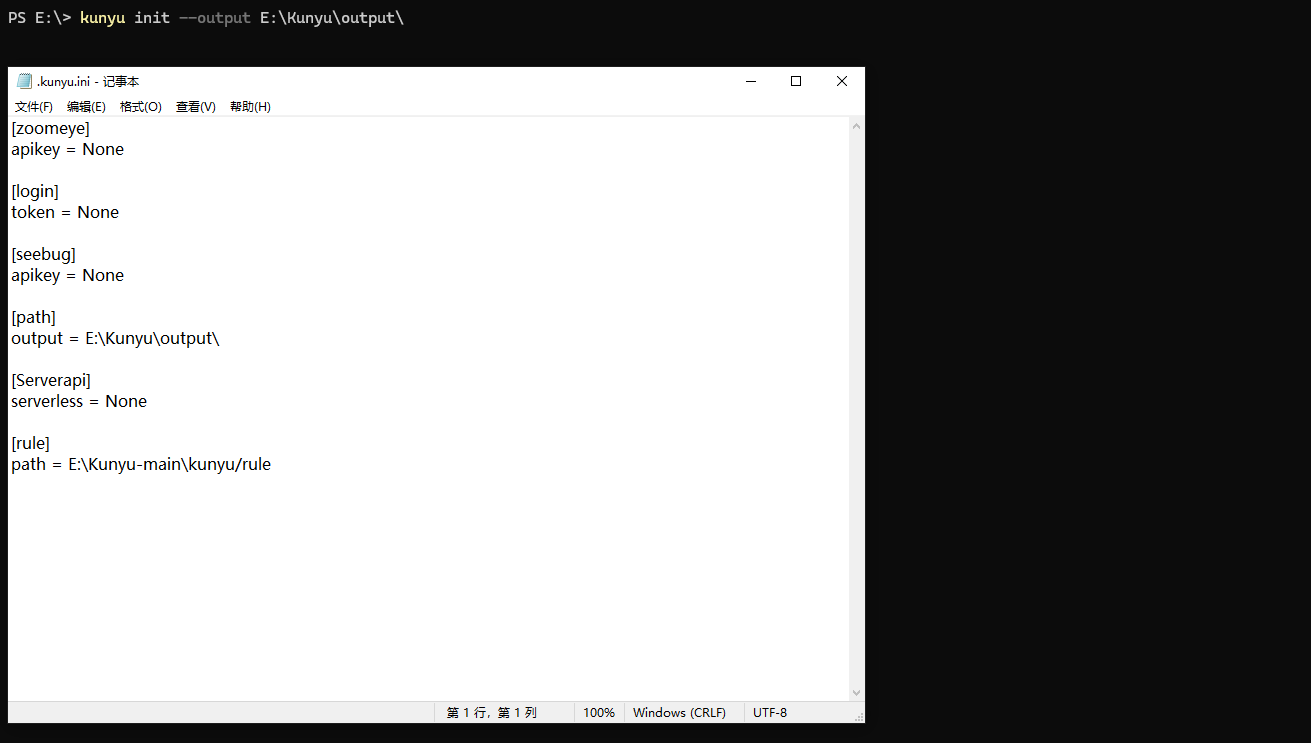
출력 파일 경로는 다음 명령으로 사용자 지정할 수 있습니다,기본 출력 경로는: C:/Users/active user/kunyu/output/ 또는 /active user/kunyu/output``` kunyu init --output C:\Users\风起\kunyu\output
# 0x03 도구 사용 설명
## 상세 명령어```
kunyu console
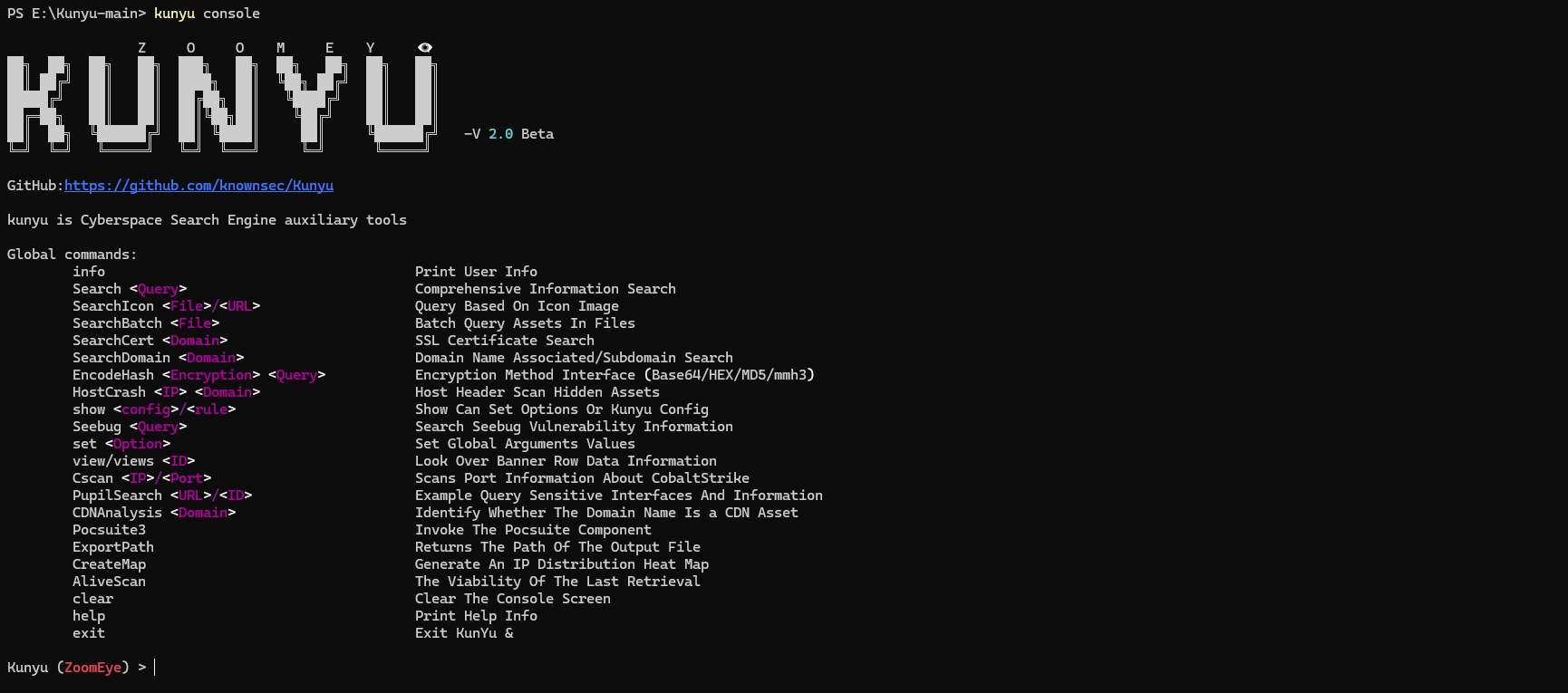
ZoomEye``` Global commands: info Print User Info Search Comprehensive Information Search SearchIcon / Query Based On Icon Image SearchBatch Batch Query Assets In Files SearchCert SSL Certificate Search SearchDomain Domain Name Associated/Subdomain Search EncodeHash Encryption Method Interface (Base64/HEX/MD5/mmh3) HostCrash Host Header Scan Hidden Assets show / Show Can Set Options Or Kunyu Config Seebug Search Seebug Vulnerability Information set Set Global Arguments Values view/views Look Over Banner Row Data Information Cscan / Scans Port Information About CobaltStrike PupilSearch / Example Query Sensitive Interfaces And Information CDNAnalysis Identify Whether The Domain Name Is a CDN Asset Pocsuite3 Invoke The Pocsuite Component ExportPath Returns The Path Of The Output File CreateMap Generate An IP Distribution Heat Map AliveScan The Viability Of The Last Retrieval clear Clear The Console Screen help Print Help Info exit Exit KunYu &
**옵션**```
ZoomEye:
        page <Number>       		The number of pages returned by the query (default:1)
        size <Number>      		Set the number of searches per page (default:10)
        fields <fields>     		Set the response field information
        dtype <0/1>         		Query associated domain name/subdomain name
        stype <v4/v6>       		stype <v4/v6> Set to get data type IPV4 or IPV6
        btype <host/web>    		Set the API interface for batch query
        timeout <num>       		Set the timeout period of Kunyu HTTP request
        thread              		Set PupilSearch Thread Number(default is 10)
        deep                		Set PupilSearch Search Deep(default is 2)
        all                 		PupilSearch Add All Url To Check List
        fuzz                		PupilSearch Add Api To Check List
        proxy               		PupilSearch HTTP Proxy
Kunyu 사용 튜토리얼은 다음과 같습니다
사용자 정보 조회

종합 검색(NEW)
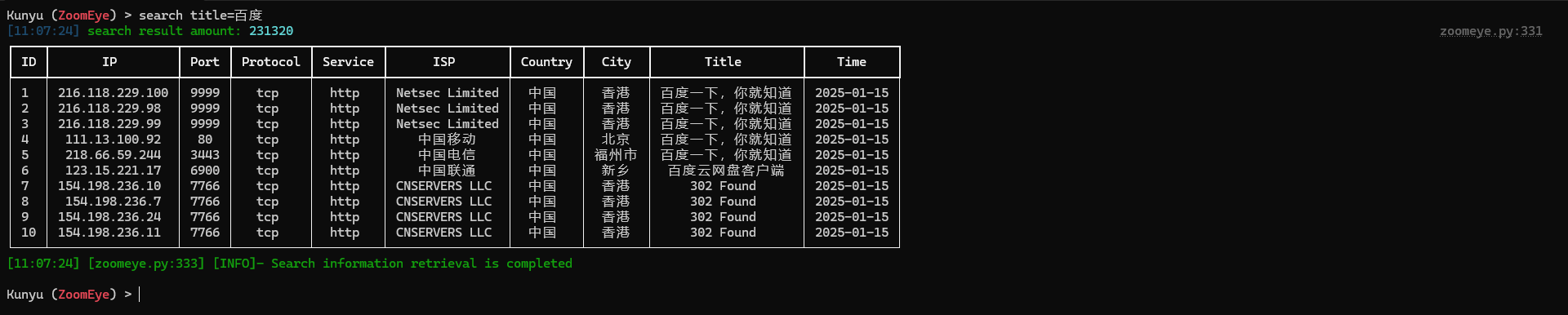
사용자 정의 출력 필드(NEW)
지원되는 사용자 정의 출력 필드에 대한 자세한 내용은 다음을 참조하십시오:


