
 joker25000/optiva-framework
Optiva-Framework 🔎 웹 애플리케이션 스캐너🕵️







이 프레임워크를 사용하여 웹사이트의 취약점을 찾아 보안을 점검하거나, 이 도구를 사용하여 어드민 패널 검색, dork를 통한 SQL 인젝션 검색, 정보 수집 및 해시 암호화를 수행할 수 있습니다.
정보 모듈 :
포트 스캐너
Whois 조회
역방향 IP 도메인 조회
HTTP 헤더 도메인 조회
IP 위치 정보 검색
해시 모듈 :
MD5 텍스트 인코딩
SHA1 텍스트 인코딩
SHA256 텍스트 인코딩
SHA384 텍스트 인코딩
SHA512 텍스트 인코딩
스캐너 모듈 :
사이트 간 스크립팅 (XSS)
SQL 인젝션 스캐너 (SQL)
Dork 검색 SQL 인젝션 취약점
원격 코드 실행 스캐너 (RCE)
$ git clone https://github.com/joker25000/Optiva-Framework
$ cd Optiva-Framework
$ chmod +x installer.sh
$ ./installer.sh
$ Type In Terminal
$ optiva
$ cd Optiva-Framework
$ pip install termcolor
$ pip install requests
$ pip install mechanize
$ run optiva :
$ python optiva.py
$ apt install git
$ git clone https://github.com/joker25000/Optiva-Framework
$ cd Optiva-Framework
$ chmod +x installer.sh
$ bash installer.sh
$ Select the 3 option termux and press enter
$ run optiva :
$ python2 optiva.py
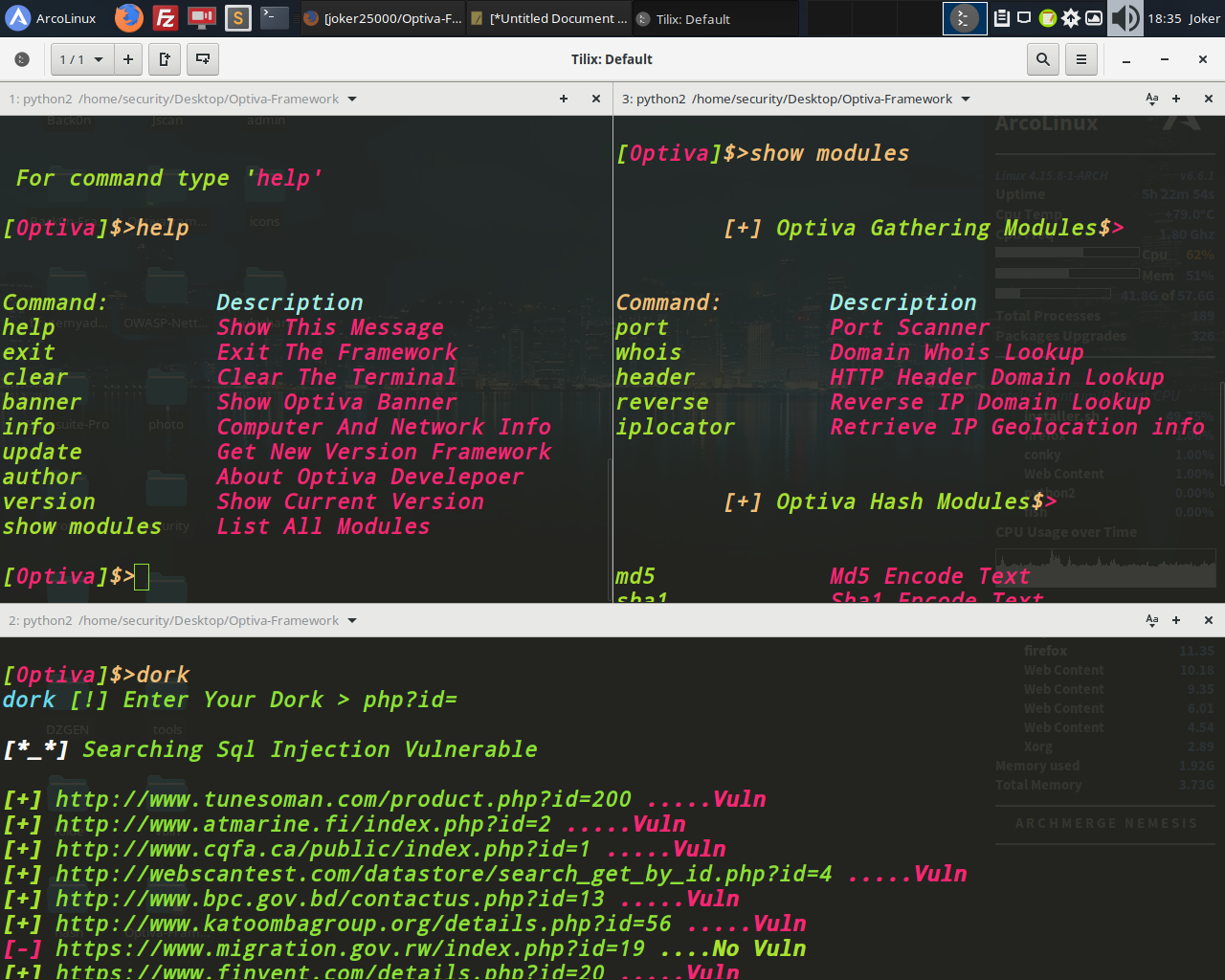
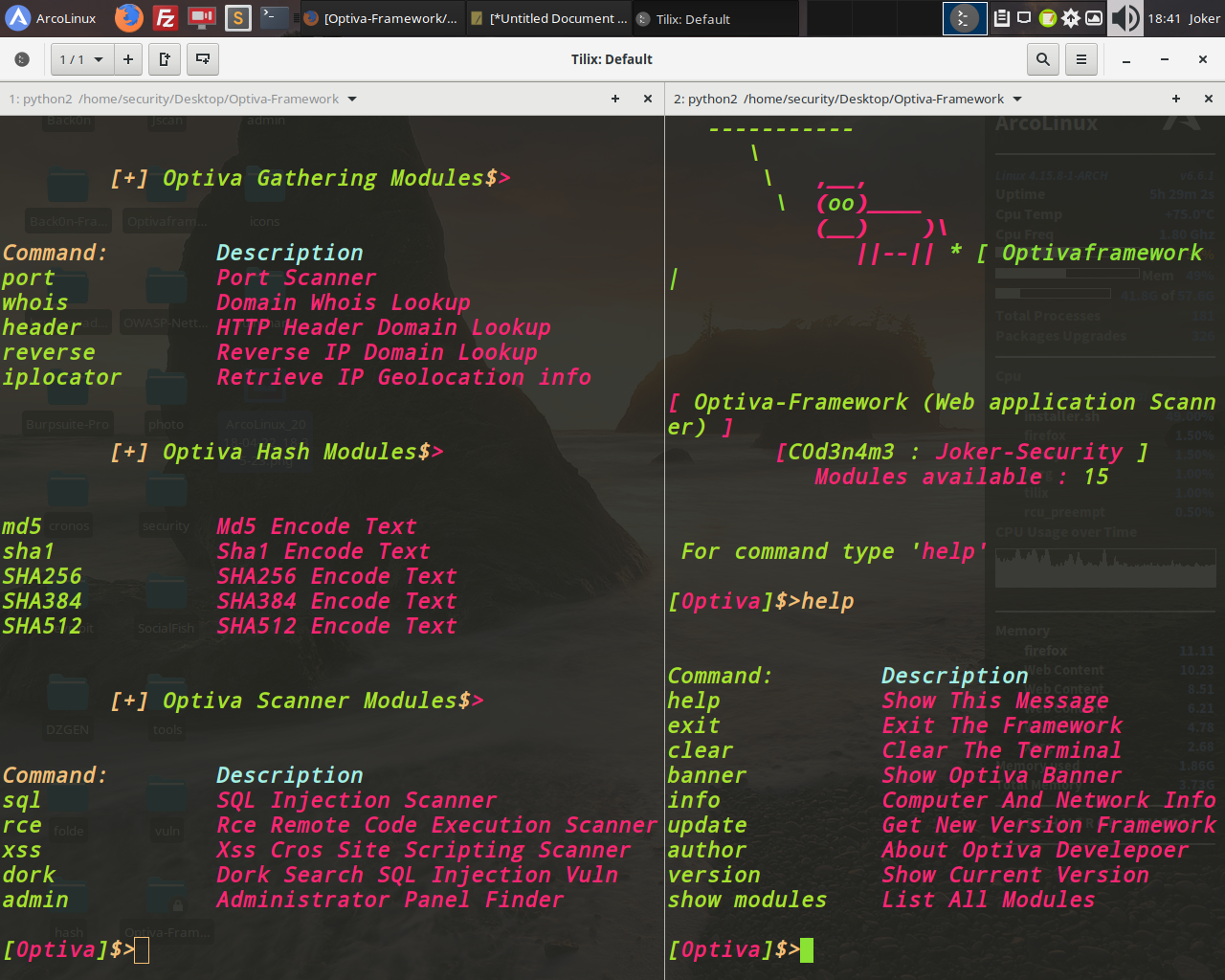
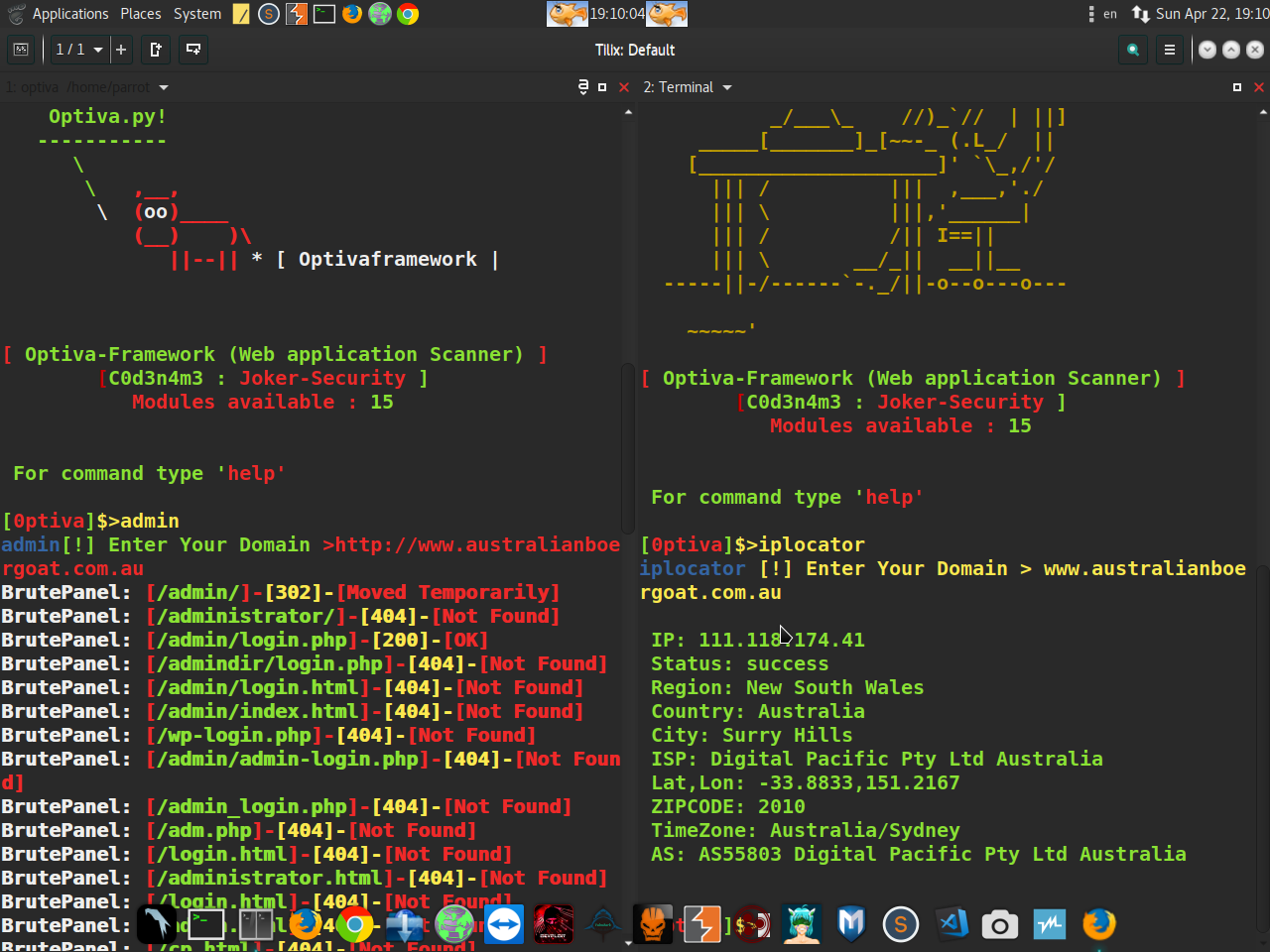
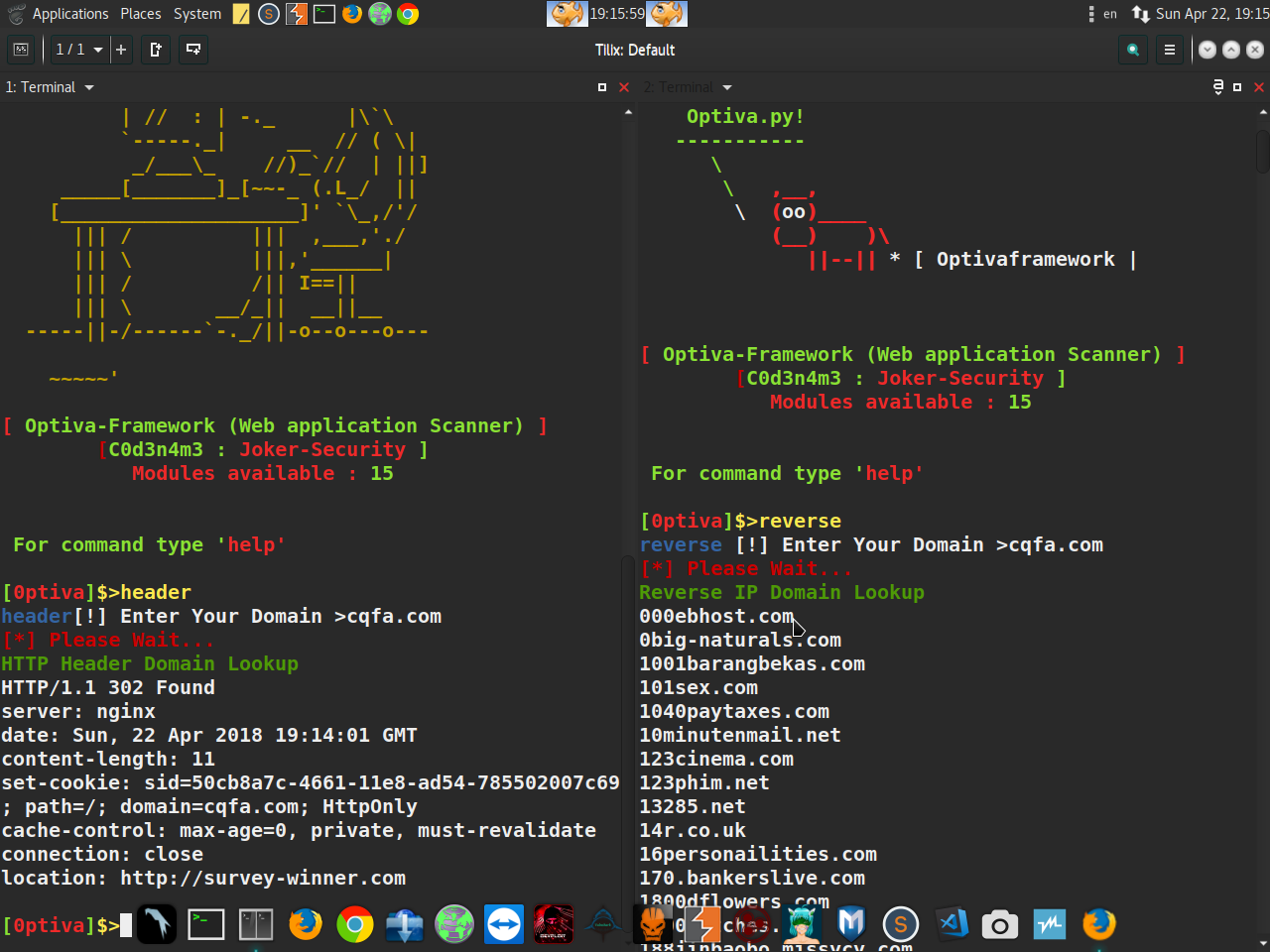
Optiva-Framework - Web Application Scanner
Optiva-Framework - Web Application Scanner
$ 트위터 : https://twitter.com/SecurityJoker
$ 유튜브 : https://www.youtube.com/c/Professionalhacker25
$ 페이스북: https://facebook.com/kali.linux.pentesting.tutorials
$ 테스트 환경 : Windows / Kali Linux / Parrot Os / Ubuntu / Archman / ArcoLinux / Termux(Android)
웹사이트 관리자 패널 스캐너 찾기
