 honze-net/nmap-bootstrap-xsl
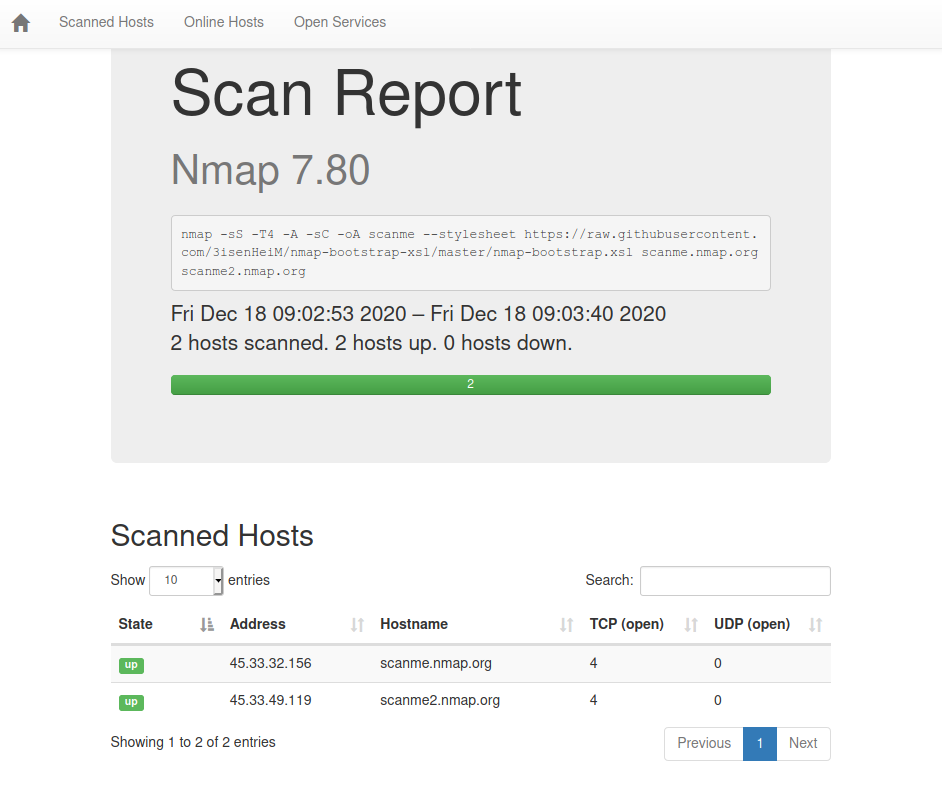
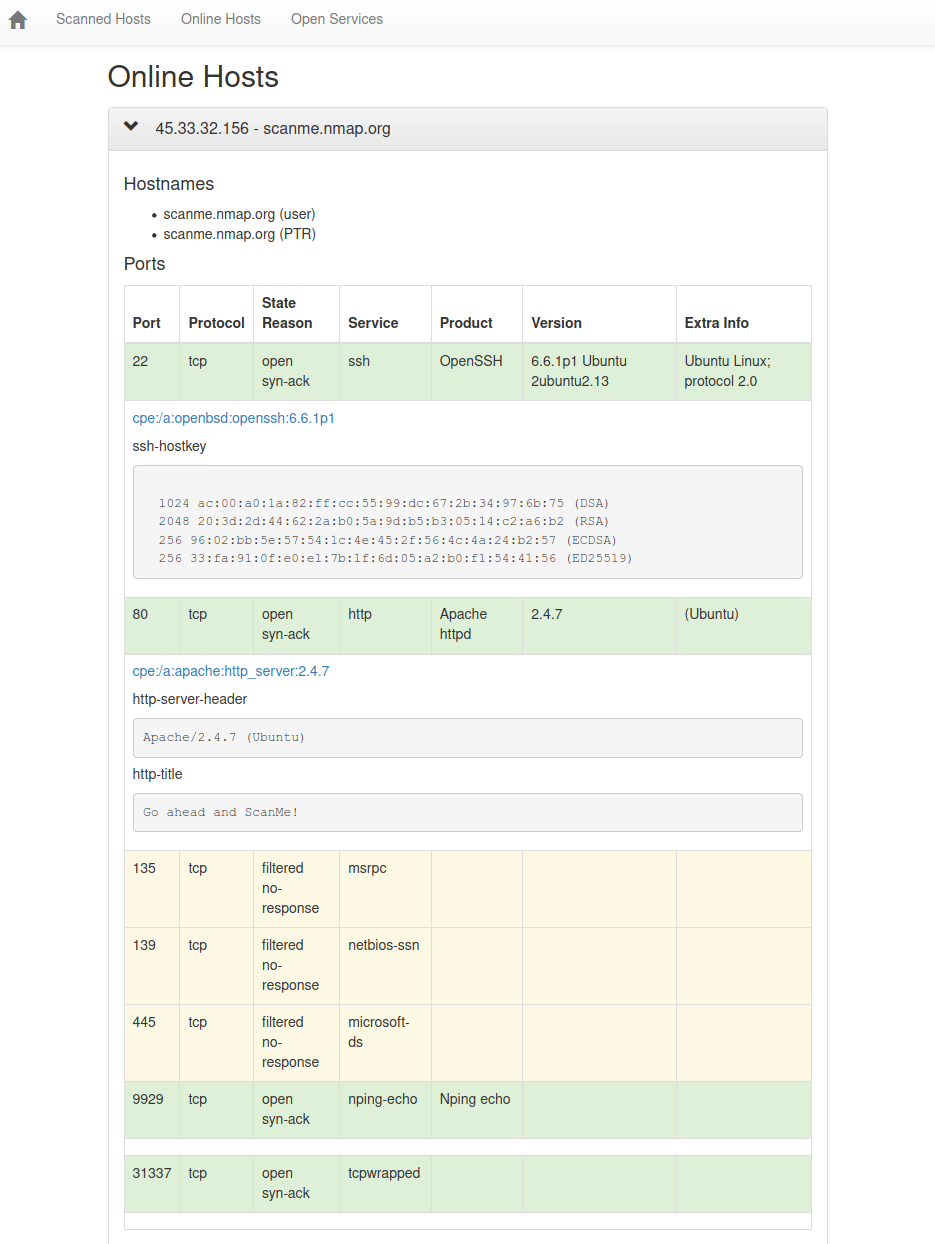
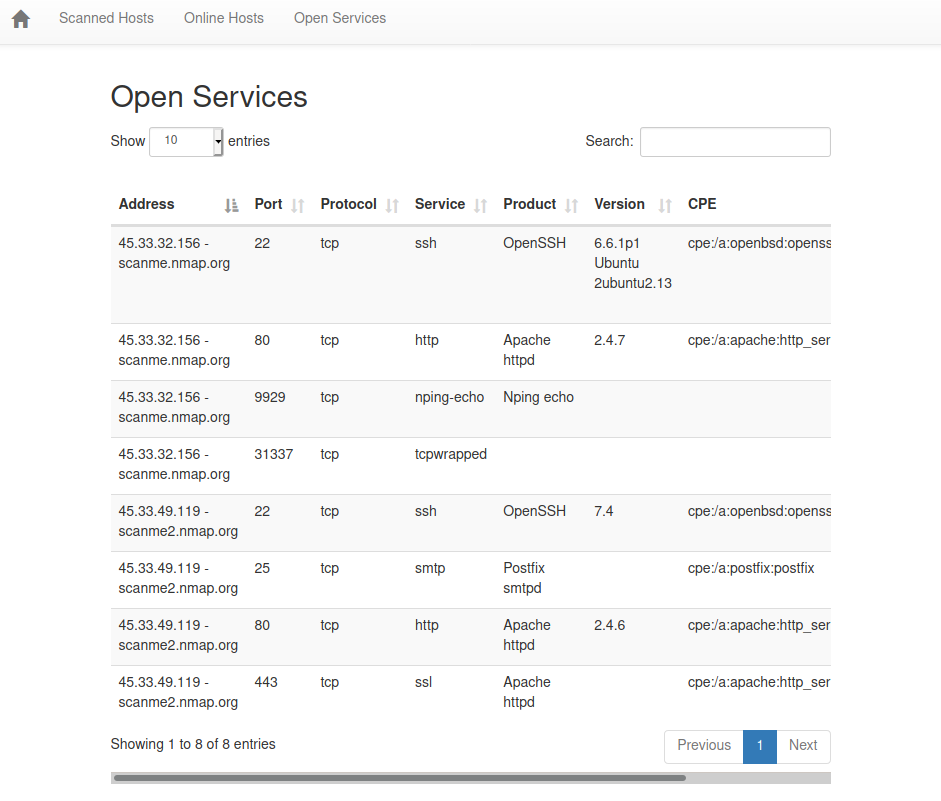
Bootstrap을 사용한 Nmap XSL 구현.

Nmap 스캔 결과를 확인하기 위한 멋진 인터페이스입니다. 이 소프트웨어는 군대나 비밀 기관에서 사용해서는 안 됩니다.
--stylesheet 인자를 사용하여 Nmap 스캔에 nmap-bootstrap.xsl을 스타일시트로 추가하세요:
nmap -sS -T4 -A -sC -oA scanme --stylesheet https://raw.githubusercontent.com/honze-net/nmap-bootstrap-xsl/master/nmap-bootstrap.xsl scanme.nmap.org scanme2.nmap.org
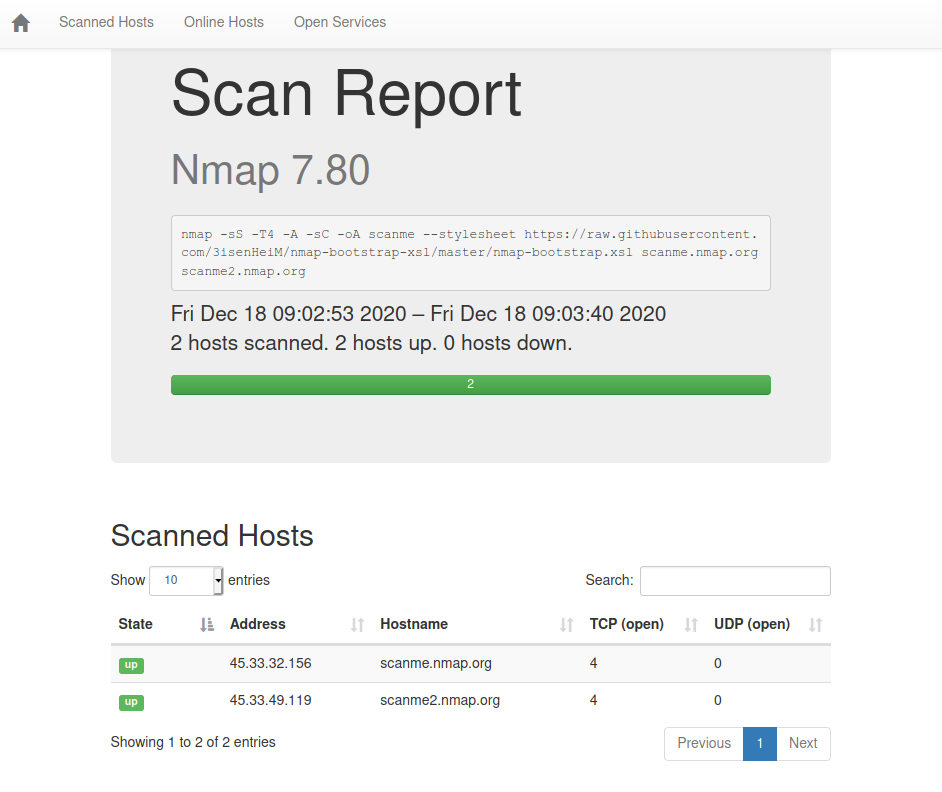
scanme.xml 파일을 웹 브라우저에서 직접 열면 올바르게 포맷됩니다. scanme.html 샘플 보고서와 비슷하게 보일 것입니다.
이미 실행된 nmap 스캔이 있고 그 출력이 XML이라면, 포맷팅 템플릿을 적용할 수 있습니다.
두 가지 옵션이 있습니다:
따라서 다음 명령으로 XML을 HTML로 변환해야 합니다:
xsltproc -o scanme.html nmap-bootstrap.xsl scanme.xml
사전에 nmap-bootstrap.xsl 스타일시트를 다운로드해야 합니다.
다음을 삽입하세요:
<?xml-stylesheet href="https://raw.githubusercontent.com/honze-net/nmap-bootstrap-xsl/master/nmap-bootstrap.xsl" type="text/xsl"?>
XML 파일 내 <!DOCTYPE nmaprun> 뒤에 추가하세요.