 hessandrew/cve-2019-17124
KRAMER VIAware 2.5.0719.1034 - 원격 코드 실행

Date: 2019-10-02
Author: Andrew Hess
Software Link: https://www.kramerav.com/us/product/viaware
Version: 2.5.0719.1034
CVE: CVE-2019-17124
2019.10.02 - Vulnerability discovered
2019.10.02 - Initial contact with the vendor
2019.10.04 - Second contact with the vendor
2019.10.08 - No reply from the vendor
2019.10.09 - Public security advisory released
All the advanced wireless presentation and collaboration tools offered by VIA Campus can now be used on your own PC to enhance collaborative meetings in Corporate environments and interactive learning in Education and training environments. From any laptop or mobile device, any in-room meeting participant or trainee can view the main display, edit documents together in real time, share any size file, turn the main display into a digital whiteboard, and more. VIAware also lets facilitators use e-polling and e-exams to easily and instantly measure how much students & trainees are actually learning. VIAware can show up to six user screens on one main display or up to 12 screens on two displays (hardware-dependent) and features iOS mirroring for MacBook, iPad, and iPhone as well as native mirroring for Chromebook, Android (Lollipop OS 5.0 or newer), and Windows phone. Remote students can easily join the class and collaborate in real time with embedded 3rd-party video conferencing and office apps. VIAware delivers the same security offered by all VIA devices and can be installed on any computer running Windows 10, providing IT managers the versatility they need. The software works seamlessly with your existing VIA clients and VIA Site Management and offers full support for all VIA Quick Connect features, such as QR Code, NFC Tag and VIA Pad. VIAware is available as a one-time license with optional annual upgrade subscriptions or as a recurring annual subscription.
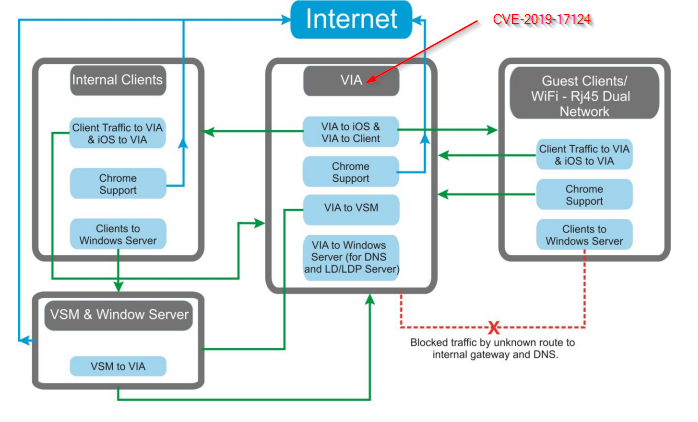
The VIAware software is installed on a gateway computer that can have two network cards.
One network card for the internal network and one for the external network (access point) to which the guests connect.
This scenario makes it dangerous because unblocked services can be attacked from the external network.
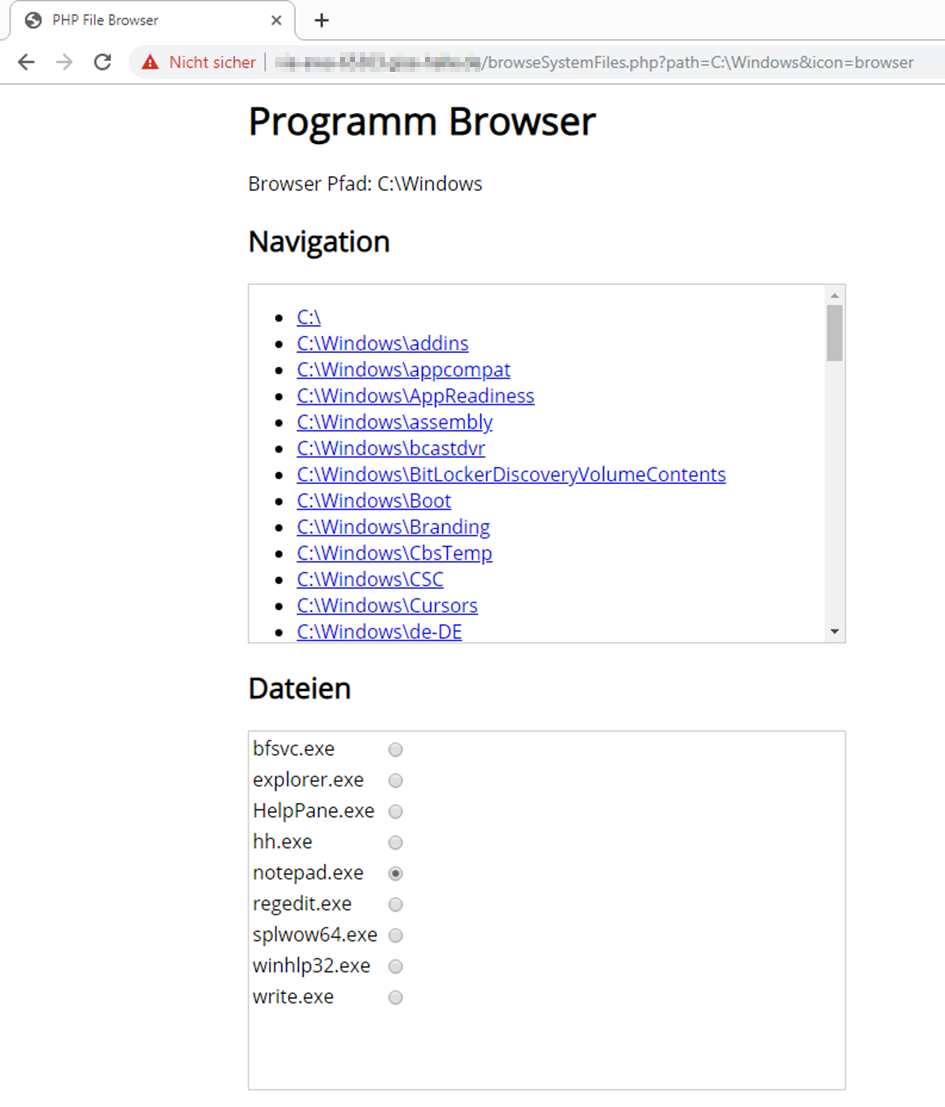
In our scenario, the web service can be attacked from the external network if it is not blocked by a firewall rule.
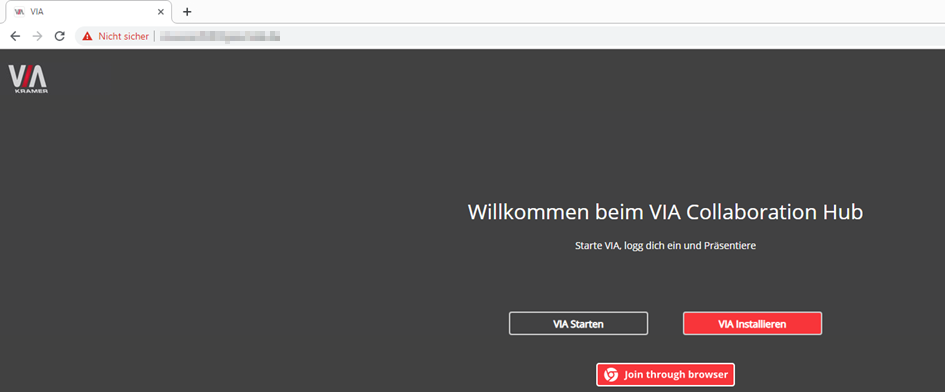
The web service is used to make the VIAapp software available to guests.