 hahwul/gitls
🖇 URL / 사용자 / 조직 목록에서 git 저장소 URL을 열거합니다. 파이프라인에 친숙합니다.






URL/User/Org목록에서 git 저장소 URL을 열거합니다. 파이프라인에 친화적입니다.
이 도구는 github와 같은 저장소가 버그바운티 범위에 포함될 때 사용할 수 있습니다. 때로는 특정 저장소 대신 조직 이름이나 사용자 이름으로 지정되는 경우, 이 도구를 사용하여 조직/사용자에 포함된 모든 공개 저장소에서 URL을 추출할 수 있습니다.
이는 여러 저장소를 스캔하거나 클론하는 등의 다양한 작업에 사용할 수 있습니다.
🚧 공지사항
GitHub API에서 인증되지 않은 요청의 경우, 시간당 최대 60개의 요청으로 속도 제한이 있습니다. 인증되지 않은 요청은 요청을 보내는 사용자와 연결되지 않고, 요청의 출발 IP 주소와 연결됩니다. https://docs.github.com/en/rest/overview/resources-in-the-rest-api
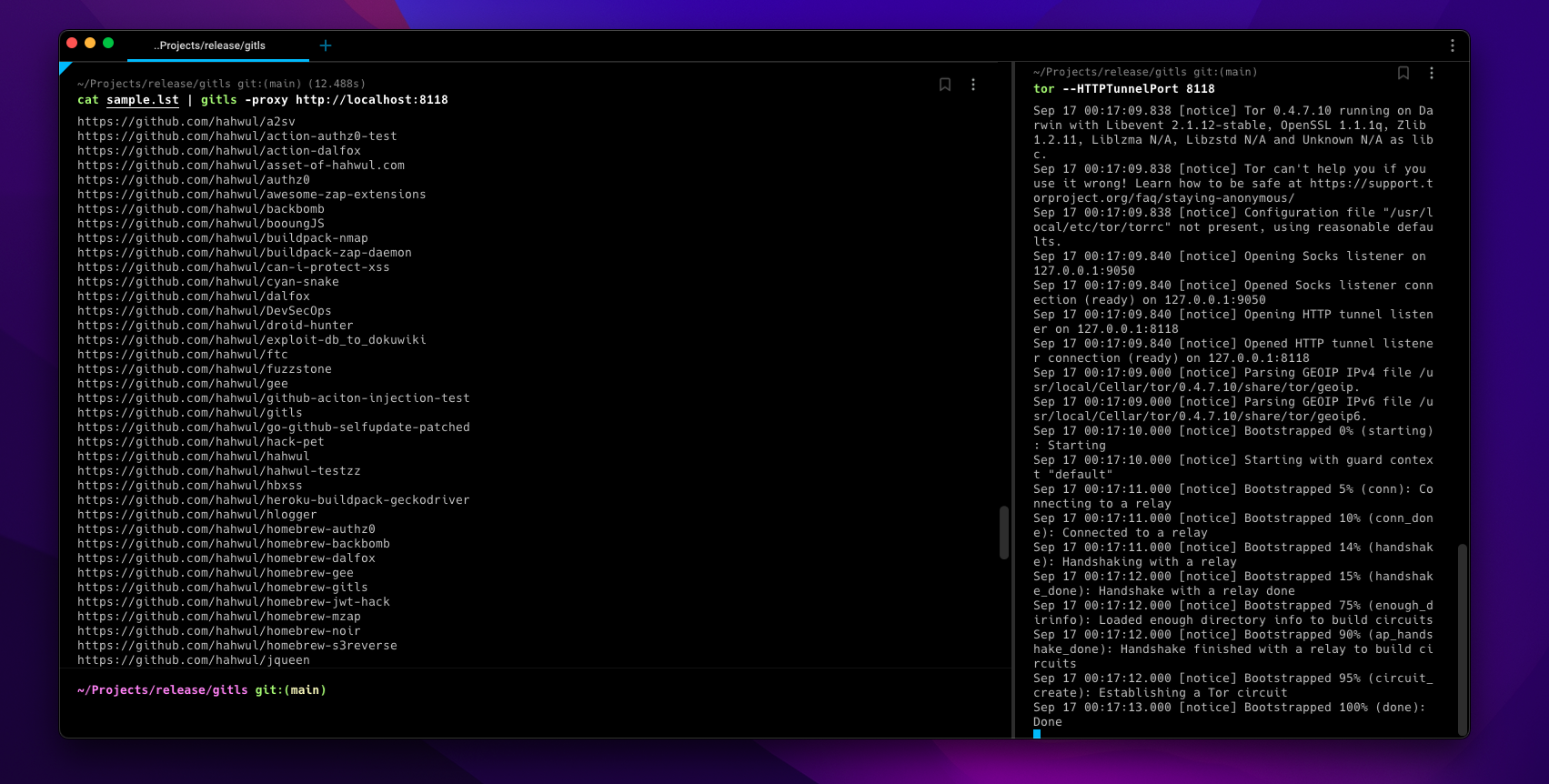
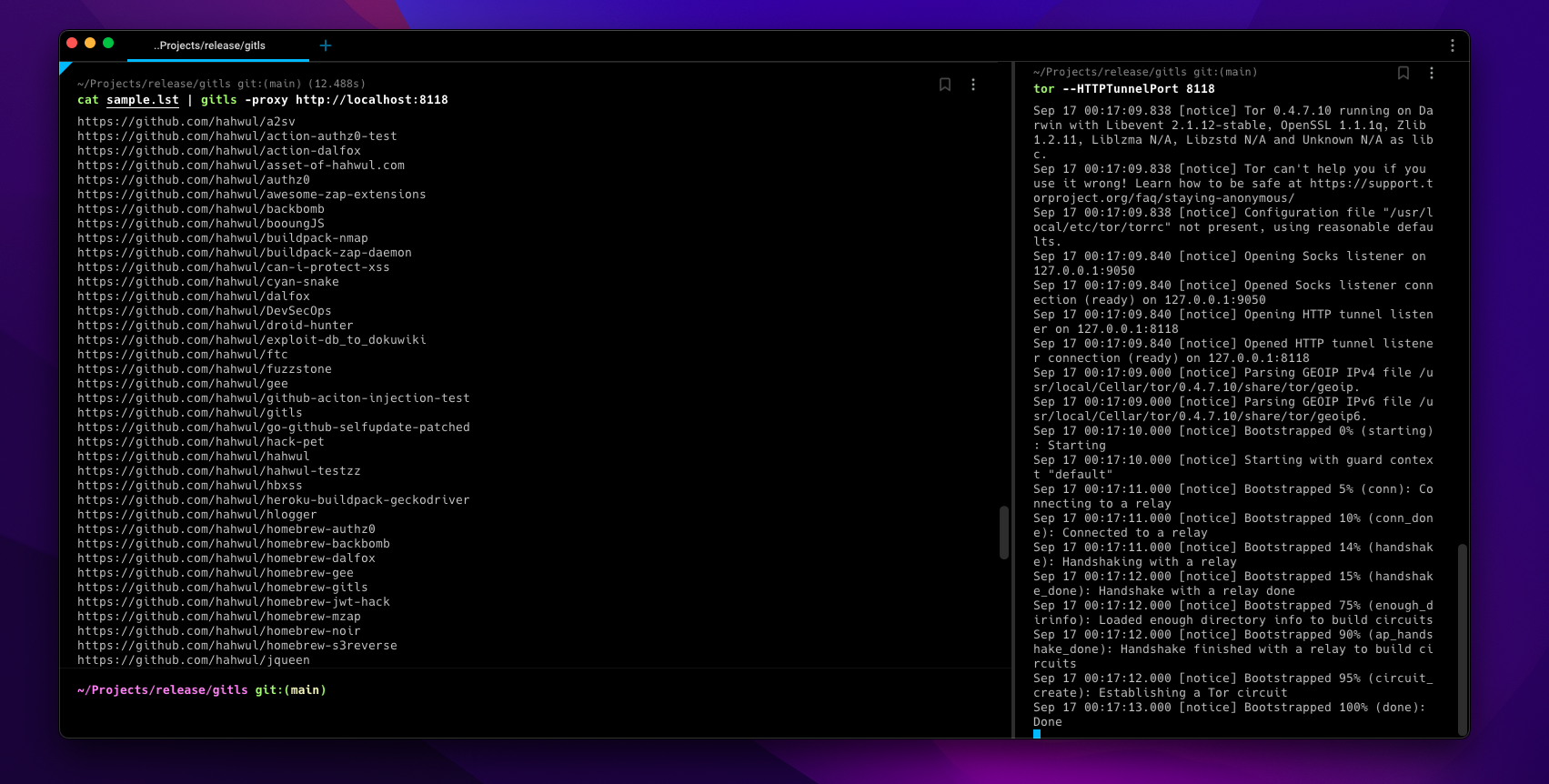
따라서 너무 많은 작업은 일정 시간 동안 GitHub에서 API로 차단될 수 있습니다. 이 경우, torsocks(예:torsocks gitls -l user.list) 또는-tor또는-proxy http://localhost:<TOR-PORT>옵션을 사용하여 적절한 목적지를 선택하거나 액세스하고 임의의 IP를 사용할 수 있습니다.
▶ go install -v github.com/hahwul/gitls@latest
▶ brew tap hahwul/gitls
▶ brew install gitls
▶ sudo snap install gitls
Usage of gitls:
  -include-users
    	include repo of org users(member)
  -l string
    	List of targets (e.g -l sample.lst)
  -o string
    	write output file (optional)
  -proxy string
    	using custom proxy
  -tor
    	using tor proxy / localhost:9050
  -version
    	version of gitls
sample.lst
https://github.com/hahwul
https://github.com/tomnomnom/gron
https://github.com/tomnomnom/httprobe
https://github.com/s0md3v
샘플 파일에서 저장소 URL 목록 만들기
▶ gitls -l sample.lst
https://github.com/hahwul/a2sv
https://github.com/hahwul/action-dalfox
https://github.com/hahwul/asset-of-hahwul.com
https://github.com/hahwul/awesome-zap-extensions
https://github.com/hahwul/backbomb
https://github.com/hahwul/booungJS
https://github.com/hahwul/buildpack-nmap
https://github.com/hahwul/buildpack-zap-daemon
https://github.com/hahwul/can-i-protect-xss
https://github.com/hahwul/cyan-snake
https://github.com/hahwul/dalfox
https://github.com/hahwul/DevSecOps
https://github.com/hahwul/droid-hunter
https://github.com/hahwul/exploit-db_to_dokuwiki
https://github.com/hahwul/ftc
https://github.com/hahwul/gitls
https://github.com/hahwul/go-github-selfupdate-patched
https://github.com/hahwul/hack-pet
...snip...
https://github.com/hahwul/zap-cloud-scan
https://github.com/tomnomnom/gron
https://github.com/tomnomnom/httprobe
https://github.com/s0md3v/Arjun
https://github.com/s0md3v/AwesomeXSS
https://github.com/s0md3v/Blazy
https://github.com/s0md3v/Bolt
...snip...
https://github.com/s0md3v/velocity
https://github.com/s0md3v/XSStrike
https://github.com/s0md3v/Zen
https://github.com/s0md3v/zetanize
▶ echo https://github.com/paypal | ./gitls -include-users
....
https://github.com/paypal/tech-talks
https://github.com/paypal/TLS-update
https://github.com/paypal/yurita
https://github.com/ahunnargikar
https://github.com/ahunnargikar/docker-chronos-image
https://github.com/ahunnargikar/docker-tomcat7
https://github.com/ahunnargikar/DockerConDemo
https://github.com/ahunnargikar/elasticsearch-registry-backend
https://github.com/ahunnargikar/elasticsearchindex
https://github.com/ahunnargikar/jenkins-dind
https://github.com/ahunnargikar/jenkins-standalone
https://github.com/ahunnargikar/vagrant-mesos
https://github.com/ahunnargikar/vagrant_docker_registry
https://github.com/anandpalanisamy
https://github.com/anilgursel
https://github.com/anilgursel/squbs-sample
https://github.com/bluepnume
▶ gitls -l sample.lst | xargs -I % gitleaks --repo-url=% -v
▶ echo "https://github.com/paypal" | gitls | xargs -I % git clone %

