 godaddy/tartufo
git 저장소를 검색하여 높은 엔트로피 문자열과 시크릿을 찾고, 커밋 기록을 깊이 파고듭니다.


[!WARNING] 이 프로젝트는 더 이상 활발하게 유지보수되지 않습니다.




tartufo는 git 저장소를 검색하여 커밋 기록과 브랜치 깊숙이 숨겨진 비밀 정보를 찾아냅니다. 이는 실수로 커밋된 비밀 정보를 찾는 데 효과적입니다. tartufo는 또한 git pre-commit 스크립트에서 사용하여 변경 사항이 저장소에 커밋되기 전에 비밀 정보가 있는지 검사할 수 있습니다.
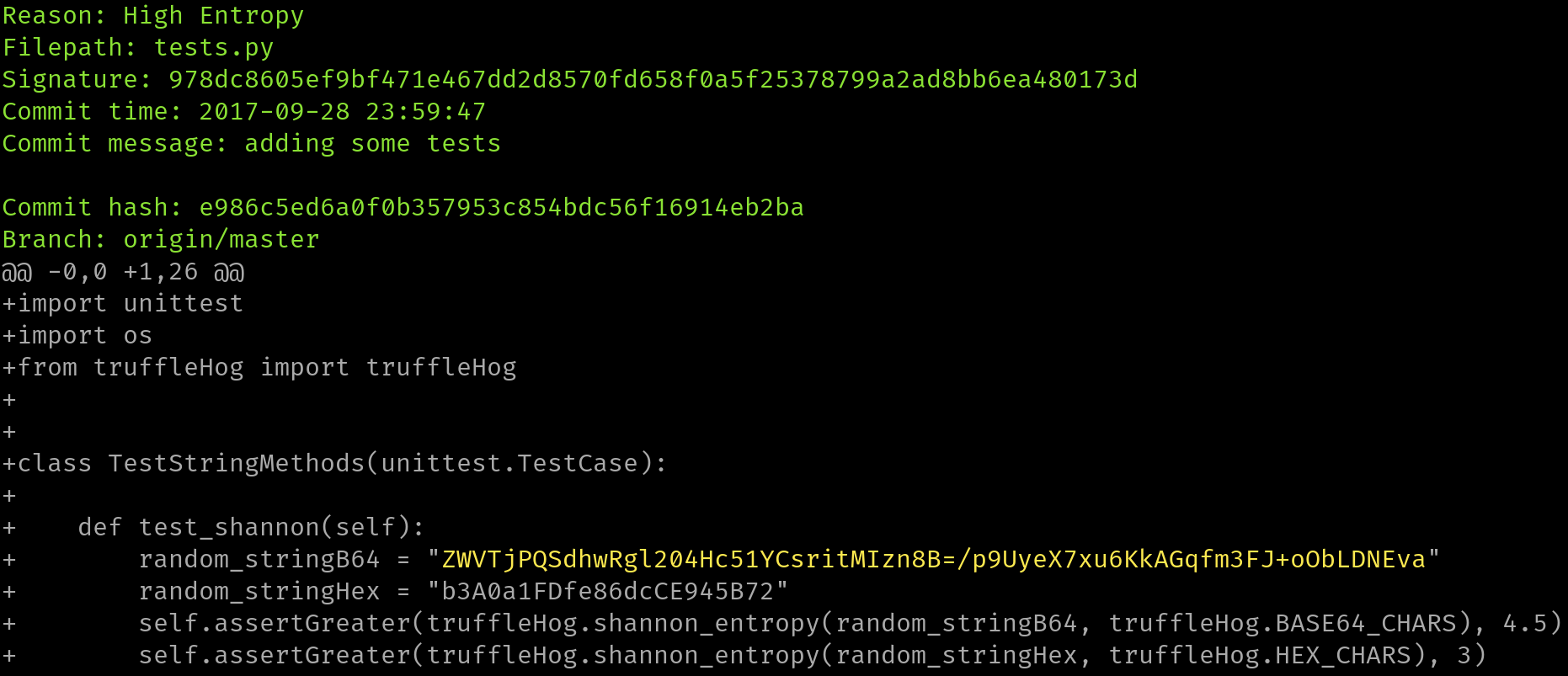
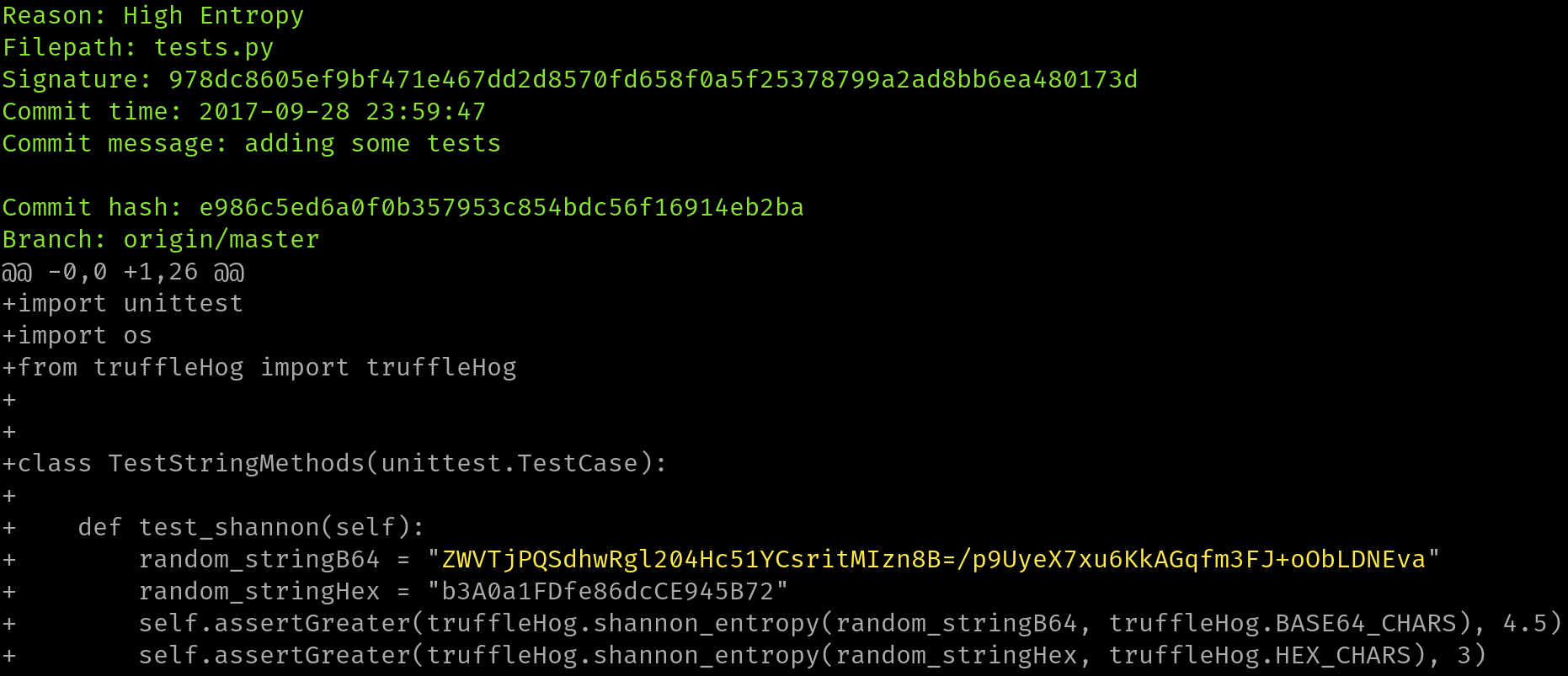
이 도구는 각 브랜치의 전체 커밋 기록을 살펴보고, 각 커밋의 각 diff를 검사하여 비밀 정보를 찾습니다. 이는 정규식과 엔트로피 두 가지 방식으로 수행됩니다. 엔트로피 검사의 경우, tartufo는 각 diff에서 해당 문자 집합으로 구성된 20자 이상의 모든 텍스트 블롭에 대해 base64 문자 집합과 16진수 문자 집합 모두의 섀넌 엔트로피를 평가합니다. 어느 시점에서든 20자 이상의 높은 엔트로피 문자열이 감지되면 화면에 출력합니다.
주요 문서 사이트는 Read The Docs에서 호스팅되며, https://tartufo.readthedocs.io에서 확인할 수 있습니다.
Usage: tartufo [OPTIONS] COMMAND [ARGS]...

  Find secrets hidden in the depths of git.

  Tartufo will, by default, scan the entire history of a git repository for
  any text which looks like a secret, password, credential, etc. It can also
  be made to work in pre-commit mode, for scanning blobs of text as a pre-
  commit hook.

Options:
  --default-regexes / --no-default-regexes
                                  Whether to include the default regex list
                                  when configuring search patterns. Only
                                  applicable if --rules is also specified.
                                  [default: default-regexes]
  --entropy / --no-entropy        Enable entropy checks.  [default: entropy]
  --regex / --no-regex            Enable high signal regexes checks.
                                  [default: regex]
  --scan-filenames / --no-scan-filenames
                                  Check the names of files being scanned as
                                  well as their contents.  [default: scan-
                                  filenames]
  -of, --output-format [json|compact|text|report]
                                  Specify the format in which the output needs
                                  to be generated `--output-format
                                  json/compact/text/report`. Either `json`,
                                  `compact`, `text` or `report` can be
                                  specified. If not provided (default) the
                                  output will be generated in `text` format.
  -od, --output-dir DIRECTORY     If specified, all issues will be written out
                                  as individual JSON files to a uniquely named
                                  directory under this one. This will help
                                  with keeping the results of individual runs
                                  of tartufo separated.
  -td, --temp-dir DIRECTORY       If specified, temporary files will be
                                  written to the specified path
  --buffer-size INTEGER           Maximum number of issue to buffer in memory
                                  before shifting to temporary file buffering
                                  [default: 10000]
  --git-rules-repo TEXT           A file path, or git URL, pointing to a git
                                  repository containing regex rules to be used
                                  for scanning. By default, all .json files
                                  will be loaded from the root of that
                                  repository. --git-rules-files can be used to
                                  override this behavior and load specific
                                  files.
  --git-rules-files TEXT          Used in conjunction with --git-rules-repo,
                                  specify glob-style patterns for files from
                                  which to load the regex rules. Can be
                                  specified multiple times.
  --config FILE                   Read configuration from specified file.
                                  [default: tartufo.toml]
  --target-config/--no-target-config
                                  Enable or Disable processing of the config file in the
                                  repository or folder being scanned
                                  i.e. config files like tartufo.toml or pyproject.toml
                                  [default: target-config]
  -q, --quiet / --no-quiet        Quiet mode. No outputs are reported if the
                                  scan is successful and doesn't find any
                                  issues
  -v, --verbose                   Display more verbose output. Specifying this
                                  option multiple times will incrementally
                                  increase the amount of output.
  --log-timestamps / --no-log-timestamps
                                  Enable or disable timestamps in logging
                                  messages.  [default: log-timestamps]
  --entropy-sensitivity INTEGER RANGE
                                  Modify entropy detection sensitivity. This
                                  is expressed as on a scale of 0 to 100,
                                  where 0 means "totally nonrandom" and 100
                                  means "totally random". Decreasing the
                                  scanner's sensitivity increases the
                                  likelihood that a given string will be
                                  identified as suspicious.  [default: 75;
                                  0<=x<=100]
  --color / --no-color            Enable or disable terminal color. If not
                                  provided (default), enabled if output is a
                                  terminal (TTY).
  -V, --version                   Show the version and exit.
  -h, --help                      Show this message and exit.

Commands:
  pre-commit        Scan staged changes in a pre-commit hook.
  scan-remote-repo  Automatically clone and scan a remote git repository.
  scan-folder       Scan a folder.
  scan-local-repo   Scan a repository already cloned to your local system.
모든 기여자와 기여를 환영합니다! 자세한 내용은 기여 문서를 참조하세요.
이 프로젝트는 truffleHog 프로젝트에 대한 Dylan Ayrey의 작업에서 영감을 받아 이를 기반으로 구축되었습니다.

