 euske/pyrexecd
Windows용 독립형 SSH 서버

PyRexecd는 Windows용 독립형 SSH 서버입니다.
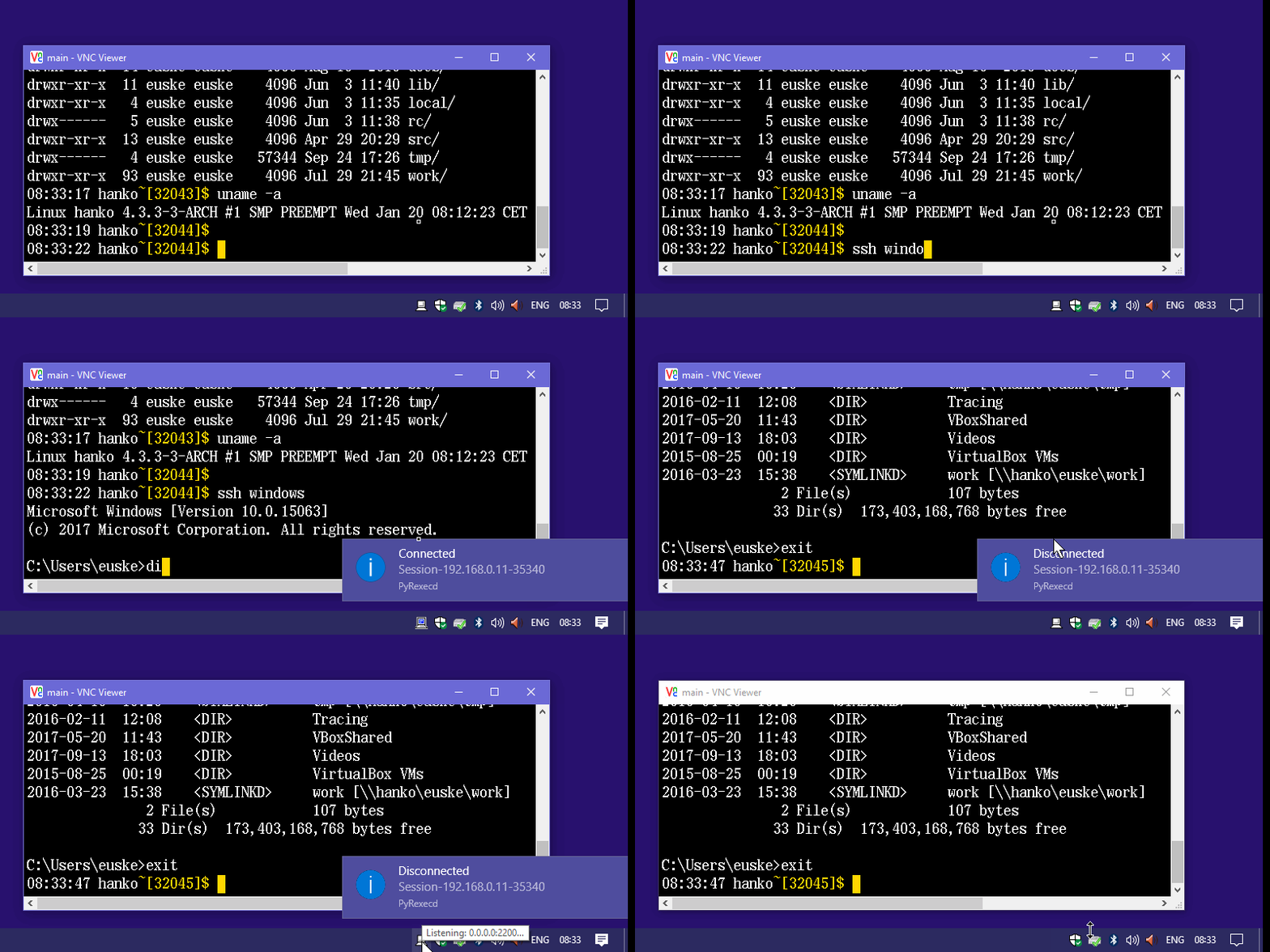
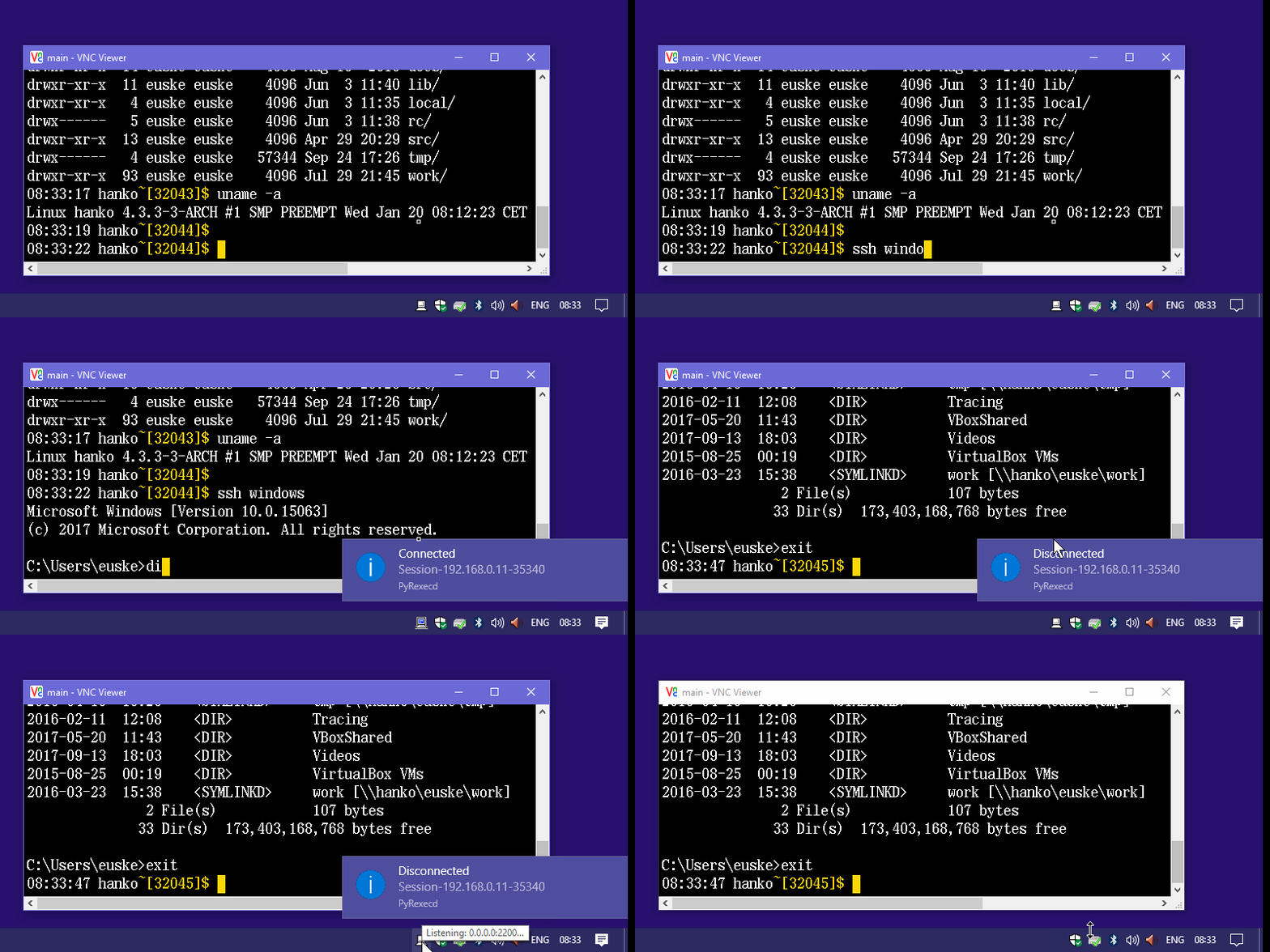
> pip install pyrexecdPyRexec.pyw를 실행합니다. AppData\Roaming\PyRexecd).> copy your\id_ed25519.pub authorized_keysPyRexec.pyw를 실행합니다.$ ssh -p 2200 windows> pyrexecd.exe [-d] [-l logfile] [-s sshdir] [-L addr] [-p port]
[-c cmdexe] [-u username] [-a authkeys] [-h homedir]
ssh_host_key ...
-d : 디버그 모드를 켭니다(자세한 로깅).-l logfile : 로그 파일 경로 (기본값: pyrexecd.log).-s sshdir : 설정 디렉토리 경로. (기본값: AppData\Roaming\PyRexecd)-L a.b.c.d : 수신 주소를 지정합니다 (기본값: 127.0.0.1).-p port : 수신 포트를 지정합니다 (기본값: 2200).-c cmdexe : cmd.exe 경로. (기본값: cmd.exe)-u username : 사용자 이름.-a authkeys : authorized_keys 경로. (기본값: authorized_keys)-h homedir : 홈 디렉토리 경로. (기본값: %UserProfile%)일부 SSH 명령은 특수 명령으로 인식됩니다:
@clipget : Windows에서 클립보드 텍스트를 받습니다.$ ssh windows @clipget > clipboard.txt@clipset : 클립보드 텍스트를 Windows로 보냅니다.$ echo foo | ssh windows @clipset@open, @edit, @print : Windows 셸 작업.
대상 경로명은 stdin으로 제공되어야 합니다.$ echo C:\User\euske\foo.txt | ssh windows @edit> pip install cx_Freeze
> python setup_exe.py build
