 edoardottt/scilla
정보 수집 도구 - DNS / 서브도메인 / 포트 / 디렉터리 열거


🏴☠️ 정보 수집 도구 🏴☠️ - DNS / 서브도메인 / 포트 / 디렉터리 열거

Coded with 💙 by edoardottt
Share on Twitter!
설치 • 시작하기 • 예제 • 변경 로그 • 기여 • 라이선스
brew install scilla
sudo snap install scilla
go install -v github.com/edoardottt/scilla/cmd/scilla@latest
Go (>=1.23)가 필요합니다.
git clone https://github.com/edoardottt/scilla.git
cd scilla
go get ./...
make linux # (to install)
make unlinux # (to uninstall)
API 키를 사용하려면 ~/.config/scilla/keys.yaml 파일을 편집하세요.
한 줄 명령: git clone https://github.com/edoardottt/scilla.git && cd scilla && go get ./... && make linux
실행 파일은 cariddi 폴더에서만 작동합니다 (별칭?).
git clone https://github.com/edoardottt/scilla.git
cd scilla
.\make.bat windows # (to install)
.\make.bat unwindows # (to uninstall)
API 키를 사용하려면 keys.yaml 파일을 생성하세요.
docker build -t scilla .
docker run scilla help
DNS 열거:
scilla dns -target example.comscilla dns -oj output -target example.comscilla dns -oh output -target example.comscilla dns -ot output -target example.comscilla dns -plain -target example.com서브도메인 열거:
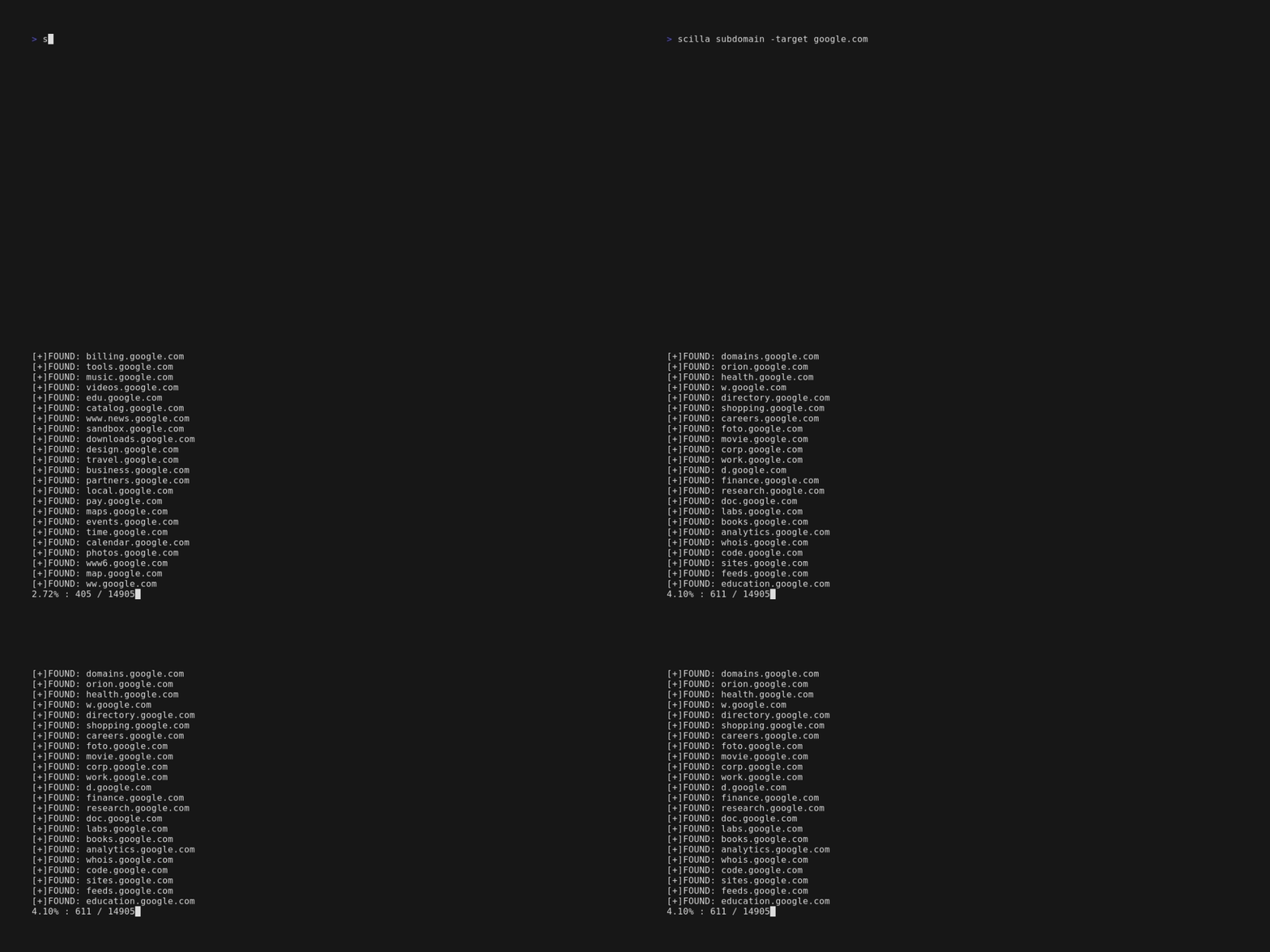
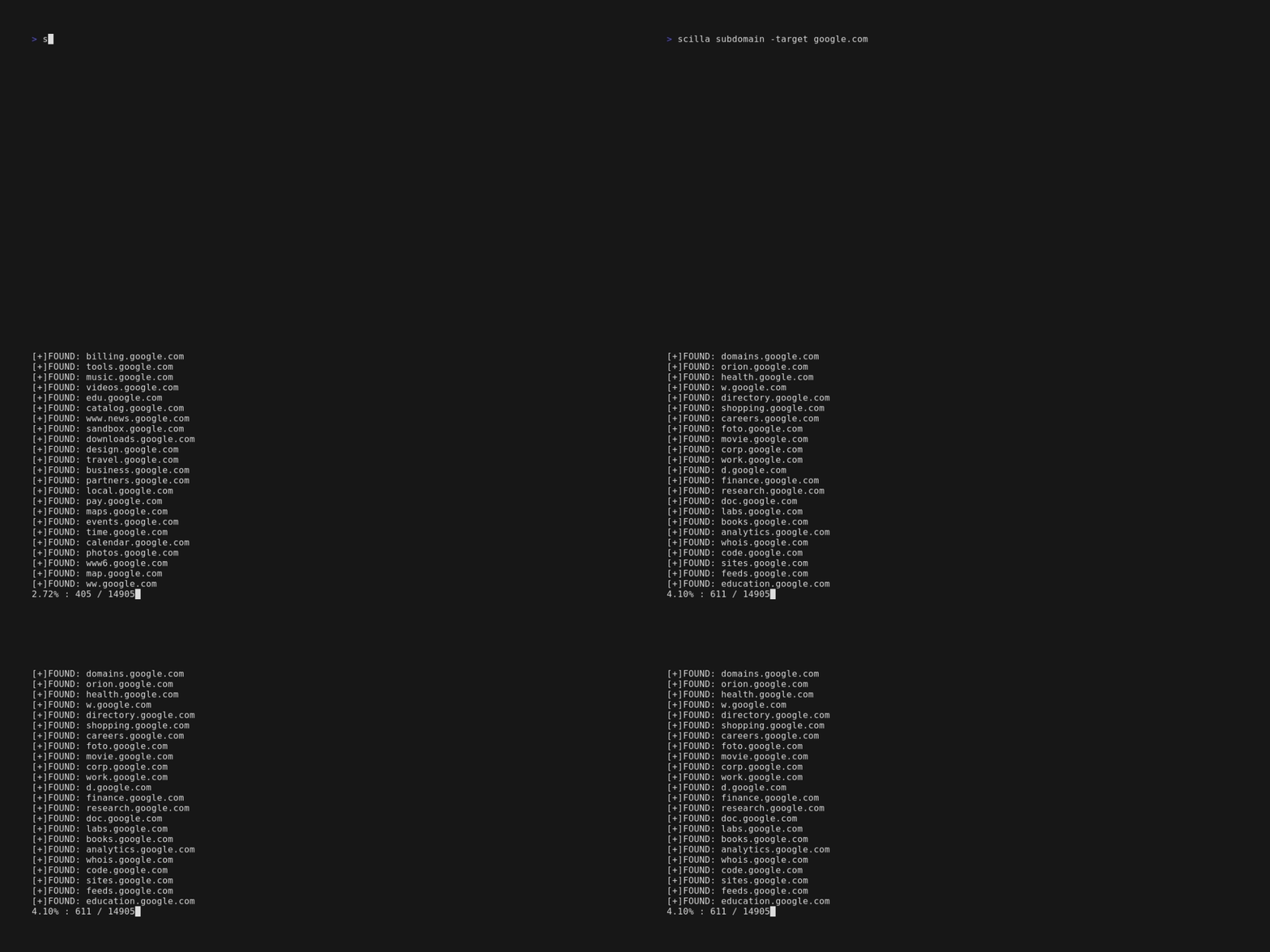
scilla subdomain -target example.comscilla subdomain -w wordlist.txt -target example.comscilla subdomain -oj output -target example.comscilla subdomain -oh output -target example.comscilla subdomain -ot output -target example.comscilla subdomain -i 400 -target example.comscilla subdomain -i 4** -target example.comscilla subdomain -c -target example.comscilla subdomain -db -target example.comscilla subdomain -plain -target example.comscilla subdomain -db -no-check -target example.comscilla subdomain -db -vt -target example.comscilla subdomain -db -bw -target example.comscilla subdomain -ua "CustomUA" -target example.comscilla subdomain -rua -target example.comscilla subdomain -dns 8.8.8.8 -target example.comscilla subdomain -alive -target example.com디렉터리 열거:
scilla dir -target example.comscilla dir -w wordlist.txt -target example.comscilla dir -oj output -target example.comscilla dir -oh output -target example.comscilla dir -ot output -target example.comscilla dir -i 500,401 -target example.comscilla dir -i 5**,401 -target example.comscilla dir -c -target example.comscilla dir -plain -target example.comscilla dir -nr -target example.comscilla dir -ua "CustomUA" -target example.comscilla dir -rua -target example.com포트 열거:
scilla port -target example.comscilla port -p 20-90 -target example.comscilla port -p 20- -target example.comscilla port -p -90 -target example.comscilla port -p 21,25,80 -target example.comscilla port -common -target example.comscilla port -p 80 -target example.comscilla port -oj output -target example.comscilla port -oh output -target example.comscilla port -ot output -target example.comscilla port -plain -target example.com전체 보고서:
scilla report -target example.comscilla report -p 20-90 -target example.comscilla report -p 20- -target example.comscilla report -p -90 -target example.comscilla report -p 80 -target example.comscilla report -p 21,25,80 -target example.comscilla report -oj output -target example.comscilla report -oh output -target example.comscilla report -ot output -target example.comscilla report -wd dirs.txt -target example.comscilla report -ws subdomains.txt -target example.comscilla report -id 500,501,502 -target example.comscilla report -is 500,501,502 -target example.comscilla report -id 5**,4** -target example.comscilla report -is 5**,4** -target example.comscilla report -cd -target example.comscilla report -cs -target example.comscilla report -db -target example.comscilla report -common -target example.comscilla report -nr -target example.comscilla report -db -vt -target example.comscilla report -ua "CustomUA" -target example.comscilla report -rua -target example.comscilla report -dns 8.8.8.8 -target example.comscilla report -alive -target example.comscilla help는 명령줄에 도움말을 출력합니다.
usage: scilla subcommand { options }
