 blacksnufkin/checkplz
AMSI(Antimalware Scan Interface)와 Windows Defender를 활용하여 잠재적 위협이 있는 파일을 검사합니다. 악성 콘텐츠를 격리합니다.

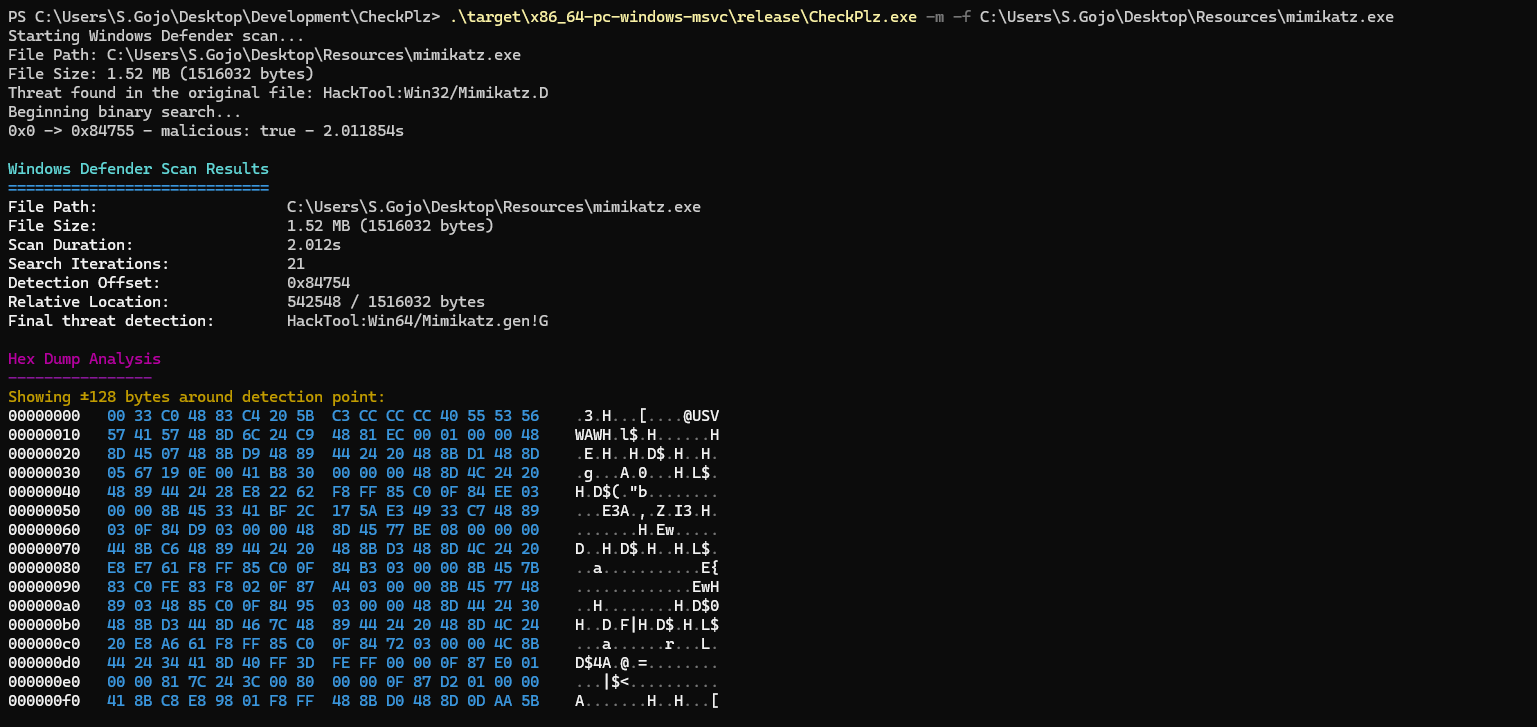
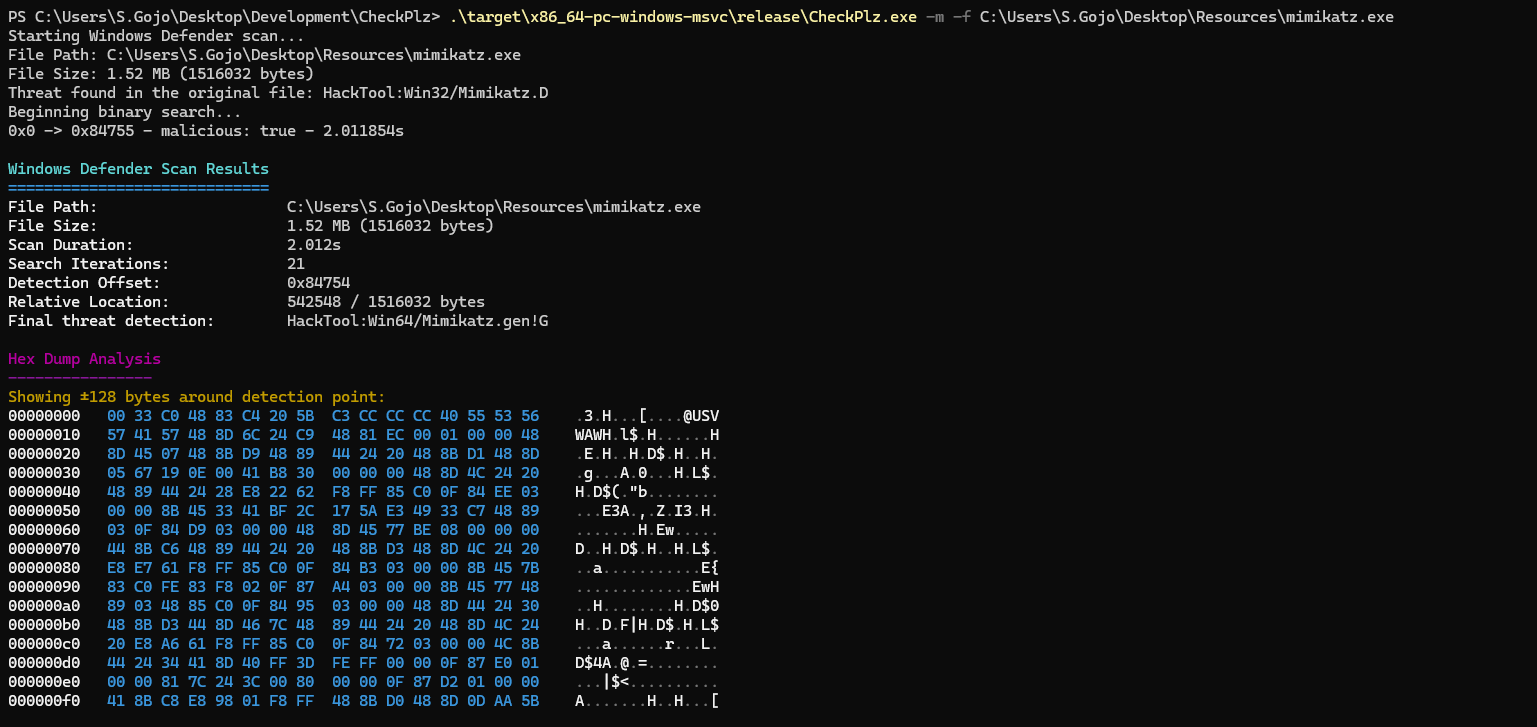
CheckPlz는 널리 사용되는 ThreatCheck 및 GoCheck 도구의 Rust 버전으로, AMSI(Antimalware Scan Interface)와 Windows Defender를 활용하여 파일에서 잠재적 위협을 검사하도록 설계되었습니다. 악성 콘텐츠를 정밀하게 격리하고 포괄적인 분석을 제공함으로써 CheckPlz는 향상되고 효율적인 파일 검사 환경을 제공합니다.
AMSI 검사:
Windows Defender 검사:
MpCmdRun.exe를 호출하여 파일을 검사합니다.이진 탐색:
git clone https://github.com/your-username/CheckPlz.git
cd CheckPlz
cargo build --release
target/release/checkplz.exe에 생성됩니다.원하는 옵션과 함께 CheckPlz를 실행합니다:
Usage: CheckPlz.exe [OPTIONS] --file <FILE>

Options:
  -f, --file <FILE>  Path to the file to scan
  -d, --debug        Enable debug mode
  -a, --amsi         Use AMSI scan
  -m, --msdefender   Use Windows Defender scan
  -r, --raw          Raw output without ANSI colors
  -h, --help         Print help
  -V, --version      Print version
AMSI를 사용하여 파일 검사:
checkplz --file malicious.exe --amsi
Windows Defender로 파일 검사:
checkplz --file suspicious.exe --msdefender
디버그 출력을 활성화하고 AMSI와 Windows Defender를 모두 사용하여 검사:
checkplz --file unknown.exe --amsi --msdefender --debug
원시 출력 형식으로 검사:
checkplz --file unknown.exe --amsi --raw