 blackhillsinfosec/wififorge
Automated WiFi hacking lab environment using mininet-wifi to simulate wireless attack vectors for pentester training, eliminating hardware overhead.

mininet-wifi virtual networks in software · spin up a wireless-attack lab from one menu




Overview · Installation · Usage · Writing Labs · Labs | Walkthroughs · Safety
WifiForge is a terminal-driven framework for building fully virtual WiFi networks for security research and training. It's a safe, legal, sandboxed place to practice real wireless attacks, recon, handshake capture, cracking, evil twins, WPS, and more, without any hardware.
The radios are mininet-wifi virtual interfaces (mac80211_hwsim), so an entire airspace, access points, client stations, and your attacker runs in software with nothing sent over the air. Pick a lab from the menu, and WifiForge builds the network, drops you into a per-node terminal, and lets you run the attack hands-on. When you leave, it tears everything down and cleans up.
[!NOTE] WifiForge creates only virtual networks confined to your machine. Use it only in environments you own or are explicitly authorized to test.
Full walkthrough instructions are in the docs:
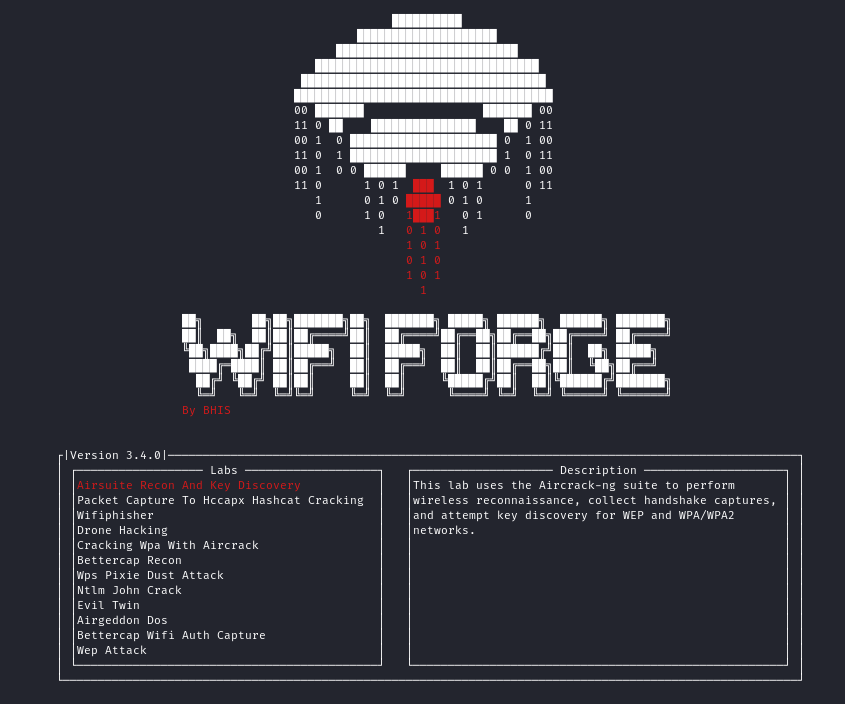
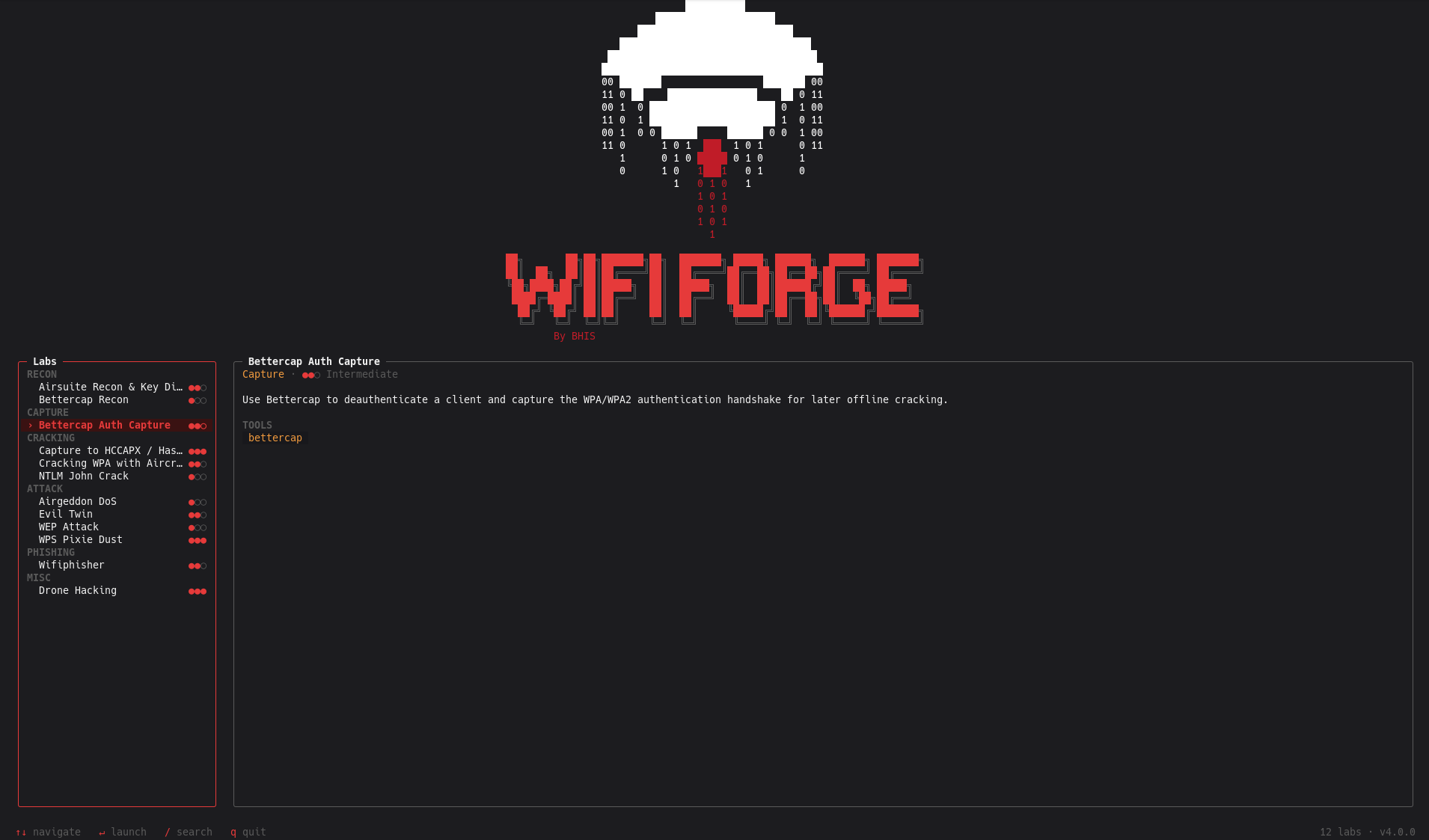
Launch the menu and pick a lab:
sudo wififorge
| Key | Action |
|---|---|
| ↑ ↓ / j k | Move selection |
| Enter | Launch the selected lab |
| / | Search (Esc clears) |
| q / Esc | Quit |
Launching a lab needs root. You can browse without it, wififorge --list prints every lab, and wififorge --allow-non-root opens the menu for a look around.
A lab is a small Python module, discovered automatically. Declare its metadata and a run() entry point; the shared harness handles the build → tmux → teardown lifecycle.
from wififorge.labs._schema import LabMeta, Category, Difficulty
from wififorge.labs._harness import run_lab

LAB = LabMeta(
    title="My Lab",
    category=Category.ATTACK,
    difficulty=Difficulty.INTERMEDIATE,
    tools=("aircrack-ng",),
    summary="One or two sentences describing what the learner will do.",
)

def _topology(net):
    net.addStation("Attacker", wlans=1)
    host1 = net.addStation("host1", passwd="password123", encrypt="wpa2")
    ap1 = net.addAccessPoint("ap1", ssid="MyNet", passwd="password123",
                             encrypt="wpa2", mode="g", channel="1")
    net.configureWifiNodes()
    net.addLink(host1, ap1)
    return [ap1]

def run():
    run_lab("MY_LAB", ["Attacker", "host1"], _topology)
Drop the file in src/wififorge/labs/, or point WifiForge at your own directory with --labs-dir DIR. A lab that fails to import won't crash the menu — it just shows as disabled.
[!WARNING] WifiForge is for authorized security research and education only. Use the techniques you learn here only on networks, devices, and clients you own or are explicitly authorized to test.
[!NOTE] WifiForge does not transmit RF. The entire radio path is mininet-wifi's
mac80211_hwsimvirtual interfaces running on your machine, so nothing is sent over the air.
WifiForge · Docs · mininet-wifi · Black Hills InfoSec
Made with ❤️ by Black Hills Information Security · Licensed under Apache 2.0
