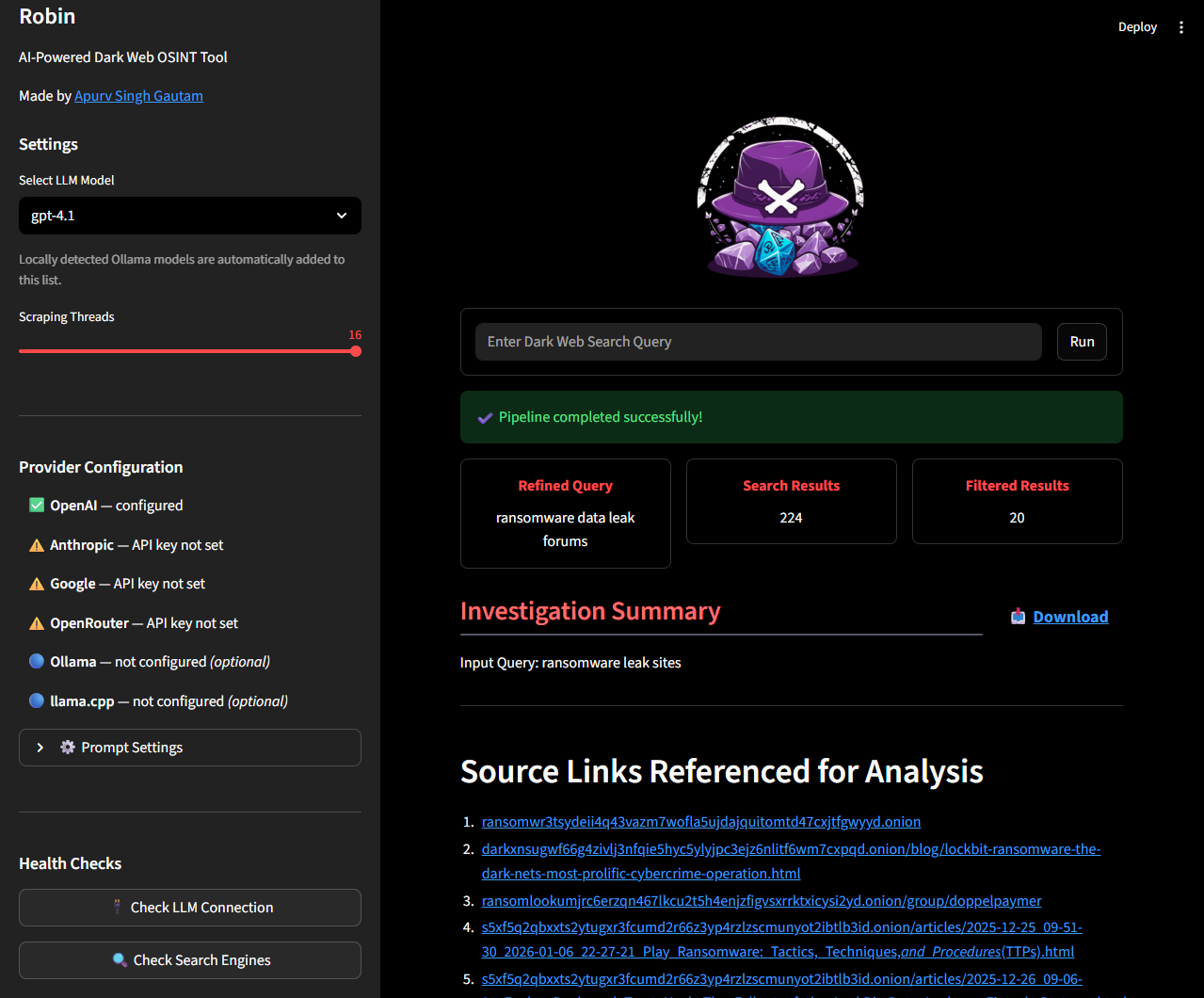
 apurvsinghgautam/robin
AI-powered dark web OSINT tool that uses LLMs to refine queries, filter search results, and generate investigation summaries with a web UI and Docker support.





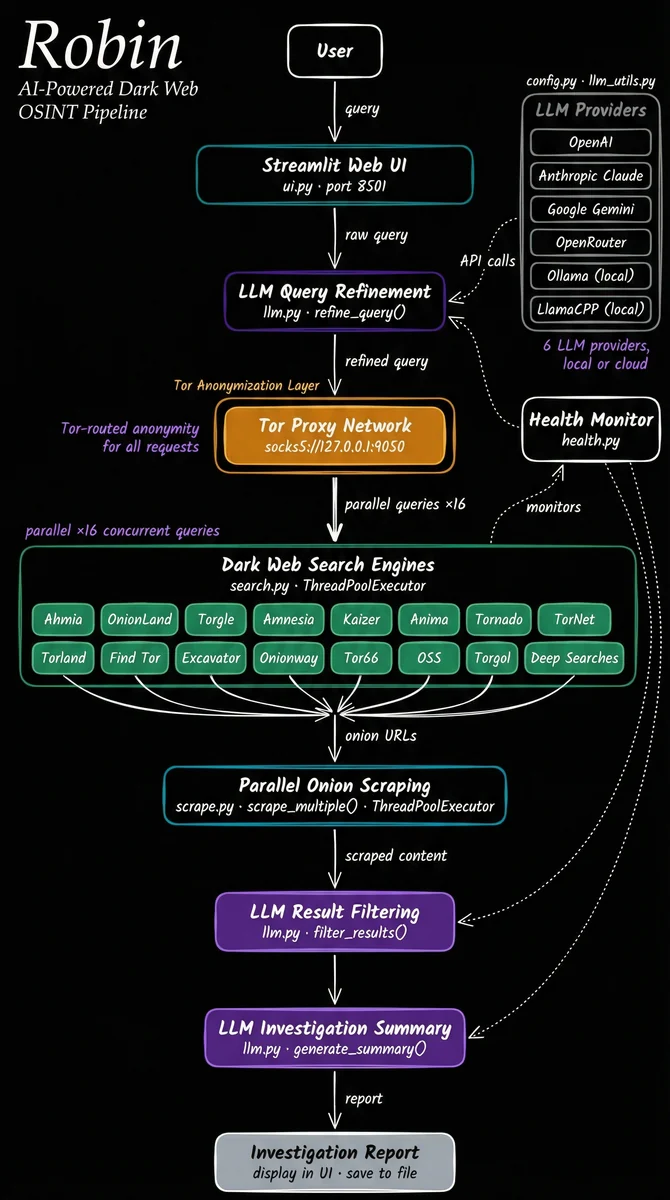
Robin is an AI-powered tool for conducting dark web OSINT investigations. It leverages LLMs to refine queries, filter search results from dark web search engines, and provide an investigation summary.
Installation • Troubleshooting • Contributing • Acknowledgements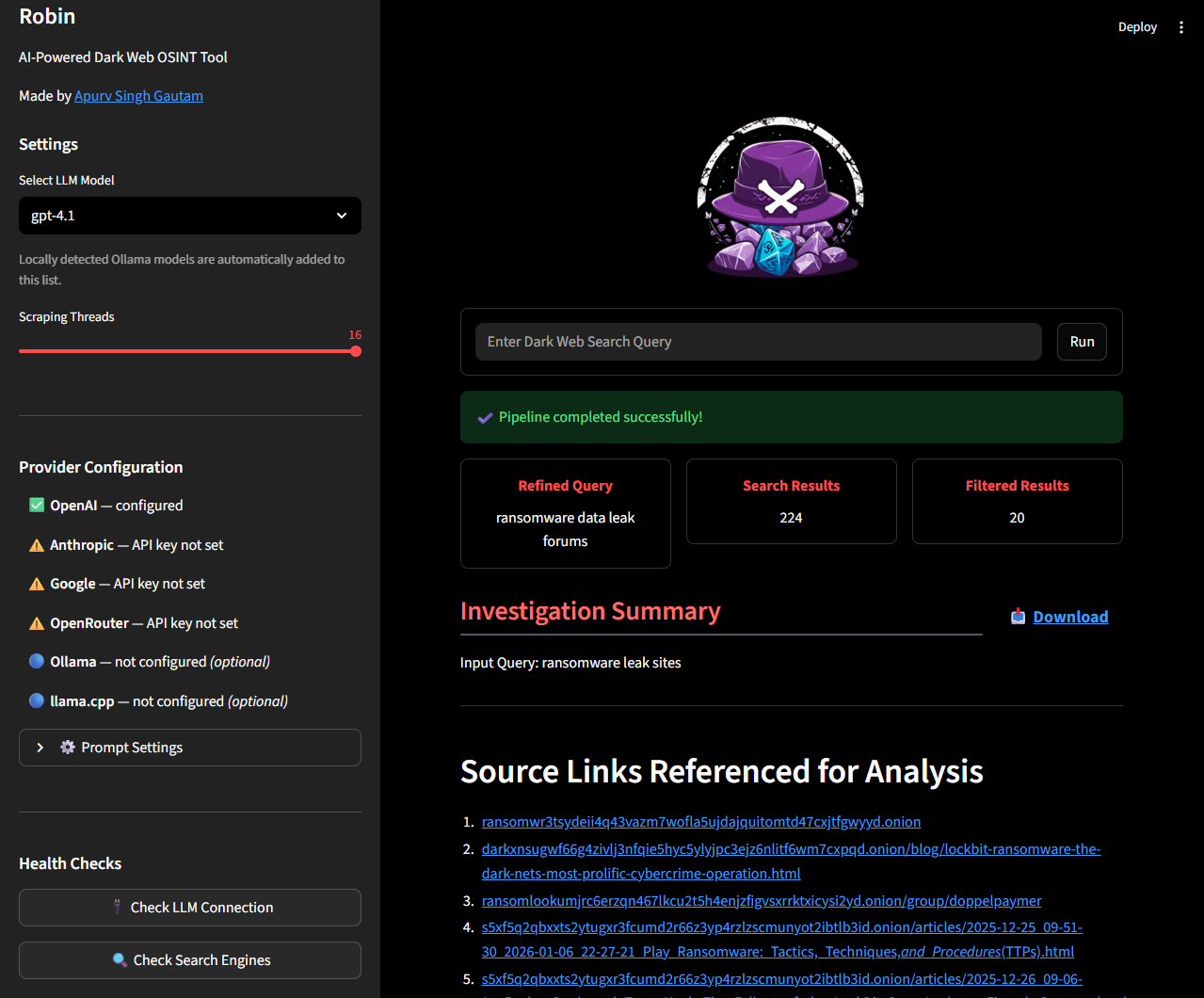
This tool is intended for educational and lawful investigative purposes only. Accessing or interacting with certain dark web content may be illegal depending on your jurisdiction. The author is not responsible for any misuse of this tool or the data gathered using it.
Use responsibly and at your own risk. Ensure you comply with all relevant laws and institutional policies before conducting OSINT investigations.
Additionally, Robin leverages third-party APIs (including LLMs). Be cautious when sending potentially sensitive queries, and review the terms of service for any API or model provider you use.
[!NOTE] The tool needs Tor to do the searches. You can install Tor using
apt install toron Linux/Windows(WSL) orbrew install toron Mac. Once installed, confirm if Tor is running in the background.
[!TIP] Provide your API key either in a
.envfile (copy.env.example) or as environment variables. One key is enough: Robin lists models for whichever providers it finds. Supported keys areOPENAI_API_KEY,ANTHROPIC_API_KEY,GOOGLE_API_KEY,MISTRAL_API_KEYandOPENROUTER_API_KEY.For Ollama, nothing goes in your
.env. Robin defaults tohttp://host.docker.internal:11434, which is what the recommended Docker install needs. Two things are still on you:
- Run the container with
--add-host=host.docker.internal:host-gateway(the README command already does).- Make Ollama listen on all interfaces, since it binds to
127.0.0.1by default and a container cannot reach that. If you start it yourself,OLLAMA_HOST=0.0.0.0 ollama serve &. If it runs under systemd, , add and , then .
docker pull apurvsg/robin:latest
docker run --rm \
   -v "$(pwd)/.env:/app/.env" \
   --add-host=host.docker.internal:host-gateway \
   -p 8501:8501 \
   apurvsg/robin:latest
[!TIP] To persist saved investigations across Docker restarts, mount a local directory:
docker run --rm \
   -v "$(pwd)/.env:/app/.env" \
   -v "$(pwd)/investigations:/app/investigations" \
   --add-host=host.docker.internal:host-gateway \
   -p 8501:8501 \
   apurvsg/robin:latest
Investigations are saved to the
investigations/folder in your working directory and can be loaded from the Past Investigations panel in the sidebar.
http://localhost:8501Python 3.10+ and Tor installed, run the following:pip install -r requirements.txt
streamlit run ui.py
http://localhost:8501Empty model dropdown, Ollama not showing up, Tor resolve failed errors, 401s,
or "no results found"? See TROUBLESHOOTING.md before
opening an issue.
Bugs go in Issues. Questions and feature ideas go in Discussions. See CONTRIBUTING.md before opening a pull request.
sudo systemctl edit ollama.service[Service]Environment="OLLAMA_HOST=0.0.0.0"sudo systemctl daemon-reload && sudo systemctl restart ollamaRunning Robin directly with Python instead of Docker? Add OLLAMA_BASE_URL=http://127.0.0.1:11434 to override the default. See TROUBLESHOOTING.md if it still doesn't appear.
For any other OpenAI-compatible provider (LM Studio, llama.cpp, Groq, etc.), use the 🔌 Custom API Provider expander in the sidebar — no .env changes required. Enter the base URL, an optional API key, and optionally a model name if the provider doesn't expose /v1/models for auto-discovery.
